Proxmox Migrations Need Confidence Checks for Host Crashes and Storage Latency
Moving VMs and containers between Proxmox hosts works in the demo and bites in production — a crash mid-migration, latency that corrupts, a cluster that won't quorum. The checks that de-risk it.

Proxmox makes moving a VM between hosts look like a button. In a calm demo it is. In production — under load, across imperfect storage, on hardware that can crash — that button has failure modes that turn a routine move into a recovery. The fix isn't to avoid migrations; it's to run a few confidence checks first so the move is boring. This pairs with a sane Proxmox storage plan; the plan is the foundation, these are the pre-move checks.
What actually goes wrong
- A host crashes mid-migration, leaving a VM in a half-moved state — disk on one node, definition on another.
- Storage latency during the transfer stalls or corrupts a busy database that can't tolerate the pause.
- Quorum loss in a small cluster: lose one node in a two-node cluster and the survivors won't make decisions, freezing everything.
- A "live" migration that wasn't — shared storage assumptions were wrong, so it silently fell back to a slow, risky copy.
Confidence check 1: a current, tested backup before you move
The non-negotiable. Whatever the migration does, you must be able to get the VM back. A Proxmox Backup Server restore you've actually performed — not just scheduled — is the floor. Migration is not a substitute for backup; it's an operation that needs one. (Same rule as any restore drill.)
Confidence check 2: know your storage model
Live migration is cheap when both hosts see the same shared storage and only RAM moves. It's expensive and riskier when the disk has to copy too. Before you click:
- Confirm whether the VM's storage is shared (Ceph/NFS both nodes see) or local (disk must copy).
- For local-disk moves, expect a long transfer and schedule a window — don't do it under peak load.
- Watch storage latency; a busy database VM may need to be stopped for a clean cold migration rather than risk a live one.
Confidence check 3: quorum before you remove anything
In a cluster, check pvecm status and confirm you'll keep quorum through the operation. Two-node clusters need a qdevice/witness or you'll deadlock the moment one node is down. Never start a migration that could drop you below quorum.
Confidence check 4: a rollback that's real
Decide, before you start, exactly how you'd undo it: the backup to restore from, the node to restore to, and how you'd repoint access. Writing it down turns a mid-migration crash from a panic into following a rollback playbook. When an OS-EOL forces the move, the rebuild-and-reattach approach is often safer than an in-place shuffle.
Safe sequence
- Backup the VM and confirm a restore works.
- Identify storage model (shared vs local) and pick live vs cold.
- Confirm cluster quorum survives the move.
- Pick a low-load window; stop very busy DB VMs for a cold move.
- Migrate, verify on the new host, then retire the old copy.
Takeaway
Proxmox migrations are safe when you've removed the four ways they bite: no tested backup, unknown storage model, lost quorum, and no rollback. Check those first and moving a VM between hosts goes back to being the boring button it looks like.
From across the StoicSoft network
Hand-curated reads on the same topic from sister sites in the StoicSoft family.
 Deploy Handbook9 min read
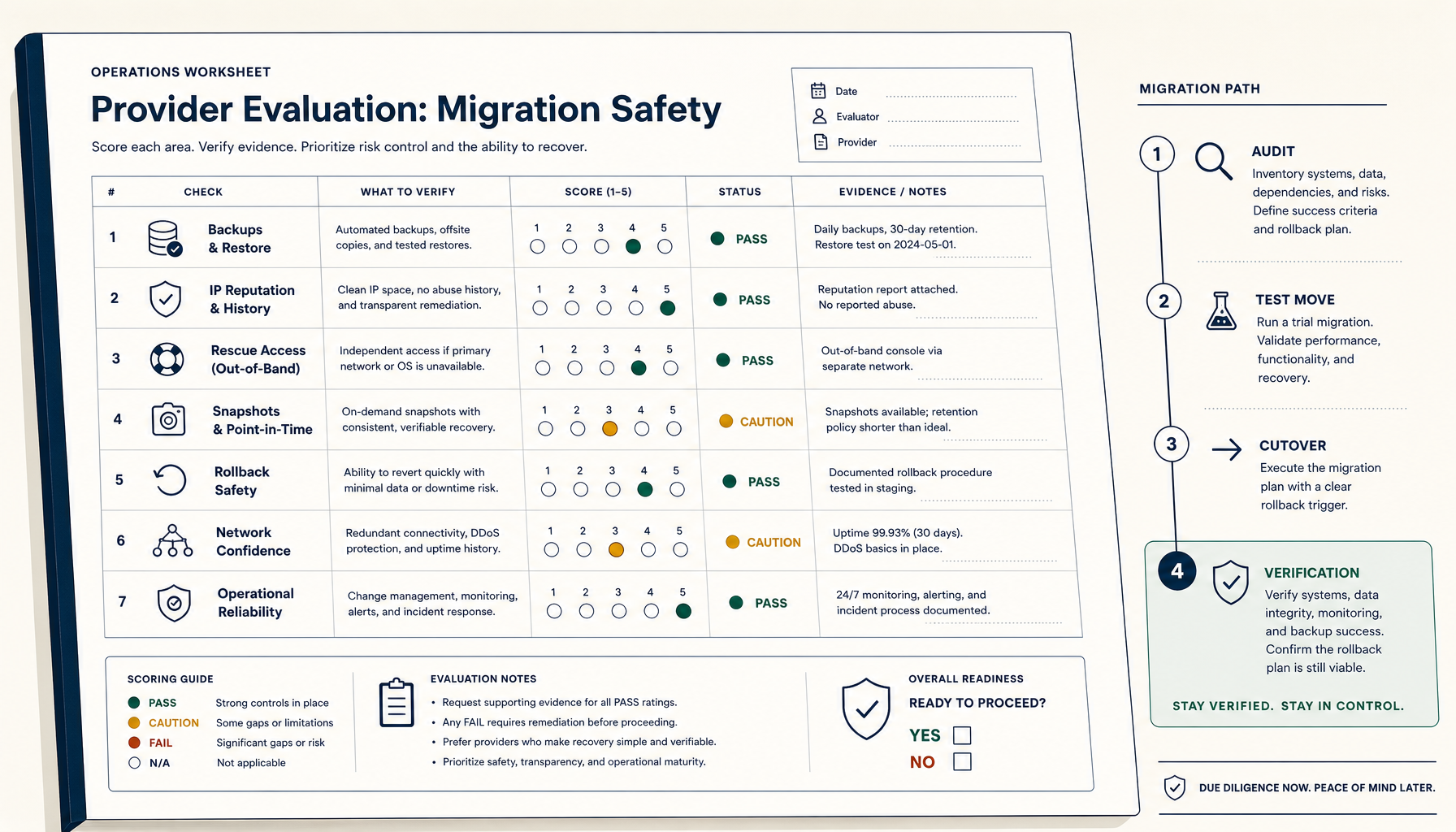
How to Evaluate a VPS Provider for Migration Safety (Not Just Price)
Most VPS migration disasters trace to the workflow, not the destination. The seven verifications and four-phase migration playbook.
Read on stoicvps.com/handbook Deploy Handbook8 min read
Proxmox panels vs lightweight deploy tools — which one do you actually need?
Homelab and VPS users keep conflating infrastructure management with application deployment. Here's how to tell whether you need a full Proxmox-style panel or just a deploy layer with monitoring.
Read on stoicvps.com/handbook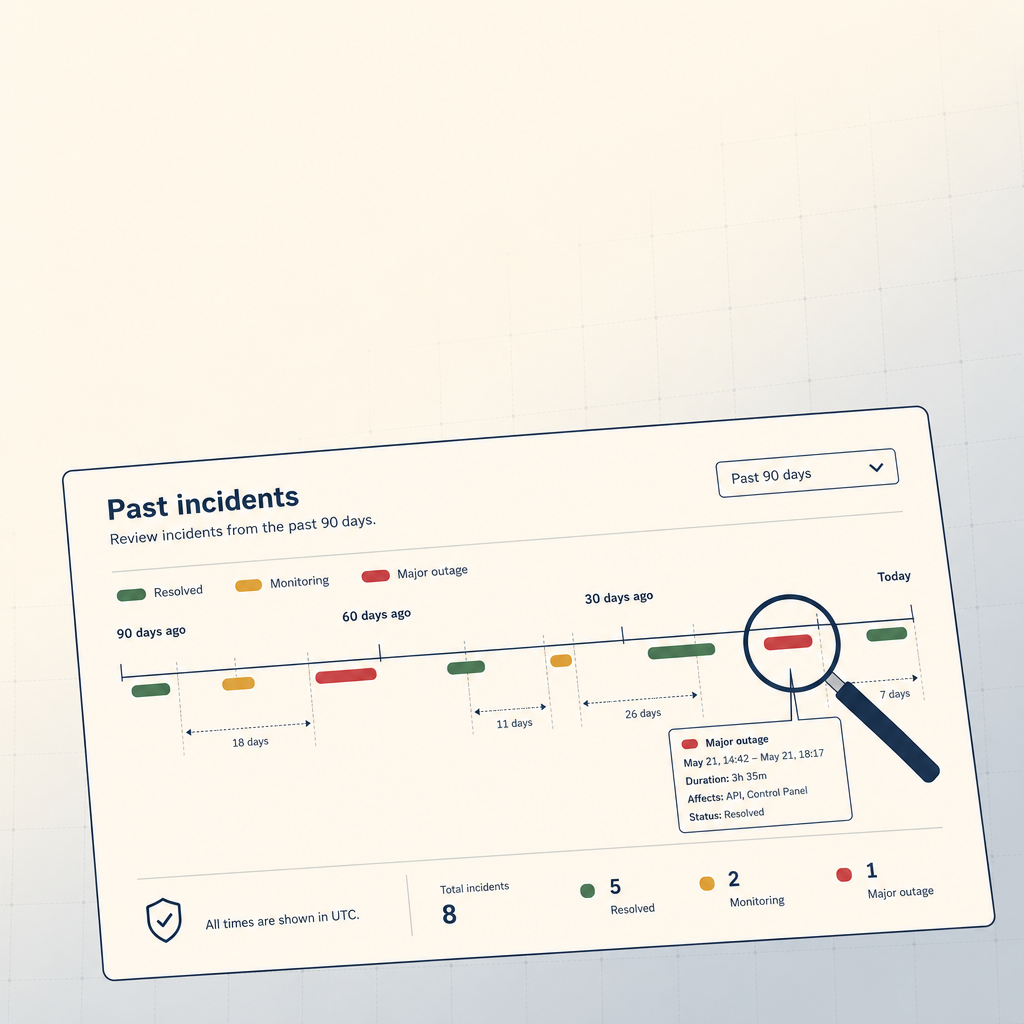 StoicVPS8 min read
How to Read a VPS Provider's Status Page (And What to Ignore)
The status page is the single most underused signal in VPS provider evaluation. The 90-day skim, what to look for, and what to weight elsewhere.
Read on stoicvps.com