Proxmox Disaster Recovery: Plan the Full-Host Restore Before the Host Dies
Having PBS backups isn't a recovery plan. When a Proxmox host dies, freezes, or must be rebuilt on new hardware, you need the whole path written down — host config, VM state, storage, and order.

Most Proxmox users cross "set up backups" off the list and feel safe. Then a host dies — a failed boot disk, a kernel panic loop, hardware that won't POST — and they discover the gap between having backups and knowing the full path back to a running system. Proxmox Backup Server restores your VMs, but a dead host is more than its VMs: it's the host config, the storage layout, the network, and the order you bring them back. Disaster recovery is that whole path, written down before disaster day.
Backups restore VMs; they don't restore the host
PBS is excellent at backing up and restoring guest VMs and containers. What it doesn't capture by default is the Proxmox host itself — the part you'll be rebuilding from scratch on new hardware:
- Storage configuration (
/etc/pve/storage.cfg): which pools, which NFS/iSCSI mounts, which PBS targets. - Network config (bridges, VLANs, bonds).
- Cluster config, users, and any custom
/etctweaks. - Which VM lives on which storage, and their boot order/dependencies.
If all of that lives only in the head of the person who built it, recovery is archaeology under pressure.
Capture the host config now, while it's healthy
The pre-disaster step is to back up the host's configuration so a fresh Proxmox install can be made to match:
- Periodically copy
/etc/pve/,/etc/network/interfaces, and/etc/fstabsomewhere off the host. - Write down the storage topology — the same "one owner per disk" map from a sane Proxmox storage plan.
- Keep a short inventory: each VM, its storage, its purpose, and what depends on it.
This is config-as-notes at minimum; config-as-code if you can.
Know the restore order
A full-host restore isn't "restore everything at once." Dependencies matter:
- Fresh Proxmox install on the new/repaired hardware.
- Reattach storage and the PBS datastore — restores need the backup target reachable first.
- Network rebuilt to match (bridges/VLANs), so restored VMs land on the right segments.
- Restore VMs in dependency order — a database or storage VM before the apps that need it; a virtualized router before anything that needs the network it provides.
- Verify each tier before moving up.
Writing this order down is most of the value — you won't reason it out correctly while panicking.
Freeze triage: is the host actually dead?
Not every "host down" is a disaster. A frozen console with VMs still serving traffic is usually a display/proxy issue, not a dead host — don't hard-reset a healthy machine. Triage first:
- Can you SSH to the host? Do the VMs still answer?
- Is it the web UI/console frozen, or the whole node?
- Only escalate to a full restore when the host genuinely won't come back.
The PBS restore must be tested
A backup target you've never restored from is a guess. Periodically restore a real VM to a scratch host and confirm it boots — the same restore-drill discipline scaled to whole VMs. And keep the PBS target independent of the host it protects, or a host loss takes the backups with it.
A written recovery playbook in ServerCompass — the pre-planned restore order that turns "the host died" from improvisation into a checklist.
DR checklist
- Host config (
/etc/pve, network, storage) backed up off-host. - VM inventory with storage + dependency notes.
- Restore order written down (install → storage → network → VMs by dependency).
- Freeze triage step before declaring disaster.
- PBS target independent of the host; a full-VM restore rehearsed.
Takeaway
PBS backs up your VMs; it doesn't back up your recovery. Capture the host config, write down the restore order, keep a freeze-triage step so you don't nuke a healthy host, and rehearse a real restore. Then a dead Proxmox host is a planned rebuild, not the worst day of your year.
From across the StoicSoft network
Hand-curated reads on the same topic from sister sites in the StoicSoft family.
 Deploy Handbook8 min read
Proxmox panels vs lightweight deploy tools — which one do you actually need?
Homelab and VPS users keep conflating infrastructure management with application deployment. Here's how to tell whether you need a full Proxmox-style panel or just a deploy layer with monitoring.
Read on stoicvps.com/handbook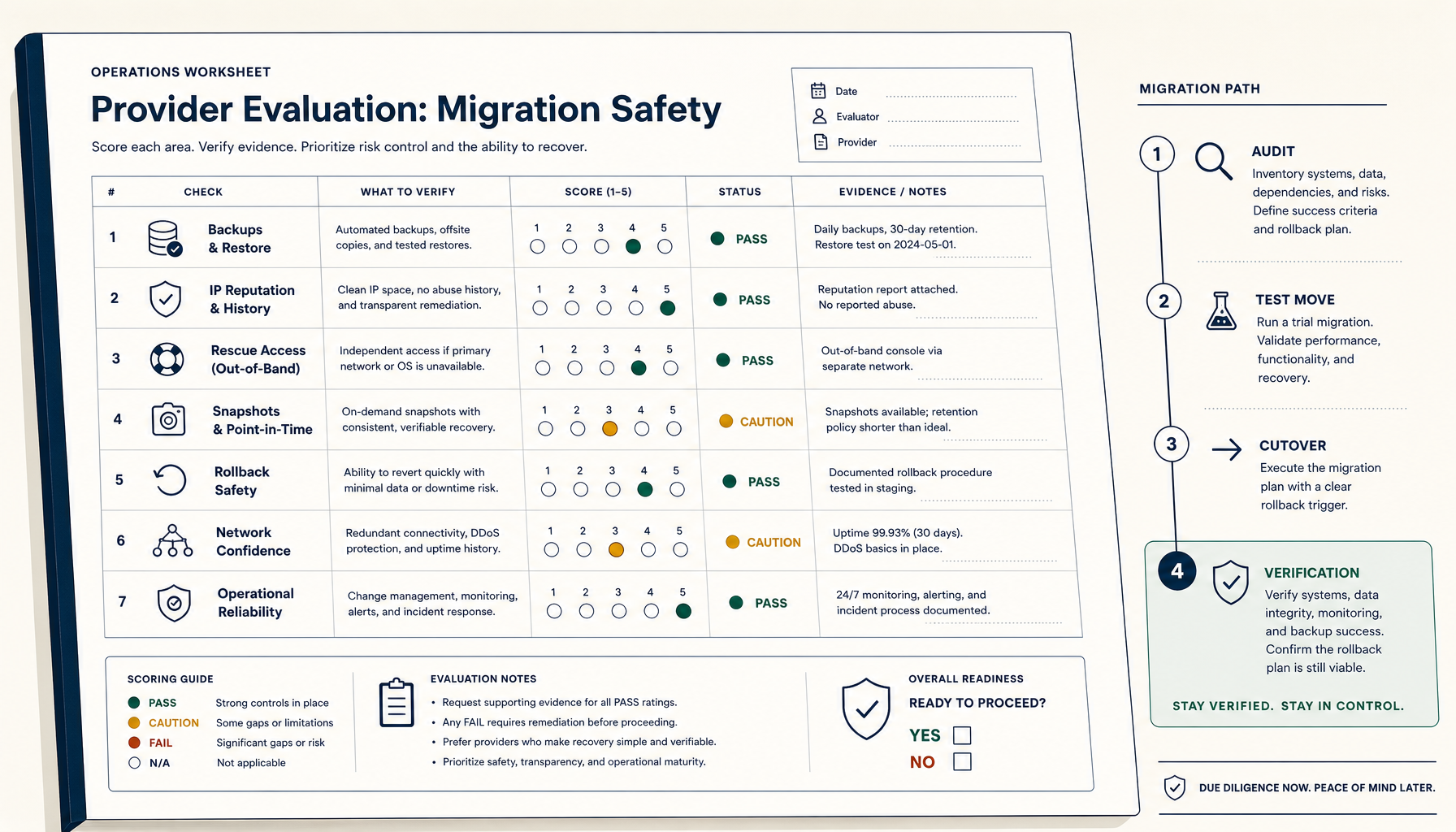 Deploy Handbook9 min read
How to Evaluate a VPS Provider for Migration Safety (Not Just Price)
Most VPS migration disasters trace to the workflow, not the destination. The seven verifications and four-phase migration playbook.
Read on stoicvps.com/handbook