Homelab restore drills need permission and service-state checks, not just backup files
Having a backup file is the easy part — the hard part is proving your restore path actually works when permissions, databases, and service startup order all have to line up. This guide walks through the failure patterns seen in Proxmox, Unraid, and TrueNAS recoveries and shows what a real restore drill looks like.

Having a backup file is the easy part — the hard part is proving your restore path actually works when permissions, databases, and service startup order all have to line up.
Why files alone are not enough
A common homelab assumption is that a successful backup job equals a successful recovery. It does not. Recovery is a separate operation with its own failure modes, and most of them only surface during the restore itself.
A Grafana operator recently demonstrated this in a public thread: they restored files from Proxmox Backup Server into an LXC Docker host and ended up with a read-only database. The backup ran cleanly. The files were all there. But ownership and mode information did not survive the manual restore path, so Grafana could not write to its own database directory after the transfer. The service started, appeared healthy at first glance, and then failed silently on the first write operation.
This pattern — files present, service broken — is one of the most common failure modes in homelab recoveries. The other is service startup order, which trips up operators on Unraid, TrueNAS, and anything running containers behind a reverse proxy.
The permission and ownership problem
Every file on a Linux system carries an owner, a group, and a permission mode. When you copy files across hosts, containers, or filesystems using standard tools (cp, rsync without flags, or GUI file managers), those attributes are often stripped or reset to the user running the copy.
The Proxmox Backup Server restore case above is a good example. PBS restores LXC containers faithfully, but if you manually extract files from a backup archive and drop them into a running container, you are responsible for preserving or re-applying ownership. For a Grafana instance running as UID 472, that means the grafana-data directory and all its subdirectories must be owned by 472:472 — or the process silently falls back to read-only mode.
Practical steps for permission-aware restores:
- Always use
rsync -aX(archive mode with extended attributes) rather than plaincpwhen moving data between hosts. - After restoring into a container, run
ls -laon the data directories before starting services and verify UIDs match what the service expects. - For Docker volumes, check the
Dockerfileor image documentation for the expected UID/GID — it is often notroot. - Store a small
permissions-manifest.txtalongside each backup listing critical directory owners. A one-liner likefind /data -maxdepth 2 -printf '%U %G %m %p\n'generates this in seconds.
The service-state and startup-order problem
Permissions are not the only thing that breaks a restore. Services often have startup dependencies that work fine in steady state but fall apart when the system comes back cold.
An Unraid operator experimenting with ZFS pools removed a drive and rebooted. On the way back up, the webGUI, nginx, and PHP processes all failed to start cleanly because their startup dependencies were no longer satisfied in the expected order. Nothing was corrupted — the configuration was intact — but the service graph could not assemble itself without manual intervention.
TrueNAS shows the same pattern from a different angle. Multiple users in install threads have found Jellyfin and Nextcloud stuck in a restart loop on clean installs until datasets, users, and ACL permissions were explicitly reset. The app-install wizard assumes a clean dataset tree, but if that tree was pre-populated from a backup or a previous install, the UIDs inside the dataset may conflict with what the new app instance expects.
Service-state checks to include in every restore drill:
- Run
systemctl statusor the platform equivalent for each service and confirmactive (running), not justenabled. - For reverse-proxy setups, verify the proxy can reach the upstream by hitting the internal port directly with
curl localhost:<port>/health. - For container stacks, check
docker compose psor the equivalent and look for containers stuck inrestartingstate — that almost always indicates a dependency or permission issue, not a configuration error. - If your platform uses a webGUI (Unraid, TrueNAS), confirm the webGUI itself is reachable before assuming downstream services are healthy.
Building a repeatable restore drill
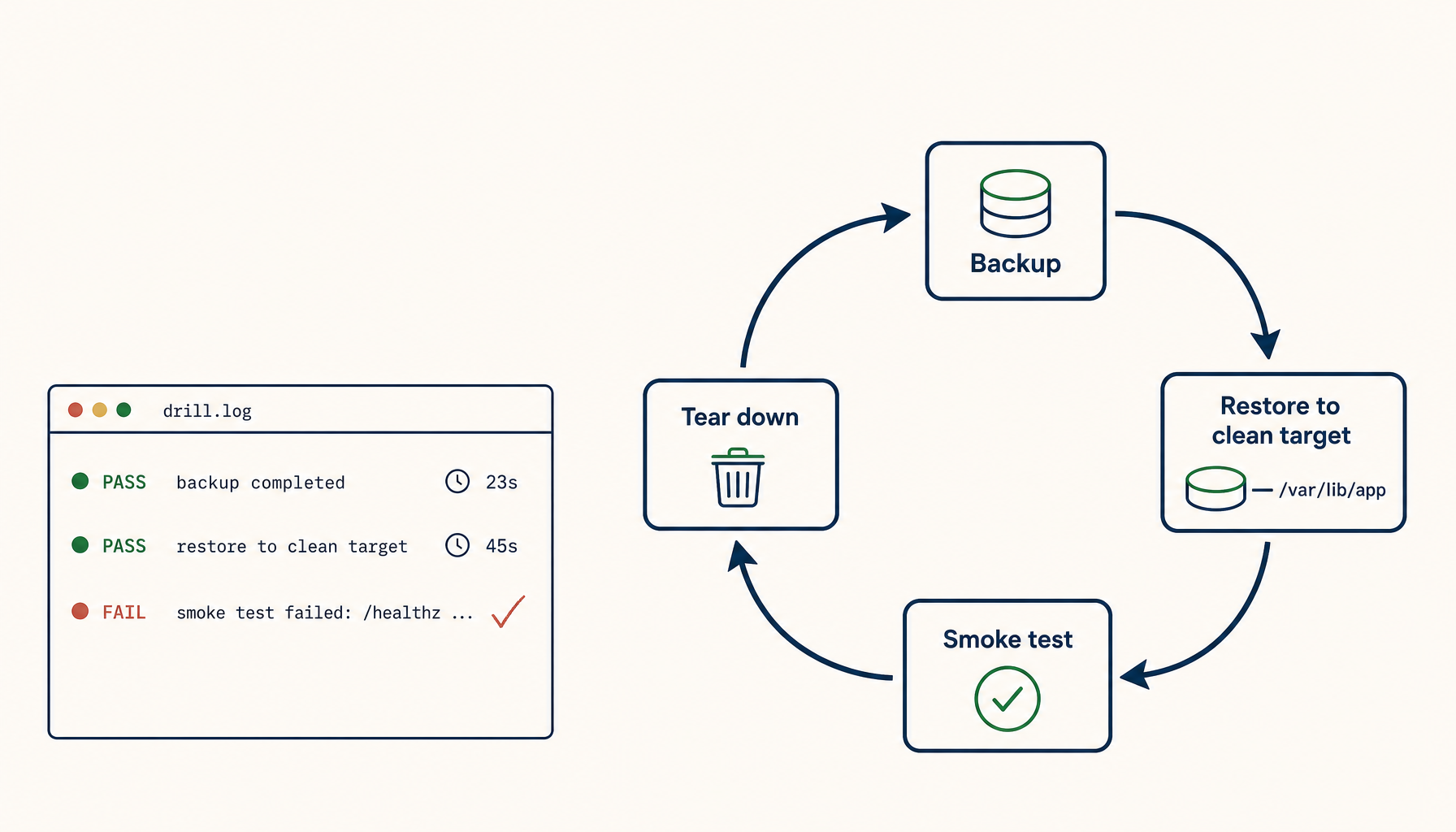
A restore drill that only checks "are the files there" is not a drill — it is a file count. A real drill verifies that the system reaches a known-good operational state, end to end.
Unraid had a public example of what a full recovery looks like: an operator had to rebuild boot media and restore config manually after a webGUI upgrade went wrong. The outcome was fine, but only because they knew the exact sequence of steps. That knowledge existed in their head, not in a runbook. The next person (or the same person, six months later) would have to reconstruct it under pressure.
A repeatable restore drill includes:
- Document the expected end state before you start. What services should be running? What ports? What health endpoints?
- Run the restore into an isolated environment — a spare LXC container, a secondary VM, a test dataset. Never validate your restore path for the first time on production.
- Re-apply permissions explicitly as a step in the runbook, not as an afterthought.
- Start services in dependency order and pause between each layer to confirm the lower layer is healthy before starting the next.
- Test application-level writes, not just process health. Write a test record to Grafana, upload a file to Nextcloud, index a new item in Jellyfin. Read it back. Confirm the write round-tripped.
- Time the drill. Knowing that your Proxmox restore takes 40 minutes end-to-end, including permission re-application and smoke tests, is critical for realistic RTO planning.
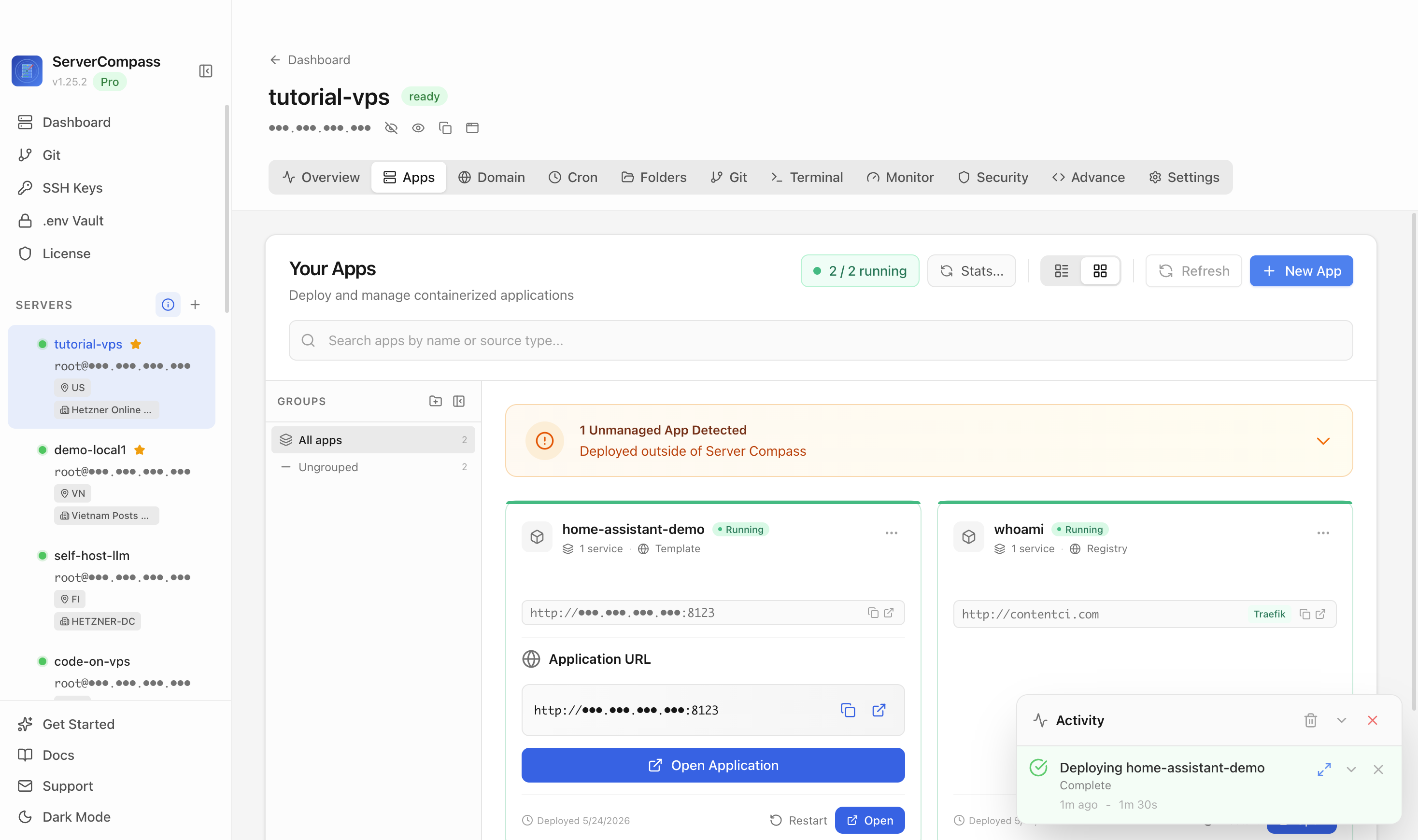
A tool like ServerCompass helps here — it lets you see all your running services at a glance, so during a restore drill you have a clear dashboard to validate which services came back healthy and which are still missing, rather than SSHing into each host individually.
Checklist
- Store a
permissions-manifest.txtalongside each backup listing owner, group, and mode for critical directories. - Use
rsync -aX(notcp) when moving data between hosts or containers to preserve ownership and extended attributes. - After any file restore, run
ls -laon data directories and verify UIDs match what the service expects before starting processes. - Confirm service startup in dependency order: database → application → reverse proxy; check each layer before starting the next.
- For Docker or TrueNAS app installs, verify that dataset ACLs and user mappings are reset to match what the new container expects.
- Run application-level write tests (not just process health checks) to confirm the restore is actually functional.
- Practice the restore in an isolated environment before you need it in production — surprises during a real incident are expensive.
- Track end-to-end restore time during drills so your RTO estimate is based on measured data, not guesswork.