Running Your Router in a VM? Check These Failure Modes Before Apps Depend on It
Virtualizing OPNsense on the same Proxmox box that runs your apps is elegant until a host reboot takes the whole network — including your way back in — down with it. The failure modes to plan for.

Virtualizing your router — OPNsense or pfSense as a VM on the same Proxmox box that runs everything else — is one of the most elegant homelab moves there is. It's also one of the most quietly dangerous, because it creates a circular dependency: the apps need the network, the network is a VM, the VM needs the host, and the host you manage over that same network. When it works, it's beautiful. When it reboots wrong, it can take down your entire network and your way back in at the same time. Plan for these failure modes before anything depends on the virtual router.
The core risk: a circular dependency
In a normal setup, a dedicated router is independent — the rest of the lab can reboot and the network stays up. Virtualize it and that independence is gone: a host reboot drops the router, which drops DHCP/DNS and routing, which can leave you unable to even reach the Proxmox UI to fix it. Every guardrail below exists to break or survive that loop.
Failure mode 1: WAN NIC passthrough and a reboot
The clean way to virtualize a router is to pass a physical NIC through to the router VM so it owns the WAN/LAN ports directly. But passthrough has the persistence and IOMMU pitfalls — if a reboot reshuffles the binding, the router VM comes up with no WAN. Confirm the NIC passthrough is persistent and the IOMMU group is clean before you rely on it.
Failure mode 2: out-of-band access that doesn't need the router
This is the guardrail that saves you from a 1am drive home. If the virtual router is down, you must still be able to reach the host:
- A separate management NIC on a different network/switch, or a cheap secondary path, so the Proxmox UI is reachable without the virtual router.
- Even better, IPMI/iKVM — hardware out-of-band that works even when the OS network is dead.
Without this, a router-VM misconfig can lock you out of the very box you'd fix it from.
Failure mode 3: boot order and DHCP/DNS recovery
On a cold boot, the router VM must come up first and be healthy before anything that needs DHCP/DNS:
- Set the router VM to start first with priority and a delay, so the network exists before apps race to use it — the boot-order discipline.
- Have a DHCP/DNS fallback plan: if the router VM won't boot, can clients (and you) still get an address and resolve names? A tiny secondary DHCP or static fallback for the management path helps.
Failure mode 4: backups and a tested rebuild of the router itself
The router VM is now critical infrastructure — back it up like it:
- Back up the router VM (and export its config) so you can restore it fast.
- Rehearse restoring it as part of your full-host disaster recovery.
- Keep a known-good config export off the box; rebuilding firewall rules from memory under an outage is miserable.
Should you virtualize the router at all?
It's a real trade-off. Virtualizing saves hardware and space and is genuinely elegant. A dedicated physical router (or a cheap mini-PC running OPNsense bare metal) removes the circular dependency entirely — the network stays up no matter what the lab does. If your homelab hosts things others depend on, the independence of a separate box is often worth the extra device.
Failure-mode checklist
- WAN/LAN NIC passthrough confirmed persistent across reboots.
- Out-of-band access (separate mgmt NIC or IPMI) that doesn't need the router.
- Router VM boots first with priority + delay; DHCP/DNS fallback exists.
- Router VM backed up, config exported off-box, restore rehearsed.
- Considered a dedicated router if others depend on the network.
Takeaway
A router in a VM is elegant until the circular dependency bites: a reboot takes the network and your access with it. Make NIC passthrough persistent, keep an out-of-band way in, boot the router first, and back its config up off the box — or sidestep the whole risk with a dedicated router. Plan the failure modes before your apps, and your family, depend on that VM.
From across the StoicSoft network
Hand-curated reads on the same topic from sister sites in the StoicSoft family.
 Deploy Handbook8 min read
Proxmox panels vs lightweight deploy tools — which one do you actually need?
Homelab and VPS users keep conflating infrastructure management with application deployment. Here's how to tell whether you need a full Proxmox-style panel or just a deploy layer with monitoring.
Read on stoicvps.com/handbook Deploy Handbook8 min read
Best single-dashboard app health for self-hosters who aren't ready for Prometheus
Homelab and VPS users want one calm dashboard for app health — not a full observability stack. Here are the tools that hit the middle layer between SSH and Grafana.
Read on stoicvps.com/handbook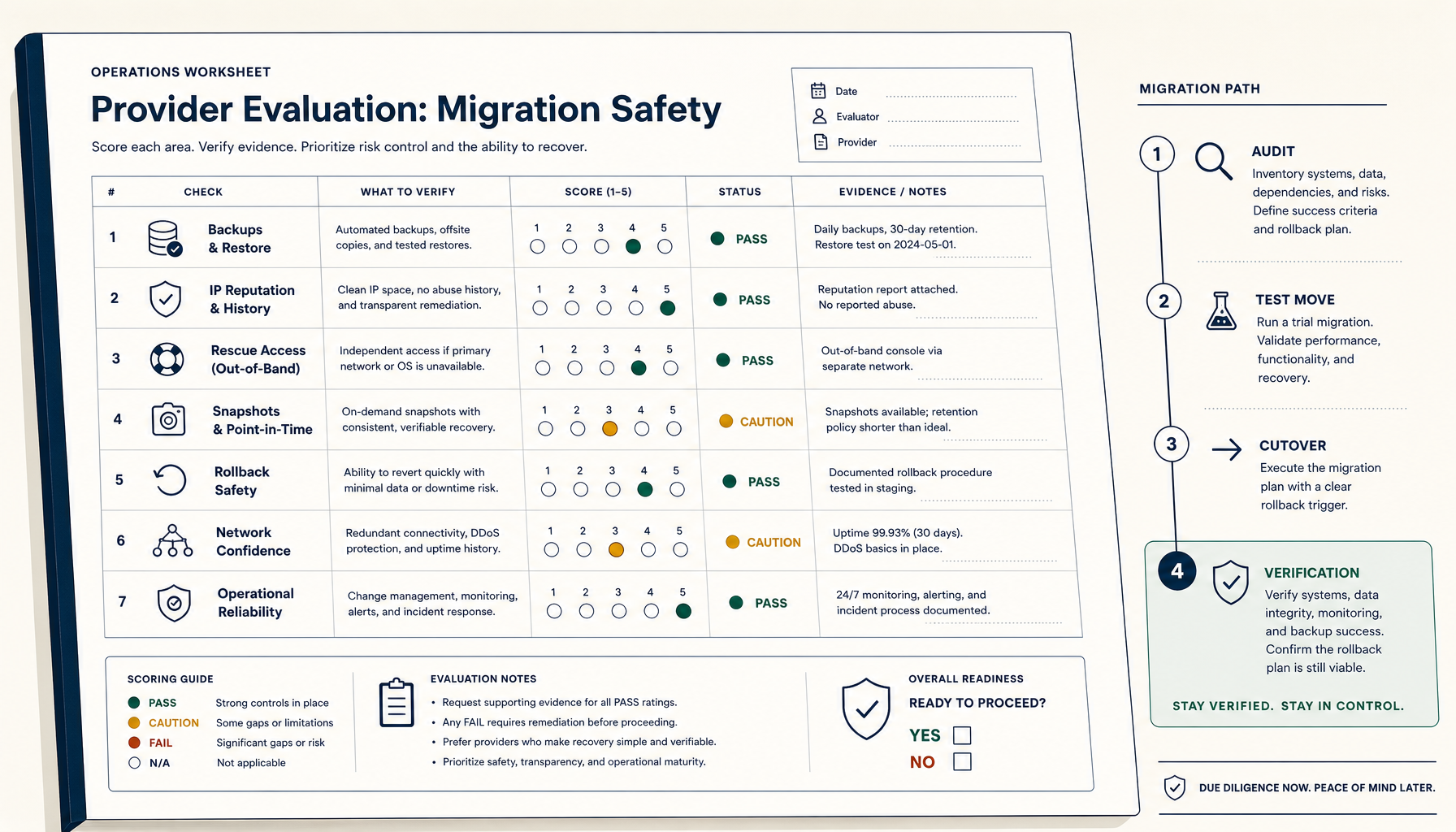 Deploy Handbook9 min read
How to Evaluate a VPS Provider for Migration Safety (Not Just Price)
Most VPS migration disasters trace to the workflow, not the destination. The seven verifications and four-phase migration playbook.
Read on stoicvps.com/handbook