OS End-of-Life Migrations Expose How Fragile a Multi-App VPS Really Is
A single-box VPS running eight apps is fine until the OS hits end of life and every app must move at once. How to make the OS-EOL migration boring instead of terrifying.
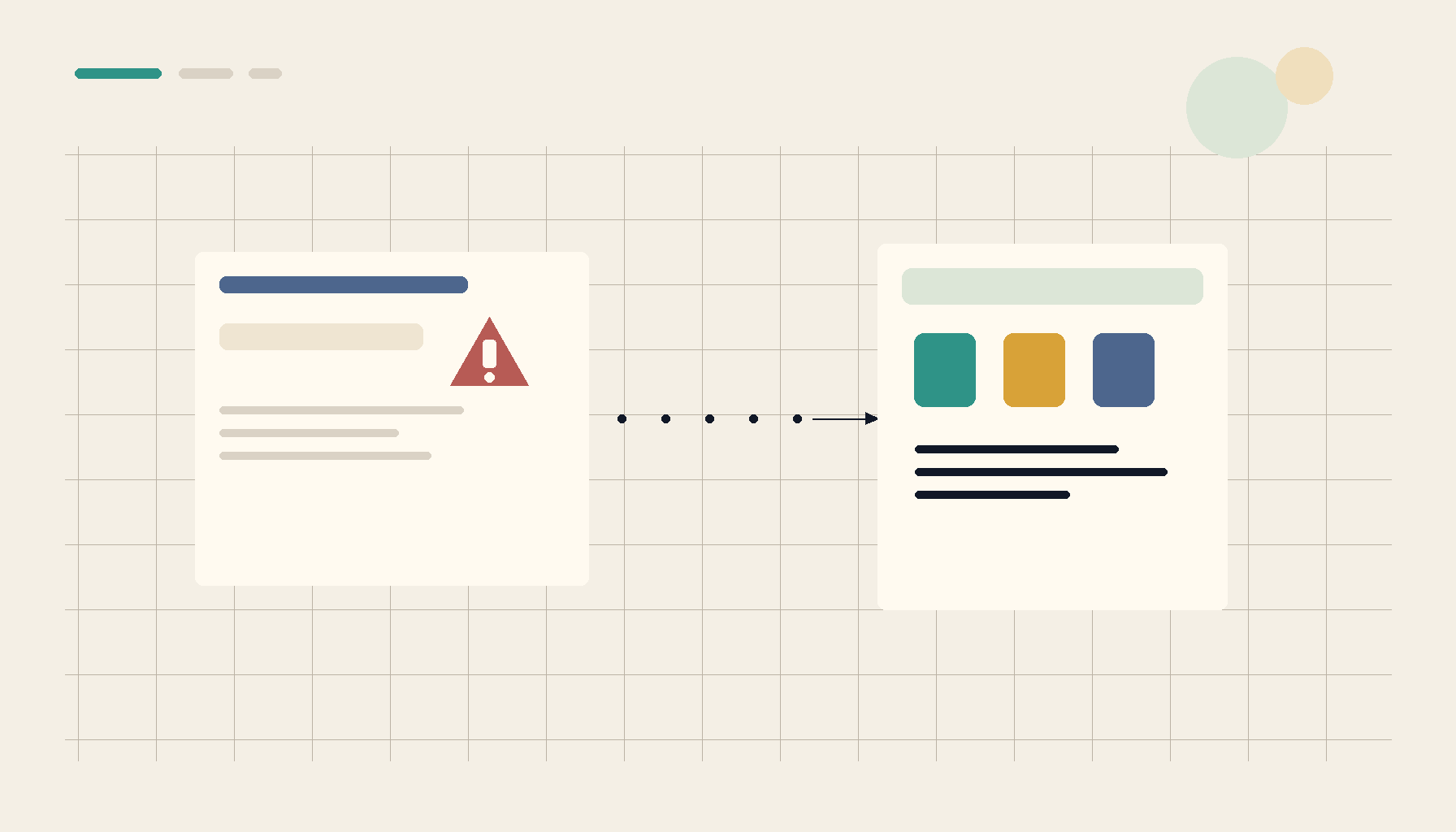
For years the single-VPS-runs-everything approach feels efficient: one box, eight apps, one bill. Then the OS hits end of life — no more security updates — and you discover the bill was deferred, not avoided. Now every app on the box has to move or be revalidated at the same time, because they all share one operating system. An OS-EOL migration is the moment a crowded multi-app VPS shows you exactly how coupled it really was.
Why one OS makes everything move together
On a multi-app box, the apps share a kernel, a libc, a Docker version, and a set of system packages. When the OS goes EOL you can't upgrade it "just for one app" — the whole machine moves, and any app that depended on an old system library, a specific Docker behavior, or a now-removed package comes along whether it's ready or not. That shared fate is invisible right up until this migration.
Two strategies: upgrade in place vs rebuild and reattach
In-place upgrade (do-release-upgrade and friends): tempting because it's one command, risky because it mutates a working machine. If it goes sideways mid-upgrade you can be left with a half-migrated box and eight broken apps. Only reasonable if you have a full snapshot to roll back to and a maintenance window.
Rebuild and reattach (usually the better choice): stand up a fresh VPS on the new OS, deploy the apps cleanly, and reattach the data. Because your apps are containers with data in volumes, "move the app" is really "move the volume and redeploy the container." This is the same muscle as a single-VPS-to-multi-host migration ladder — and it doubles as a chance to spread the apps out instead of recreating the same crowded box.
Make the data portable first
The migration is only as safe as your ability to move state:
- Inventory the volumes and databases — every app's data path and every database, written down.
- Dump databases logically, don't just copy files (the Immich/Nextcloud data-migration rules apply to any database-backed app).
- Rehearse one restore on the new box before cutting over everything.
Avoid recreating the crowding
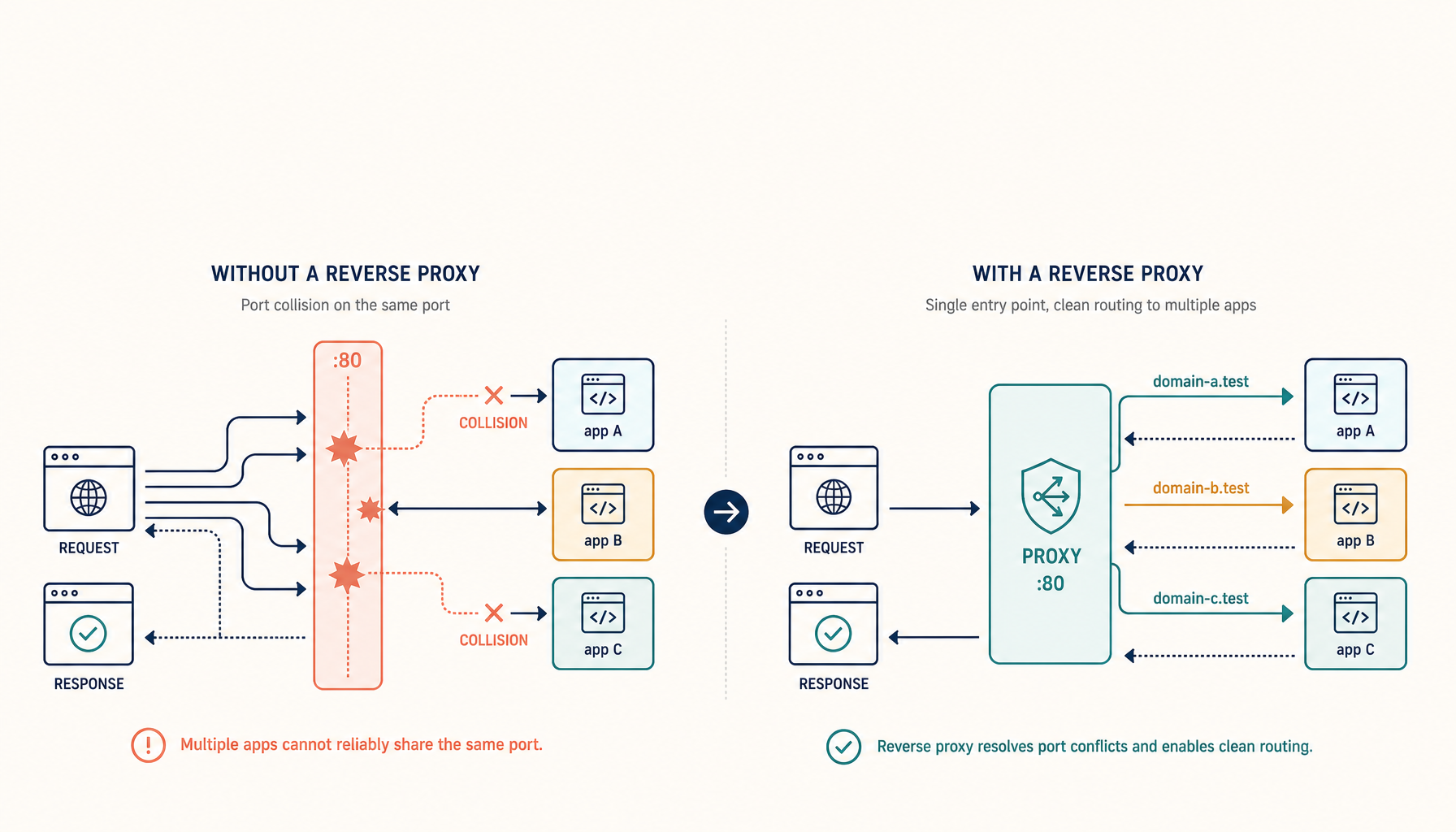
EOL migration is the rare forced opportunity to fix the underlying fragility. Instead of rebuilding one box with eight apps, consider splitting the critical ones onto their own VPS so the next OS-EOL only moves part of your stack at a time. While you're at it, resolve the port collisions that a single crowded box accumulates.
Cut over deliberately
- Bring the new box up with apps deployed and data restored, but DNS still pointing at the old one.
- Verify each app on the new box directly (by IP/host header) before flipping DNS.
- Flip DNS, watch, and keep the old box around — powered off but intact — until you're sure.
- A real benchmark of the new box (performance, not the spec sheet) confirms it can carry the load before you commit.
Checklist
- Full snapshot of the old box before touching anything.
- Volume + database inventory written down.
- Rebuild-and-reattach preferred over in-place where feasible.
- One restore rehearsed on the new OS.
- Critical apps split out to reduce the next migration's blast radius.
- DNS cutover only after per-app verification; old box kept as rollback.
Takeaway
OS end-of-life turns a comfortable single box into a forced, all-at-once migration. Rebuild on the new OS and reattach your data rather than mutating a working machine, make the data portable before you start, and use the moment to un-crowd the box so the next EOL is smaller. Handled that way, an OS-EOL migration is a planned afternoon, not an emergency.
From across the StoicSoft network
Hand-curated reads on the same topic from sister sites in the StoicSoft family.
 Deploy Handbook9 min read
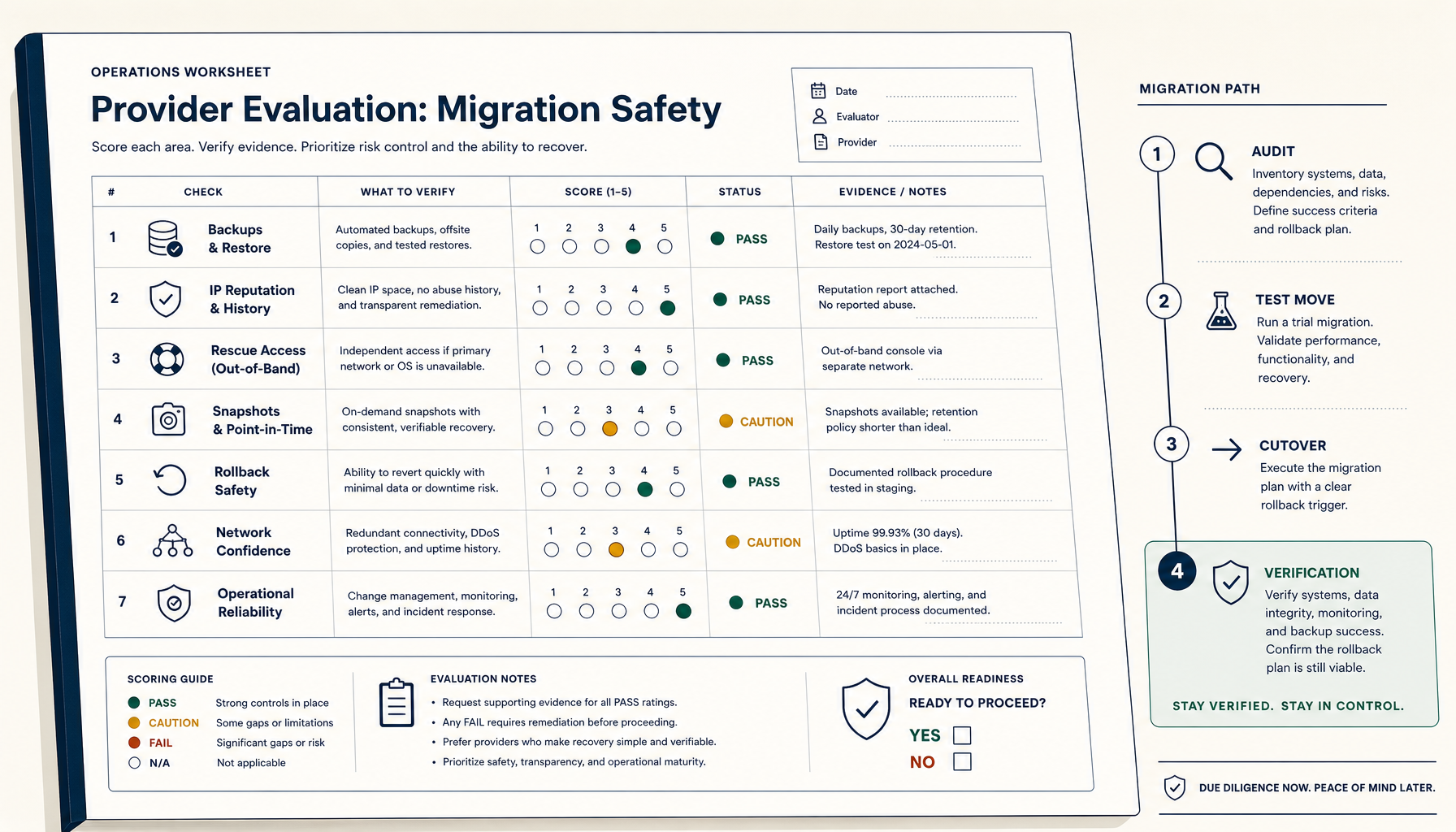
How to Evaluate a VPS Provider for Migration Safety (Not Just Price)
Most VPS migration disasters trace to the workflow, not the destination. The seven verifications and four-phase migration playbook.
Read on stoicvps.com/handbook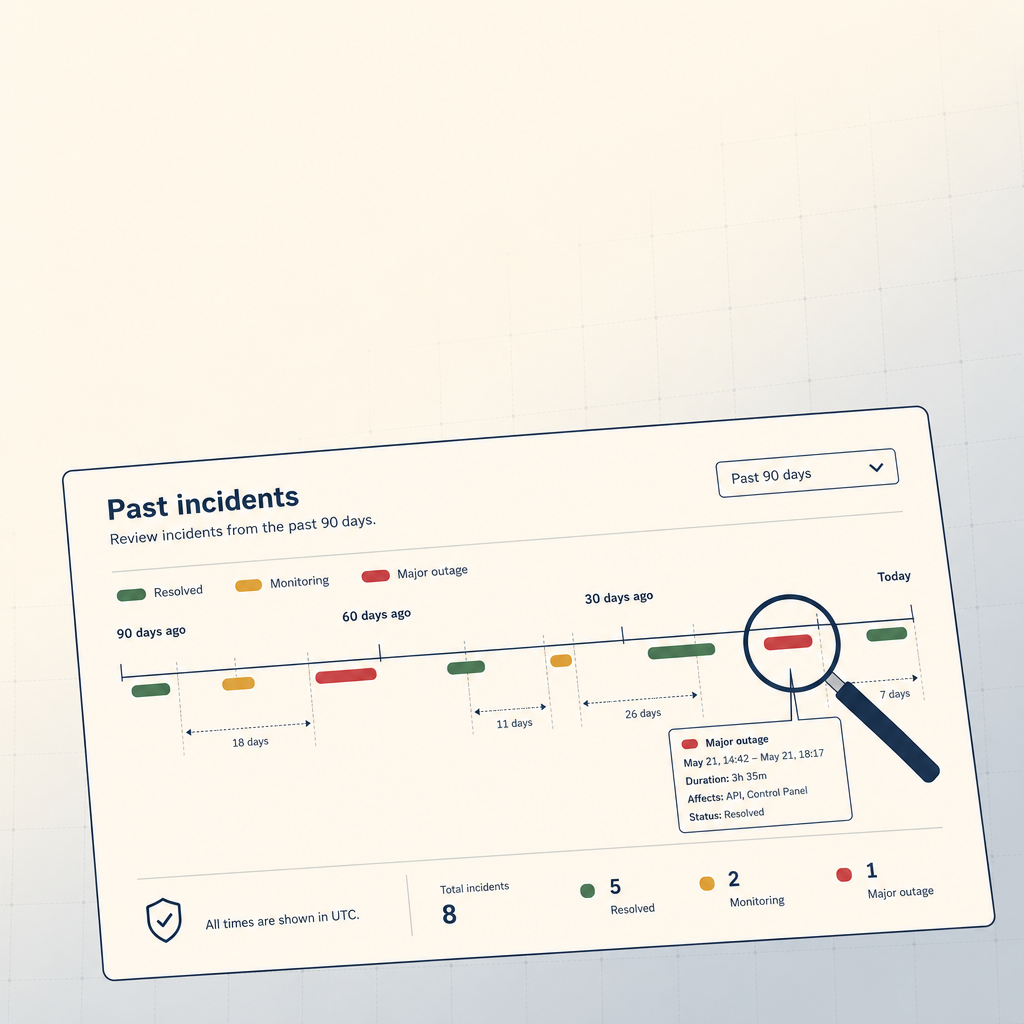 StoicVPS8 min read
How to Read a VPS Provider's Status Page (And What to Ignore)
The status page is the single most underused signal in VPS provider evaluation. The 90-day skim, what to look for, and what to weight elsewhere.
Read on stoicvps.com