Moving Immich and Nextcloud Data Without Corrupting App-Owned State
Copying an app's files by hand is how migrations break. Immich and Nextcloud own a database and an index alongside the files — move all of it together, or not at all.
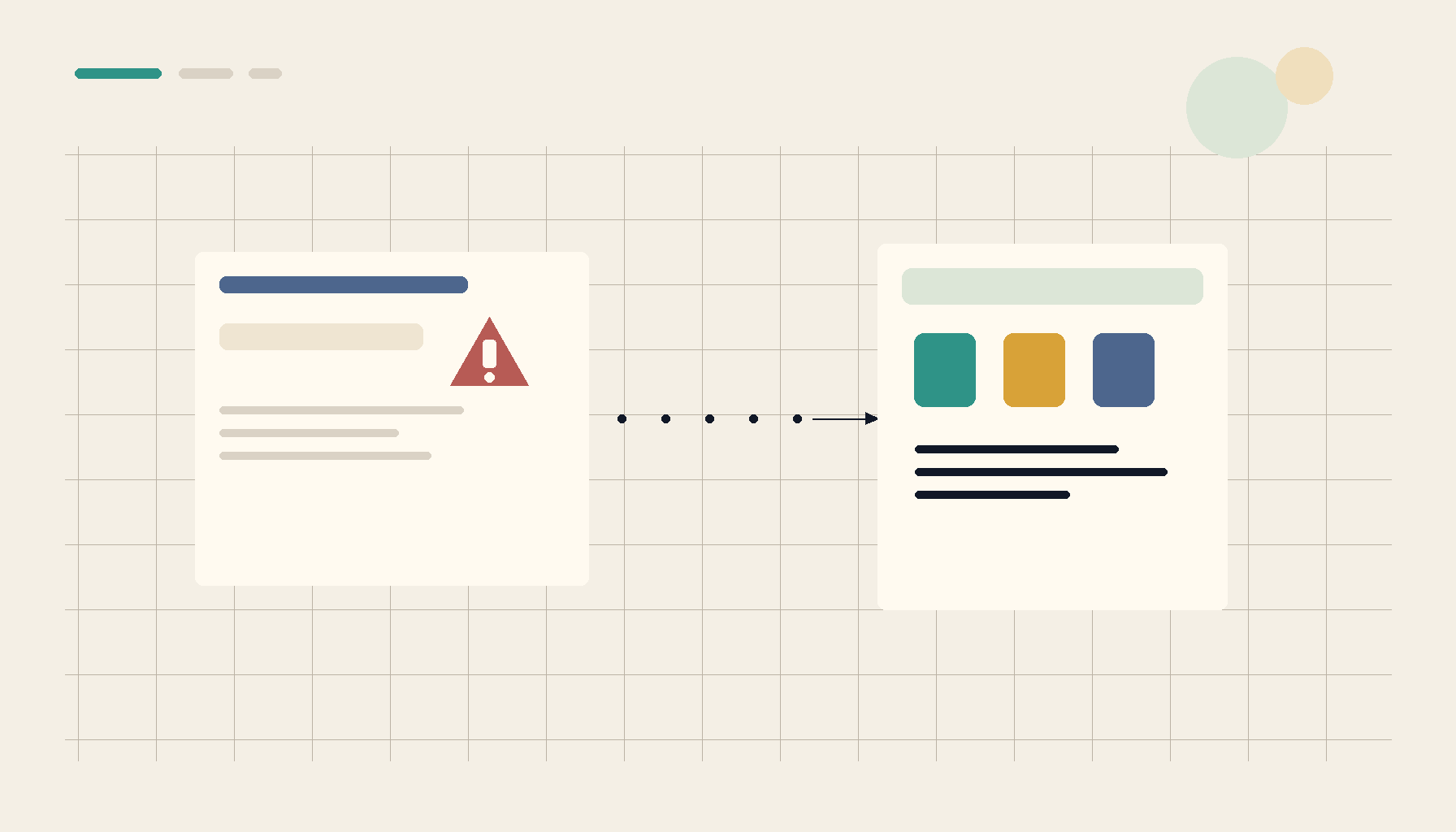
The most common way a self-hosted migration goes wrong: someone rsyncs the photos or files directory to the new server, points the app at it, and waits for everything to show up. With Immich and Nextcloud, it doesn't — because for those apps the files on disk are only part of the truth.
The files are not the whole app
Immich and Nextcloud both maintain app-owned state that has to stay consistent with the files:
- Immich keeps a PostgreSQL database (albums, faces, metadata, machine-learning results) plus generated thumbnails. The originals on disk mean nothing without the matching database row.
- Nextcloud keeps a database (file metadata, shares, app config) and an
oc_filecachetable that is the index. The web UI shows the cache, not a livelsof the directory.
Copy the files alone and you get a new install that can't see them, duplicate entries, broken shares, or — worst case — a database that points at paths that no longer exist. The data isn't lost; the app just no longer believes the right things about it.
Move everything, consistently, at one point in time
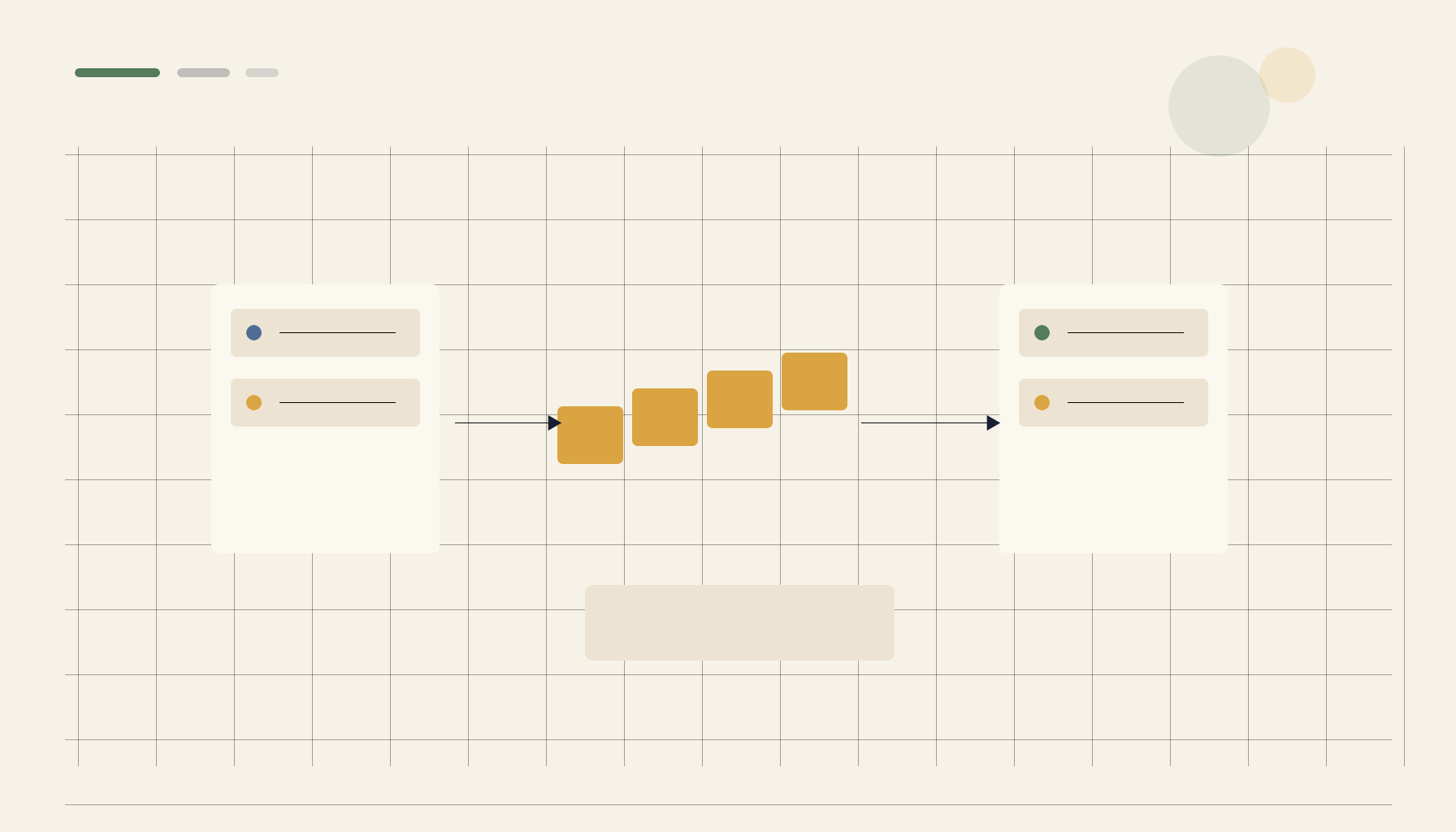
The rule is: migrate the database, the files, and any index/cache as one consistent snapshot, with the app stopped.
- Stop the app (and its workers) so nothing writes mid-copy.
- Dump the database with the app quiesced (
pg_dumpfor Immich's Postgres;mysqldump/pg_dumpfor Nextcloud). - Copy the data directory after the dump, so files and DB reflect the same moment.
- Restore both on the new host, then let the app reconcile (Nextcloud:
occ files:scan; Immich: let the jobs re-run).
A consistent snapshot beats a clever live copy every time. If you've never rehearsed the restore side, do it once on a throwaway target first — a volume restore drill turns "I think this backup works" into "I've watched it come back."
Prefer app-native migration paths
Both apps give you tools that respect their own state — use them instead of going around them:
- Nextcloud: put the instance in maintenance mode, back up
config.php, the data dir, and the database together; after restore runocc maintenance:data-fingerprintandocc files:scan --all. - Immich: back up the Postgres database and the upload/library folders together; on restore, the same library path plus the restored DB brings albums and faces back intact.
Going through the app's tooling is what keeps the index and the files agreeing.
Deploy the target cleanly first
Migrations are smoother when the destination is a known-good install rather than a hand-assembled one. Bringing the app up from a template gives you the right database, volumes, and version before you pour data in:
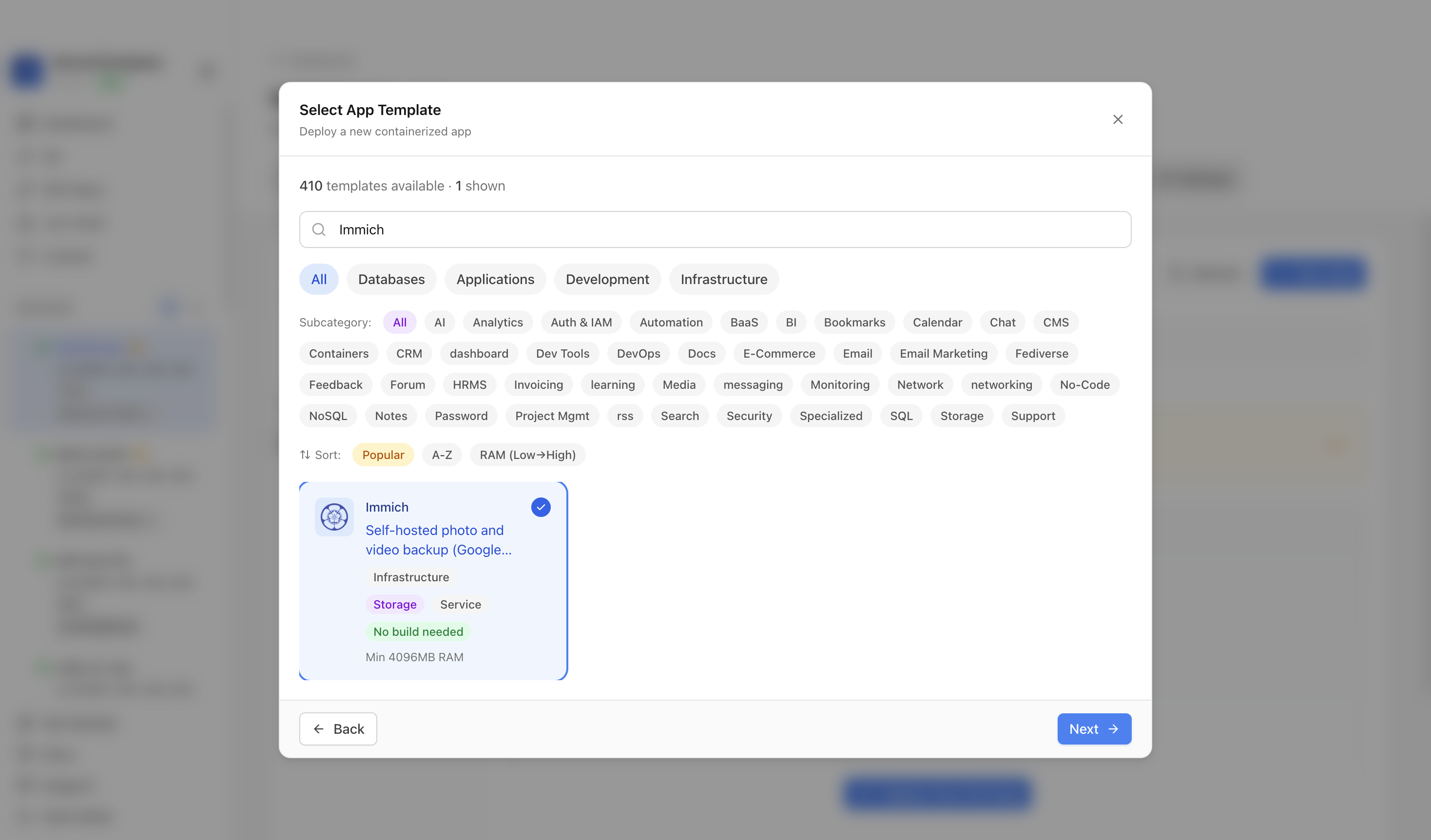 Standing up a clean Immich target in ServerCompass — app, database, and storage provisioned together so the restore lands on matching infrastructure.
Don't forget the boring blockers
- Version skew: restore into the same or newer app version, never older. Immich in particular runs DB migrations on upgrade that aren't reversible.
- Object/file permissions: the app's user must own the restored data dir, or it silently can't read its own files.
- External access after the move: if the new host is behind CGNAT or a new domain, sort access before you cut over — see reaching self-hosted apps behind CGNAT.
Takeaway
Immich and Nextcloud are database-plus-files applications wearing a folder. Treat the database, the files, and the index as one unit, move them together with the app stopped, restore into an equal-or-newer version, and let the app rebuild its caches. Bypass that and you're not migrating data — you're manufacturing a corruption incident.
From across the StoicSoft network
Hand-curated reads on the same topic from sister sites in the StoicSoft family.
 Deploy Handbook9 min read
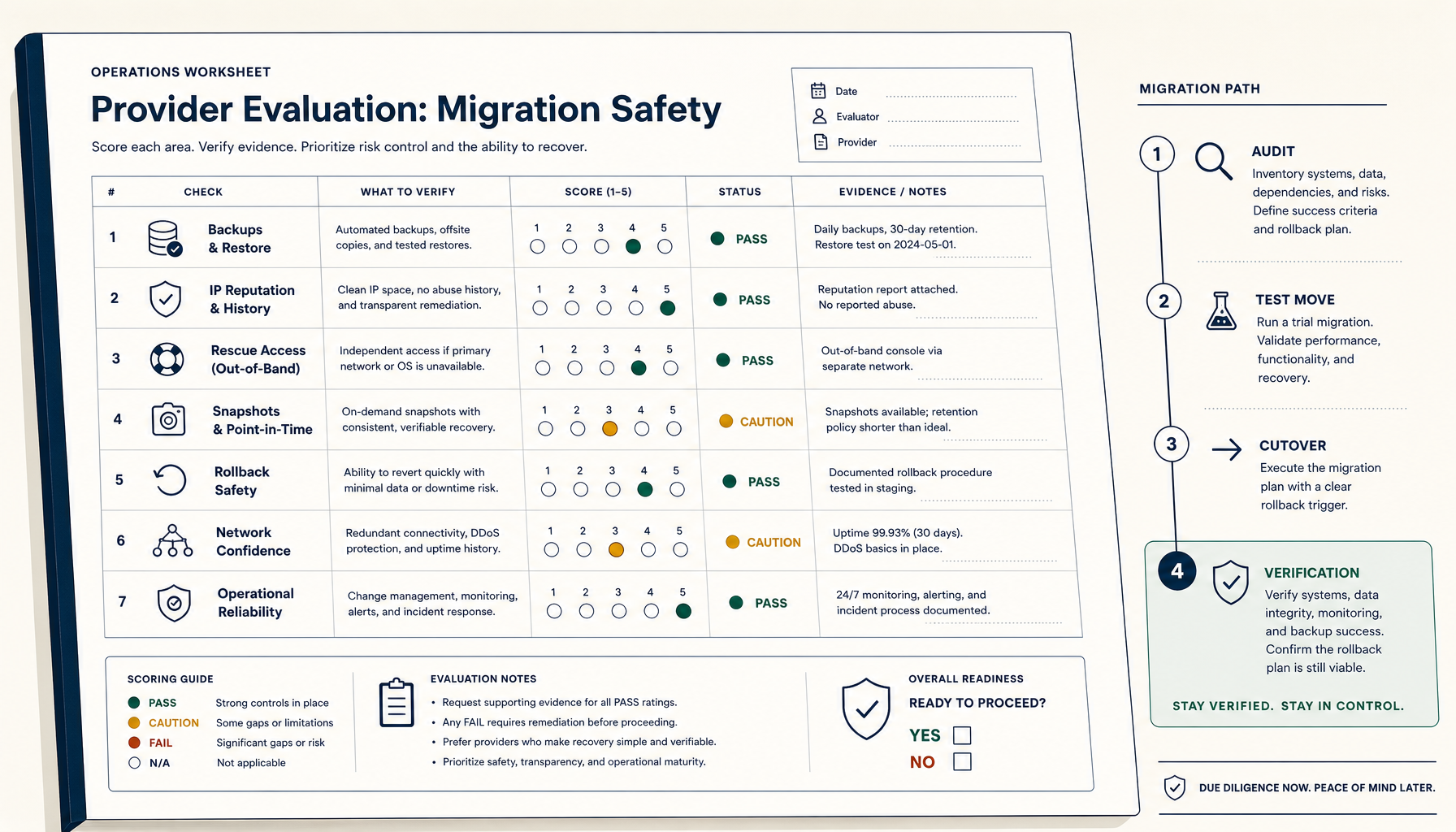
How to Evaluate a VPS Provider for Migration Safety (Not Just Price)
Most VPS migration disasters trace to the workflow, not the destination. The seven verifications and four-phase migration playbook.
Read on stoicvps.com/handbook Deploy Handbook7 min read
Hosted vs Self-Hosted Nextcloud for Small Teams: The Hidden Ops Costs Decide It
Managed Nextcloud's monthly fee looks expensive next to a $10 VPS — until you price the ops the host quietly does for you. A real hosted-vs-self-hosted comparison for small teams.
Read on stoicvps.com/handbook