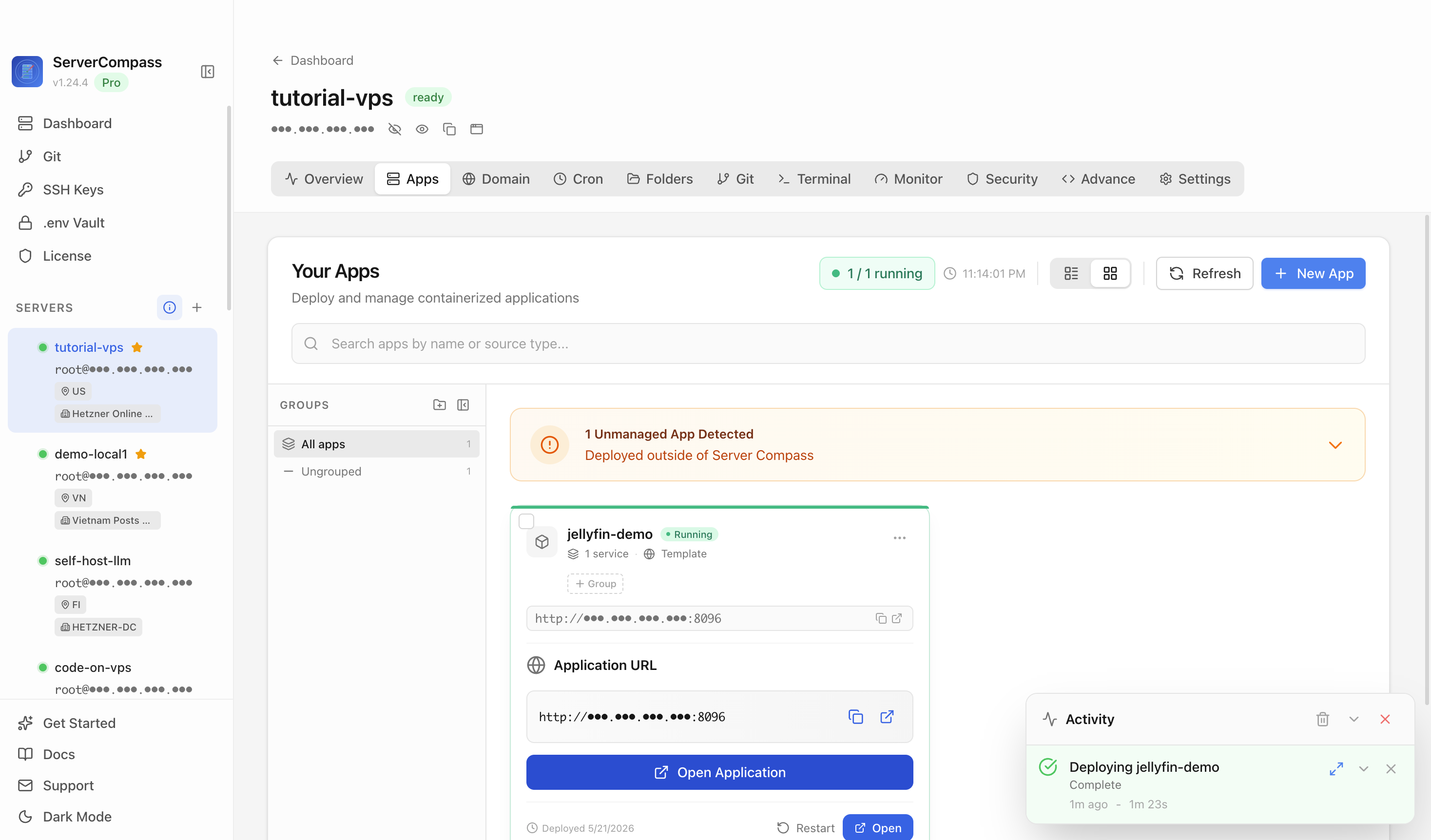
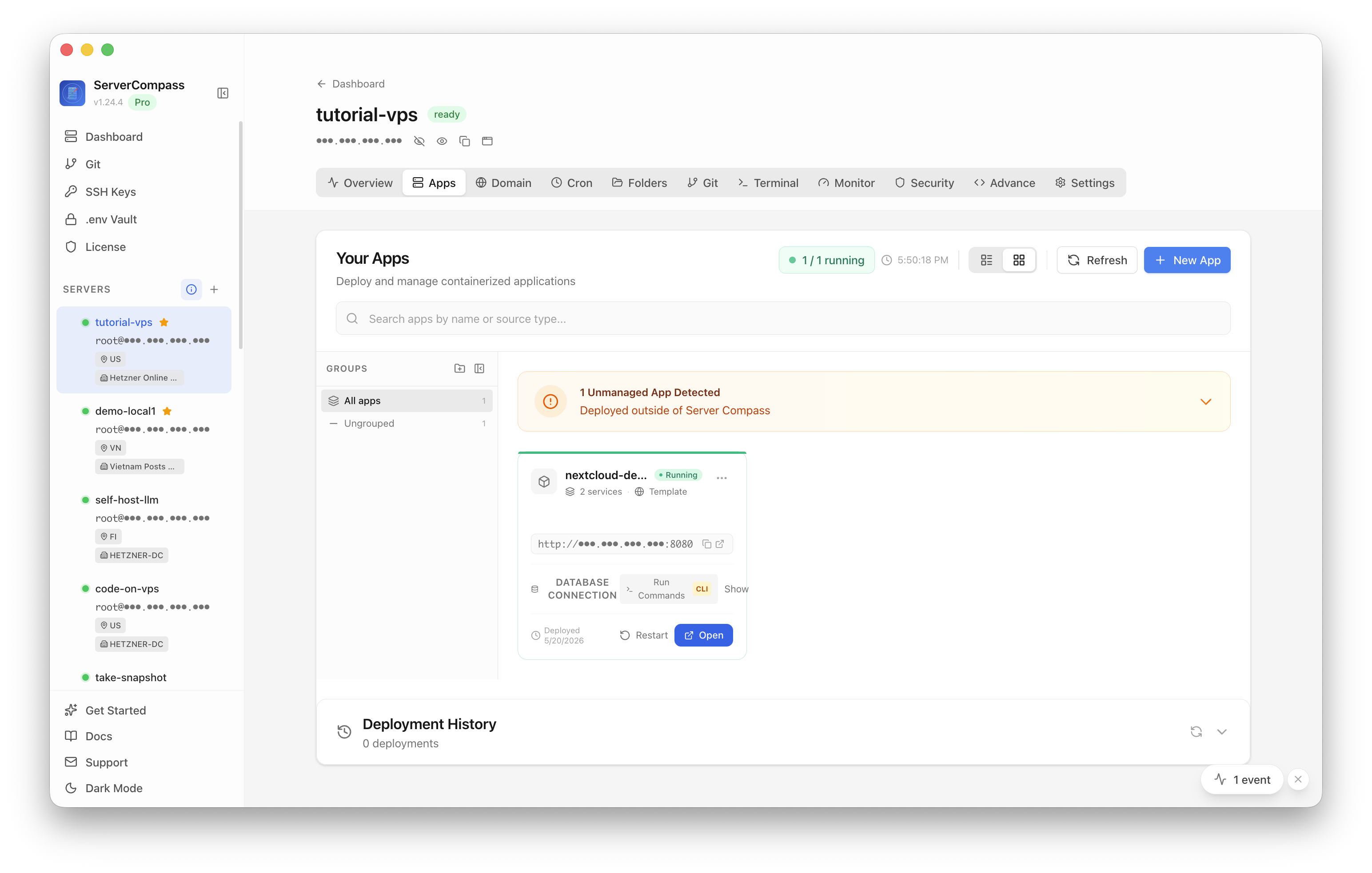
Nextcloud in Production Needs Preflights for CPU Spikes, Backups, and SMTP
A fresh Nextcloud feels fine and then chokes — preview generation pins the CPU, the backup was never real, password resets bounce. The preflights that make it production-grade.

A new Nextcloud feels great for a week. Then real use arrives — a few people uploading photos, syncing folders, sharing links — and the cracks show in a specific order: the CPU pins for no obvious reason, a "backup" turns out to be a folder copy that can't actually restore, and a user's password reset email never arrives. None of these show up in a quick test; all of them show up in production. Run these preflights before you rely on it.
Preflight 1: tame preview generation
The number-one Nextcloud "why is the CPU at 100%?" cause is on-demand preview generation — every thumbnail rendered when first viewed, in bursts. Two fixes:
- Pre-generate previews on a schedule (the Preview Generator app + a cron job) so viewing is cheap.
- Limit preview sizes/formats so Nextcloud isn't rendering enormous thumbnails of RAW files.
Pair this with explicit container memory limits so a preview storm can't take the whole box, the same resource-limit discipline every busy app needs.
Preflight 2: use cron, not AJAX, for background jobs
Nextcloud's default "AJAX" background-job mode only runs jobs when someone loads a page — so cleanup, notifications, and preview jobs lag or never run. Switch to system cron (every 5 minutes) so background work happens reliably whether or not anyone's looking. This single change fixes a surprising amount of "Nextcloud feels slow / stale."
Preflight 3: a backup that can actually restore
A Nextcloud backup is three things kept consistent: the database, the data directory, and config.php. Copying just the files gives you an instance that can't see its own data (the app-owned-state problem). Put it in maintenance mode, dump the database, copy data + config, and — the part everyone skips — restore it once to confirm it works. An untested backup is a hope, not a plan.
Preflight 4: configure SMTP before you need it
Nextcloud needs working outbound email for password resets, share notifications, and security alerts. Unconfigured, those silently fail and you discover it when a user is locked out. Set SMTP, send a test mail, and confirm it lands (not in spam). If you're running your own mail path, the mail-server domain prerequisites (SPF/DKIM/DMARC) are what keep those mails from being dropped.
Preflight 5: deploy on the right foundation
Many of these are easy to get right when the instance is provisioned properly to begin with — database, cron, and TLS configured as part of the deploy rather than bolted on later.
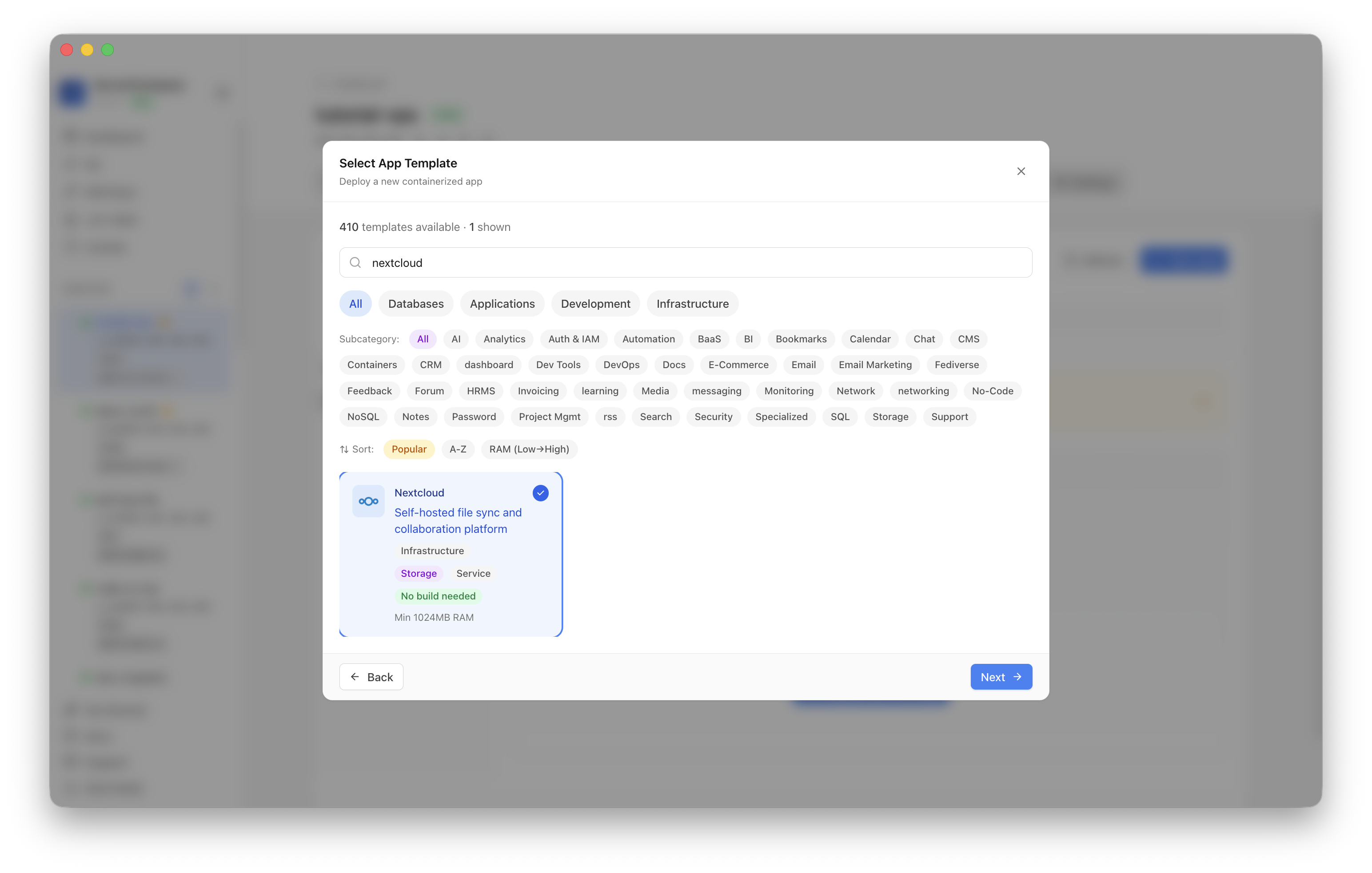 Deploying Nextcloud from a template in ServerCompass — database, persistent storage, and TLS provisioned together so the production preflights start from a sane baseline.
Production checklist
- Previews pre-generated on a schedule; sizes limited.
- Background jobs on system cron, not AJAX.
- Backup covers DB + data + config, and has been restored once.
- SMTP configured and a test mail confirmed delivered.
- Memory limits set; HTTPS with auto-renewal.
Takeaway
Nextcloud is production-ready, but not by default. Pre-generate previews, move jobs to cron, make the backup one you've actually restored, and wire SMTP before a locked-out user finds it broken. Five preflights stand between "feels fine in a demo" and "trustworthy with the household's files."
From across the StoicSoft network
Hand-curated reads on the same topic from sister sites in the StoicSoft family.