Sizing Self-Hosted AI and Search Apps: Limits and Timeouts Before You Deploy
Self-hosted LLMs, vector stores, and search engines fall over from defaults, not bugs. Set memory limits, timeouts, and disk headroom before the first deploy.

Self-hosted AI and search apps rarely fail because the software is broken. They fail because the defaults assume a bigger, quieter machine than the one you gave them. An LLM runner pulls a 7B model and the box starts swapping. A vector database indexes a corpus and the OOM killer reaps it mid-write. A search engine's heap balloons until the host's other apps stutter. The fix is boring and it happens before the first deploy: decide the limits and timeouts, then ship.
Right-size RAM before you pick the model
Memory is the constraint that bites first. A rough planning rule for a single-box homelab:
- LLM inference (Ollama, LocalAI): budget for the model's quantized size plus headroom. A 7B Q4 model wants ~6 GB resident; a 13B wants ~10 GB. CPU-only inference is slow but survivable; GPU inference needs the VRAM, not just system RAM.
- Search/index (Elasticsearch, OpenSearch): the JVM heap should be ~50% of the container's memory and never cross ~31 GB. Give the OS page cache the other half.
- Vector stores (Qdrant, Chroma, Weaviate): index build is the spike, not steady state. Size for the build, not the idle footprint.
If the total exceeds the host, you don't have a tuning problem — you have a placement problem. Move the heavy app to its own VPS rather than starving everything else.
Set container memory limits so one app can't take the box
Defaults let a container consume all host memory. On a shared box that means one runaway model evicts your database. Pin limits explicitly:
services:
  ollama:
    deploy:
      resources:
        limits:
          memory: 8g
A container that hits its own limit and restarts is a contained incident. A host that runs out of memory is an outage for everything on it. If you're juggling several apps on one VPS, pair limits with deliberate port and resource separation — see multi-app VPS port collisions.
Timeouts: the failure mode nobody sets
AI and search requests are slow and bursty, so the defaults are wrong in both directions. A reverse proxy with a 60s timeout will cut off a cold-start model load; a missing client timeout will let a stuck embedding call pin a worker forever. Set them on purpose:
- Reverse proxy (
proxy_read_timeout/ TraefikresponseHeaderTimeout): long enough for a cold model load, e.g. 120–300s on the AI route only — not globally. - App/client timeouts: bound every outbound call so a hung upstream frees the worker.
- Health checks: generous
start_periodso a slow first load isn't flapped as "unhealthy." See sane Docker health-check defaults.
Reserve disk headroom for models and indexes
Models and indexes grow quietly. An LLM cache fills with pulled models; a search index doubles during a reindex; logs from a chatty inference server eat the root volume. Keep 20–30% free on the data volume, put model/index data on a named volume you can grow, and alert on disk before it's full, not after.
Deploy from a template so the sizing is visible
Hand-wiring Compose for an LLM stack plus a vector DB plus a search engine is where the limits get forgotten. Deploying from a managed template makes the resource picture explicit up front — the template declares minimum RAM and brings the app, its datastore, and TLS up together.
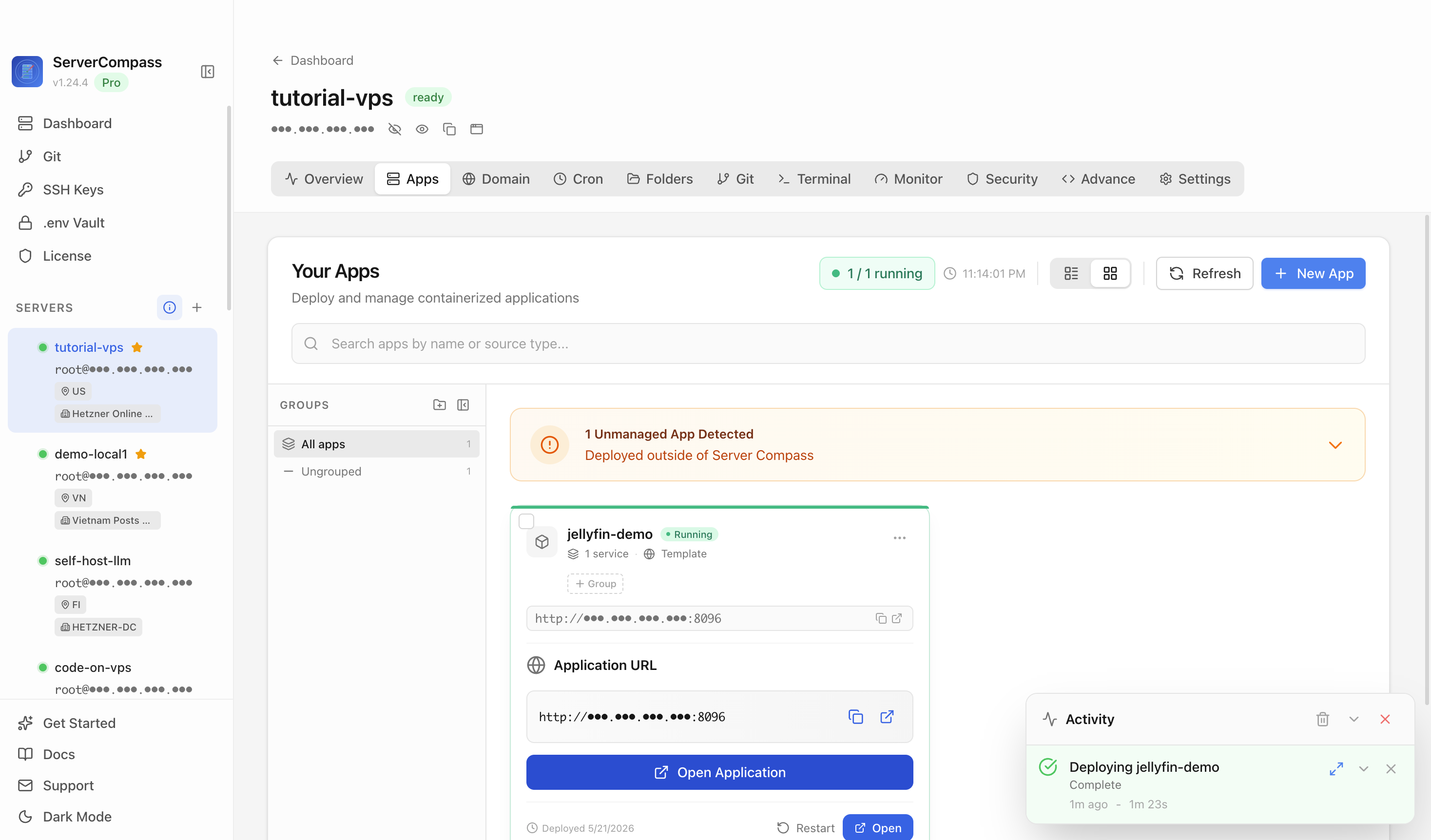
 Managing a deployed stack in ServerCompass — services, restart, and resource controls in one place instead of scattered across Compose files.
Preflight checklist
- Model/heap/index RAM budgeted and under host total (with headroom).
- Per-container
memorylimits set on every AI/search service. - Proxy timeout raised only on the slow route, not globally.
- Client/outbound timeouts bound everywhere.
- Health-check
start_periodcovers cold model load. - 20–30% free disk on the data volume + a disk alert.
- Heavy app placed on its own VPS if the box can't hold the total.
Size first, deploy second. Self-hosted AI is perfectly stable on modest hardware once it can't quietly eat the whole machine.
From across the StoicSoft network
Hand-curated reads on the same topic from sister sites in the StoicSoft family.