Hosted vs Self-Hosted Nextcloud for Small Teams: The Hidden Ops Costs Decide It
Managed Nextcloud's monthly fee looks expensive next to a $10 VPS — until you price the ops the host quietly does for you. A real hosted-vs-self-hosted comparison for small teams.

For a small team, the Nextcloud decision looks lopsided on paper: a managed provider wants a monthly fee per user, while a $10 VPS could run the same Nextcloud for everyone. Obvious, right? Self-host and save. The reason that math misleads is that the VPS price buys the software running, not the operations — and for Nextcloud specifically, the operations are exactly where the hidden cost lives. Here's the honest comparison.
The sticker prices (and why they mislead)
- Hosted Nextcloud: a clear monthly fee, often per-user. Includes backups, upgrades, uptime, and support — bundled, so you don't see them as line items.
- Self-hosted: a small flat VPS bill. Includes nothing else. The other costs are real; they're just paid in your time instead of dollars.
Comparing the two sticker prices compares a complete service to a bare server. Price the gap.
The hidden ops costs of self-hosting Nextcloud
Nextcloud is more operationally demanding than most apps its size — these are the costs the managed fee absorbs:
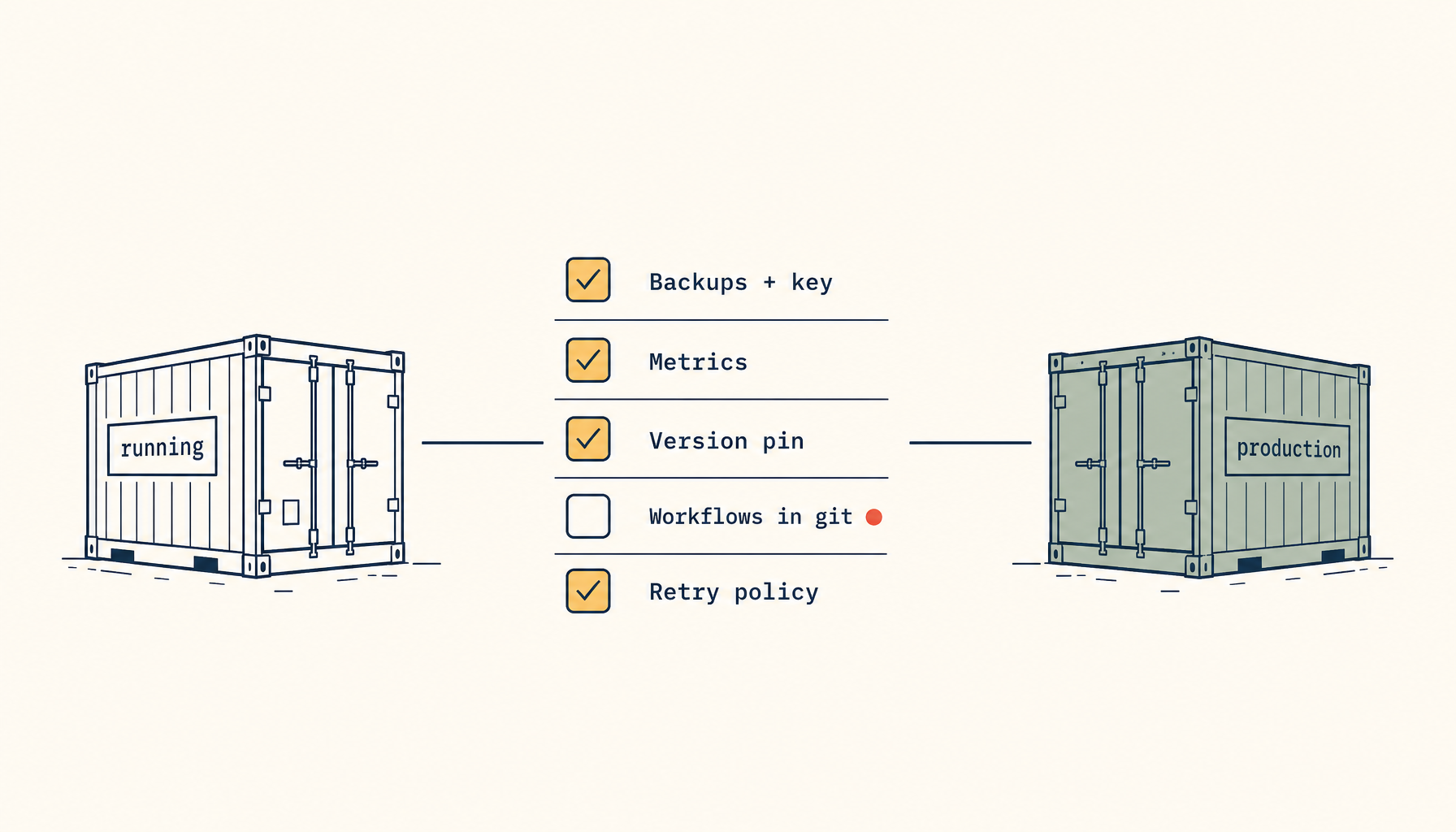
- Backups that actually restore. DB + data + config, consistent, tested — not a folder copy (why that matters).
- Upgrades. Nextcloud upgrades are frequent and occasionally bumpy; each needs a backup-and-rollback preflight.
- Performance tuning. Preview generation, background cron, and PHP tuning — the production preflights that keep it from choking.
- Email. Working SMTP with proper domain DNS so shares and resets deliver.
- On-call. When it breaks, you fix it — the bus-factor cost is real for a team that depends on it.
A fairer comparison
| Factor | Hosted | Self-hosted on a VPS |
|---|---|---|
| Monthly $ | Higher, per-user | Lower, flat |
| Backups/upgrades | Included | Your time |
| Performance tuning | Done for you | Your time |
| Control & data ownership | Limited | Full |
| Customization / apps | Provider-limited | Unlimited |
| On-call | Provider | You |
How small teams should actually decide
- Self-host when someone on the team genuinely enjoys (or is paid for) ops, data control/customization matters, and the per-user hosted fee × your headcount clearly exceeds a VPS + a few hours a month.
- Stay hosted when nobody wants to be on-call, the team is small enough that per-user pricing is cheap, or downtime is costlier than the subscription.
- Hybrid: self-host on a VPS but make the ops cheap — deploy from a managed template so backups, TLS, and upgrades are handled rather than hand-built.
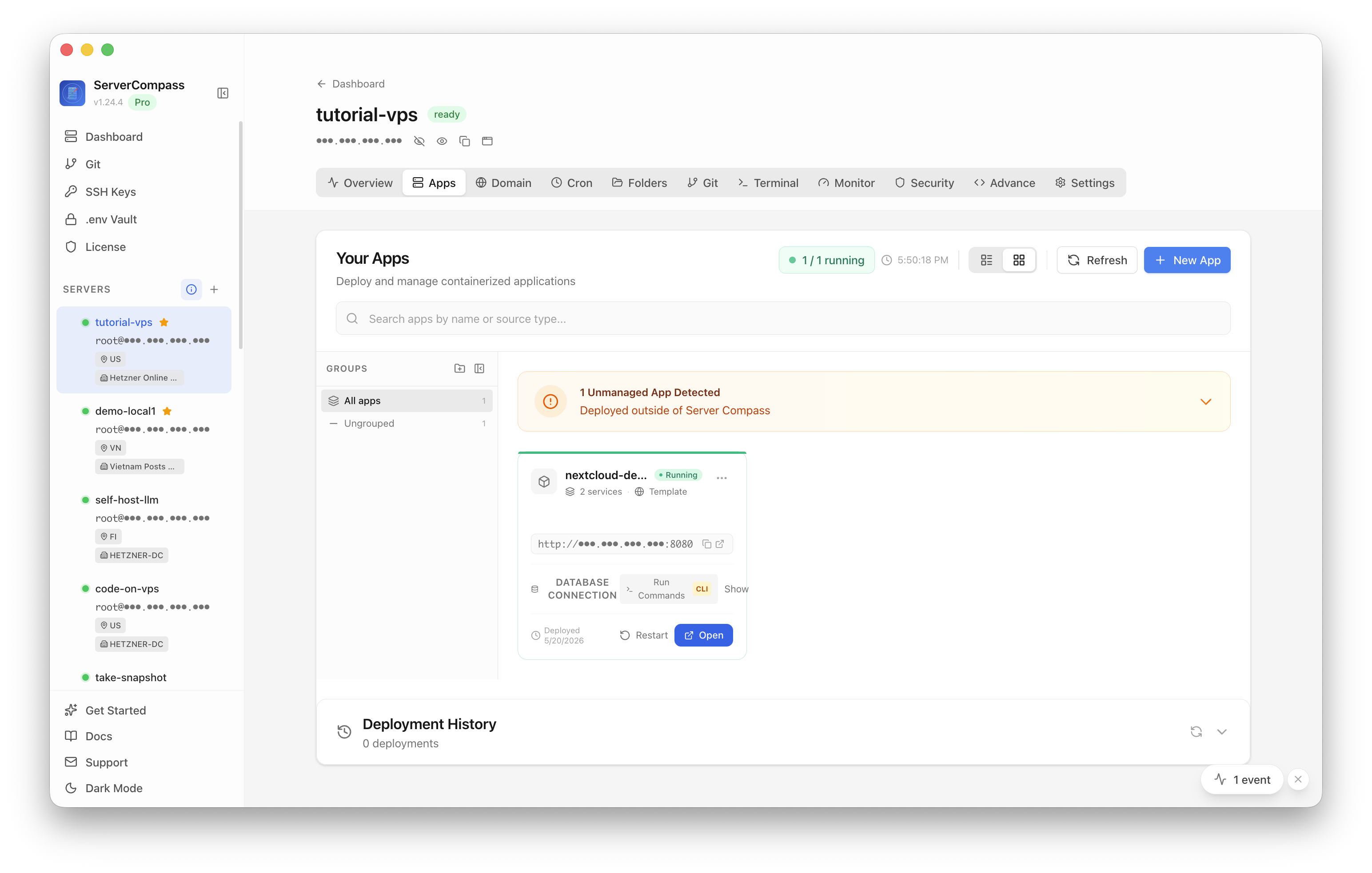
Self-hosting Nextcloud sanely starts with a launch preflight in ServerCompass — DNS, SSL, and backups set up front, which is where the hidden ops cost actually goes.
Takeaway
The hosted-vs-self-hosted Nextcloud choice isn't decided by the two prices on the pricing pages — it's decided by the ops the prices hide. Self-hosting genuinely saves money for a team willing to own backups, upgrades, tuning, and on-call; for a team that isn't, the managed fee is buying back exactly those hours. Add the hidden costs to both columns, then the right answer is obvious for your team.
From across the StoicSoft network
Hand-curated reads on the same topic from sister sites in the StoicSoft family.
 Deploy to VPS7 min read
Small Next.js Apps Are Getting Priced Out of Vercel Plus Its Add-Ons
A hobby Next.js app on Vercel is free until you add a database, cron, and bandwidth — then it's $40+/month. When moving the small app to a VPS makes sense, and what you take on.
Read on deploytovps.com Deploy to VPS6 min read
Self-Hosted Operators Want Monitoring Beyond a Basic Uptime Check
A green 'it responds' check misses expired certs, broken logins, silent data staleness, and slow-but-up services. What real public-service monitoring looks like beyond a ping.
Read on deploytovps.com