Self-Hosted n8n: The OAuth Callback URL Checklist Before Your Credentials Fail
Your self-hosted n8n container is running, you add a Google credential, and OAuth dies with redirect_uri_mismatch. It is almost never the credential — it is the callback URL n8n hands the provider, and the env vars and reverse-proxy headers that decide what that URL says.
You followed the install guide, the n8n container is up, and the editor loads. Then you add your first OAuth2 credential — Google, Microsoft, whatever — click Connect, and the provider throws redirect_uri_mismatch or sends you back to a http://localhost page that goes nowhere. Nine times out of ten the credential is fine. The problem is the OAuth callback URL: the public address n8n tells the provider to redirect back to after login. Self-hosting behind Docker, a reverse proxy, and sometimes a tunnel makes it very easy for n8n to advertise the wrong one.
This is the checklist to get that callback URL correct and keep it correct. It assumes you have a working n8n install already; if you are starting from zero, the self-host n8n guide covers the base setup and the production-readiness checklist covers everything around it.
How n8n Builds the Callback URL
When you open an OAuth2 credential, n8n displays an OAuth Redirect URL that looks like:
https://n8n.yourdomain.com/rest/oauth2-credential/callback
That URL is not magic — n8n constructs it from environment variables. If those variables are wrong, n8n builds a callback pointing at http://localhost:5678, the provider rejects it, and OAuth fails before it starts. The variables that decide what the URL says:
WEBHOOK_URL— the public base URL n8n uses for webhooks and OAuth callbacks. This is the one that matters most.N8N_EDITOR_BASE_URL— the public URL of the editor; set it to the same value.N8N_HOST,N8N_PROTOCOL,N8N_PORT— the older, more granular way n8n derived its address. Still respected, still a source ofhttp-vs-httpsmismatches.
Set the Public URL Explicitly
Do not let n8n guess its own address. Pin it to the exact public HTTPS URL your users hit. In Docker Compose:
services:
  n8n:
    image: docker.n8n.io/n8nio/n8n
    environment:
      - N8N_HOST=n8n.yourdomain.com
      - N8N_PROTOCOL=https
      - N8N_PORT=5678
      - WEBHOOK_URL=https://n8n.yourdomain.com/
      - N8N_EDITOR_BASE_URL=https://n8n.yourdomain.com/
    ports:
      - "127.0.0.1:5678:5678"
Two details people miss: WEBHOOK_URL should end with a trailing slash and use https, and the container port binding can stay on localhost because your reverse proxy is what faces the internet. After changing these, recreate the container (docker compose up -d --force-recreate) — n8n reads them at startup, so a plain restart of an old container will not pick them up.
Register the Exact Redirect URI With the Provider
Open the credential in n8n and copy the OAuth Redirect URL it shows verbatim. Then paste that exact string into the provider's authorized redirect list — for Google, that is APIs & Services → Credentials → your OAuth client → Authorized redirect URIs.
https://n8n.yourdomain.com/rest/oauth2-credential/callback
The match must be exact: scheme, host, path, and no trailing slash on the callback path. http vs https, a www. that is present on one side, or a stray trailing slash will all produce redirect_uri_mismatch. Copy-paste it; do not retype it.
Forward the Right Headers at the Reverse Proxy
If n8n sits behind nginx, Traefik, or Caddy, the proxy must tell n8n that the original request was HTTPS. Without X-Forwarded-Proto, n8n can decide it is serving plain http and build an http:// callback even though users arrive over TLS. An nginx location block that gets this right:
location / {
    proxy_pass http://127.0.0.1:5678;
    proxy_set_header Host $host;
    proxy_set_header X-Forwarded-Proto $scheme;
    proxy_set_header X-Forwarded-For $proxy_add_x_forwarded_for;
    proxy_http_version 1.1;
    proxy_set_header Upgrade $http_upgrade;       # n8n editor uses websockets
    proxy_set_header Connection "upgrade";
}
The Host and X-Forwarded-Proto headers are the two that directly affect the callback URL. The websocket upgrade headers are not about OAuth, but without them the editor UI misbehaves, so set them while you are here.
Tunnels: cloudflared, Tailscale, and ngrok
Tunnels add one more place for the URL to drift. The rule is the same: whatever public hostname the tunnel exposes is what WEBHOOK_URL and the provider's redirect URI must say.
- Cloudflare Tunnel: point
WEBHOOK_URLat the stablehttps://n8n.yourdomain.comhostname mapped in the tunnel config — not an internal address. Cloudflare terminates TLS, so n8n still needsX-Forwarded-Proto: https(Cloudflare sets it). - ngrok: a free random
*.ngrok-free.appURL changes every restart, which breaks OAuth every time. Use a reserved domain, or do not use ngrok for credentials you intend to keep. - Tailscale /
N8N_PROTOCOL: a tailnet MagicDNS name works, but the provider must allow that exact redirect URI, and many OAuth providers will not accept non-public TLDs. For real OAuth, front n8n with a public HTTPS hostname.
n8n also ships a built-in n8n.cloud-style tunnel for local testing (--tunnel). It is for quick experiments only — never for credentials you want to survive a restart.
Verify End to End
After the changes, confirm the externally visible URL matches what n8n thinks it is:
# Does the public URL resolve to your n8n over HTTPS?
curl -sI https://n8n.yourdomain.com/healthz | head -1

# What callback is n8n actually advertising? Read it from the credential UI —
# it must equal the URI registered with the provider, character for character.
Then re-run the OAuth connect flow. If it still fails, the mismatch is almost always one of three things: WEBHOOK_URL not actually applied (you restarted instead of recreating the container), the reverse proxy not sending X-Forwarded-Proto, or a redirect URI in the provider that differs by a trailing slash or scheme.
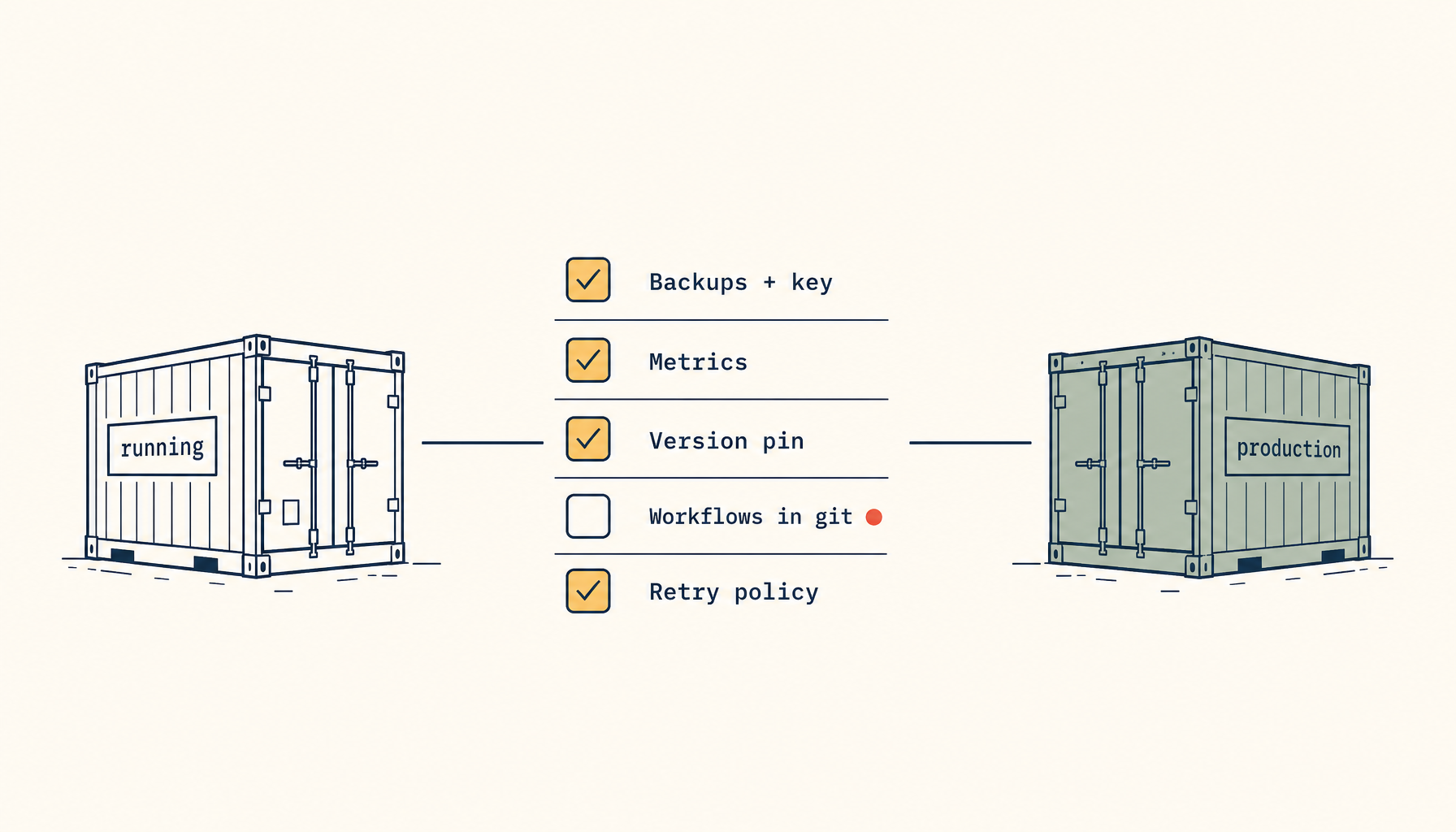
Get the callback URL right once — pinned in WEBHOOK_URL, forwarded honestly by the proxy, and registered exactly with the provider — and OAuth credentials stop being the flaky part of your automations. Everything else in n8n assumes that public URL is correct, so it is worth the ten minutes before you wire up a dozen integrations on top of it.
From across the StoicSoft network
Hand-curated reads on the same topic from sister sites in the StoicSoft family.
 Deploy Handbook7 min read
Hosted vs Self-Hosted Nextcloud for Small Teams: The Hidden Ops Costs Decide It
Managed Nextcloud's monthly fee looks expensive next to a $10 VPS — until you price the ops the host quietly does for you. A real hosted-vs-self-hosted comparison for small teams.
Read on stoicvps.com/handbook Deploy Handbook8 min read
Best single-dashboard app health for self-hosters who aren't ready for Prometheus
Homelab and VPS users want one calm dashboard for app health — not a full observability stack. Here are the tools that hit the middle layer between SSH and Grafana.
Read on stoicvps.com/handbook