An Easy Immich Install Path for People Who Don't Live in a Terminal
Immich's power scares off the people who'd benefit most. A gentler install path that skips the hand-edited Compose file and still lands a real, updatable, backed-up instance.
Immich is the self-hosted Google Photos replacement people actually want — and the install instructions are where most of them quietly give up. The official path assumes you'll download a docker-compose.yml and a .env, edit both, understand volumes and ports, and put a reverse proxy in front. For someone who just wants their photos off the cloud, that's a wall. Here's a gentler path that still ends in a real Immich instance — one that updates, has TLS, and is backed up — not a fragile toy.
Why the default path bottlenecks
The Compose approach isn't wrong; it's just front-loaded with concepts. To get to "I can see my photos," a newcomer has to absorb containers, environment files, volume mounts, port mapping, and reverse proxies — all before any payoff. Each is a place to typo a path or expose the wrong port. The result is a half-finished install on http://192.168.1.x:2283 that never gets TLS or backups.
What "a real install" actually requires
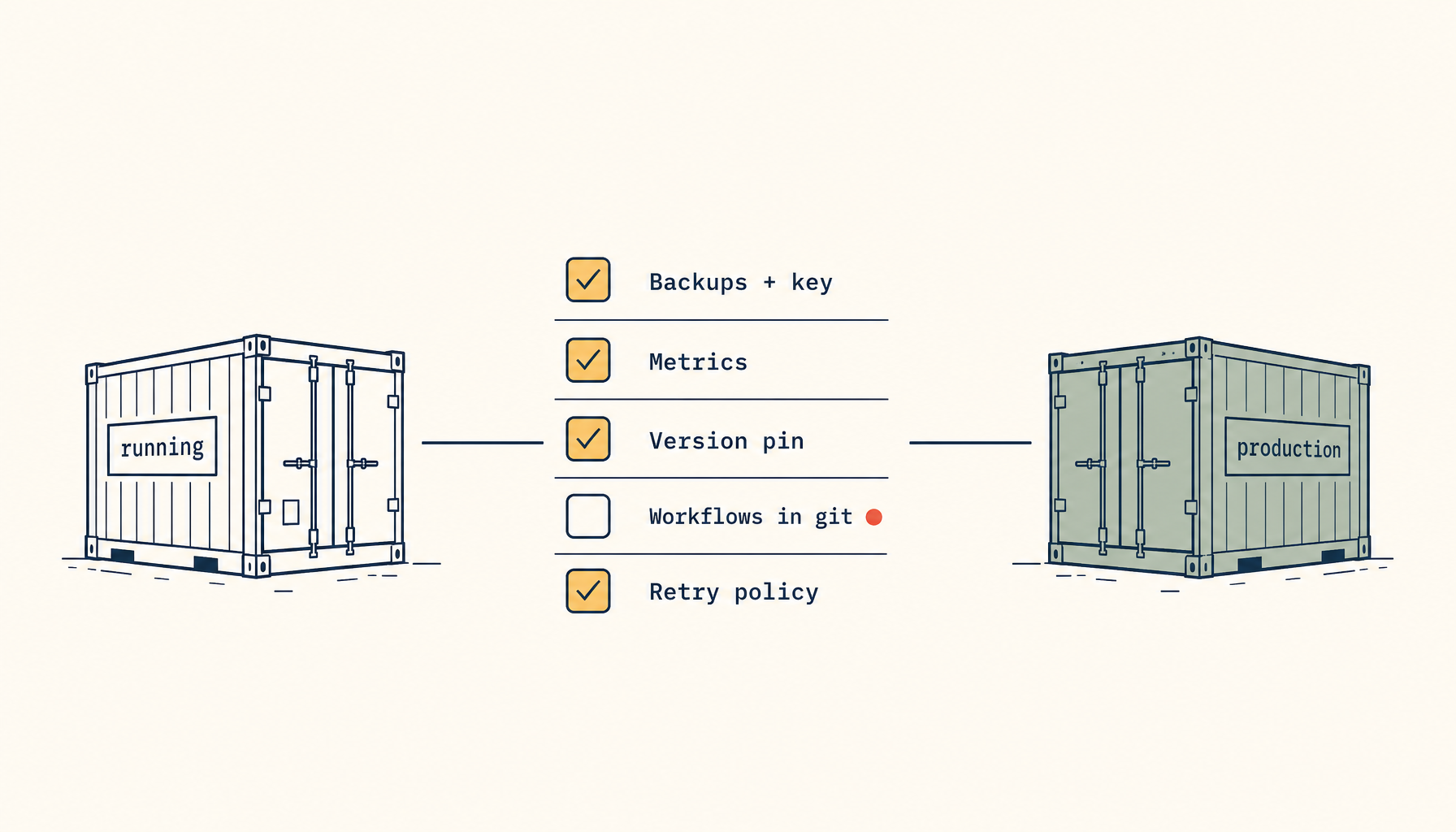
Whatever path you take, a grown-up Immich instance needs five things. Keep this as the bar:
- The app + its database + ML service, brought up together at compatible versions.
- Persistent storage for originals that won't vanish on a restart.
- HTTPS so the mobile app will connect reliably.
- Updates you can apply without breaking the database (Immich runs irreversible migrations — only ever move forward).
- Backups of the database and the library, with a restore you've tried once.
The gentle path: deploy from a template
The biggest simplification is to stop hand-assembling the stack. A managed template brings up the app, database, and storage as a unit, with TLS handled, so the newcomer's job is "pick Immich and click deploy," not "edit two YAML files correctly."
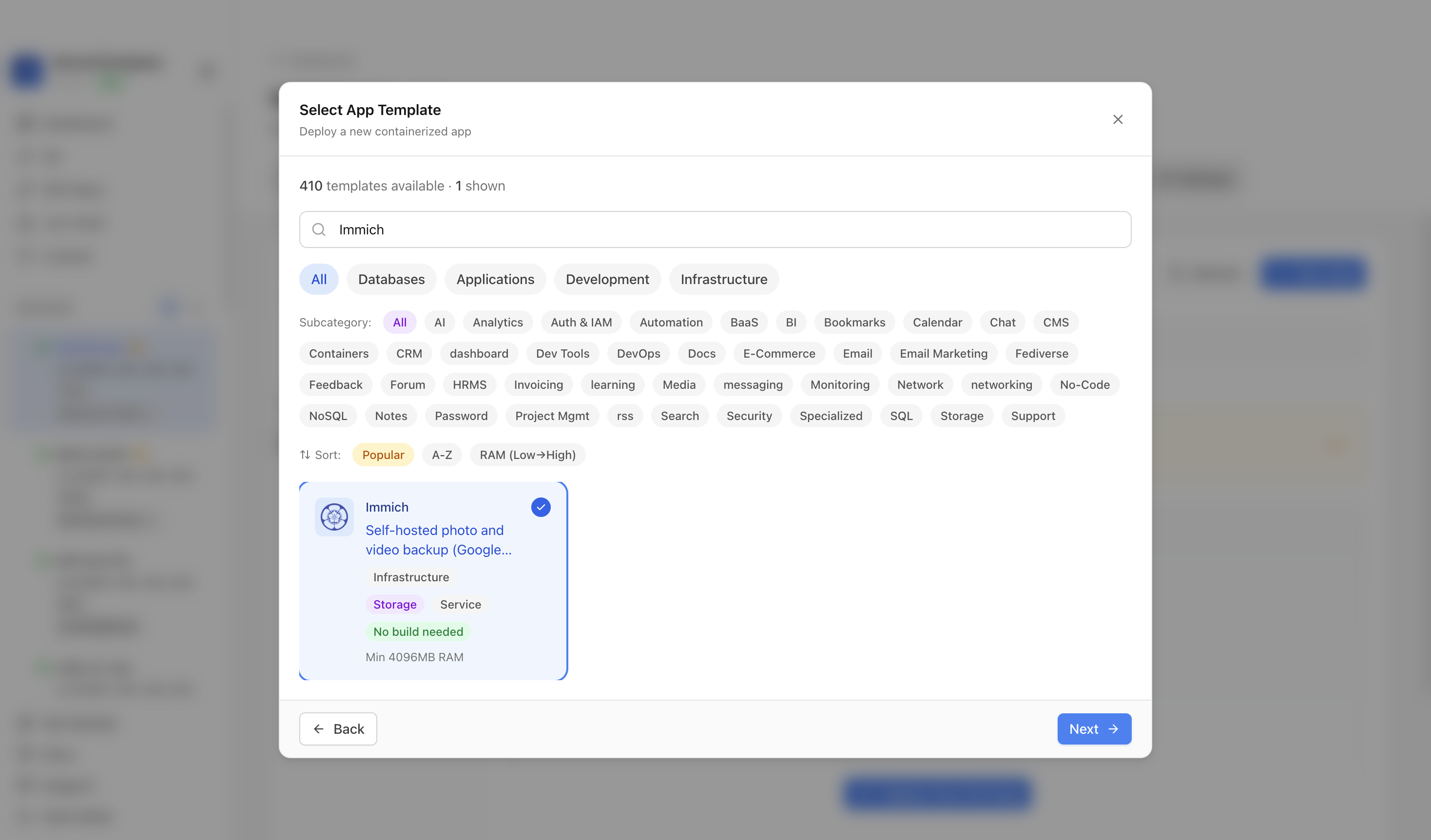 Choosing Immich from the template catalog in ServerCompass — no Compose file to edit; the database, storage, and reverse proxy are provisioned for you.
Once it's deployed, the dashboard view is where a non-technical owner can actually operate it — see that it's running, open it, restart it, check backups — without a terminal:
 A deployed Immich in the ServerCompass dashboard — running status, a real URL, and restart/backup controls in the UI.
Don't skip the two things beginners always skip
- HTTPS, from the start. The Immich mobile apps are happiest over a real certificate. A template that wires TLS for you removes the single most common "the app won't connect" problem.
- A backup before you add the family's photos. The day before you import 40,000 irreplaceable photos is the day to confirm the backup runs and restores. The principle is the same as any volume restore drill — do it once, on purpose.
If you do want to learn the Compose way later
Nothing here stops you graduating to hand-managed Compose once you're comfortable — and when you do, the Immich-behind-a-reverse-proxy edge cases are the next thing worth reading. But "learn Docker thoroughly" shouldn't be the toll gate between a person and their own photo library.
Takeaway
Immich earns its hype, and its install instructions cost it users who'd love it. Lower the bar with a template deploy that handles the database, storage, and TLS, insist on HTTPS and a tested backup, and only ever update forward. That's a real instance a non-technical person can actually keep running.
From across the StoicSoft network
Hand-curated reads on the same topic from sister sites in the StoicSoft family.
 Deploy Handbook8 min read
Best single-dashboard app health for self-hosters who aren't ready for Prometheus
Homelab and VPS users want one calm dashboard for app health — not a full observability stack. Here are the tools that hit the middle layer between SSH and Grafana.
Read on stoicvps.com/handbook Deploy Handbook7 min read
Hosted vs Self-Hosted Nextcloud for Small Teams: The Hidden Ops Costs Decide It
Managed Nextcloud's monthly fee looks expensive next to a $10 VPS — until you price the ops the host quietly does for you. A real hosted-vs-self-hosted comparison for small teams.
Read on stoicvps.com/handbook