Self-Hosted Music Servers Need a Web-First Deployment Path Across Mobile and Desktop
Your music library should play in a browser, on your phone, and on the desktop — from one self-hosted server. How to deploy Navidrome (or similar) web-first so every client just works.
The goal with a self-hosted music server is simple to say and easy to botch: your library should play in a browser at your desk, on your phone on the train, and on the desktop at home — all from one server, without a per-device dance. The way to get there is to deploy web-first: a server that streams over HTTP(S) and speaks a standard API that every client app already knows. Navidrome is the popular pick because it does exactly this, but the principles apply to any of them.
Web-first means one server, many clients
A web-first music server gives you two things at once:
- A browser UI — open a URL, music plays, nothing to install.
- A standard API (Subsonic) — so a whole ecosystem of mobile and desktop apps connect to your server without you writing or maintaining clients.
That combination is why you don't need a bespoke app per platform. The server is the product; the clients are interchangeable.
Library layout the scanner will actually understand
Like Jellyfin, a music server reads tags and folder structure, and a messy library scans badly:
- Keep consistent
Artist/Album/Trackstructure and clean tags (the scanner trusts tags over filenames). - Bind-mount the library read-only if the server only needs to play it — fewer ways to corrupt it.
- Match the file ownership to the container user, the bind-mount ownership rule that trips up every media app.
Store the library on bulk storage and the server's small database on fast disk — the app-state vs bulk-storage split.
Transcoding for bandwidth, not for show
On a phone over cellular you don't want to stream lossless FLAC. Configure on-the-fly transcoding to a sensible bitrate for mobile, while desktop on the LAN plays originals. Most music transcoding is light on CPU (audio, not video), so this rarely needs hardware help — unlike Jellyfin's video transcoding.
HTTPS and remote access so the phone works anywhere
The phone use case is the point, so plan remote access from the start:
- Put the server behind HTTPS — Subsonic apps are far happier with a real cert.
- Reach it from outside via a clean domain even behind CGNAT, or keep it private over a VPN if it's just you.
- Apply the general reverse-proxy edge cases so streaming connections aren't cut by short timeouts.
Deploy it as a managed app
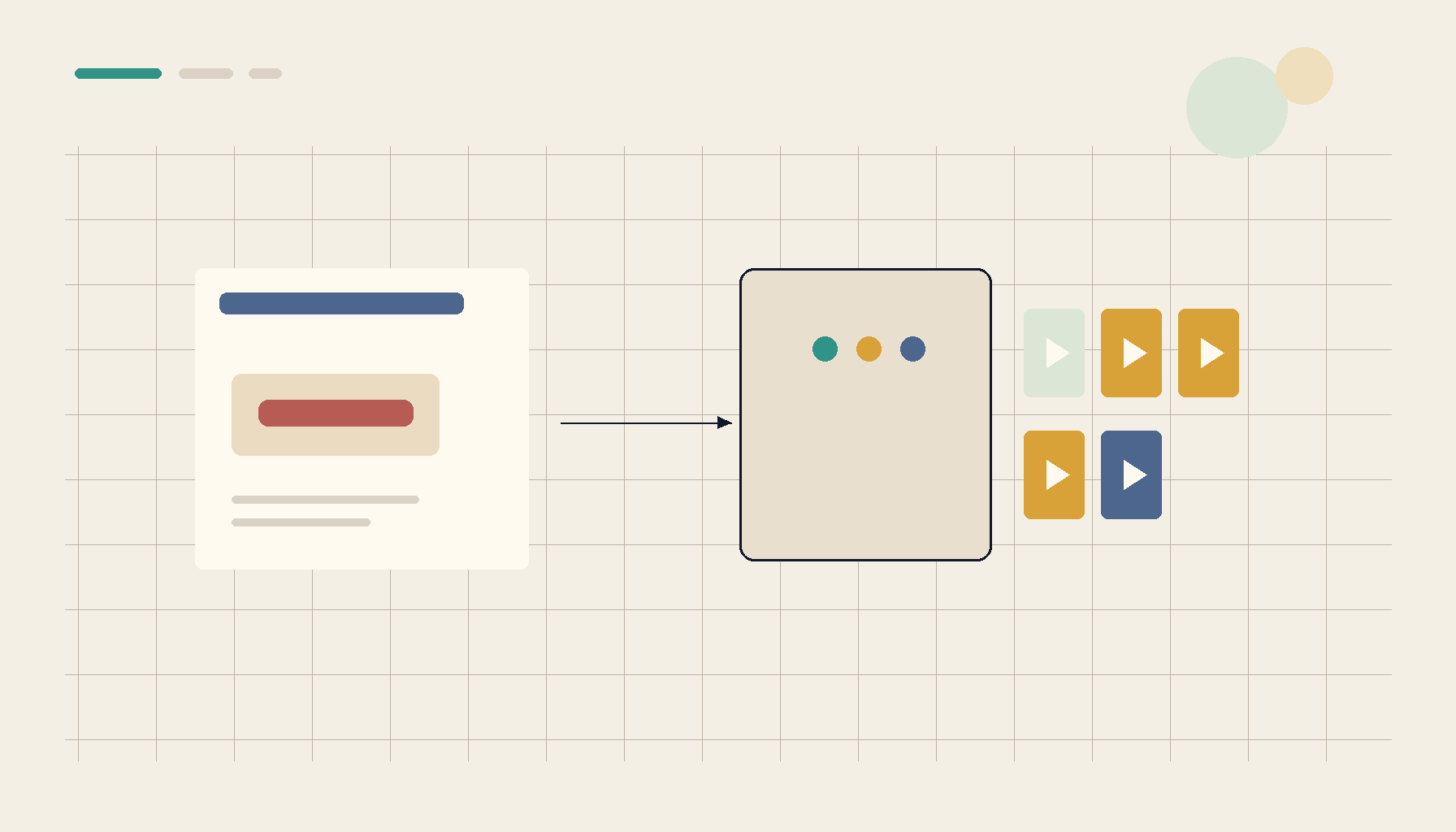
A music server is a great low-stakes first self-hosted app — and deploying from a template gets you a working, persistent, TLS-ready instance without hand-wiring.
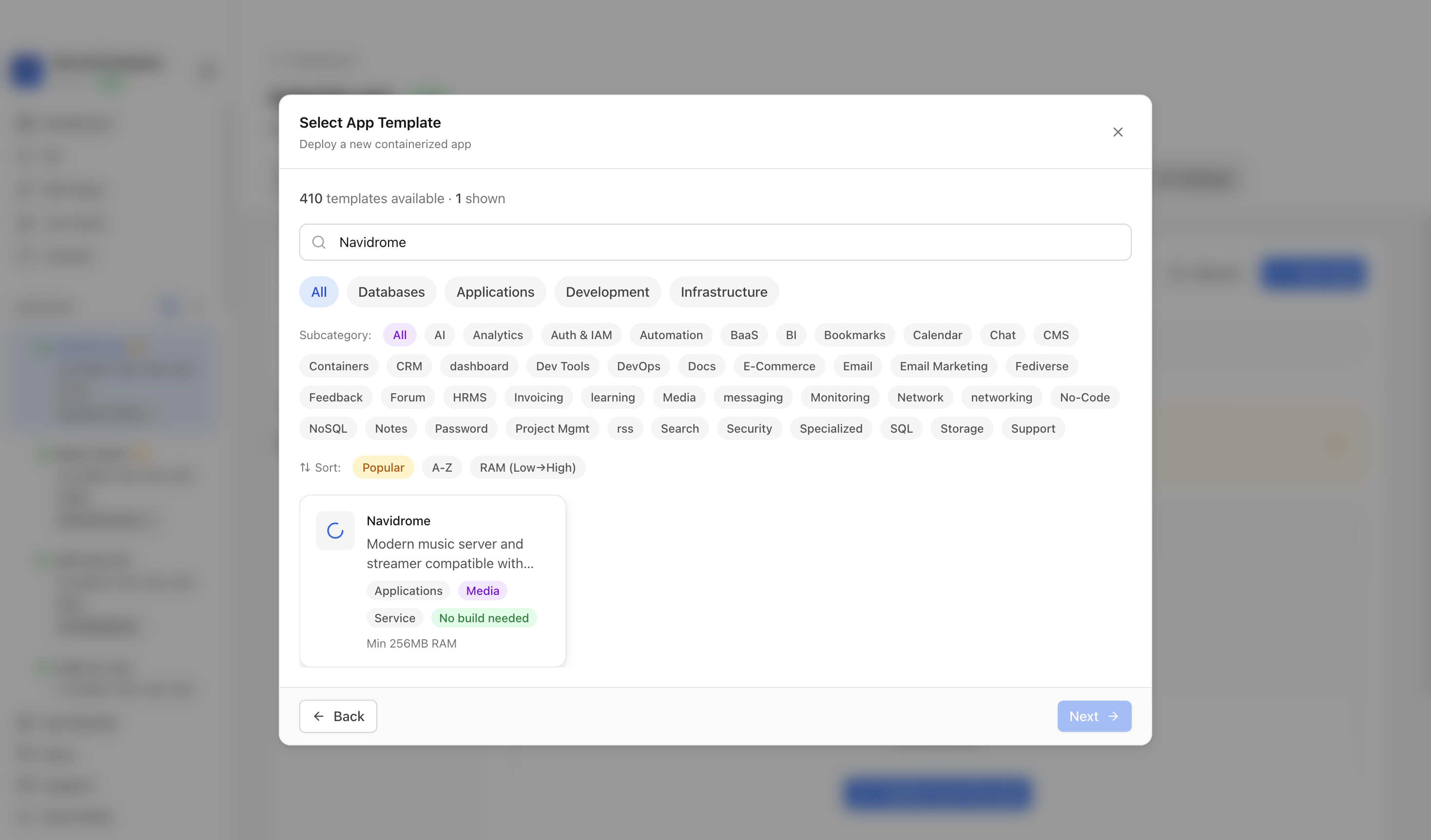 Deploying Navidrome from a template in ServerCompass — web UI, database, and storage provisioned together so every Subsonic client connects on day one.
Checklist
- Library tagged and structured for a clean scan; mounted read-only.
- DB on fast disk, library on bulk storage.
- Mobile transcoding configured; desktop plays originals.
- HTTPS + a remote-access path planned for the phone.
- Deployed as a managed/template app, not hand-wired.
Takeaway
Self-hosted music works when you deploy web-first: one server that streams in the browser and speaks a standard API to every mobile and desktop client. Get the library clean, split storage, transcode for bandwidth, and put HTTPS and remote access in from the start — then your whole collection just plays, everywhere, from a server you own.
From across the StoicSoft network
Hand-curated reads on the same topic from sister sites in the StoicSoft family.
 Deploy Handbook8 min read
Best single-dashboard app health for self-hosters who aren't ready for Prometheus
Homelab and VPS users want one calm dashboard for app health — not a full observability stack. Here are the tools that hit the middle layer between SSH and Grafana.
Read on stoicvps.com/handbook Deploy Handbook7 min read
Hosted vs Self-Hosted Nextcloud for Small Teams: The Hidden Ops Costs Decide It
Managed Nextcloud's monthly fee looks expensive next to a $10 VPS — until you price the ops the host quietly does for you. A real hosted-vs-self-hosted comparison for small teams.
Read on stoicvps.com/handbook