Self-Hosted Runbooks Fail When One Person Owns the Config Behind the 2am Page
Your homelab's bus factor is one, and that one is asleep at 2am. How to write runbooks and share access so a service outage isn't a single-person emergency.
Every self-hoster eventually hits the same wall, and it has nothing to do with technology. The services are humming, the family relies on them — and all of it lives in one person's head and one person's SSH keys. When that person is asleep, traveling, or just tired of being the 24/7 on-call for their own house, a five-minute fix becomes a multi-hour outage because nobody else can even get in. Bus factor of one is the real reliability problem in most homelabs.
The symptom: a personal emergency, not an incident
A healthy outage looks like: an alert fires, someone follows a runbook, the service comes back. An unhealthy one looks like: the dashboard's down, the only person who knows the reverse-proxy quirk is unreachable, and the recovery is reconstructed from memory under pressure. The difference isn't skill — it's whether the knowledge and the access were ever externalized.
Write runbooks for your future self at 2am
A runbook isn't documentation of how the system works; it's a checklist for when it doesn't. Keep them short, specific, and findable:
- One page per common failure, named by symptom: "Photos app won't load," "Site shows 502," "Backups stopped."
- The exact commands, not "restart the service" — the literal
docker compose -f /opt/immich/compose.yml restartwith the real path. - Where things live: which box, which directory, which
.env, which dashboard. - What 'fixed' looks like: the check that confirms recovery, so you're not guessing.
A 502 runbook that points straight at the stale-upstream cause of intermittent 502s is worth more at 2am than a perfect architecture diagram.
Share access before you need it
Runbooks are useless if the second person can't get in. Without leaking your whole identity:
- Give a trusted second person their own SSH key on the critical boxes (their key, not your password).
- Store secrets in a shared vault the household can reach, not in your head — and keep the management plane reachable only over your private overlay, per safer Docker management boundaries.
- Make sure at least the "turn it off and on again safely" actions can be done from a UI by someone who isn't a sysadmin.
Route alerts so the right person is paged — calmly
If every blip pages you personally on every channel, you'll mute it, and then the real outage is silent. Route alerts by severity to the right place, with enough context to act:
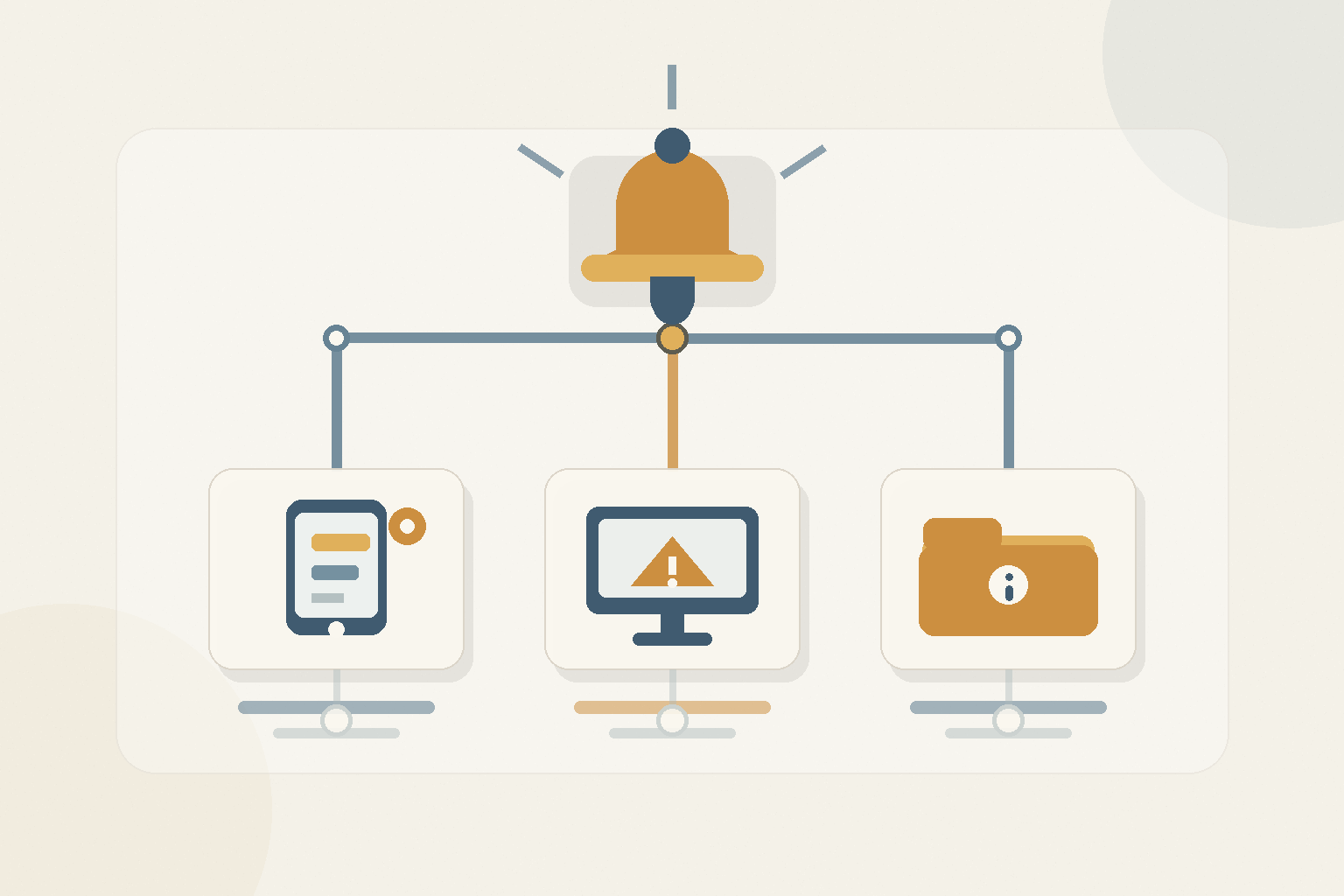
Severity-based alert routing in ServerCompass — a disk-nearly-full warning and a service-down page go to different channels, so the 2am notification is one that actually deserves the wake-up.
Low-noise alerting is its own discipline; the low-noise uptime checks for a homelab approach keeps the signal worth responding to.
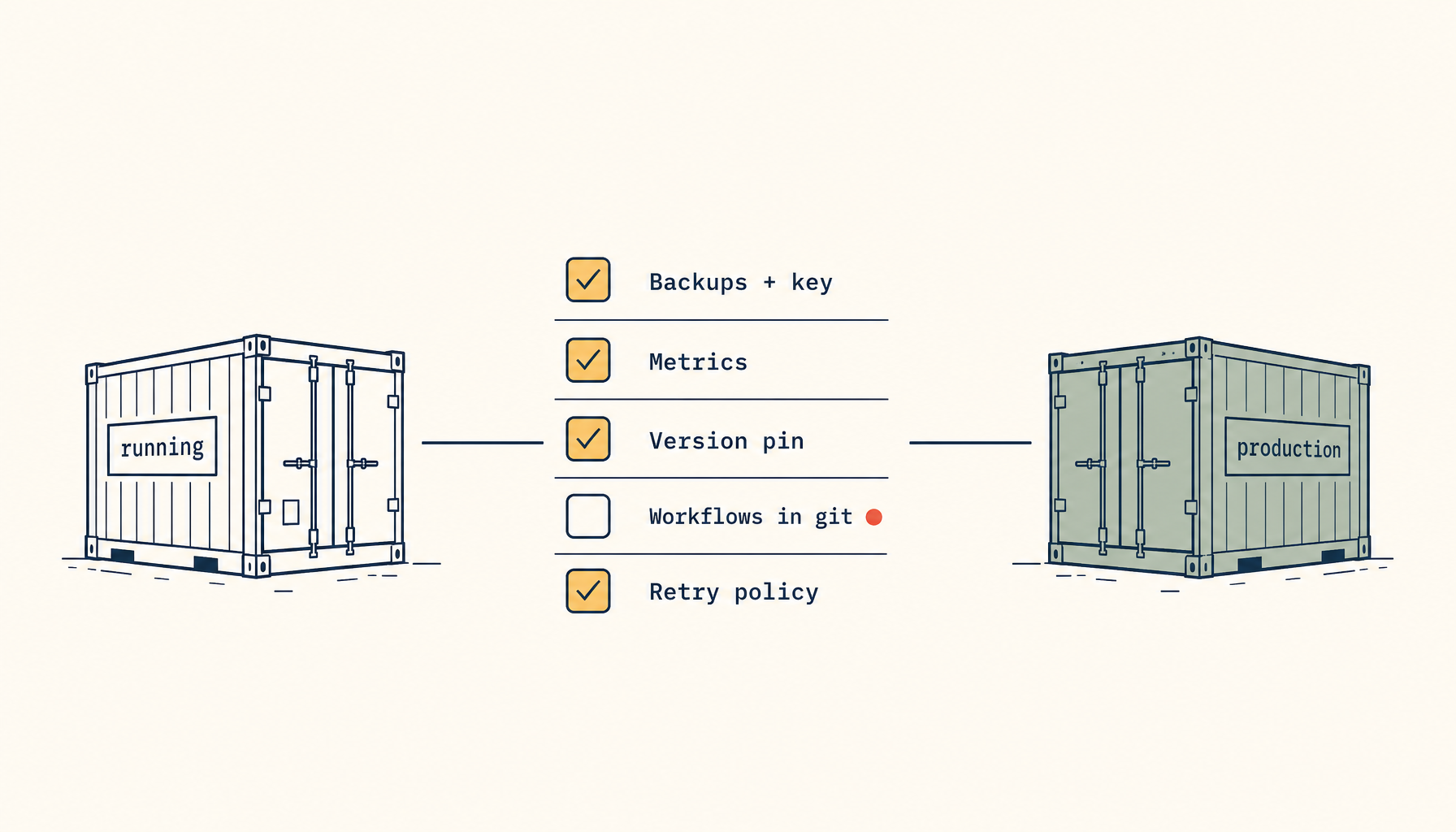
A bus-factor checklist
- A symptom-named runbook for each common failure, with literal commands and paths.
- A second person with their own credentials on critical boxes.
- Secrets in a shared vault, not one person's memory.
- Basic recover actions doable from a UI.
- Alerts routed by severity, with context, to a channel that isn't muted.
Takeaway
The most fragile part of a homelab is usually the single human who runs it. Write the 2am runbooks, give a second trusted person real access, and route alerts so the wake-up is rare and actionable. Reliability you can't share isn't reliability — it's a hobby that pages you.
From across the StoicSoft network
Hand-curated reads on the same topic from sister sites in the StoicSoft family.
 Deploy Handbook8 min read
Best single-dashboard app health for self-hosters who aren't ready for Prometheus
Homelab and VPS users want one calm dashboard for app health — not a full observability stack. Here are the tools that hit the middle layer between SSH and Grafana.
Read on stoicvps.com/handbook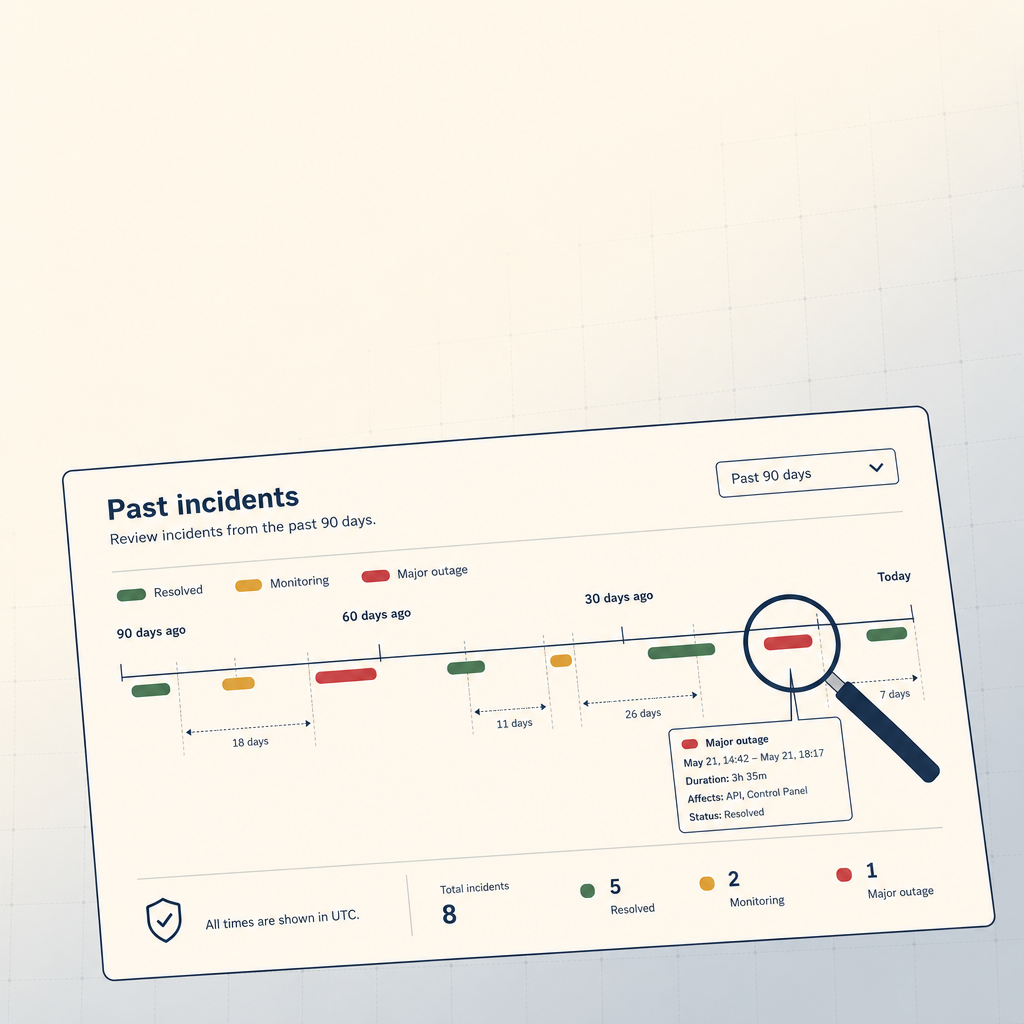 StoicVPS8 min read
How to Read a VPS Provider's Status Page (And What to Ignore)
The status page is the single most underused signal in VPS provider evaluation. The 90-day skim, what to look for, and what to weight elsewhere.
Read on stoicvps.com