Your First Home Server: The OS and Storage Decisions That Decide Everything
Beginners can install one app, then stall on the questions that actually matter: which operating model, where the data lives, and what survives growth. A first-week path that won't trap you.

Installing your first self-hosted app is easy now — a one-liner, a template, a few clicks. Where beginners actually stall is the layer underneath: which operating model should the server run, where should the data live, and will this choice survive me adding ten more apps? Those decisions, made in the first week, quietly determine whether your home server grows gracefully or gets rebuilt in three months. Here's a path that keeps the early choices from boxing you in.
The decision that comes before any app: the operating model
"Where should the service live?" is really "what operating model am I committing to?" The common options, roughly from most-appliance to most-DIY:
- Appliance NAS OS (TrueNAS, Unraid) — storage-first, with apps bolted on. Great if storage is the point and you want a GUI for it.
- Simple app platform (CasaOS and similar) — friendly UI over Docker; easy start, less control as you grow.
- Plain Docker on a normal Linux box — the most flexible and the most transferable skill; a bit more upfront learning.
- Proxmox — a hypervisor underneath, so you can run several of the above as VMs. More power, more to learn.
There's no single right answer, but there is a right fit: pick for what you'll do most. If it's storage + media, an appliance NAS OS earns its keep. If it's running lots of varied apps and learning, plain Docker (optionally on Proxmox later) travels furthest.
The storage decision: separate the fast from the bulk on day one
Whatever OS you pick, commit to the split that prevents the most pain:
- App data and databases on fast local SSD.
- Media and bulk files on the big disks.
This single habit avoids the number-one beginner failure — a database on a slow or sleeping disk corrupting — the app-state vs bulk-storage split and the USB-DAS guardrails.
The first-week path: one app, one backup, one habit
Don't deploy ten things. Deploy one, end to end, and build the habits:
- One app that you actually want (Jellyfin, Immich, a dashboard) — and lead with the win, not a Docker course, the app-first approach.
- One backup, configured and restored once before real data goes in.
- One habit: HTTPS and a real hostname from the start, not
http://ip:port.
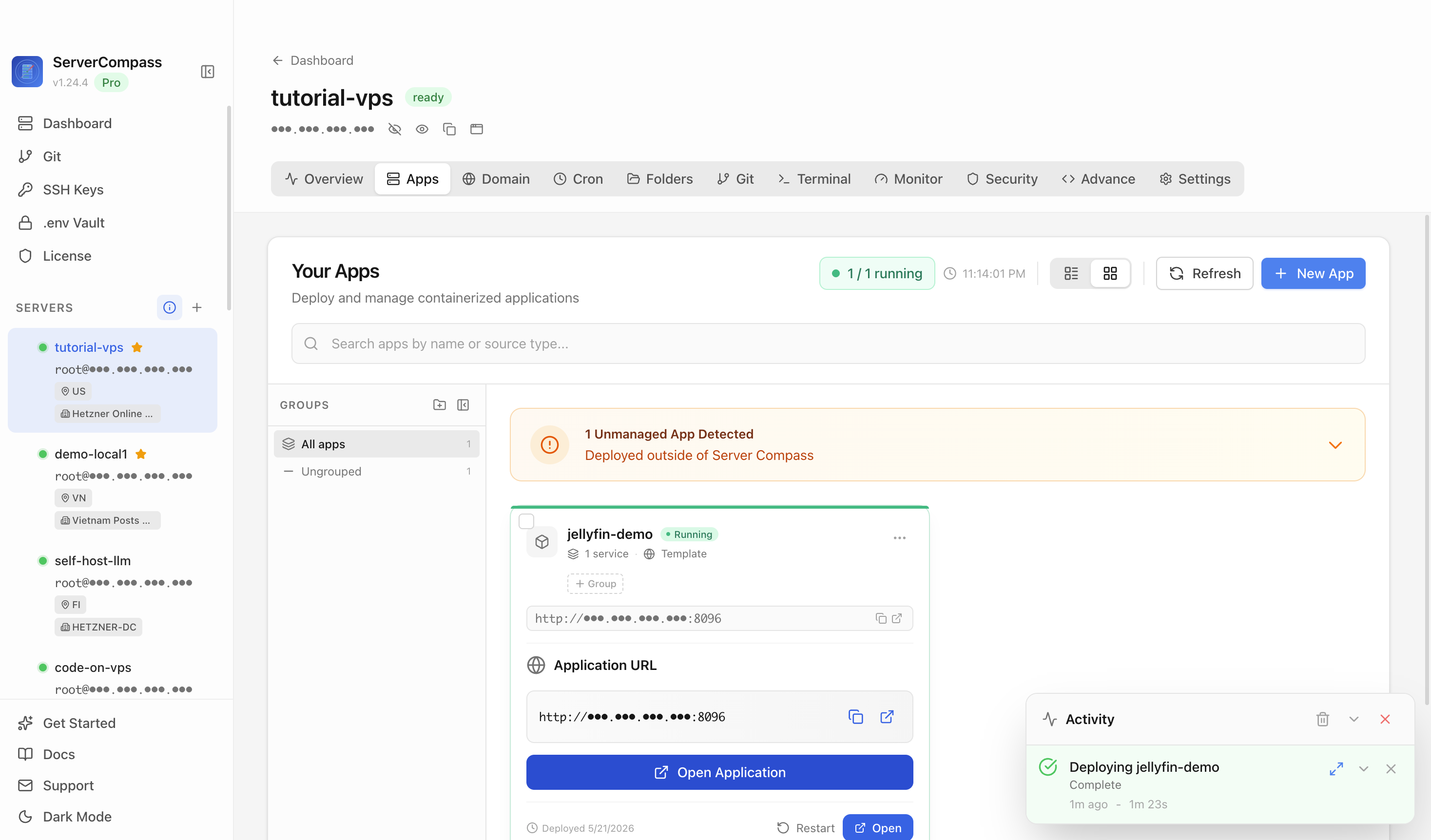
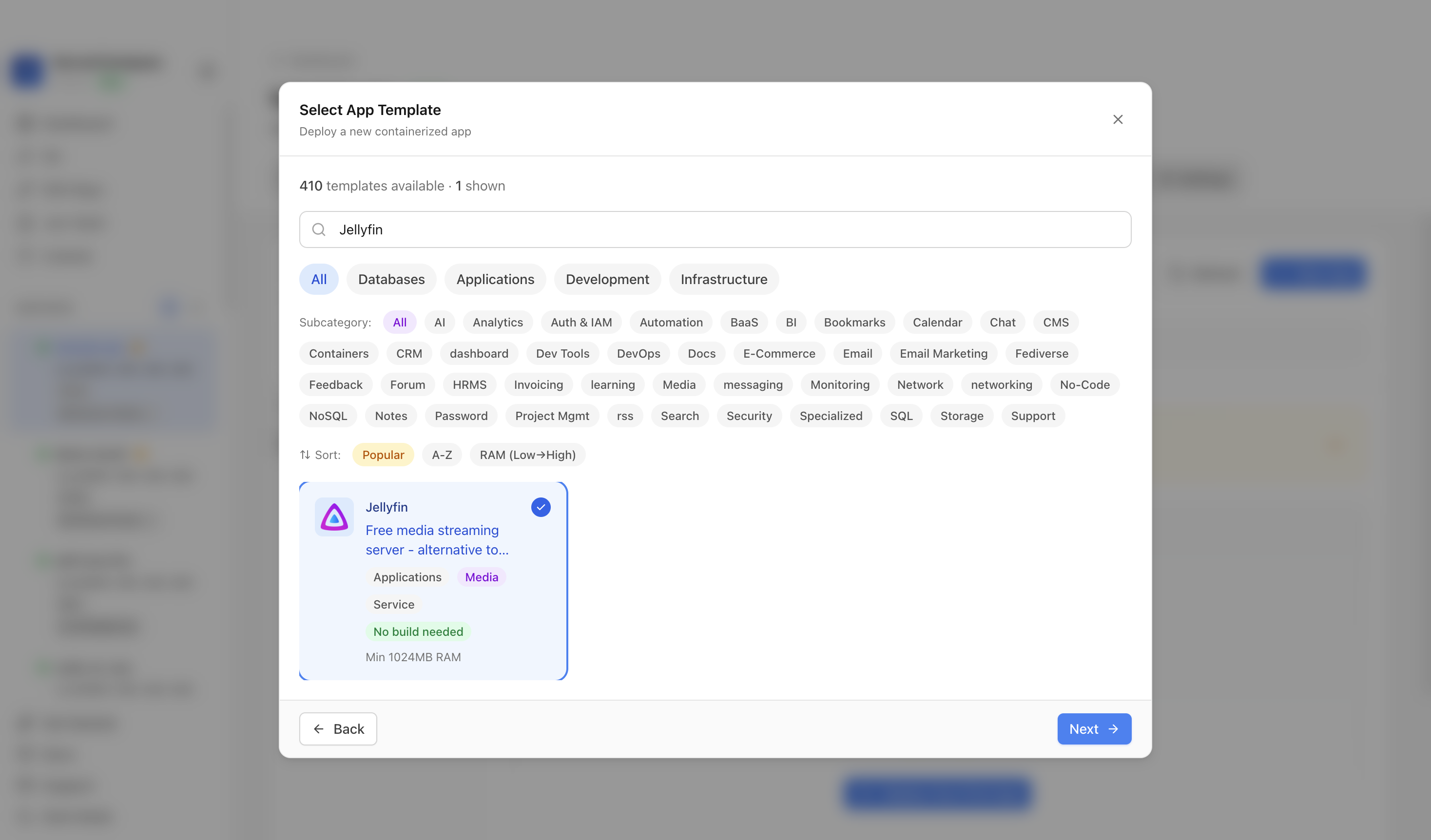 A first app deployed from a template in ServerCompass — pick it, deploy it with storage and TLS handled, and learn the concepts from a working server rather than a tutorial.
What survives growth (and what doesn't)
- Survives: the fast/bulk storage split, backups you've tested, plain-Docker skills, a real domain with TLS.
- Doesn't: app data scattered on whatever disk had room, an appliance UI you've outgrown but can't migrate off, "I'll add backups later."
Choosing for growth mostly means not painting yourself into a corner: keep data portable and keep one foot in transferable tooling.
First-server checklist
- Operating model chosen for your main use (storage/media → appliance; varied apps/learning → Docker/Proxmox).
- Fast SSD for app state, bulk disks for media — decided day one.
- One app deployed end to end with HTTPS.
- One backup configured and restored once.
- Data kept portable so the next decision isn't a trap.
Takeaway
Your first home server isn't decided by which app you install — it's decided by the operating model and the storage layout you pick around it. Choose the OS for what you'll actually do, split fast state from bulk storage on day one, and grow from one well-backed-up app. Those early calls are the ones that survive everything you add later.