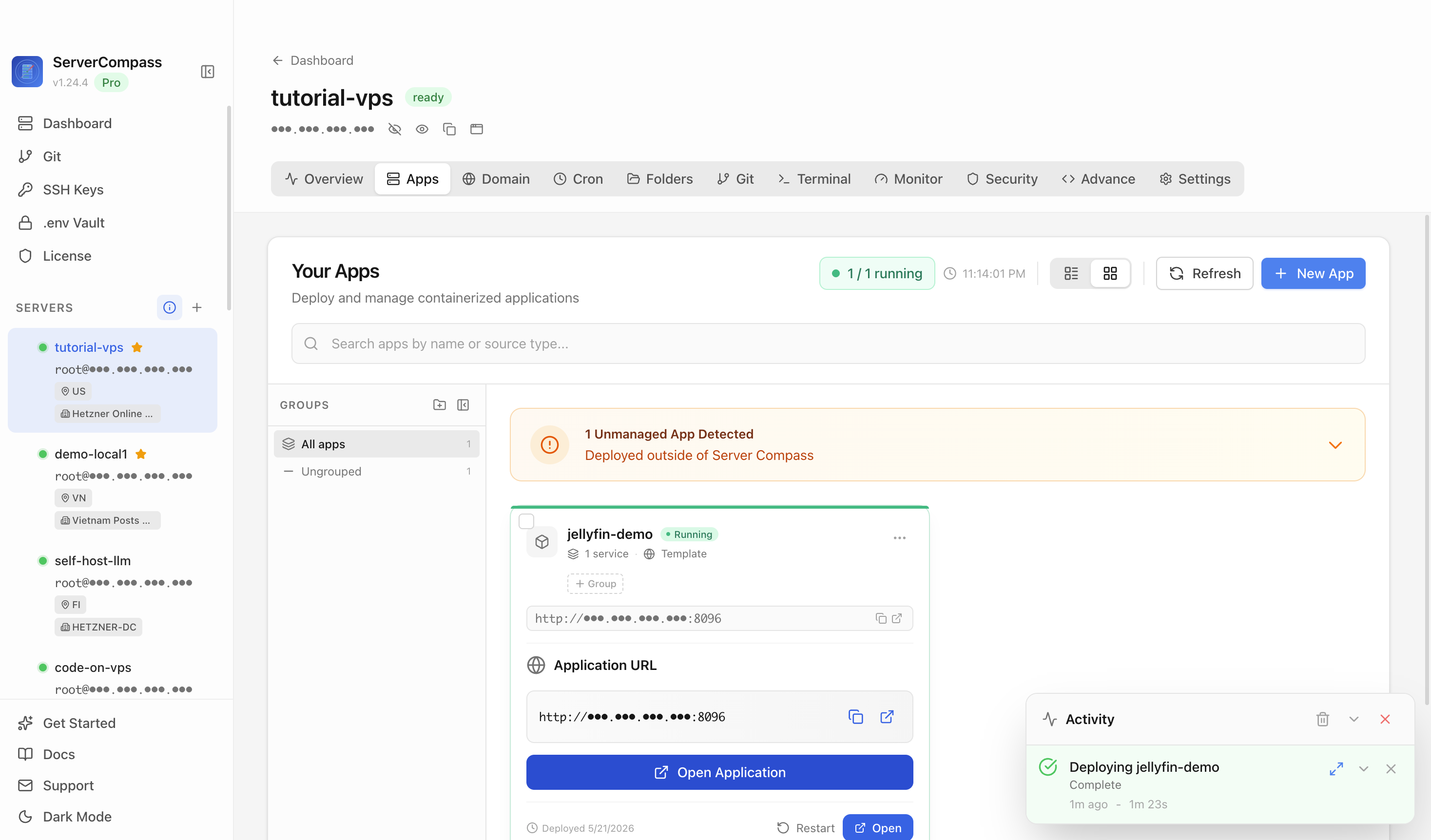
An Arr-Stack Deployment Map: Where Sonarr, Downloaders, and Jellyfin Should Live
The arr stack breaks for beginners before the first deploy — nobody tells them where the torrent client, bind mounts, and media server should actually live. A deployment map that keeps paths consistent.
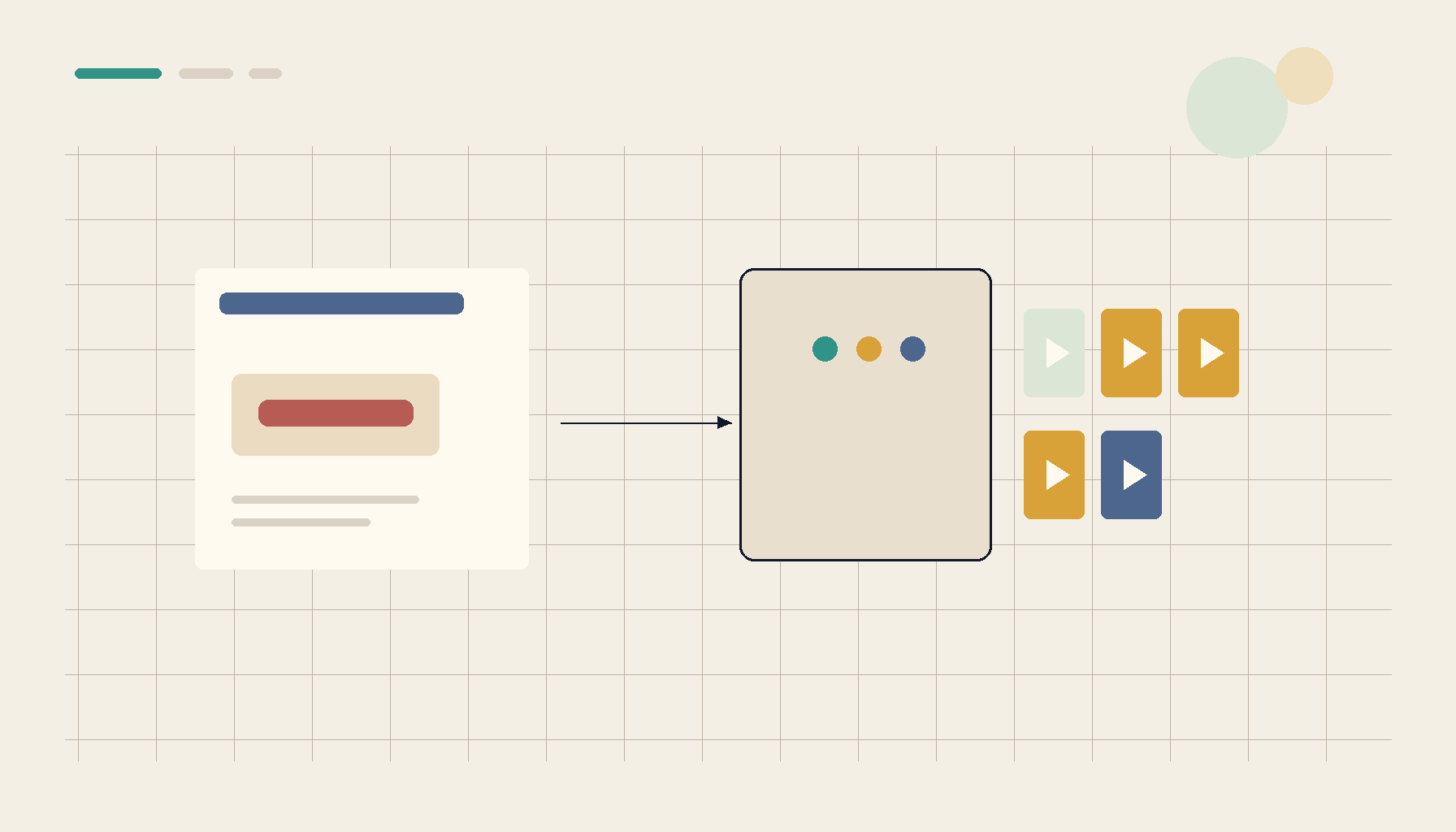
The "arr" stack — Sonarr, Radarr, Prowlarr, a download client, and a media server like Jellyfin — has a reputation for being brittle. It usually isn't the apps; it's that beginners deploy them with no map. They put each piece somewhere different, give every container its own idea of where media lives, and then spend a weekend fighting permission errors and files that won't move. Decide the deployment map first — where each service lives and, crucially, how the paths line up — and the arr stack becomes boringly reliable.
The one rule that prevents most arr-stack pain: consistent paths
The single biggest source of arr-stack misery is inconsistent path mapping between containers. If Sonarr sees the download at /downloads and Jellyfin sees the library at /media, but those map to different real folders on different filesystems, every "import" becomes a slow copy across filesystems — or fails on permissions. The fix:
- Mount one shared media root into every arr container at the same path (e.g.
/data), withtv,movies, anddownloadsunderneath it. - Keep downloads and the library on the same filesystem so completed downloads move by hardlink/atomic rename, not a cross-disk copy. This is the difference between instant imports and a thrashing disk.
Get this right and 80% of "the arr stack is broken" disappears.
Where each piece should live
The arr apps (Sonarr, Radarr, Prowlarr, Bazarr). Lightweight web services — ideal as Docker containers (or one LXC running Docker). Keep them together so they share the same media mount and network. Deploy them from templates so the config and volumes are consistent rather than hand-wired:
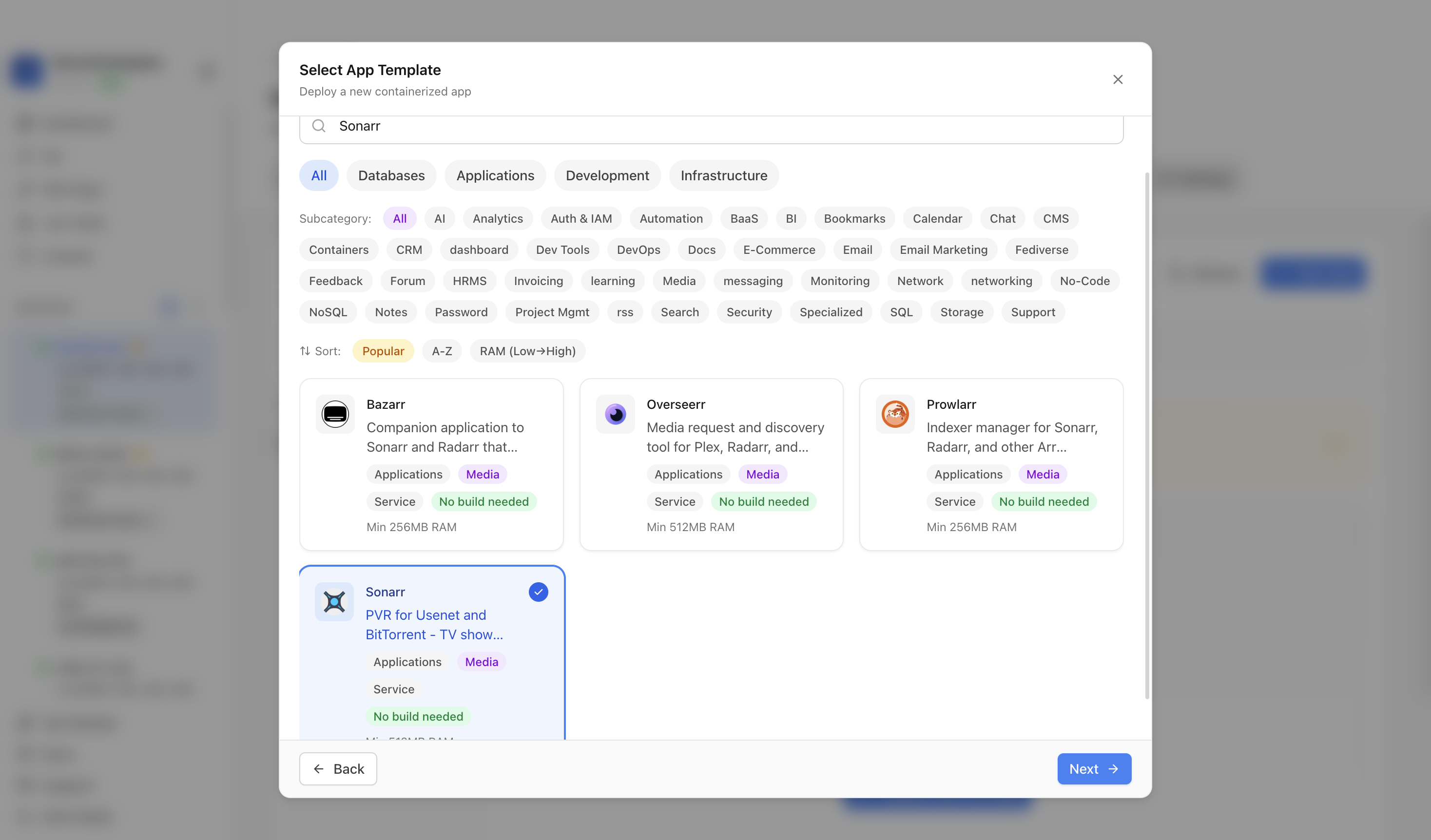 Deploying an arr app from a template in ServerCompass — Sonarr, Radarr, and Prowlarr brought up with consistent volumes so the shared media path lines up across the stack.
The download client (qBittorrent et al.). Same host, same shared /data mount, so completed downloads hardlink into the library. If it runs through a VPN, pin it to the VPN's network namespace with a kill-switch — the VPN/torrent isolation that keeps traffic from leaking.
The media server (Jellyfin/Plex). Can live alongside the arr apps or in its own LXC for GPU transcoding — but it must mount the same library path. Its deployment choices are their own decision: Compose vs Portainer vs template.
LXC vs Docker vs bare metal
- Docker (often inside one LXC on Proxmox) — the common, flexible choice; everything shares a network and the media mount cleanly.
- Separate LXCs per app — more isolation, but you must replicate the shared media mount into each, carefully, with matching UIDs.
- Bare metal — rarely worth it for the arr stack; you lose the easy, reproducible config.
For most people: one LXC running Docker Compose for the whole stack, one shared media volume, is the sweet spot.
Permissions: one UID to rule them all
The other classic failure is UID mismatch — Sonarr writes a file the download client or Jellyfin can't read. Run the stack with a consistent PUID/PGID that owns the media tree, so every app reads and writes as the same user. This is the bind-mount ownership rule applied across a whole stack.
Deployment map checklist
- One shared media root mounted at the same path in every container.
- Downloads + library on the same filesystem (hardlink imports).
- Arr apps + downloader together; media server can split for GPU.
- Consistent PUID/PGID owning the media tree.
- VPN-bound downloader with a kill-switch if used.
Takeaway
The arr stack isn't fragile — undisciplined deployments are. Map it before you deploy: one shared media path across every container, downloads and library on one filesystem for hardlink imports, consistent permissions, and a clear home for each service. Draw that map first and the stack that everyone warns you about just quietly works.