Jellyfin Docker Troubleshooting: From Library Scans That Miss Files to Reading the Logs
Most Jellyfin problems are one of three things — a library scan that won't see files, hardware transcoding that isn't, or playback that fails. A path from symptom to the right log line.
Jellyfin in Docker generates a steady stream of "it's not working" that turns out to be one of three problems wearing different masks: the library scan doesn't see your files, hardware transcoding isn't actually engaging, or playback fails for a specific client. Each has a tell, and each has a log that confirms it. Here's the path from symptom to the right line.
Problem 1: the library scan misses files
You point Jellyfin at a folder full of media and the scan finds nothing, or half. In a container it's almost always one of:
- Permissions — the path is bind-mounted but owned by a user the Jellyfin container can't read. Match the container's
PUID/PGIDto the files' owner. This is the same host-directory-ownership trap that bites every bind-mounted app. - Path mismatch — the path inside the container differs from the host path you think you set. Jellyfin scans the container path; verify what it actually sees, not what's on the host.
- Naming — Jellyfin needs recognizable
Show/Season/EpisodeorMovie (Year)structure. Files it can't parse get skipped silently.
Confirm in the scan log: it lists what it found and what it skipped. Read that before guessing.
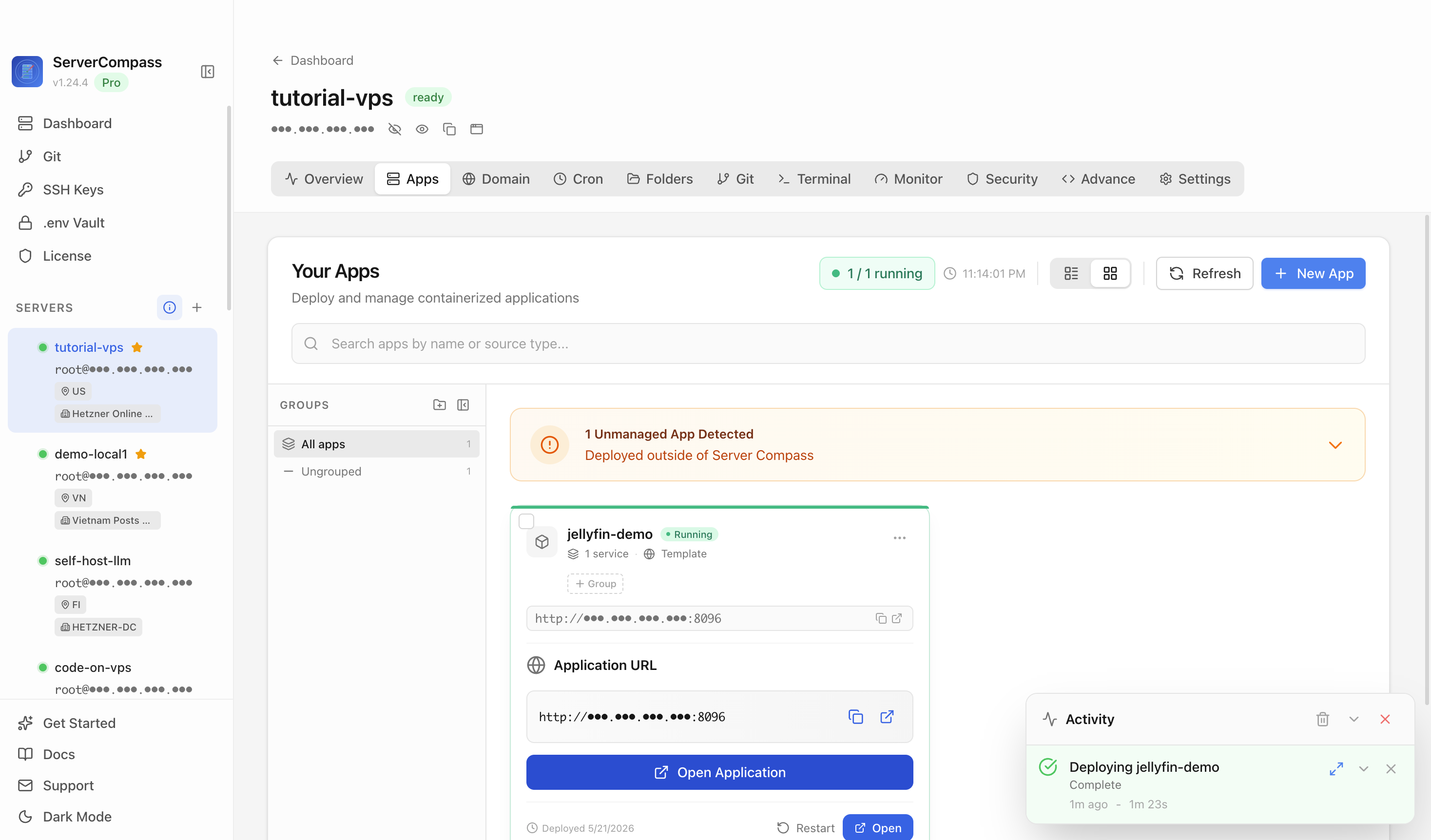
Problem 2: hardware transcoding that isn't
The CPU melts during playback and you thought you enabled hardware transcoding. Two checks:
- The render device is actually passed into the container (
/dev/dripresent) and the Jellyfin user is in the right group — the persistent GPU passthrough setup for Proxmox media servers. - The playback log shows the hardware encoder being used, not
libx264(software). If it says software, the device or the codec settings aren't right.
Best of all: arrange direct play so most sessions don't transcode at all.
Problem 3: playback fails on one client
It plays on the TV, fails on the phone (or vice versa). That's almost always a codec/container the client can't handle, forcing a transcode that then fails or stutters. The playback log names the source and target formats — read it and you'll see exactly where the conversion broke.
Reading Jellyfin's logs (the actual skill)
The recurring lesson: stop guessing, read the log. Jellyfin's logs are detailed and most "mystery" issues are stated plainly in them.
- Scan issues → the library scan log (what was found/skipped/errored).
- Playback/transcode issues → the FFmpeg/playback log (source format, target, encoder).
- Container won't start / crashes →
docker logsfirst, then the app log.
This logs-process-IO troubleshooting flow generalizes well beyond Jellyfin — see container-first Linux troubleshooting.
Troubleshooting checklist
- Scan finds nothing → PUID/PGID and the container path; check the scan log.
- CPU pinned on playback →
/dev/dripresent; playback log shows hw encoder. - Fails on one client → codec/container mismatch in the playback log.
- Always: read the relevant log before changing settings.
Takeaway
Jellyfin troubleshooting is mostly three problems and one habit. Fix scans with permissions, container paths, and naming; fix transcoding by verifying the device is passed in and the log shows the hardware encoder; fix client playback by reading the format mismatch in the log. The habit — read the log first — solves more than any setting you'll toggle blindly.