A Safer Reverse-Proxy Decision Tree for Self-Hosted Media Apps
Should Jellyfin and Immich be public behind a reverse proxy, private over a VPN, or both? A decision tree that weighs privacy, family access, and streaming bandwidth instead of guessing.
"Should I put Jellyfin behind a reverse proxy and make it public, or keep it private over a VPN?" is the most-asked self-hosted media question, and the answer is genuinely "it depends" — but on a small number of things you can decide in five minutes. The mistake is answering it by copying someone else's setup whose priorities weren't yours. Here's a decision tree that weighs the factors that actually matter: who needs access, how private the content is, and how much bandwidth the streams need.
First, the three factors
- Who needs in? Just you and devices you control? Or family/friends who won't install a VPN client?
- How sensitive is the content? A movie library is different from a private photo collection where every frame is personal.
- How heavy is the traffic? High-bitrate video streaming is bandwidth-hungry; a photo timeline is light by comparison.
The decision tree
Only you, on devices you control → VPN-only. No public exposure at all. Run WireGuard/Tailscale, require the VPN to reach the app, and you've got the smallest possible attack surface. Perfect for a private Immich.
Family/friends who won't run a VPN → public, behind a reverse proxy, with auth. They need a clean https:// URL that just works. Put the app behind a reverse proxy with TLS and an authentication layer — never rely on the app's login alone for something internet-facing. Mind the app-specific settings (upload size, WebSockets, timeouts) in Immich behind a reverse proxy; they apply to any media app.
Private content + a few trusted people → mesh share, not public. Tailscale (or Headscale) lets you share access to specific people without opening the app to the internet — the middle ground that keeps a private photo library off the public web while still sharing it. The fleet-access patterns cover this.
Behind CGNAT (no inbound port) → VPS relay or tunnel. Your ISP removed the public port, so accept connections elsewhere. The full menu — VPS reverse-proxy relay, Cloudflare Tunnel (watch plaintext for media), Tailscale Funnel — is in reaching apps behind CGNAT.
The privacy rule that overrides convenience
For private media, don't let an external edge that terminates TLS see your content in plaintext. A movie catalog through a third-party proxy is one risk calculus; your family photos are another. Keep TLS terminating on hardware you control (your VPS or your box) for anything sensitive — even if a hosted tunnel would be one click easier.
The bandwidth reality
Public Jellyfin streaming runs real video through whatever's in the path. A VPS relay pays for that egress; a direct (CGNAT-free) connection doesn't. Size for direct play over transcoding to cut bandwidth, and don't route heavy streams through a tunnel that throttles or bills them.
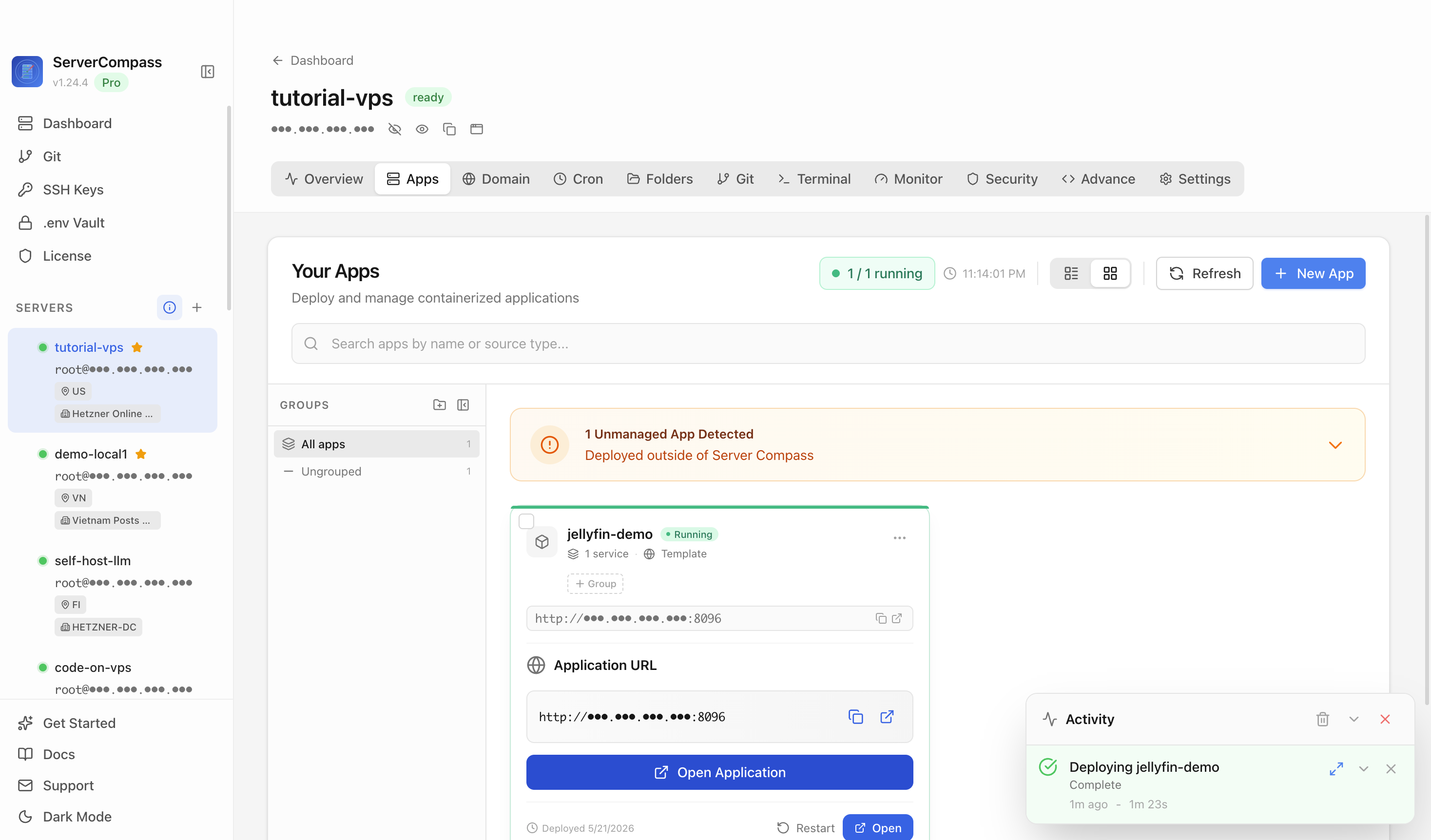
Planning media access in ServerCompass — matching the exposure model to who needs in and how private the library is, rather than copying a stranger's reverse-proxy config.
Quick chooser
- Just me → VPN-only.
- Non-technical family → public reverse proxy + auth + TLS.
- Private content, few people → mesh share, not public.
- Behind CGNAT → VPS relay / tunnel (TLS you control for private media).
- Heavy streaming → prefer direct play; mind egress.
Takeaway
There's no universal right answer for exposing media apps — but there's a right answer for your three factors. Decide who needs access, how private the content is, and how heavy the streams are, then follow the tree. VPN-only for you, authenticated reverse proxy for family, mesh shares for private content, a relay for CGNAT — chosen on purpose, not copied.
From across the StoicSoft network
Hand-curated reads on the same topic from sister sites in the StoicSoft family.