Lost HTTPS After a Network Change? A SWAG and Let's Encrypt Recovery Checklist
Immich or Jellyfin loses HTTPS after an ISP change or a simple network move, and the SWAG logs are a wall of ACME errors. A recovery checklist that starts at DNS and ends at a renewed cert.

It's a familiar homelab horror: everything worked, you changed one network thing — switched ISPs, your ISP rotated your IP, you moved the proxy to a new VLAN — and now Immich and Jellyfin throw certificate errors. The SWAG container's logs are a wall of ACME failures. Reverse proxies feel fragile in exactly these moments because HTTPS depends on a chain (DNS → reachability → ACME → cert → proxy) and a network change can quietly break any link. The recovery is methodical, not magic: walk the chain from the bottom up.
Why a small network change breaks HTTPS
The certificate didn't expire because the proxy is bad — it failed to renew because the renewal needs the same conditions the initial issuance did: a domain pointing at you, a reachable challenge path, and working container networking. Change your public IP or a port and any of those can silently lapse. This is the same chain the Traefik-plus-Cloudflare edge depends on; SWAG just surfaces it differently.
Step 1: DNS — does the name still point at you?
Start at the bottom. After an ISP change your public IP likely changed:
- Check that your domain's A record points at your current public IP. If you use dynamic DNS, confirm the updater actually ran.
- If you're behind CGNAT now (some ISP changes drop you behind it), inbound DNS-to-port won't work at all — that changes the whole approach.
Step 2: port reachability — can the challenge reach you?
The HTTP-01 ACME challenge needs port 80 reachable from the internet:
- Confirm the new router/ISP forwards 80 (and 443) to the proxy. An ISP that blocks 80 breaks HTTP-01 entirely.
- If 80 is genuinely unavailable, switch SWAG to the DNS-01 challenge (validate via a DNS TXT record through your provider's API) — it doesn't need any inbound port and also enables wildcards. This is often the permanent fix after an ISP gets stricter.
Step 3: read the ACME logs for the actual reason
SWAG logs the real failure — read it instead of guessing:
- "Connection refused"/timeout → reachability (Step 2).
- "DNS problem"/NXDOMAIN → DNS (Step 1).
- "too many certificates"/rate limit → you retried too hard; wait, then fix the root cause once.
The logs name the broken link; the read-the-log-first habit applies here as much as anywhere.
Step 4: container networking and the proxy itself
If DNS and ports are fine, suspect the layer SWAG lives in:
- The proxy container can reach the app containers (right Docker network, right names).
- App-specific proxy settings are intact — the Immich-behind-a-reverse-proxy edge cases (upload size, WebSocket upgrade, forwarded headers) often look like "HTTPS broke" when really the proxy→app hop changed.
Step 5: force a clean renewal and verify
Once the chain is repaired, force a renewal rather than waiting:
- Trigger SWAG's renewal and watch the log for a success, not just a restart.
- Confirm the cert's new dates and that the app loads over HTTPS on a real client (the mobile app, not just curl).
- Make sure renewal reloads the proxy automatically going forward — the renew-and-reload trap.
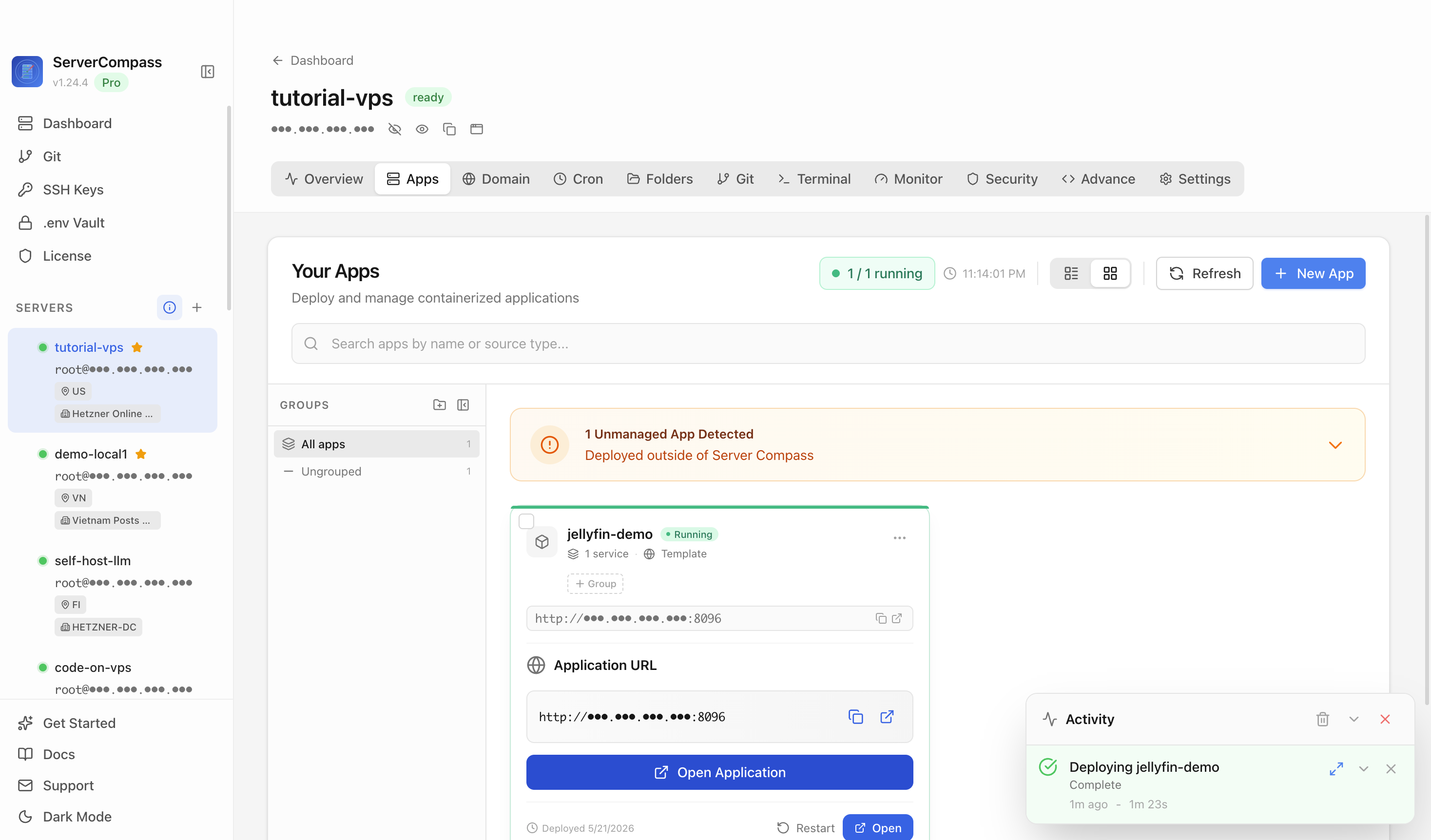
Walking the DNS → reachability → SSL chain in ServerCompass — the same ordered checklist that recovers a SWAG/Let's Encrypt setup after a network change.
Recovery checklist
- DNS A record points at the current public IP (dynamic DNS updated).
- Ports 80/443 forwarded; if 80 is blocked, switch to DNS-01.
- ACME log read for the specific failure reason.
- Proxy→app container networking and per-app settings intact.
- Renewal forced, new cert verified on a real client, auto-reload confirmed.
Takeaway
HTTPS breaking after a network change isn't a fragile proxy — it's a broken link in the DNS → reachability → ACME → cert chain. Walk it from the bottom: fix the DNS, restore reachability (or switch to DNS-01), read the ACME log, check container networking, then force and verify a renewal. Methodical beats magic, and the chain comes back every time.
From across the StoicSoft network
Hand-curated reads on the same topic from sister sites in the StoicSoft family.