Traefik Migrations Keep Failing at the Edge Where Cloudflare and App Routing Meet
Moving to Traefik breaks in a predictable place: the seam between Cloudflare's edge and Traefik's routing — redirect loops, wrong client IPs, and certs that won't issue. How to fix the seam.

Migrating to Traefik usually goes smoothly right up to one place: the edge, where Cloudflare sits in front and Traefik does the routing behind it. That seam is where the predictable failures cluster — infinite HTTPS redirect loops, every visitor showing up as a Cloudflare IP, and ACME certificates that refuse to issue. None of them mean Traefik is wrong; they mean the two layers disagree about who terminates TLS and where the real client is. Fix the seam and the migration completes.
Failure 1: the infinite redirect loop
You enable "redirect HTTP to HTTPS" in both Cloudflare and Traefik, set Cloudflare's SSL mode to Flexible, and the browser bounces forever. Flexible means Cloudflare talks HTTP to your origin, but Traefik then redirects that to HTTPS, which Cloudflare downgrades again — a loop. The fix:
- Set Cloudflare SSL to Full (strict) so it speaks HTTPS to Traefik end to end.
- Let Traefik hold a valid cert (real, or a Cloudflare Origin cert) so "strict" validates.
- Don't double-redirect: pick one layer to enforce HTTPS.
This is the single most common Traefik-behind-Cloudflare bug.
Failure 2: every client looks like Cloudflare
Behind the orange cloud, your app sees Cloudflare's IPs as the client — breaking rate limits, geo logic, and logs. Traefik must trust Cloudflare's forwarded headers:
- Configure Traefik's
forwardedHeaders.trustedIPs(or the proxy protocol) with Cloudflare's IP ranges so it reads the realCF-Connecting-IP/X-Forwarded-For. - Then your app sees actual visitors, not the CDN — the same
X-Forwarded-*discipline that Immich behind a reverse proxy needs to build correct URLs.
Failure 3: ACME certs won't issue
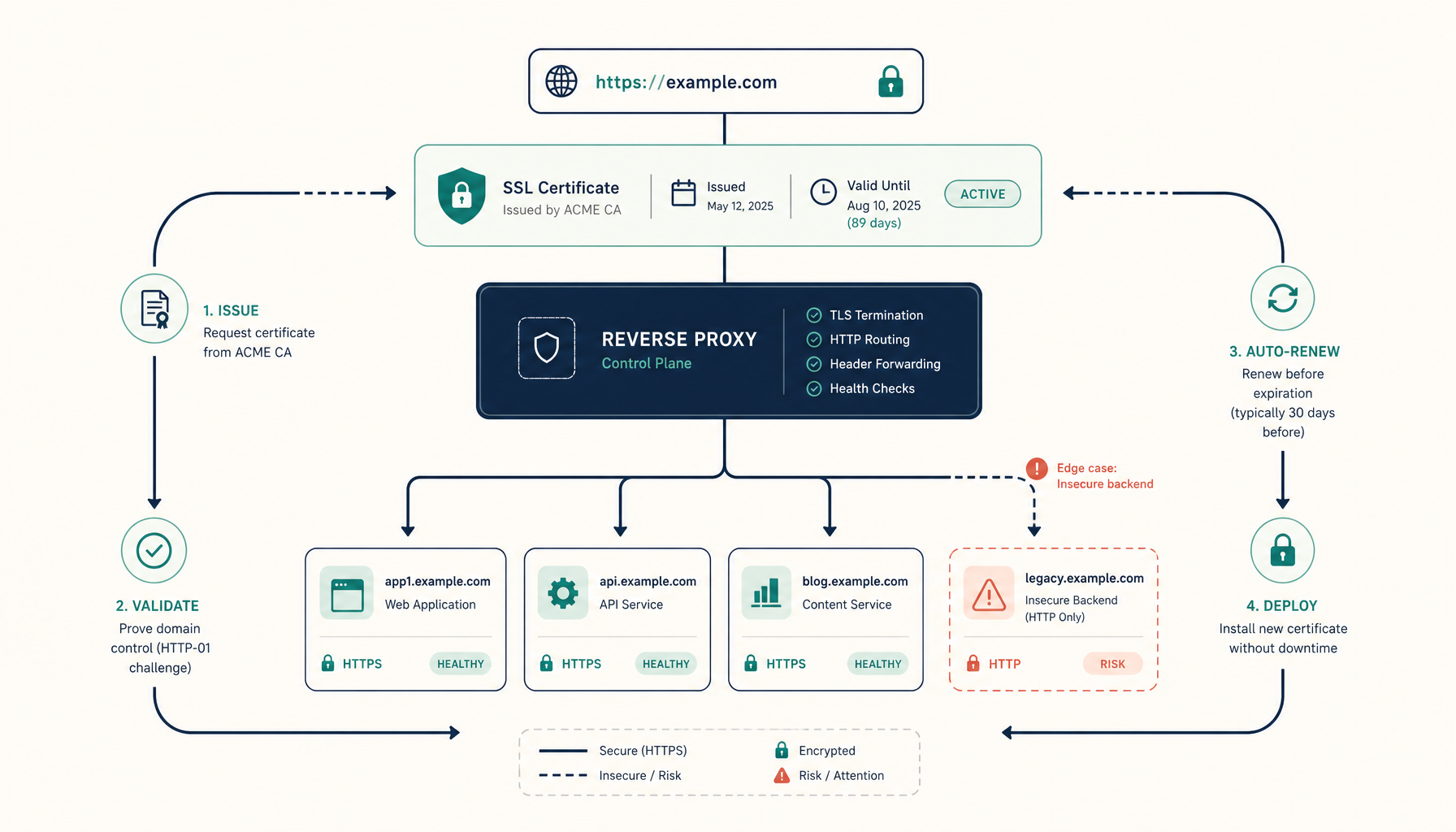
Traefik's default HTTP-01 challenge needs Let's Encrypt to reach your origin on port 80 — but Cloudflare's proxy intercepts it, and the challenge fails. Two fixes:
- Use the DNS-01 challenge via Cloudflare's API, so issuance doesn't depend on inbound HTTP at all (also the only way to get wildcard certs).
- Persist
acme.jsonso a migration/rebuild doesn't reissue everything and hit rate limits.
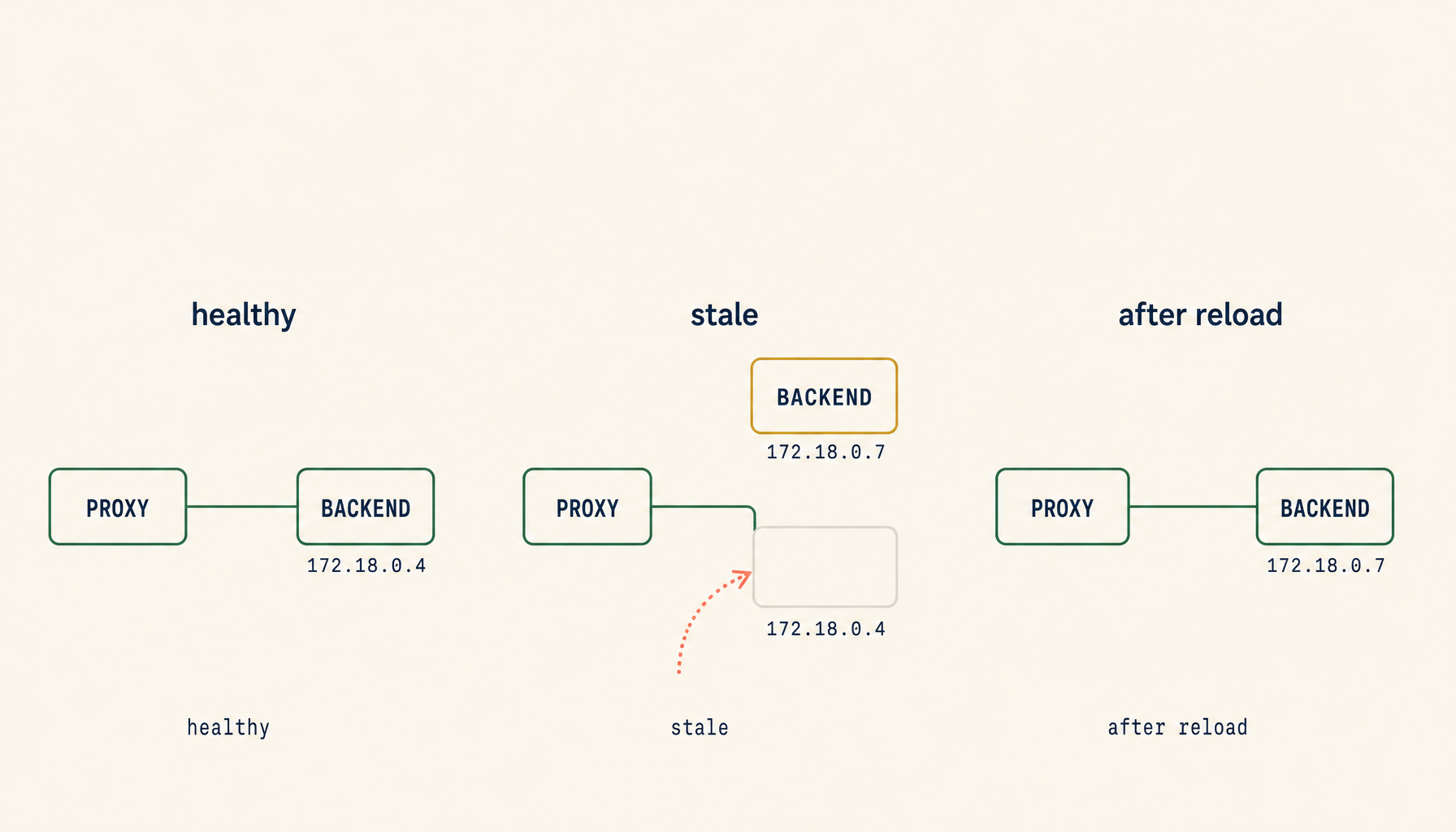
Make sure renewal actually reloads — the renew-and-reload trap bites here too.
Failure 4: routing rules that worked in nginx don't map cleanly
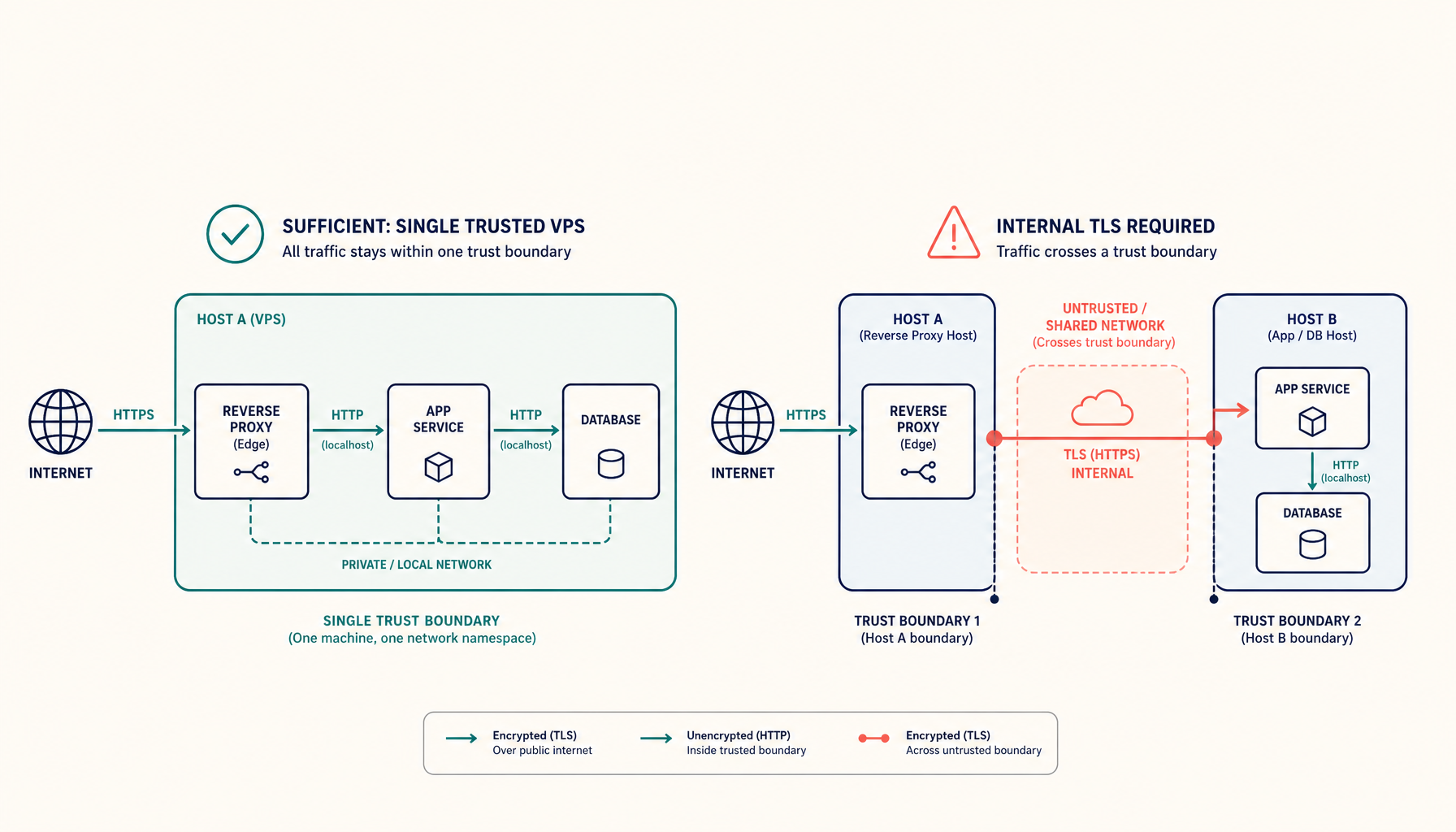
Traefik's label/router model is different from an nginx server block, and migrations often mis-translate path priorities and host rules. Verify each route explicitly after the move rather than assuming parity — the general edge TLS vs end-to-end reasoning helps decide where TLS should actually terminate.
Migration checklist
- Cloudflare SSL = Full (strict); HTTPS enforced in one layer only.
- Traefik holds a valid/origin cert.
-
forwardedHeaders.trustedIPsset to Cloudflare ranges (real client IP restored). - DNS-01 ACME via Cloudflare API;
acme.jsonpersisted; renewal reloads. - Every route re-verified, not assumed from the old config.
Takeaway
Traefik migrations don't fail in Traefik — they fail at the Cloudflare seam. Set SSL to Full (strict) and stop double-redirecting, teach Traefik to trust Cloudflare's forwarded IPs, switch ACME to the DNS challenge, and re-verify your routes. Align the two layers on who terminates TLS and where the client really is, and the edge stops fighting you.
From across the StoicSoft network
Hand-curated reads on the same topic from sister sites in the StoicSoft family.
 Deploy Handbook9 min read
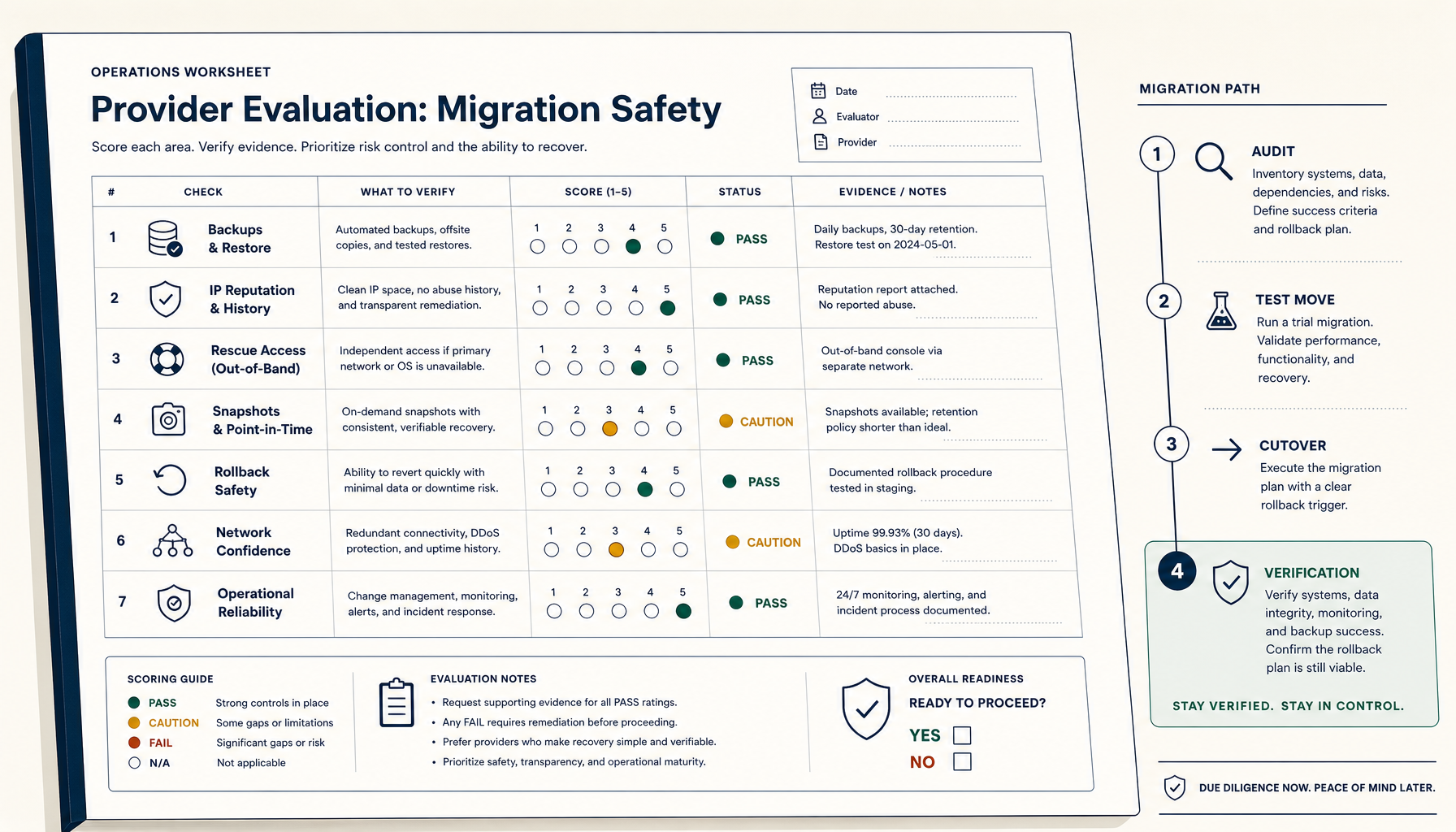
How to Evaluate a VPS Provider for Migration Safety (Not Just Price)
Most VPS migration disasters trace to the workflow, not the destination. The seven verifications and four-phase migration playbook.
Read on stoicvps.com/handbook- Deploy Handbook8 min read
EU-Based Cloudflare Alternatives: Reverse Proxy, SSL Termination, and No-Ingress Edge Security
EU teams asking for a Cloudflare alternative usually want edge security under EU jurisdiction. A grouped comparison of EU CDNs, self-hosted EU edges, and no-ingress tunnels — and how to choose.
Read on stoicvps.com/handbook