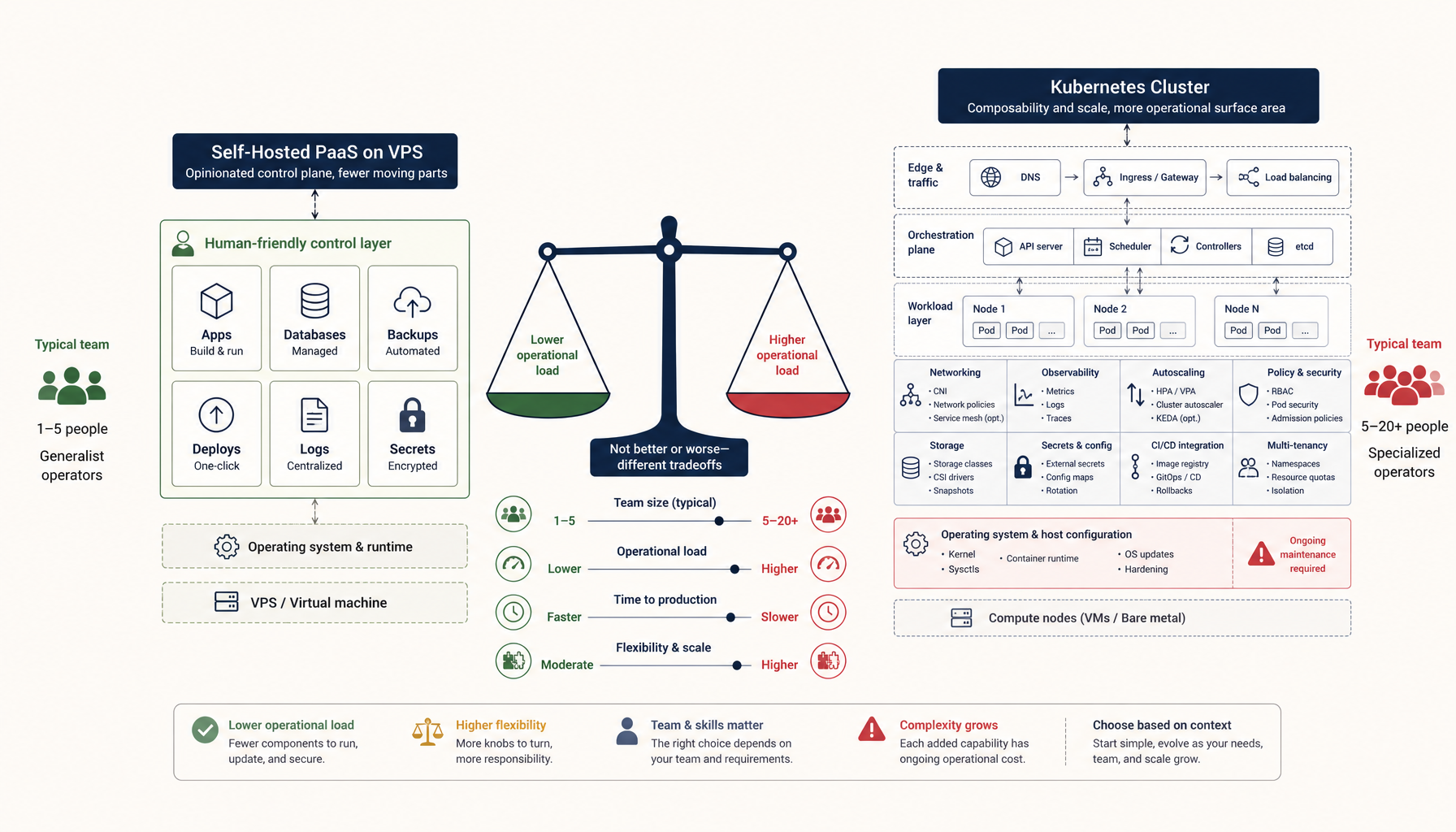
Coolify vs Dokploy: Self-Hosted PaaS Comparison
Both let you run your own Heroku. Which one should you pick for your VPS?
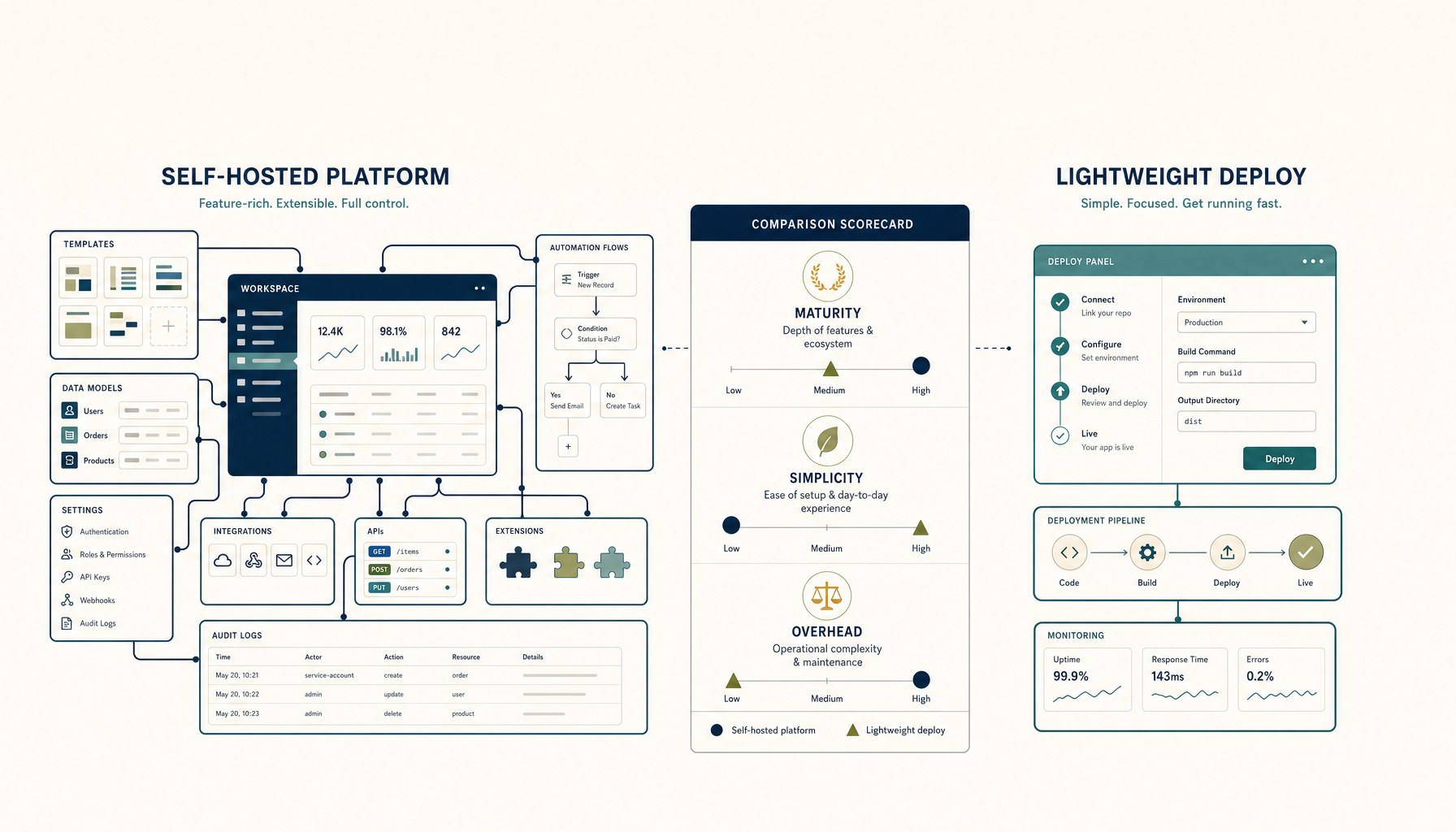
Quick answer: Coolify is the more mature option with better app templates and a larger community. Dokploy is simpler and lighter if you want minimal overhead.
Comparison Table
| Criteria | Coolify | Dokploy |
|---|---|---|
| Maturity | 3+ years, v4 stable | Newer, rapidly developing |
| App templates | 100+ one-click apps | Growing catalog |
| Docker support | Full Docker Compose | Docker Compose |
| Git integration | GitHub, GitLab, Bitbucket | GitHub, GitLab |
| SSL certificates | Let's Encrypt auto | Let's Encrypt auto |
| Database management | Built-in PostgreSQL, MySQL, etc. | Docker-based |
| Team features | Multi-user, permissions | Basic multi-user |
| Resource usage | ~500MB RAM | ~200MB RAM |
| Open source | Yes (AGPL) | Yes (MIT) |
Coolify Overview
Coolify positions itself as a "self-hosted Heroku/Netlify alternative." It's been around longer and has more features.
Strengths
- Mature and stable. Version 4 is production-ready with years of development behind it.
- Rich app catalog. Over 100 one-click deployable applications.
- Better database management. Built-in support for creating and managing databases.
- Active community. Larger Discord, more GitHub activity, better documentation.
- Webhooks and notifications. Slack, Discord, email notifications built-in.
Weaknesses
- Higher resource usage. Needs more RAM to run comfortably (~500MB+).
- More complex. More features means more to learn and configure.
- AGPL license. Some teams prefer MIT for legal simplicity.
Best for
- Teams that want a full-featured PaaS experience
- Projects needing many one-click apps
- Users who value community and documentation
Dokploy Overview
Dokploy is a newer, lighter alternative focused on simplicity.
Strengths
- Lightweight. Uses less RAM and CPU than Coolify.
- Simpler interface. Fewer features, but easier to understand.
- MIT licensed. More permissive for commercial use.
- Fast iteration. Actively developed with frequent updates.
Weaknesses
- Smaller ecosystem. Fewer one-click apps and integrations.
- Less mature. Newer project, still evolving.
- Smaller community. Less documentation and community support.
Best for
- Developers who want minimal overhead
- Smaller projects with simpler needs
- Those who prefer MIT-licensed software
When to Pick Coolify
Pick Coolify if:
- You want the most mature self-hosted PaaS option
- You need a large catalog of one-click apps
- You value community support and documentation
- You need team features with permissions
When to Pick Dokploy
Pick Dokploy if:
- You want a lighter, simpler solution
- You're running on a smaller VPS
- You prefer MIT licensing
- You only need basic deployment features
Verdict
Coolify is the winner for most teams.
It's more mature, has better app templates, and a larger community. The extra resource usage is worth it for the features and stability.
Pick Dokploy if you specifically need something lighter or prefer the simpler approach.
Where to go next
Tutorials:
Related comparisons:
ServerCompass:
From across the StoicSoft network
Hand-curated reads on the same topic from sister sites in the StoicSoft family.
 Deploy to VPS25 min read
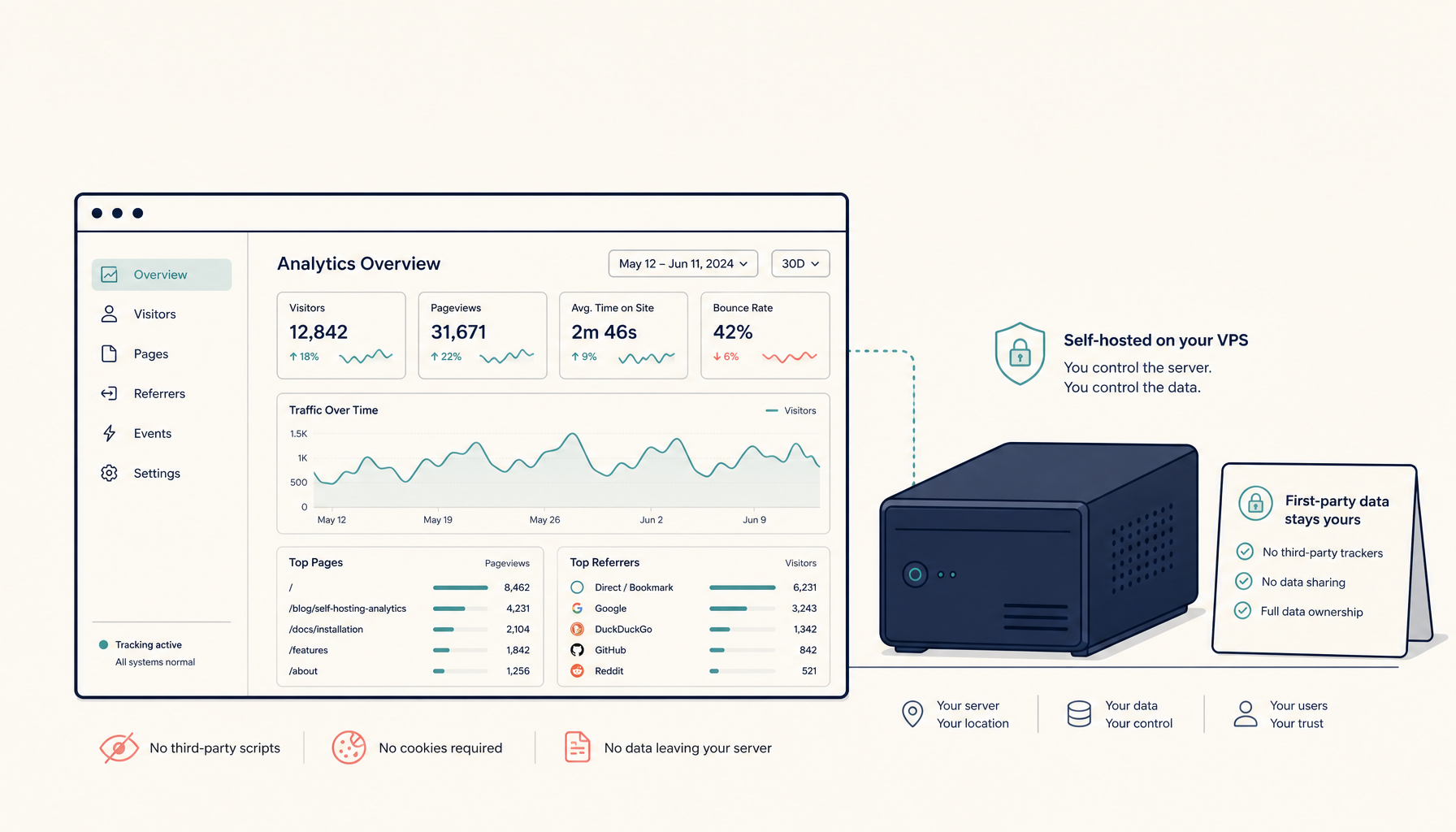
How to Self-Host Plausible Analytics on a VPS (Production Setup)
Run Plausible Analytics on your own VPS. Privacy-friendly, lightweight analytics without monthly fees.
Read on deploytovps.com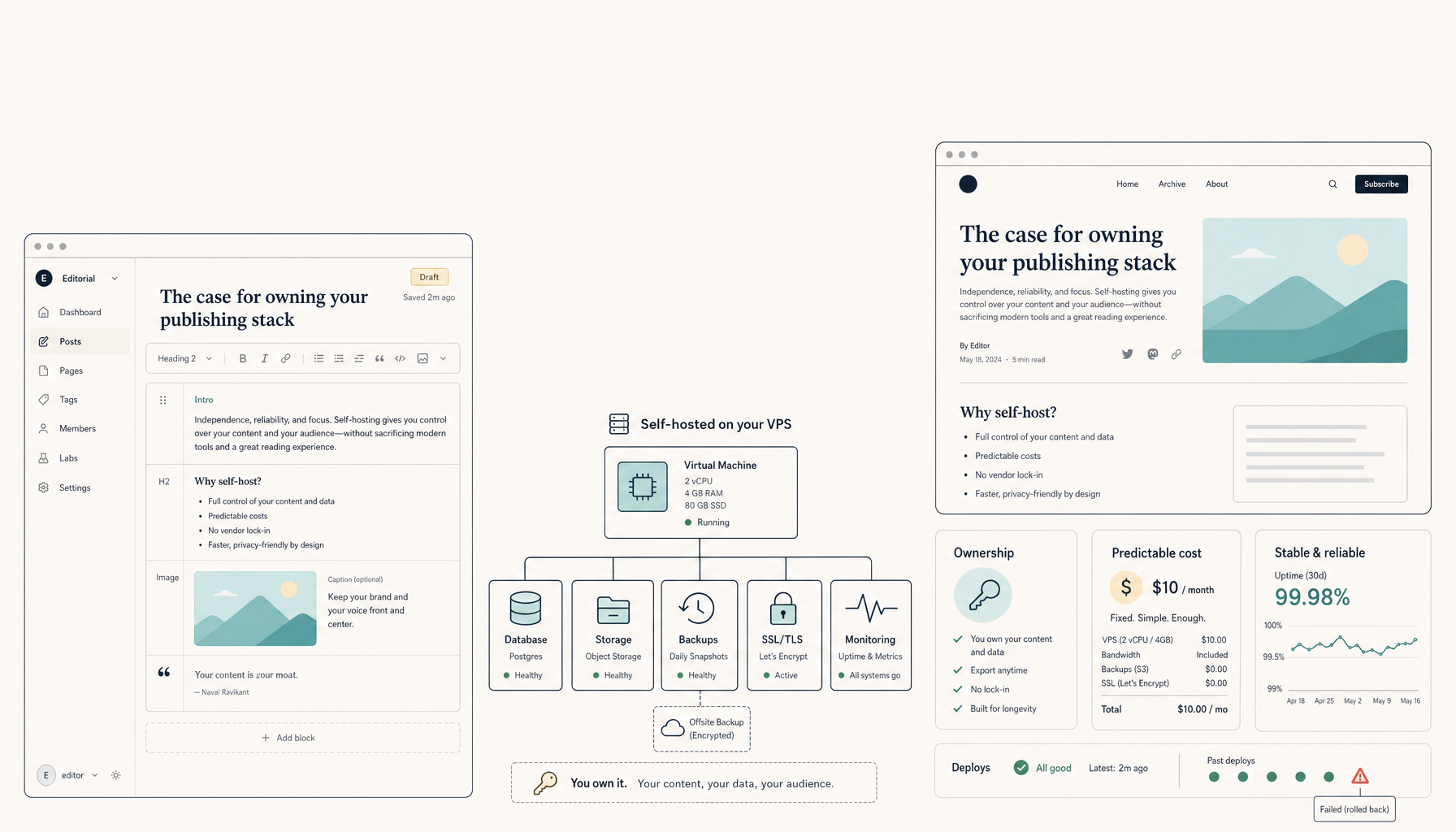 Deploy to VPS25 min read
How to Self-Host Ghost CMS on a VPS (Production Setup)
Run Ghost CMS on your own VPS. Professional publishing platform without subscription fees.
Read on deploytovps.com