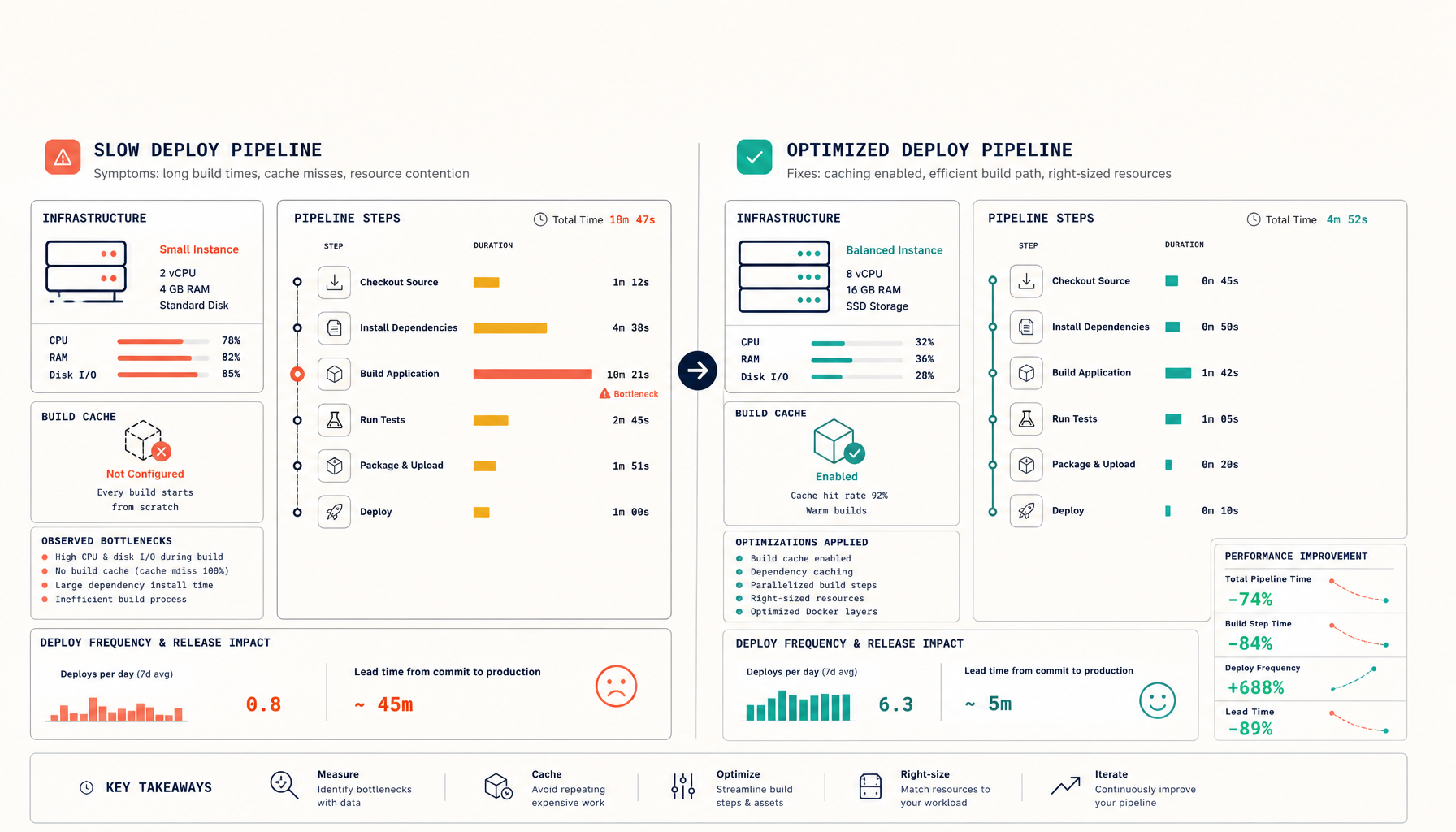
Coolify vs Kubernetes: Which Is Production-Ready for Your Team?
Coolify and Kubernetes live at opposite ends of an operational complexity scale. The honest sizing decision (it isn't binary).
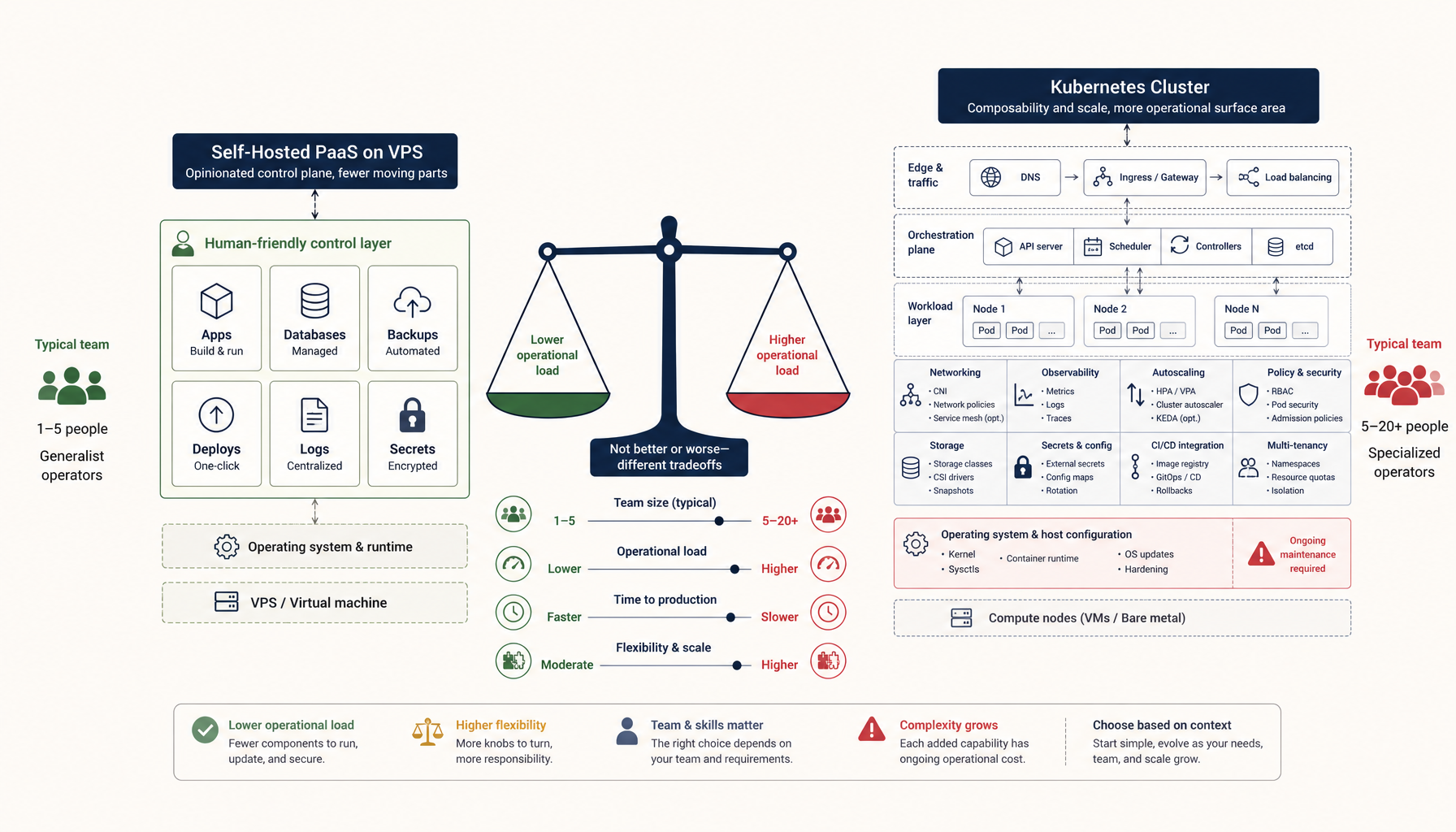
"Should I use Coolify or Kubernetes in production?" is one of the most common deployment questions on subreddits like r/selfhosted and r/devops. The wording suggests a binary choice — but the framing is wrong.
These two tools live at opposite ends of an operational complexity scale. Picking between them isn't a technical decision; it's a sizing decision. The question is what kind of operational load your team can absorb without losing the plot of why you're shipping software in the first place.
Here's the honest comparison.
What each tool actually is
Coolify is a self-hosted PaaS, similar in shape to Heroku or Render. It runs on a single VPS (or a small cluster), provisions Docker containers, handles SSL via Traefik, and deploys from a Git push.
Kubernetes is an orchestration platform that runs containers across many nodes, with rich primitives for scheduling, networking, secrets, and stateful workloads.
Saying "Coolify or Kubernetes" is like saying "a Honda Civic or a freight train." Both move things. The choice depends on what you're moving and how often.
When Coolify is the right answer
You should pick Coolify (or a similar single-host PaaS like Dokploy, CapRover, or Plesk) when:
- Your traffic fits on one server. Most B2B SaaS apps with up to 50,000 monthly users fit easily on a $30-$100/month VPS.
- You don't have a dedicated platform/infra engineer. Coolify can be operated as a side activity by an application engineer. Kubernetes cannot.
- Your services are mostly stateless web apps + a few databases. This is the sweet spot.
- Cost matters more than cloud-native ergonomics. A single $50/month VPS running Coolify replaces a $400/month managed Kubernetes cluster for many workloads.
- You don't need geographic redundancy. If your users are in one region, you don't need a multi-region setup.
- You're early-stage and need to iterate on the product, not the infrastructure.
A typical Coolify deployment looks like one VPS with 2-8 vCPUs, 8-32 GB RAM, hosting 5-20 services (web app, API, cron, Redis, Postgres, observability stack), and serves real production traffic for months without pager events.
When Kubernetes earns its complexity
You should pick Kubernetes when:
- You actually need horizontal scaling across nodes. Single-host limits become real (one machine's RAM/CPU/disk).
- You have stateful workloads with HA requirements that aren't trivially solvable on one machine (e.g. Postgres with synchronous replicas across regions).
- You have a dedicated platform team. Operating Kubernetes well requires people who think about it as a product, not a tool.
- You need rich multi-tenancy — namespaces, RBAC, resource quotas across many teams.
- Your traffic is large enough that the per-pod efficiency matters. Below a certain scale, the orchestration overhead is bigger than the wins.
- Your compliance or contracts require multi-AZ / multi-region, and Kubernetes is the standard your auditors recognise.
A "real" Kubernetes deployment is rarely just a control plane and a few worker nodes. It includes ingress (NGINX/Traefik on K8s), cert-manager, observability (Prometheus + Grafana), secrets management (External Secrets Operator), GitOps (ArgoCD or Flux), and at least one full-time engineer who knows how it all fits together.
The honest comparison table
| Concern | Coolify | Kubernetes |
|---|---|---|
| Setup time | 30 min | 2-30 days for production-grade |
| Recovery from total host failure | Manual (restore from backup) | Automated (pod reschedules) |
| Multi-region | Not native | Supported, but complex |
| Secrets management | Env vars in UI | First-class (with External Secrets) |
| Cost at small scale | $30-$100/mo VPS | $200-$1000+/mo cluster |
| On-call burden | Low (occasional) | Medium-high |
| Required skill set | Docker, Linux ops | Above + K8s primitives |
| Vendor lock-in | None (Docker compose underneath) | Some (CRDs, operator patterns) |
The middle path most people miss
For teams that have outgrown a single VPS but aren't ready for Kubernetes, the middle path is managed Kubernetes (EKS, GKE, AKS, DigitalOcean Kubernetes) with conservative configuration:
- Two or three nodes.
- A small set of well-known charts (Helm).
- A managed database service (RDS / Cloud SQL / Hetzner managed Postgres) instead of running Postgres in-cluster.
- A boring ingress (NGINX or Traefik) instead of a complex service mesh.
This avoids the "production Kubernetes is a full-time job" trap by deliberately not using 80% of Kubernetes' features. You get pod scheduling, rolling deploys, and horizontal scaling — and skip Istio, Linkerd, custom CRDs, and bespoke operators.
For teams running Coolify and feeling growing pains, this is usually a better next step than going from Coolify directly to a full DIY Kubernetes setup.
The decision framework
Three questions, in order:
- Does your traffic fit on one server, with headroom for spikes?
- Yes → Coolify.
- Does your team have a dedicated platform engineer?
- No → managed Kubernetes (EKS / GKE) with minimal customisation, or stay on Coolify and grow vertically.
- Do you actually need multi-region, multi-cluster, or rich multi-tenancy?
- Yes → full Kubernetes is justified.
Most teams answer "yes" to question 1 longer than they think. The traffic numbers that force you off a single host are larger than most ICs and founders assume — typically only at hundreds of thousands of monthly active users with non-trivial per-user load.
What "production-ready" actually means
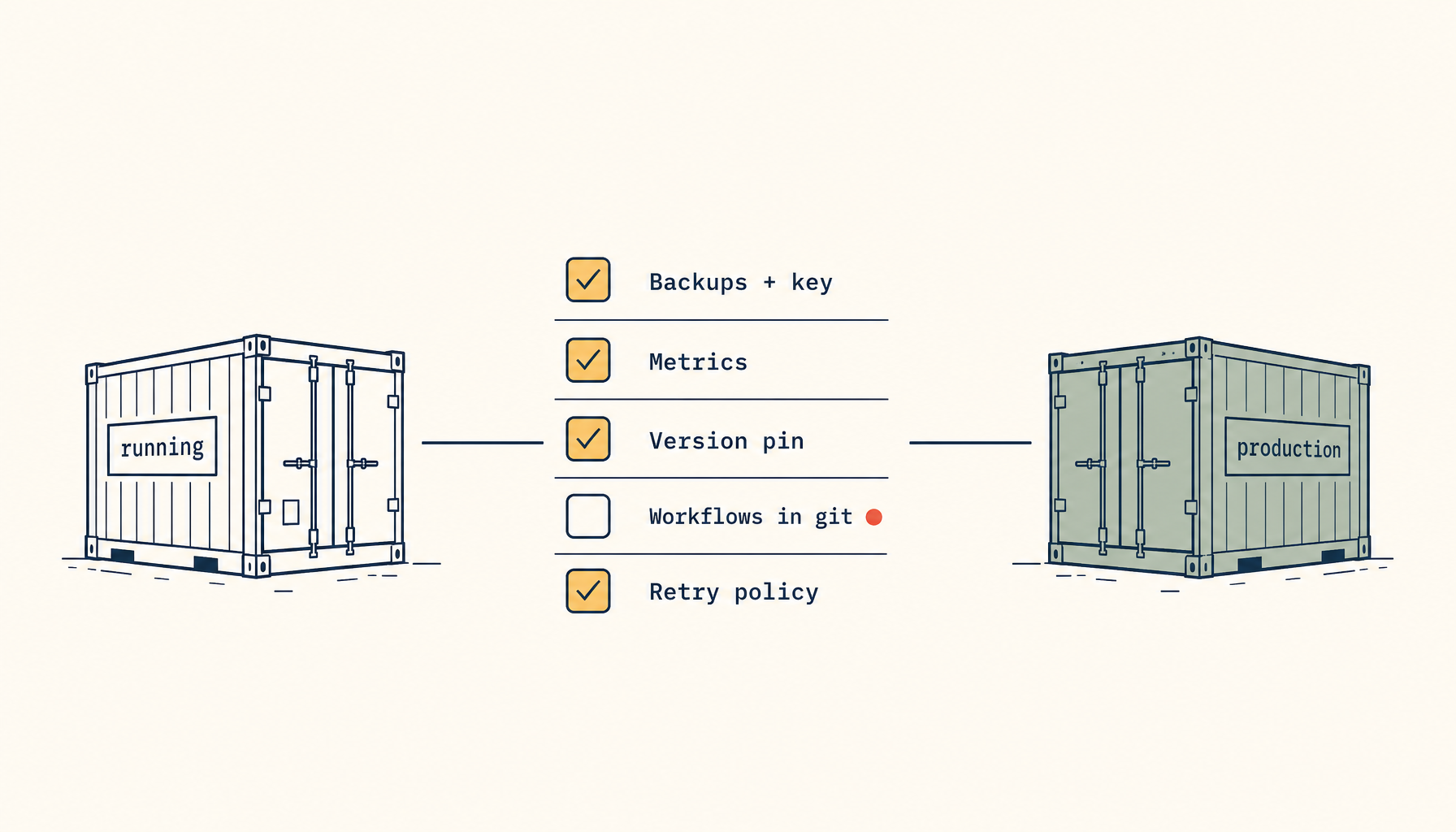
Both tools can run production workloads. Production-readiness isn't about Coolify vs. K8s — it's about:
- Backups that you've tested restoring.
- Monitoring that pages someone before users notice.
- A runbook for the top 3 incident classes.
- A staging environment that meaningfully resembles production.
- Secret management that isn't just env vars in chat.
- Deploy rollback that takes < 5 minutes.
A team running Coolify with all six checked is more production-ready than a team running Kubernetes with none.
Internal links
- Compare: Render vs Railway
- Pricing: Vercel pricing breakdown
- Best: Best VPS for Docker workloads
- ServerCompass: Self-host any stack on a VPS in clicks
Closing principle
If you're agonising over Coolify vs. Kubernetes, the meta-signal is that your scale doesn't require Kubernetes — because at the scale that does, the question doesn't even come up. Take that as a signal to pick the simpler tool, ship more product, and let infrastructure complexity grow when it has to, not when it's interesting.
Related in the StoicSoft network
If you're self-hosting on a VPS or working through a deployment guide like the one above, DeployToVPS is the StoicSoft network's handbook for VPS deployment recipes — docker-compose, nginx, traefik, and common app self-hosts.
From across the StoicSoft network
Hand-curated reads on the same topic from sister sites in the StoicSoft family.