Best Self-Hosted PaaS (2026): Coolify, Dokploy, CapRover, ServerCompass
A practical comparison of self-hosted PaaS options. Run your own Heroku alternative on a VPS for a fraction of the cost.
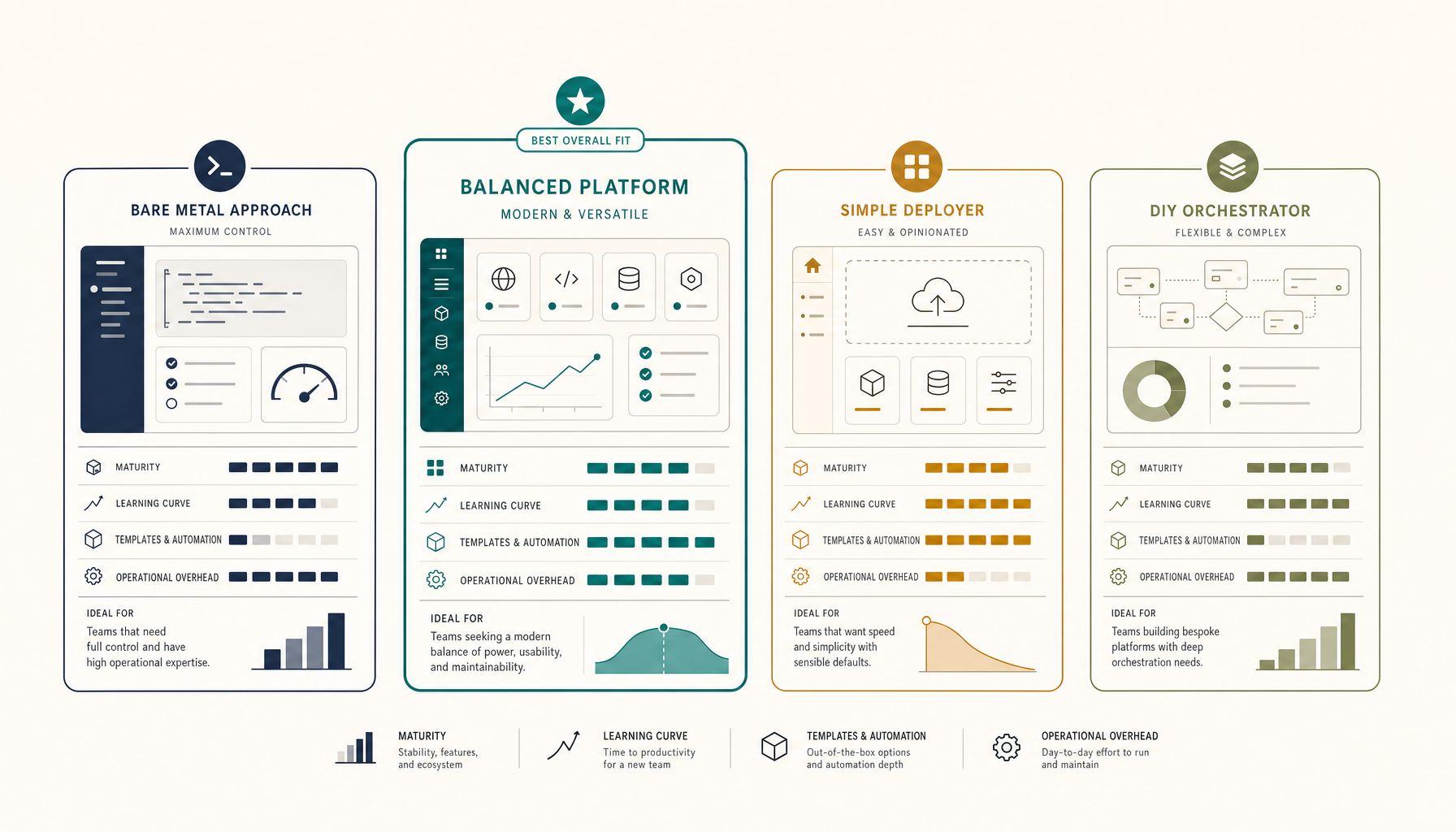
Self-hosted PaaS gives you the deployment experience of Heroku or Railway on your own infrastructure. One VPS, flat monthly cost, unlimited apps.
This is a practical comparison of the four best options in 2026.
Quick Comparison Table
| Platform | Best For | Learning Curve | App Templates | Active Development |
|---|---|---|---|---|
| Coolify | Most teams | Medium | 150+ | Very active |
| Dokploy | Minimalists | Low | 50+ | Active |
| CapRover | Docker veterans | Medium-High | 100+ | Stable |
| ServerCompass | Repeatable deploys | Low | Focused | Active |
The Winner: It Depends on Your Style
- Best overall: Coolify - most polished, largest template library
- Best for simplicity: Dokploy - cleaner UI, fewer options
- Best for Docker experts: CapRover - most configurable
- Best for teams: ServerCompass - built for repeatable workflows
Coolify
Coolify is the most feature-complete self-hosted PaaS. Think of it as "Vercel that runs on your server."
Strengths:
- 150+ one-click app templates (databases, apps, tools)
- Git-based deployments with automatic builds
- Built-in SSL via Let's Encrypt
- Docker and Docker Compose support
- Active development with frequent updates
- Good documentation
Weaknesses:
- Resource overhead (runs multiple containers for management)
- UI can feel overwhelming with many options
- Occasional bugs on edge cases
Best for:
- Teams wanting a full-featured self-hosted platform
- Developers who want Vercel/Railway UX on their own hardware
- Projects that need many different services
Minimum server: 2 vCPU, 4GB RAM (8GB recommended)
Setup time: 15-30 minutes
curl -fsSL https://cdn.coollabs.io/coolify/install.sh | bash
Dokploy
Dokploy is the minimalist alternative to Coolify. Fewer features, cleaner experience.
Strengths:
- Clean, simple UI
- Lower resource footprint than Coolify
- Docker and Docker Compose support
- Git integration with webhooks
- Fast setup
Weaknesses:
- Fewer app templates than Coolify
- Smaller community
- Less documentation
Best for:
- Developers who find Coolify overwhelming
- Simple deployments without many bells and whistles
- Resource-constrained servers
Minimum server: 1 vCPU, 2GB RAM (4GB recommended)
Setup time: 10-20 minutes
curl -sSL https://dokploy.com/install.sh | sh
CapRover
CapRover is the veteran in self-hosted PaaS. Battle-tested but showing its age.
Strengths:
- Proven and stable
- Large template library
- Cluster support for multi-server deployments
- Strong Docker integration
- Detailed documentation
Weaknesses:
- UI feels dated compared to newer options
- More complex initial setup
- Slower development pace
- Requires more Docker knowledge
Best for:
- Docker experts who want maximum control
- Production workloads that need stability over features
- Multi-server cluster deployments
Minimum server: 1 vCPU, 1GB RAM (2GB recommended)
Setup time: 20-40 minutes
docker run -p 80:80 -p 443:443 -p 3000:3000 \
  -v /var/run/docker.sock:/var/run/docker.sock \
  -v /captain:/captain \
  caprover/caprover
ServerCompass
ServerCompass focuses on repeatable, team-friendly deployments rather than being a full PaaS.
Strengths:
- Built for repeatable workflows
- Team collaboration features
- Clear deployment history
- Less cognitive overhead than full PaaS
- Focused feature set
Weaknesses:
- Fewer templates than Coolify
- Newer project, smaller community
- Less suited for "deploy everything" use cases
Best for:
- Teams with established deployment patterns
- Developers who want consistency over flexibility
- Projects that need clear deployment audit trails
Minimum server: 2 vCPU, 4GB RAM
Setup time: 10-15 minutes
Detailed Feature Comparison
| Feature | Coolify | Dokploy | CapRover | ServerCompass |
|---|---|---|---|---|
| One-click apps | 150+ | 50+ | 100+ | Focused |
| Git deployments | Yes | Yes | Yes | Yes |
| Docker Compose | Yes | Yes | Limited | Yes |
| SSL certificates | Auto | Auto | Auto | Auto |
| Database backups | Yes | Yes | Manual | Yes |
| Team features | Yes | Basic | Basic | Yes |
| Multi-server | Yes | No | Yes | Planned |
| Resource usage | Higher | Lower | Medium | Medium |
| UI polish | Good | Good | Dated | Good |
Cost Comparison
All options are free and open source. Your only cost is the VPS.
| VPS Size | Monthly Cost | Can Run |
|---|---|---|
| 2 vCPU, 4GB | $6-12 | Dokploy, CapRover |
| 4 vCPU, 8GB | $12-20 | All options comfortably |
| 8 vCPU, 16GB | $20-35 | All options + multiple apps |
Compare this to:
- Vercel Pro: $20/seat/month
- Railway: $15-60/month
- Render: $50-150/month
A self-hosted PaaS on a $12 VPS replaces $100+/month in managed hosting.
My Recommendation
For most developers: Start with Coolify. It has the best balance of features, community, and polish. The resource overhead is worth it for the capability.
For simpler needs: Try Dokploy. If you deploy 2-5 apps and do not need advanced features, the cleaner UI is refreshing.
For Docker experts: CapRover gives you the most control if you are comfortable with Docker and want stability over new features.
For teams: ServerCompass is worth evaluating if you need repeatable workflows and deployment consistency across team members.
Getting Started
- Spin up a VPS (Hetzner CX32 at $7.59/mo is excellent value)
- Point a domain to your server IP
- Run the install script for your chosen platform
- Deploy your first app
Most teams are running production workloads within an hour.
Where to go next
Tutorials:
Comparisons:
Pricing:
ServerCompass:
From across the StoicSoft network
Hand-curated reads on the same topic from sister sites in the StoicSoft family.
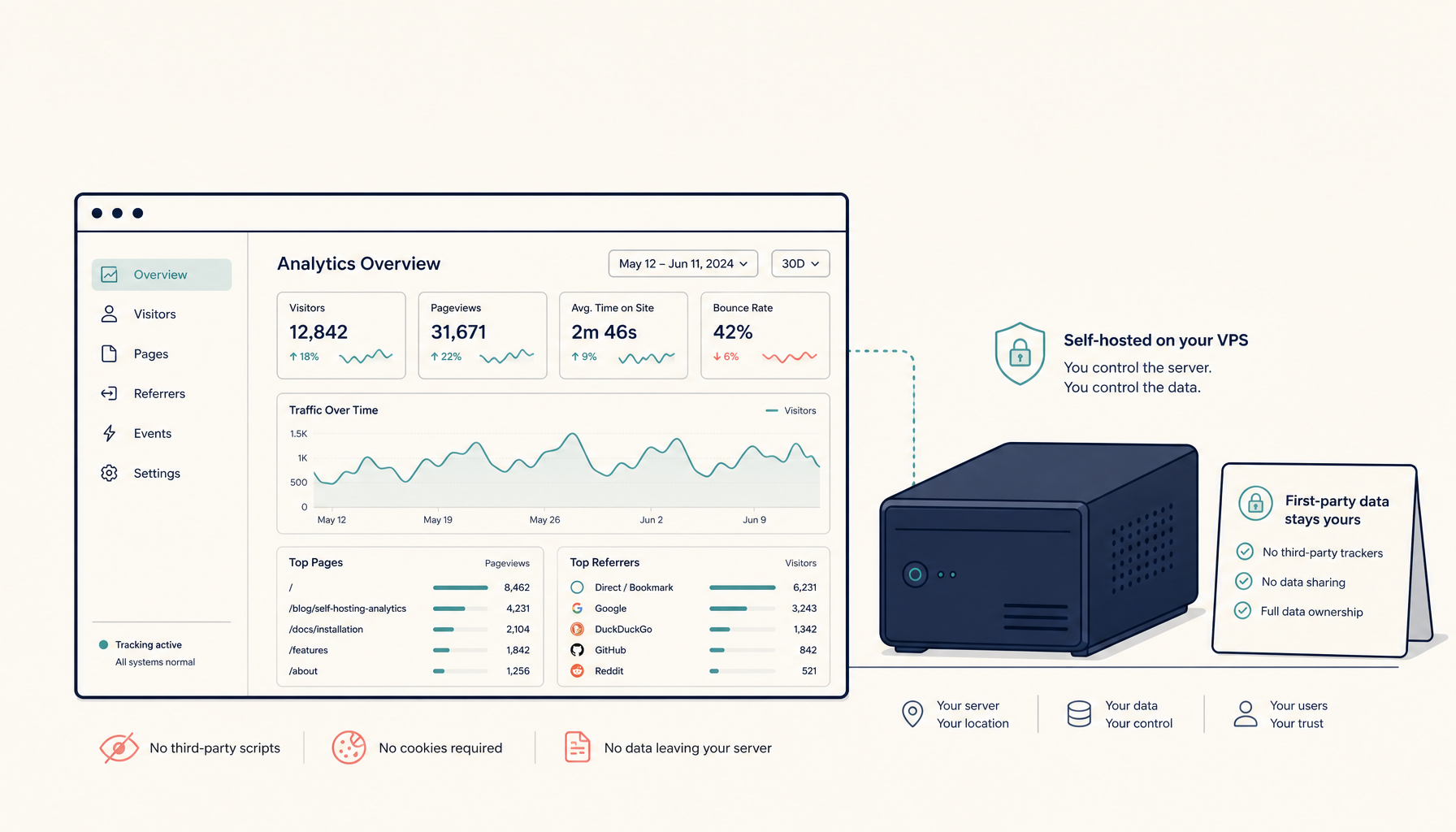 Deploy to VPS25 min read
How to Self-Host Plausible Analytics on a VPS (Production Setup)
Run Plausible Analytics on your own VPS. Privacy-friendly, lightweight analytics without monthly fees.
Read on deploytovps.com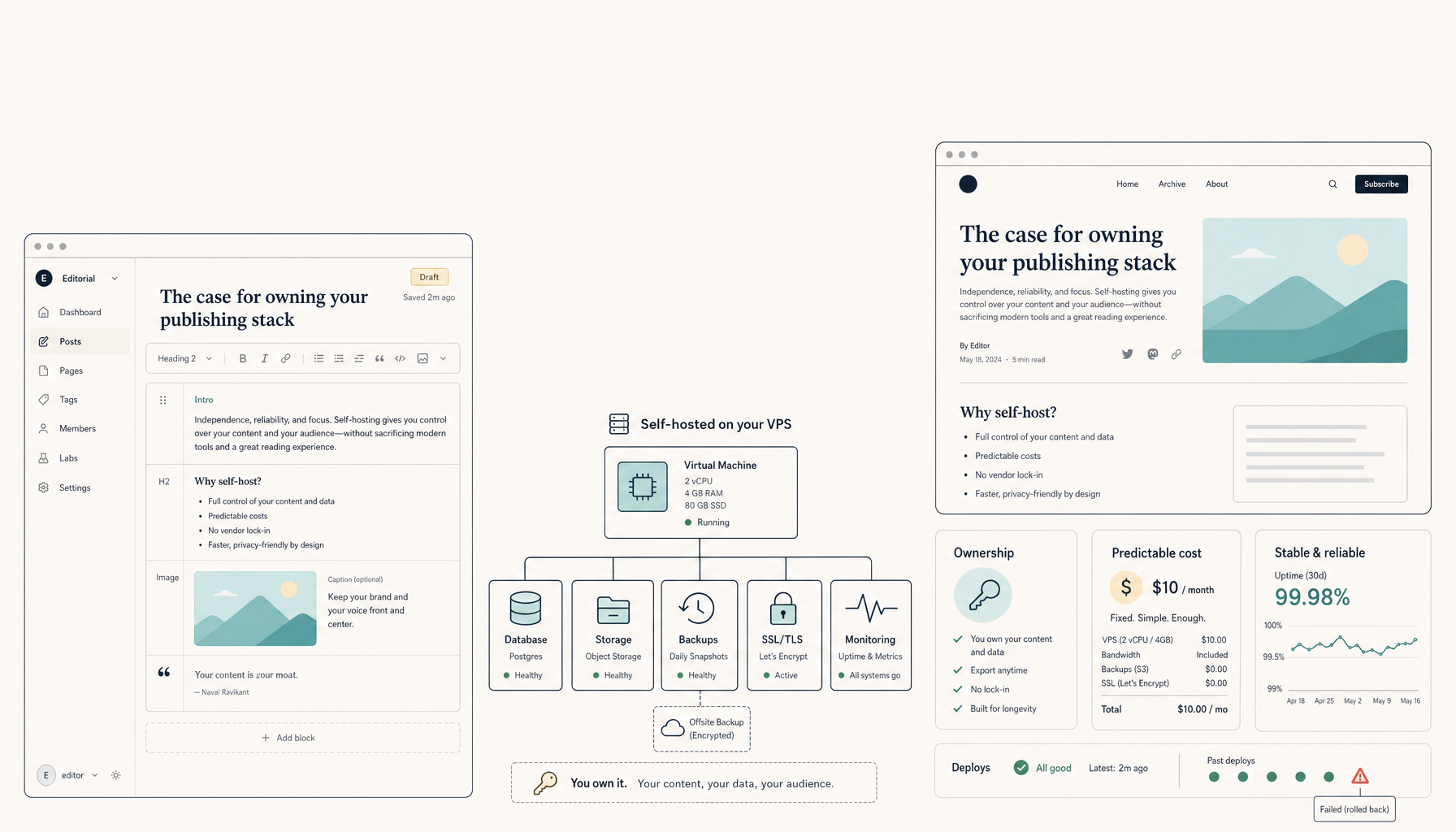 Deploy to VPS25 min read
How to Self-Host Ghost CMS on a VPS (Production Setup)
Run Ghost CMS on your own VPS. Professional publishing platform without subscription fees.
Read on deploytovps.com