Beyond Uptime: Monitoring the Real World — UPS, Floods, and Camera Streams
Your homelab can watch more than its own services. People use it to catch basement floods, UPS failures, and front-door events. How to add real-world monitoring without overbuilding a NOC.
Most homelab monitoring watches services — is the site up, is the disk full. But the box is also perfectly placed to watch the physical world it sits in: a UPS that just lost mains power, a sensor in a basement that's getting wet, a camera at the front door. Operators are increasingly wiring these in, and the trick is doing it usefully without overbuilding a mini network operations center for a house. Here's a practical, LAN/VPN-first approach.
Start with the events that actually matter
Don't instrument everything; instrument what would hurt to miss:
- Power: a UPS on battery means you have minutes — the highest-value signal, because it can trigger a clean shutdown before data loss.
- Water/temperature: a leak near the server or a failing AC/fan is cheap to detect and expensive to ignore.
- Physical access/events: a doorbell or camera you already have.
Three sensors that matter beat fifty dashboards nobody reads — the same restraint as low-noise uptime checks.
UPS: monitor it and act on it
A UPS you can't see is just a delay. Wire it up so the server reacts:
- Use NUT (Network UPS Tools) or your UPS's daemon so the host knows when it's on battery.
- Configure a clean shutdown at a low battery threshold — the single most valuable real-world automation, because it turns a power cut from a corruption risk into a graceful stop. This is the physical-world version of the graceful-drain discipline.
- Alert when it goes on battery, not just when it dies.
Sensors and cameras: keep it LAN/VPN-first
Environmental sensors and cameras are exactly the data you don't want on the public internet:
- Keep streams and sensors on the LAN, reachable remotely only over a VPN/overlay — never a port forwarded straight to a camera.
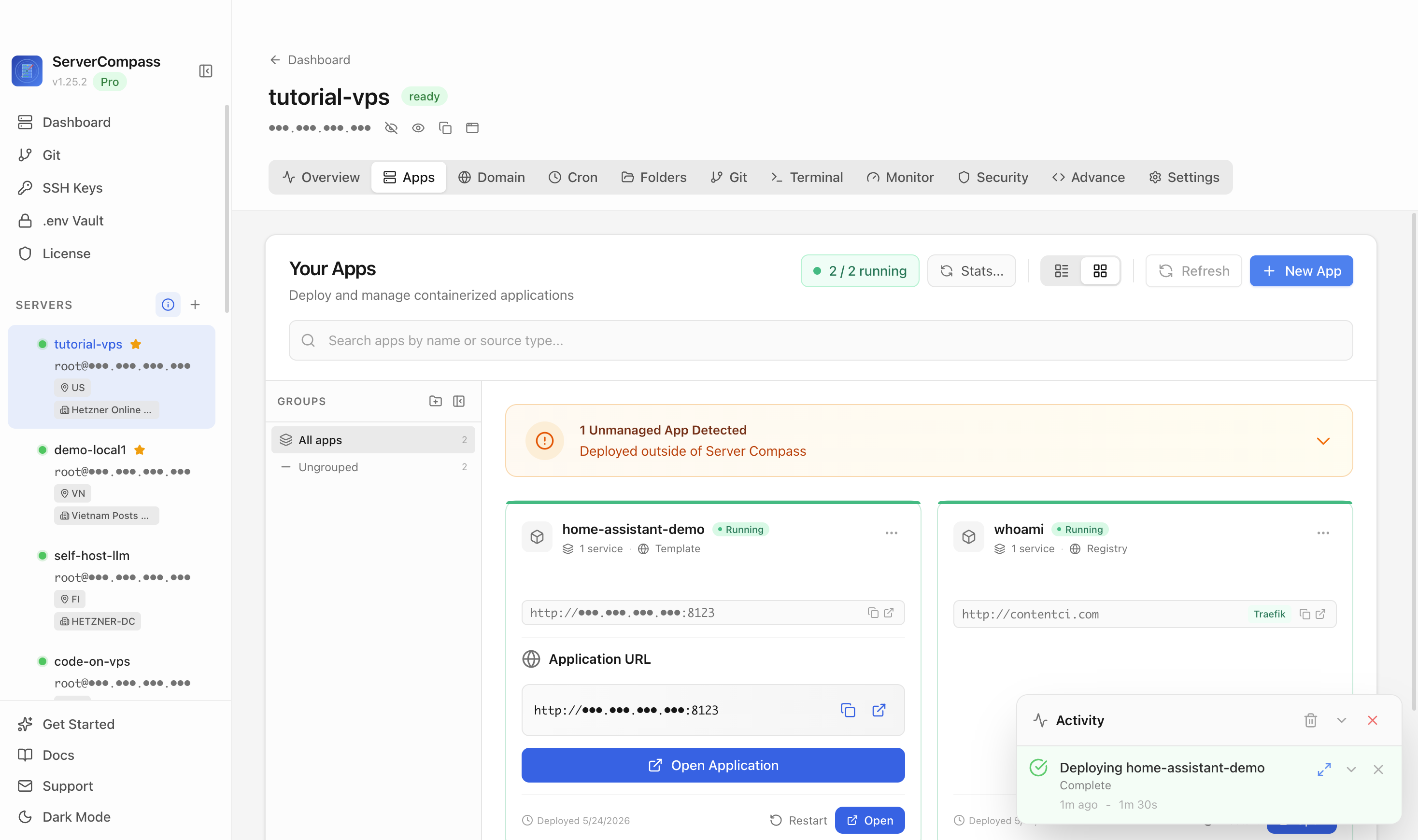
- A hub like Home Assistant ties sensors, cameras, and UPS state into one place with automations and alerts, without you writing a monitoring stack from scratch.
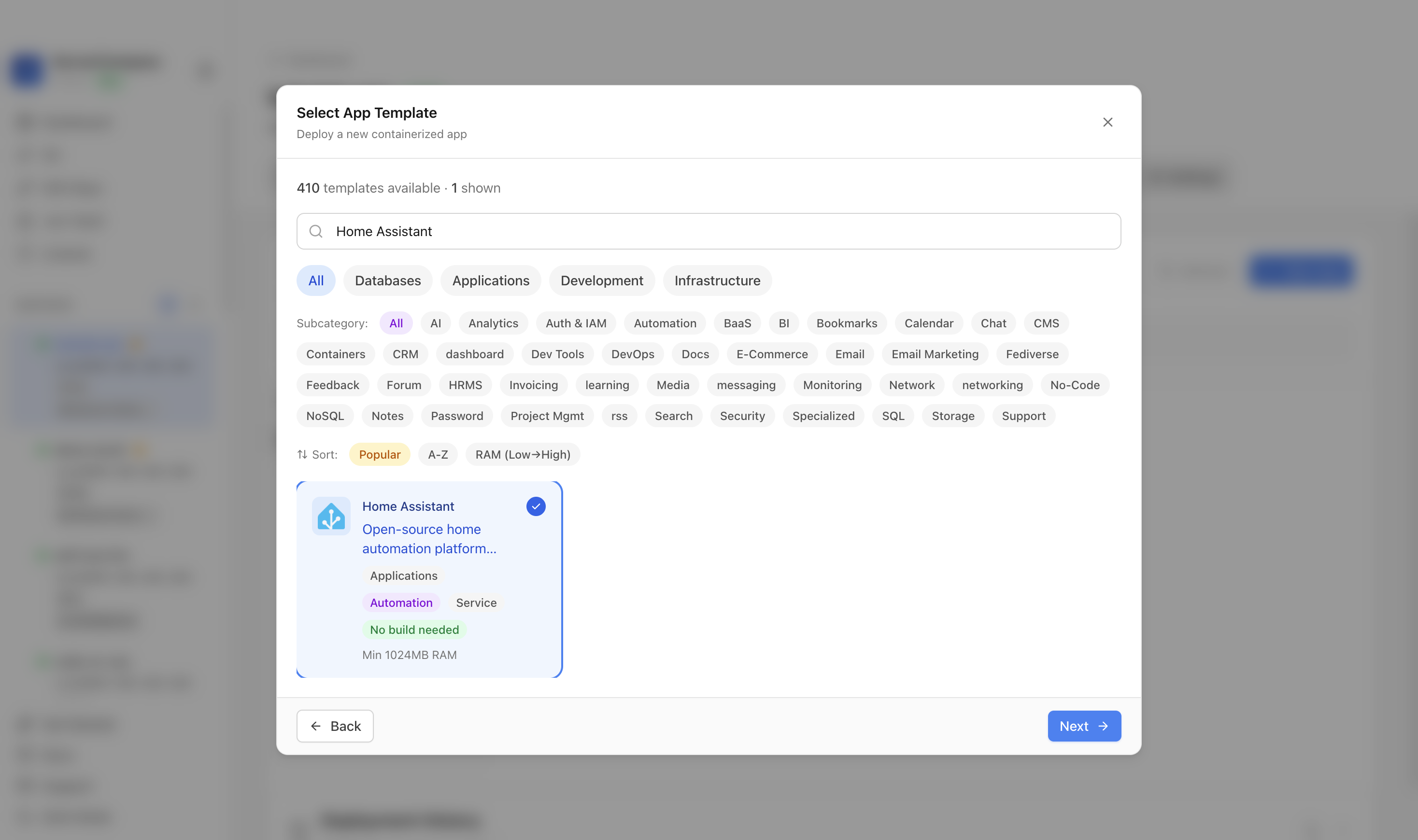 Home Assistant deployed from a template in ServerCompass — a single hub for UPS state, environmental sensors, and camera events, kept on the private network.
Alerts: severity and quiet hours, or you'll mute it
Real-world alerts get ignored the same way service alerts do — through noise. Apply the same discipline:
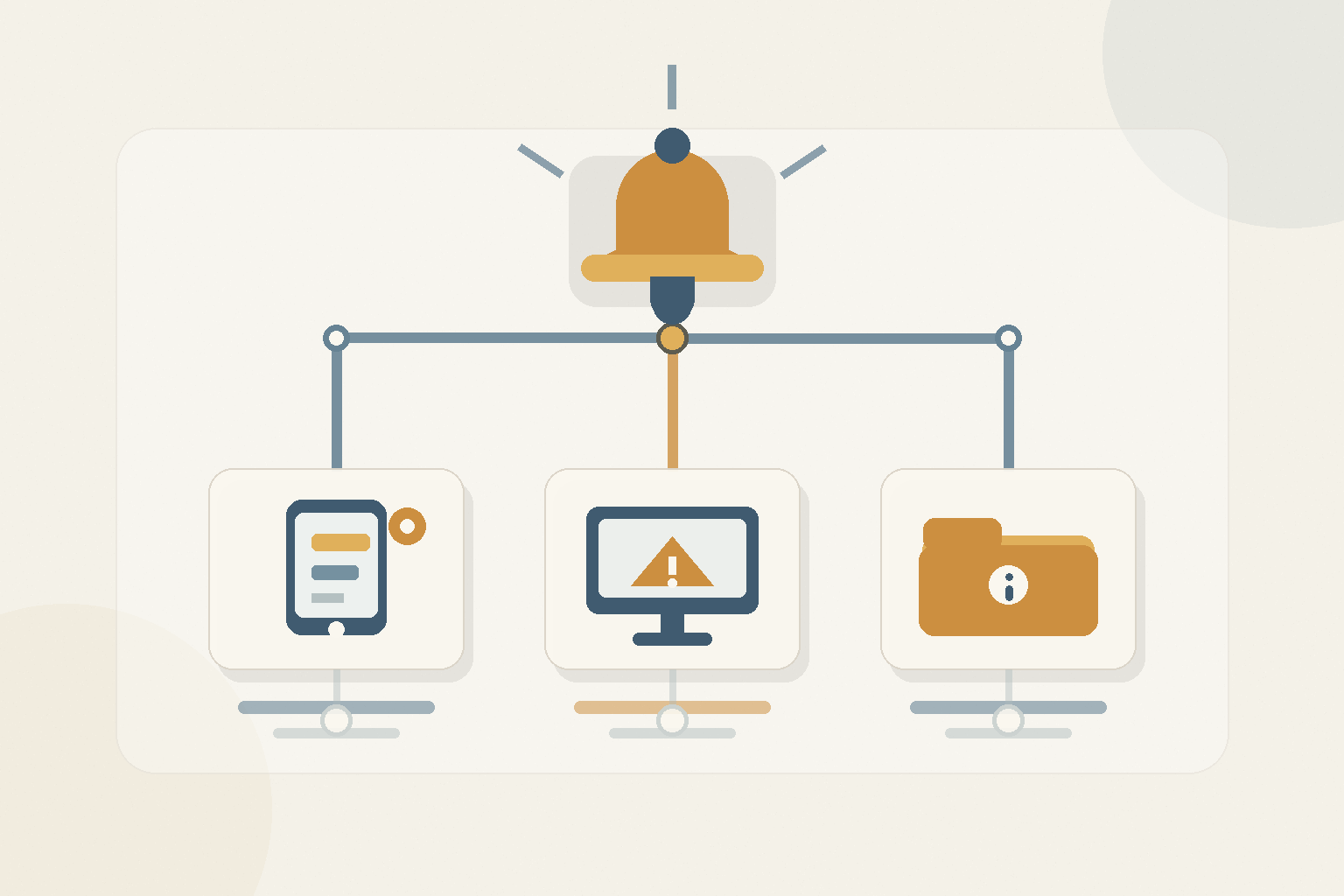
- Severity routing: "UPS on battery" pages you; "motion at the door" goes to a quiet channel — the alerting last-mile.
- Quiet hours for non-critical events so the system doesn't cry wolf at 3am over a passing cat.
- Context in every alert: what, where, how urgent.
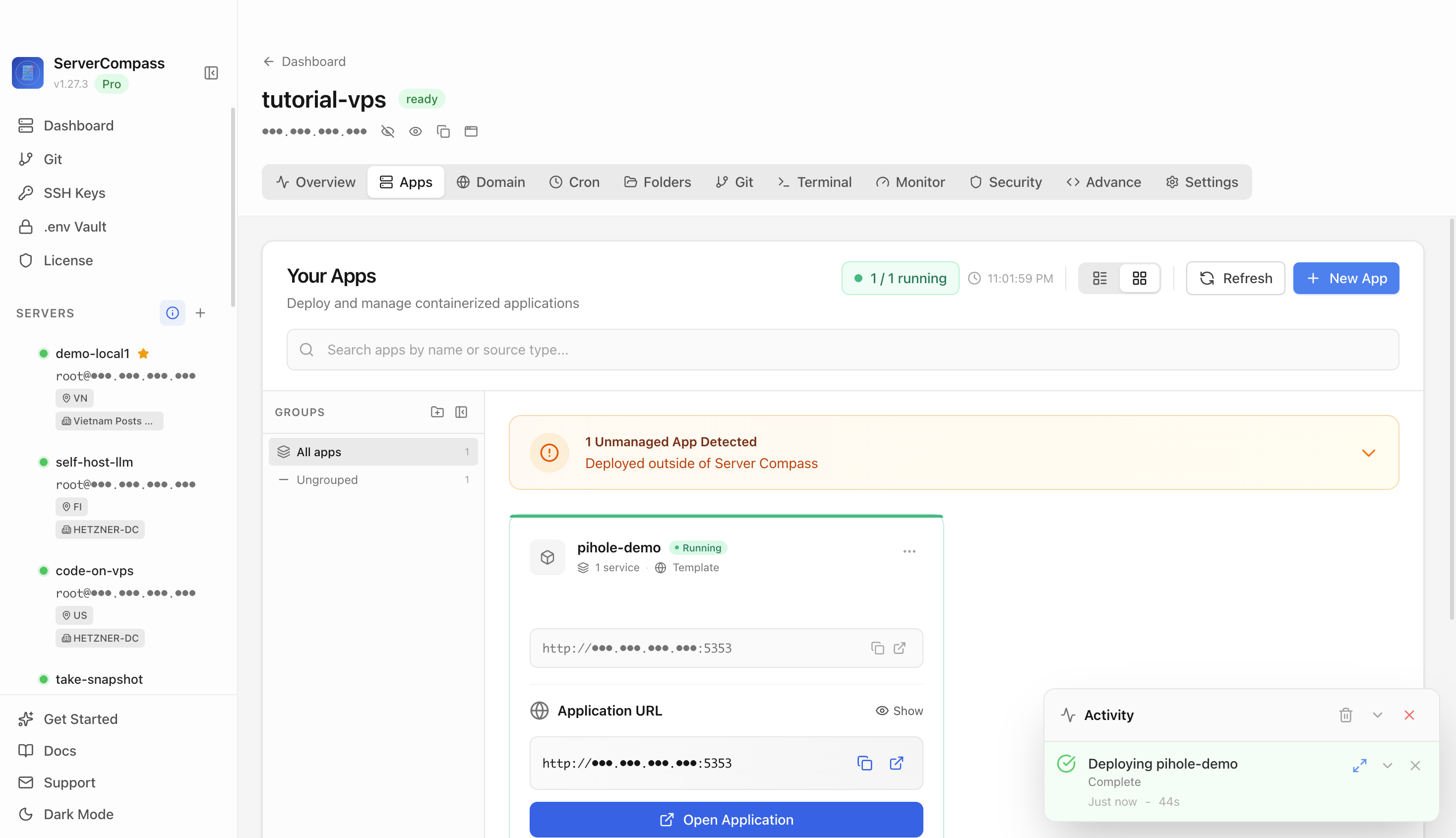
Severity-routed alerts in ServerCompass — a UPS-on-battery page and a doorbell notification go to different places, so the urgent ones stay urgent.
Don't overbuild
You don't need Prometheus, Grafana, and a camera NVR to know your basement is flooding. Start with the three events that matter, react to power automatically, keep it on the private network, and route alerts by severity. Add more only when a real gap appears — the observability-without-overbuilding mindset.
Takeaway
Your homelab is a sensor platform you already own. Watch the physical events that would actually hurt to miss — power first, then water and access — make the UPS trigger a clean shutdown, keep cameras and sensors LAN/VPN-only, and route alerts by severity. That's real-world monitoring that earns its keep without becoming a second job.
From across the StoicSoft network
Hand-curated reads on the same topic from sister sites in the StoicSoft family.
 Deploy Handbook
Self-hosters need a middle path between one Compose VM and full platform engineering
Most self-hosters eventually hit a wall: a single Docker Compose VM starts to creak, but building a full internal platform with Nomad, Consul, Vault, and custom automation is a project in itself. There is a practical middle path worth knowing.
Read on stoicvps.com/handbook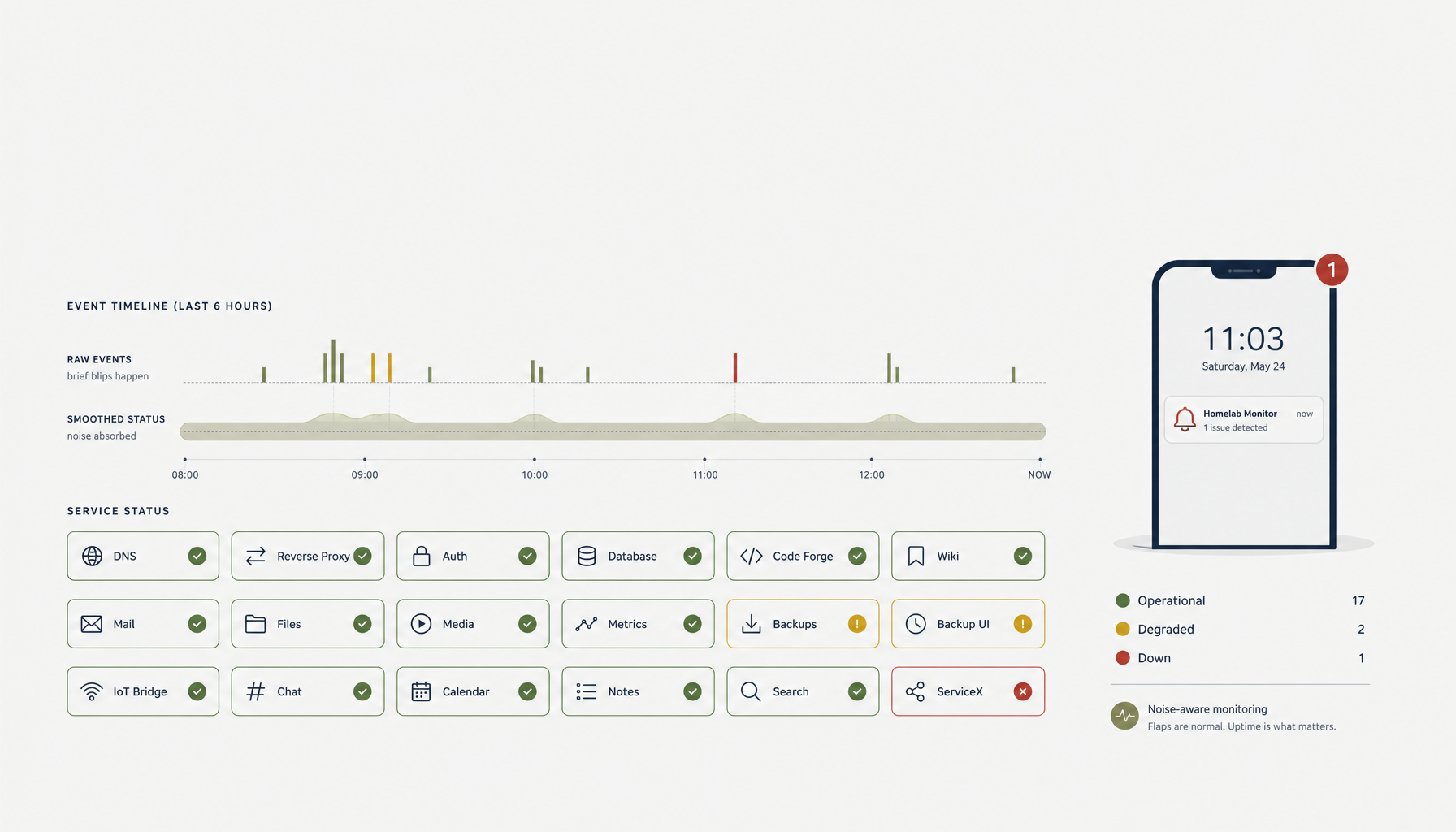 Deploy Handbook8 min read
Low-noise uptime checks: alert thresholds that survive a homelab full of services
Run twenty self-hosted services on a homelab and the default uptime-check thresholds will page you ten times a week for nothing. Most of the noise is design, not bad luck — single-probe checks, no flap suppression, severity treated as binary. Here's the configuration that quiets the alerts without losing real outages.
Read on stoicvps.com/handbook Deploy Handbook8 min read
Best single-dashboard app health for self-hosters who aren't ready for Prometheus
Homelab and VPS users want one calm dashboard for app health — not a full observability stack. Here are the tools that hit the middle layer between SSH and Grafana.
Read on stoicvps.com/handbook Deploy Handbook7 min read
Lighter Than Kubernetes: Compose vs Podman vs K8s for a Single-Node Homelab
You want more structure than loose docker run commands but suspect Kubernetes is overkill for one Proxmox box. A practical comparison of Compose, rootless Podman, Podman Kube, and lightweight K8s.
Read on stoicvps.com/handbook