Cron monitoring is really automation failure visibility — get the signal before the stack
Operators ask for cron monitoring when what they want is to know that backups, syncs, and cleanups didn't silently fail. The fix starts with heartbeats, not a monitoring platform.
Open the r/selfhosted thread asking about cron monitoring. The first comments are about Healthchecks.io, ntfy, gotify. Look closer at the question. The operator isn't actually worried about cron itself. They're worried that their backups didn't run last night. That their sync job failed silently. That their cleanup didn't fire and the disk filled up. The cron is just where those jobs live.
The ask is for automation failure visibility. The right tools match that need — they answer the questions the operator is actually losing sleep over.
This guide walks through the visibility problem in order: what to monitor, how to monitor it without standing up a stack, and when to upgrade.
What "silent failure" actually looks like
Cron's design is famously quiet. A job that fails leaves an exit code; cron does nothing visible with it. If the job's own logs aren't being read, the operator finds out after something downstream breaks.
A few common silent failures:
- The backup script ran every night for two months. The last week it's been exiting non-zero before the upload step. The restore drill on day 70 reveals the gap.
- The cleanup job is supposed to delete files older than 30 days. A path was misconfigured; it's been deleting nothing for months. The disk is now full.
- The sync job is supposed to push reports to S3 every morning. The credentials expired three weeks ago; the job has been quietly failing every morning since.
- The cert renewal hook is supposed to reload nginx after a renewal. The reload hasn't been running; users are seeing expired certs.
In each case, cron worked perfectly. The job that ran inside it didn't. And the operator had no signal until something downstream failed.
This is why cron monitoring is really automation failure visibility. The point isn't to know that cron ran. The point is to know that the automation did what it was supposed to.
The minimum useful pattern: start + end pings
The cheapest pattern that gets you most of the visibility:
Each job pings a unique URL when it starts, and again when it finishes successfully. A central service knows the schedule. If a ping is missed, the service alerts.
#!/bin/sh
set -e
URL="https://hc-ping.com/<uuid>"
curl -fsS -m 5 --retry 3 "$URL/start"
./real-job.sh
curl -fsS -m 5 --retry 3 "$URL"
This pattern catches:
- Non-runs. The cron didn't fire at all. The service notices the missing start ping.
- Failures. The job started but exited non-zero. The service notices the missing finish ping.
- Hangs. The job started but didn't finish before its deadline. The service notices the missing finish ping.
All three are common. None of them are visible without a heartbeat layer. With it, you find out within minutes of the deadline instead of weeks later.
What the central service has to do
The simplest service:
- Knows the schedule of each job.
- Knows the deadline for completion.
- Tracks the most recent start and finish times.
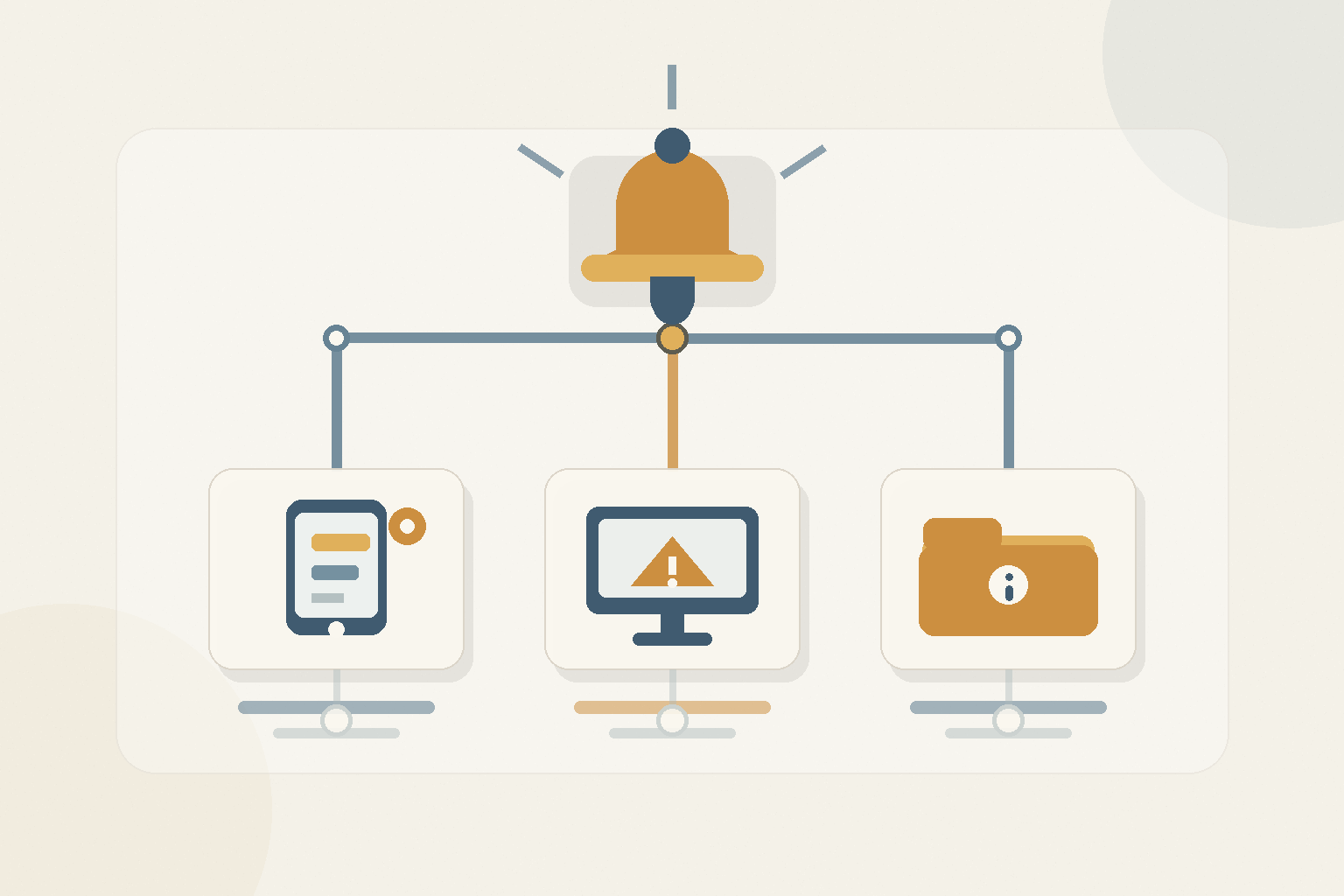
- Sends an alert (email, push, webhook) when a deadline is missed.
Healthchecks.io is the canonical hosted version. Self-hosted alternatives include healthchecks-io (the self-hostable open-source codebase), cron-mon, or a 50-line Python script with SQLite and a cron of its own that checks for missed deadlines.
The self-hosted route is appropriate if you have many jobs, want to avoid an external dependency for monitoring, or are running in a network without outbound HTTP.
Adding context to the failures
A bare missed-ping alert tells you something failed, not what. The next move is to make the failures explain themselves.
Capture exit codes. The wrapper script captures the exit code and posts it as part of the failure ping or as a separate event.
Capture last lines of output. When the job fails, the wrapper captures the last 50 lines of stderr and includes them in the alert.
Tag jobs. Each job has a stable name, a category ("backups", "sync", "cleanup"), and an owner. Alerts include the tags.
Differentiate severity. A failed backup is critical. A failed cleanup is a warning. The service should respect that distinction so on-call isn't paged for everything.
None of this requires a heavyweight stack. It's mostly discipline in the wrapper script and in how the central service is configured.
What goes in the wrapper script
A reasonable production wrapper for any cron job:
#!/bin/sh
set -eu
JOB="$1"
URL="https://hc-ping.com/${HC_TOKEN}/${JOB}"
LOG=$(mktemp)
trap "rm -f $LOG" EXIT

curl -fsS -m 5 "$URL/start" >/dev/null
if "$@" >"$LOG" 2>&1; then
    curl -fsS -m 5 --data-binary @"$LOG" "$URL" >/dev/null
else
    EXIT=$?
    tail -n 50 "$LOG" | curl -fsS -m 5 --data-binary @- "$URL/fail?code=$EXIT" >/dev/null
    exit $EXIT
fi
This wrapper:
- Pings start.
- Captures the job's stdout/stderr to a temp file.
- On success, posts the log to the success URL.
- On failure, posts the last 50 lines and the exit code to the fail URL.
- Cleans up the temp file regardless.
Use it as cron-wrap backup-nightly ./backup.sh /data — every cron line follows the same pattern.
Categories worth monitoring carefully
Not every cron is equal. A few categories deserve extra-careful visibility:
Backups. A silent backup failure is a future restore failure. Always heartbeat. Always alert on failure.
Cleanups. A silent cleanup failure ends in a disk fill or a quota breach. Always heartbeat. Alert at warning severity.
Sync jobs. Silent sync failures mean data is missing somewhere downstream. Always heartbeat. Alert at warning severity, escalate after N missed runs.
Cert and credential renewals. Silent renewal failure means a user-visible outage when the cert or key expires. Always heartbeat. Alert at critical severity.
Report generation. Silent report failure usually shows up when somebody asks where the report is. Heartbeat. Alert at low severity.
The pattern is the same; the severity differs. Get the patterns in place; tune the severity later.
What to defer
A few things people mistakenly add too early.
Full monitoring stacks. Prometheus, alertmanager, exporters for cron metrics — overkill for the cron-monitoring problem. The heartbeat layer answers the question.
Distributed scheduling. Airflow, Argo, Temporal — useful when jobs are complex DAGs with dependencies. For "the nightly backup runs at 3am," plain cron + heartbeats is fine.
Custom dashboards. Most operators look at the dashboard zero times per week as long as the alerts are working. Don't build a dashboard until you find yourself wanting one.
Cron clustering. Useful if you really do need fault tolerance for the scheduler itself. Almost nobody does.
Defer all four. Heartbeats are the load-bearing infrastructure.
When the heartbeat layer isn't enough
A few signals tell you it's time to upgrade:
- You have dozens of related jobs whose dependencies matter.
- You need to retry failed jobs automatically with backoff.
- You need cross-job audit ("which jobs touched this customer in the last week?").
- You have an SLA that includes job freshness.
- You're running on behalf of customers, not just yourself.
When those conditions hit, look at Cronicle, then at a proper scheduler. Until then, heartbeats are doing the work.
The cultural shift
The biggest gain from heartbeating every job isn't technical. It's cultural. The team stops treating "cron didn't fire" as a thought-experiment and starts treating it as a known monitored condition.
A new job, by team convention, ships with a heartbeat or doesn't ship. The next operator coming into the codebase sees the wrapper and knows the discipline. The thing that used to be a quiet failure mode becomes a visible one. Over months, the system gets less spooky.
The summary
When people ask about cron monitoring, they want automation failure visibility. The right pattern is heartbeats — start and finish pings to a central service that alerts on missed deadlines. Wrap every job. Capture exit codes and log tails. Tag and categorize. Defer the heavy stacks. The result is that silent failures stop being a category that exists. You find out within minutes of the deadline; you don't find out via the downstream consequence.
From across the StoicSoft network
Hand-curated reads on the same topic from sister sites in the StoicSoft family.
 Deploy Handbook8 min read
Best single-dashboard app health for self-hosters who aren't ready for Prometheus
Homelab and VPS users want one calm dashboard for app health — not a full observability stack. Here are the tools that hit the middle layer between SSH and Grafana.
Read on stoicvps.com/handbook Deploy Handbook8 min read
Proxmox panels vs lightweight deploy tools — which one do you actually need?
Homelab and VPS users keep conflating infrastructure management with application deployment. Here's how to tell whether you need a full Proxmox-style panel or just a deploy layer with monitoring.
Read on stoicvps.com/handbook