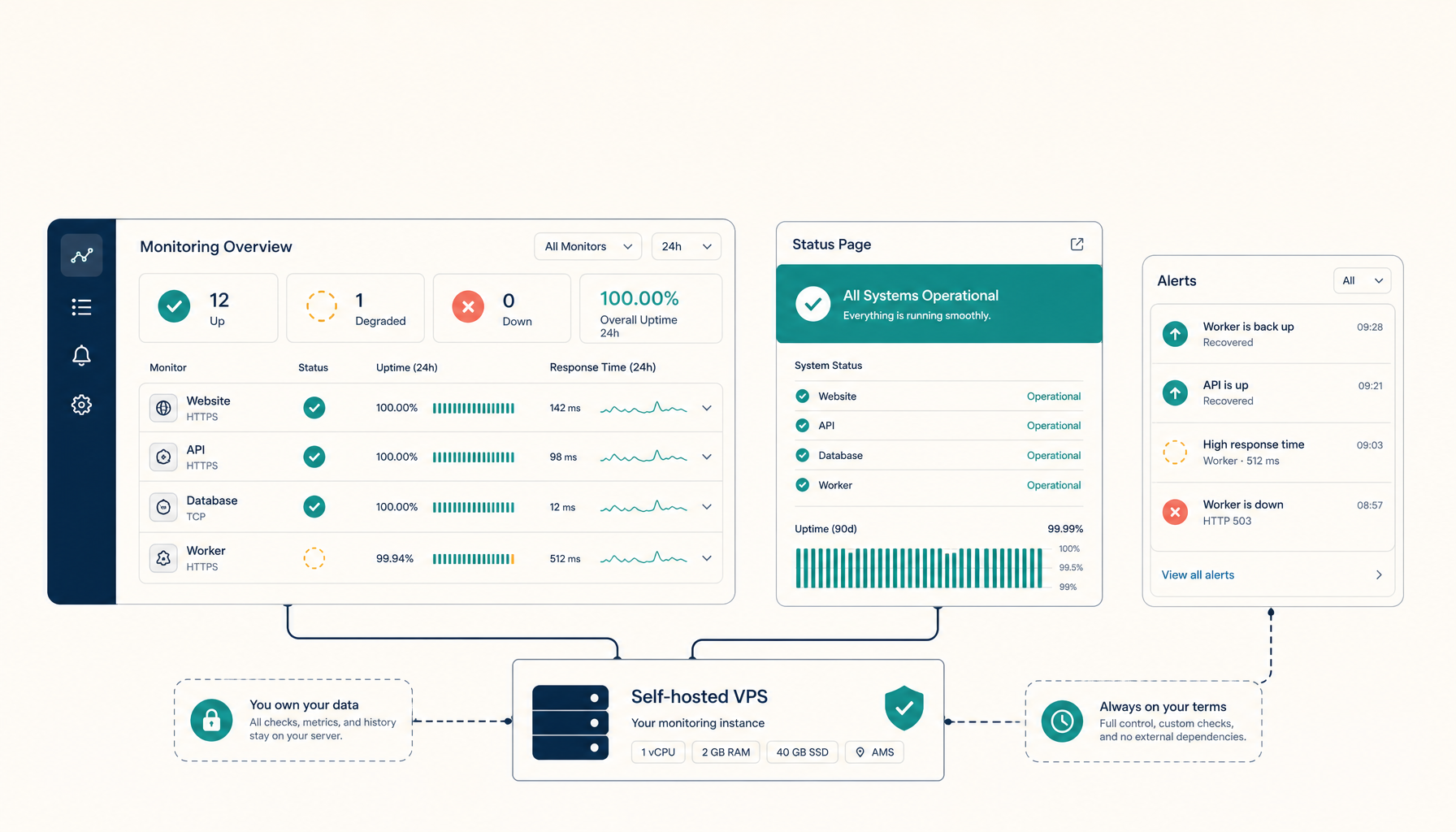
The Last Mile of Alerting: Where Uptime Kuma, n8n Triggers, and Your Pager Disagree
Your monitoring detects the outage perfectly and the alert still never reaches you. The last mile — delivery, dedup, escalation — is where homelab alerting actually breaks.
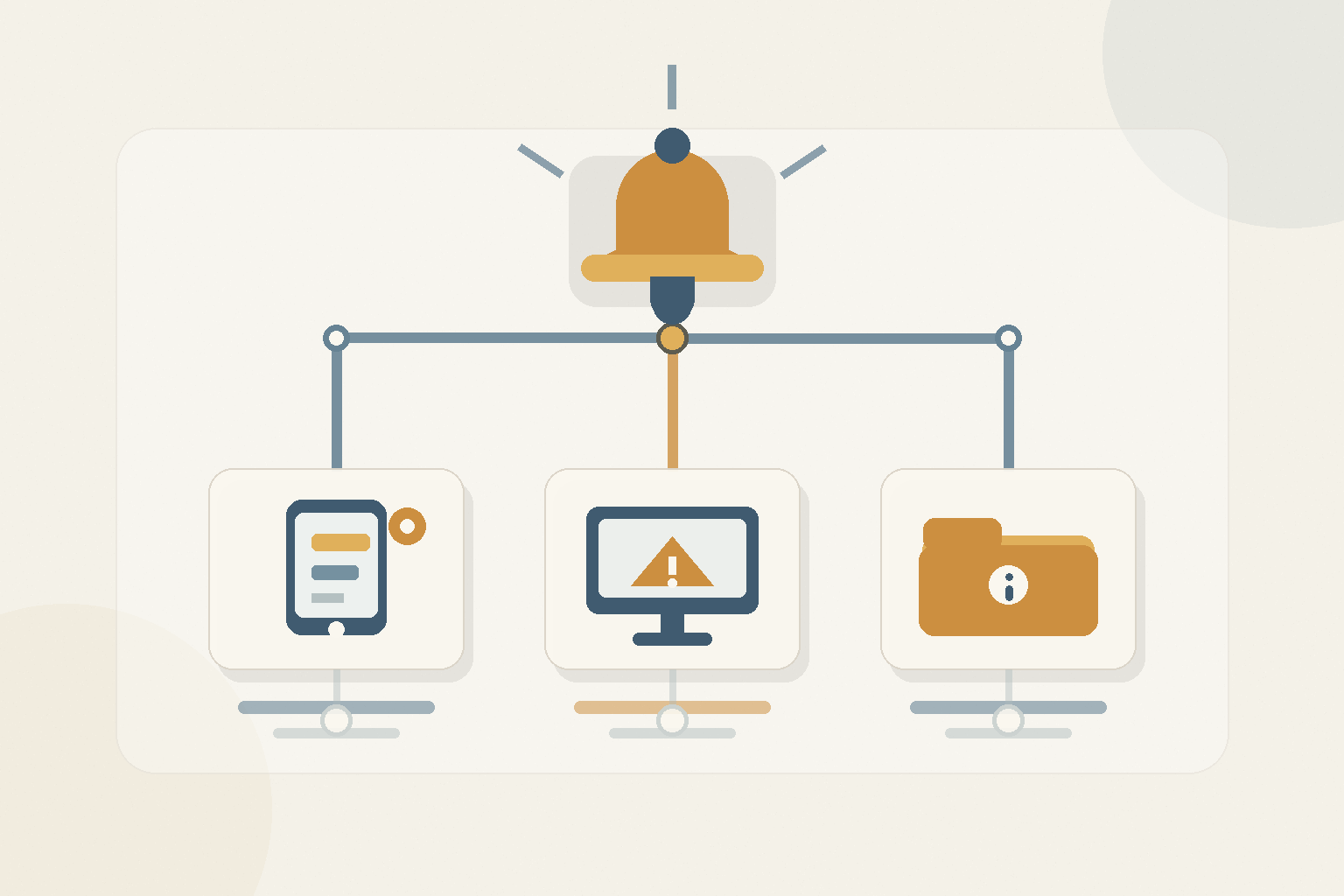
Most homelab monitoring is excellent at the part that's easy. Uptime Kuma notices the service is down within seconds; an n8n workflow fires; a webhook goes out. And then nothing reaches you, or fifty things do, or the one that mattered arrived at 3am buried under forty that didn't. Detection is solved. The last mile — getting the right alert to a human who can act, exactly once, with enough context — is where homelab alerting actually fails.
The three last-mile failures
Silence. The notification channel was misconfigured, the token expired, or the one provider you used was itself part of the outage. You find out the service was down for six hours from a family member, not your phone.
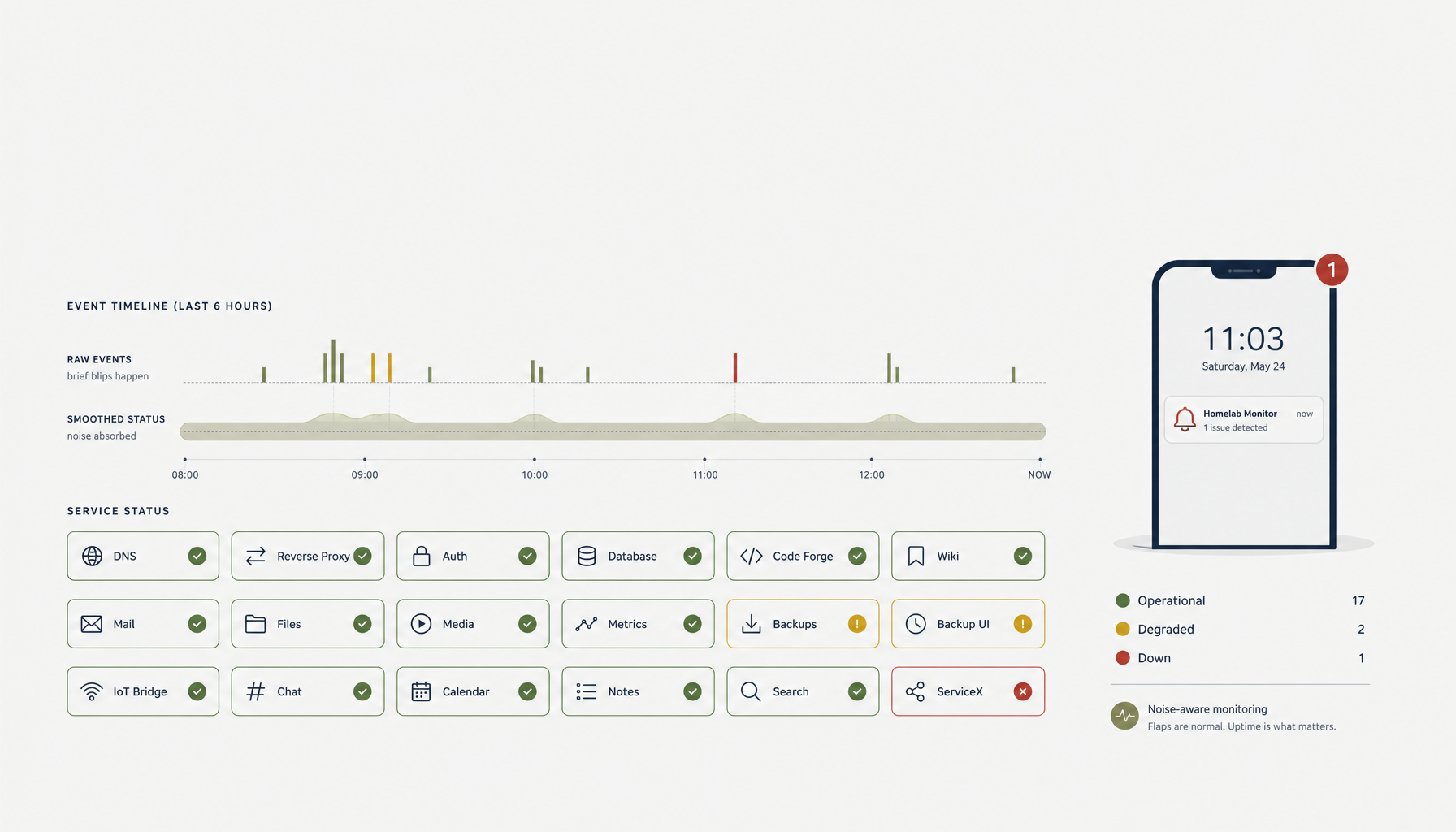
Flood. Every check on every host alerts on every blip through every channel. Within a week you've muted the lot, which means the real outage is now also silent — just voluntarily.
No context. "Service down" with no indication of which service, how bad, or what to do. You're now SSHing into boxes to figure out what your own alert meant.
Fix 1: make the delivery path itself reliable
The alert path must not share fate with the thing it watches. Run the monitor somewhere independent of the monitored box, and use a delivery channel that survives your network being down (a push service or SMS, not only a self-hosted chat that's on the same VPS). Test it deliberately: trip a check on purpose and confirm the message lands on your actual phone.
Fix 2: deduplicate and escalate, don't just notify
n8n is perfect for this middle layer. Instead of "alert → channel," build "alert → dedup → severity → escalate":
- Dedup: collapse repeated firings of the same check into one notification with a count.
- Severity: a warning (disk 80%) and a page (service down) are different events.
- Escalate: if a page isn't acknowledged in N minutes, widen the channel or notify a second person — the bus-factor fix in alert form.
Fix 3: route by severity to different places
The single highest-leverage change is to stop sending everything to one channel. Warnings to a quiet log channel; real pages to the channel that wakes you.
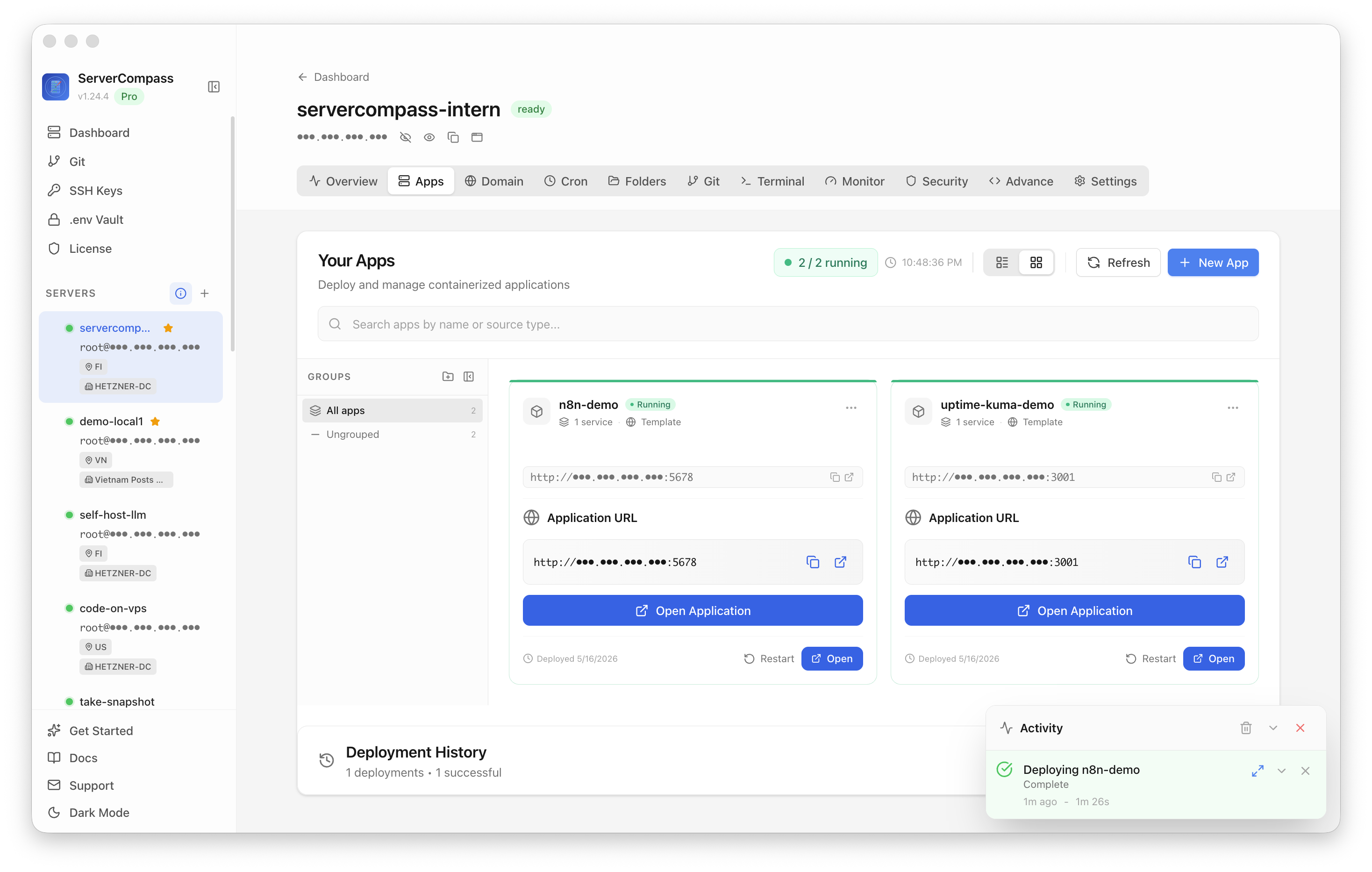
Severity-based routing in ServerCompass — warnings and wake-me-up pages go to different destinations with templated context, so the noisy ones never train you to ignore the important ones.
Fix 4: put the fix in the alert
Every page should carry enough to start acting: which host, which service, the current value, and a link to the runbook. An alert that links straight to a rollback playbook with the context in one place turns a wake-up into a 60-second action. The broader goal is low-noise uptime checks — every alert worth the interruption.
Last-mile checklist
- Monitor runs independent of the monitored host.
- Delivery channel survives your network being down; tested end to end.
- Dedup so repeats collapse to one.
- Severity split: warnings vs pages, different channels.
- Escalation if a page isn't acknowledged.
- Context + runbook link in every page.
Takeaway
You don't have a detection problem; you have a delivery problem. Make the alert path independent and tested, dedup and escalate in the middle, route by severity, and carry the fix in the message. That's the last mile — and it's the only mile your sleeping self actually experiences.
From across the StoicSoft network
Hand-curated reads on the same topic from sister sites in the StoicSoft family.