Beginner self-hosters are choosing storage before they know the app data, backup, and migration boundaries
Most beginners pick their NAS or external drive before they understand where Immich, Jellyfin, and their backup tools actually store data. Get the storage boundaries clear first, then buy the hardware.
Most beginners pick their NAS or external drive before they understand where Immich, Jellyfin, and their backup tools actually store data — and that ordering causes problems later.
The pattern repeats across every homelab and self-hosting forum. Someone knows they want Immich for photos, Jellyfin for media, maybe a game server or two, and they want backups. Then they start a thread asking whether they should use a 3TB HDD plus a 2TB SSD, an old Buffalo NAS, a Raspberry Pi NAS, or a portable SSD connected to a single-board computer. The hardware question is legitimate, but it is being asked before the more important question: where does each piece of software put its data, and how does that shape what you need to back up and how you migrate later?
What actually lives where
Before you buy a single drive, you need to map out three separate things for each app you plan to run: the database, the media files, and the app config.
For Immich specifically:
- The Postgres database holds all your metadata — albums, tags, face clusters, shared links, user accounts. It lives in a Docker volume by default, typically something like
immich_postgres_data. It is not inside your photo library. - The photo and video library is a large directory you mount into the Immich container. This is the bulk of your storage.
- The machine learning models are a third location, usually a named volume.
This matters immediately when you try to move things. overflow74 hit Postgres permission errors after trying to move a portable Immich external-SSD setup onto a new SBC. The likely cause: the Postgres data directory got copied to a new location but the ownership or mount path changed, so the database container could not start. If you had understood that the database and the photo library are two separate things with different portability characteristics, you would have handled them differently during the move.
For Jellyfin:
- The config and metadata directory contains your library database, transcoding settings, and plugin data.
- The media files themselves can live anywhere — an NFS share, a local disk, a SAMBA mount. Jellyfin reads them but does not own them.
File Browser and game servers follow the same pattern: there is always config, often a database or state file, and then the actual content.
Why hardware decisions come second
Once you know what needs to be stored, the hardware question becomes much easier to answer.
A common beginner setup question: should I put everything on one 3TB HDD with a 2TB SSD as backup/cache? The problem with answering that before the boundary analysis is you end up mixing app databases, media libraries, and backup destinations on the same pool without thinking about failure modes.
Consider what happens if that single 3TB HDD fails. You lose:
- The Immich Postgres database (all your albums, tags, face data)
- The photo library itself
- The Jellyfin metadata and config
- Your game server state
The 2TB SSD only helps if you actually set up something to replicate to it — it is not automatic just because it is in the same machine.
A better starting point for a beginner multi-app server:
- Run app databases and config on the faster SSD or on the boot drive
- Put media libraries (photos, videos) on the large spinning disk
- Back up databases separately from media, because they change constantly and are small, while media changes less often and is large
For someone like txprphan who is new to networking and considering Buffalo NAS hardware: NAS appliances are fine for bulk storage, but if you run Immich or Jellyfin on a separate host and point them at the NAS over NFS or SMB, you still need to back up the databases that live on the separate host. The NAS handles the media, but not the metadata.
The migration and backup boundaries that bite people
The single biggest source of grief when moving a self-hosted setup is misunderstanding what needs to move together.
For Immich, a safe migration means:
- Stop all Immich containers
- Export or snapshot the Postgres database
- Move the photo library
- Update your
docker-compose.ymlmount paths - Restore the database on the new host
- Start containers and verify
Skipping step 2 or conflating it with step 3 — for example, just rsyncing the whole external SSD and hoping Docker picks it up — is what causes permission errors and broken containers.
For okdeparture2596, who has photos split across a 10-year-old NAS and iCloud and wants to consolidate into Immich for album sharing: the migration plan needs to account for where Immich will store its database on the new hardware, not just where the photos will land. If the NAS is being replaced, does the Postgres data need to move too, or is Immich running on a separate host?
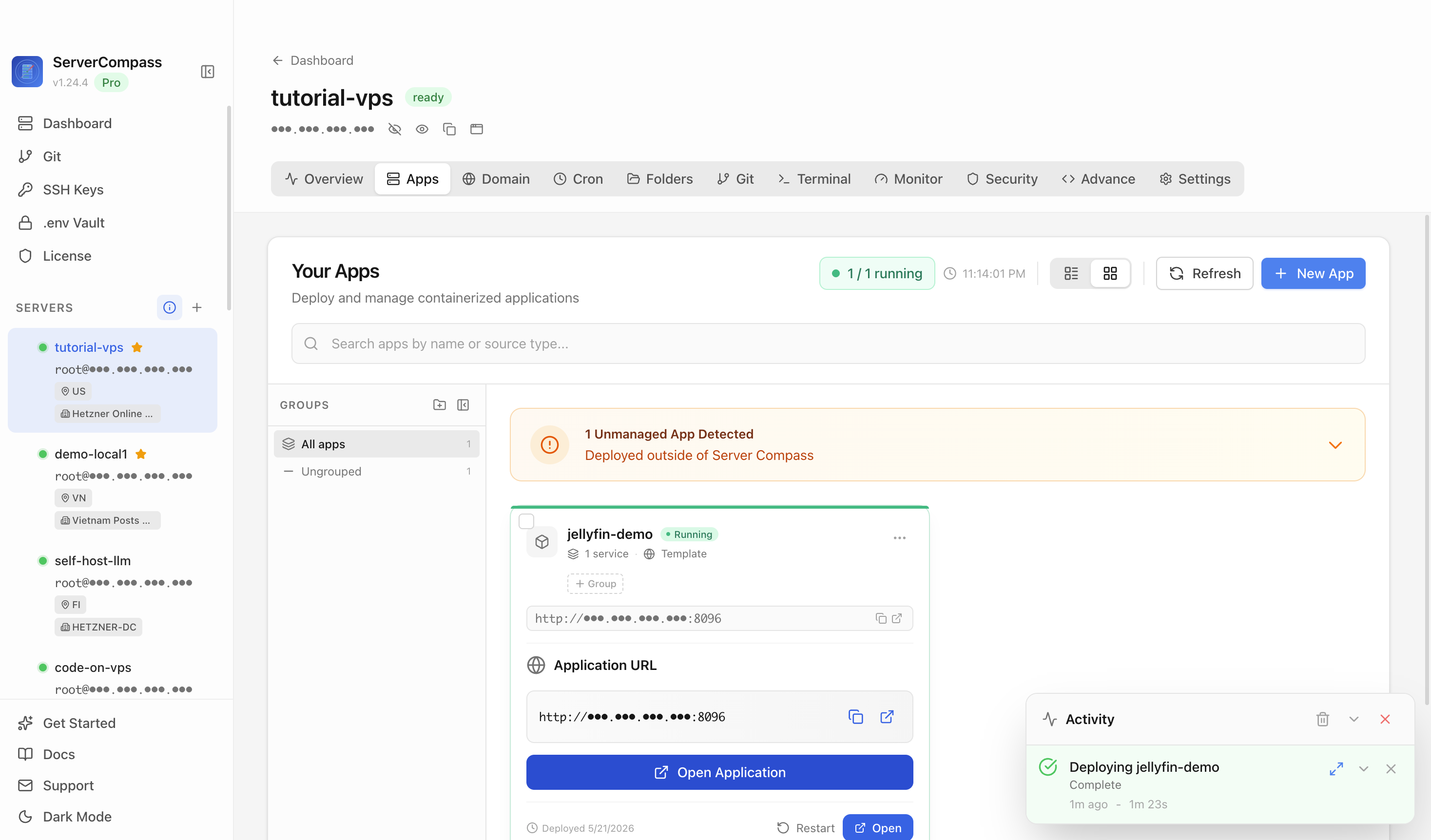
A tool like ServerCompass helps here because it lets you see all your running services and their resource usage at a glance — so when you are planning a migration, you can confirm what is actually running where before you start moving things around.
Corruption risks and multi-disk setups
One common worry in beginner threads is corruption risk when using multiple drives — for example, a 3TB HDD and a 2TB SSD in a Proxmox backup storage setup.
The corruption concern is legitimate but often framed wrong. The risk is not that using two drives causes corruption. The risk is:
- Running databases on a drive that loses power without a clean shutdown
- Using a filesystem that does not protect against partial writes (ext4 without journaling, FAT32)
- Not having a backup so that corruption is unrecoverable
For Proxmox + Immich + Jellyfin on the same host:
- Use ext4 or ZFS for your data drives (both journal writes)
- Put your Postgres volumes on the SSD for speed and lower failure rate
- Use Proxmox Backup Server or a cron-based
pg_dumpto dump databases to a separate destination regularly - Treat the HDD as media-only storage — large sequential reads and writes, no database I/O
This is not about preventing all possible failure. It is about making sure that when something fails — and it will — you know exactly what was lost and you can restore it.
Checklist
- Map out the database location, media location, and config location for every app before choosing hardware
- Do not conflate the Immich photo library with the Immich Postgres database — they are separate and need separate backup strategies
- For Jellyfin, keep config/metadata on a fast drive separate from your media files
- If you add a NAS for bulk storage, remember the app databases on your main host still need to be backed up
- Use
pg_dumpor Docker volume snapshots for database backups on a schedule — rsync alone is not sufficient for live databases - When migrating Immich to new hardware: stop containers, export the database, then move the library, then restore
- Test your restore process before you need it — confirm you can actually start Immich from a database dump and a media directory on a fresh host
- Use a service overview tool like ServerCompass to confirm what is running where before any migration