NAS app updates need rollback checks before Immich, Jellyfin, and jails fail quietly
Updating NAS app stacks without a rollback plan is how Immich uploads stop working, Jellyfin streams drop, and TrueNAS jails start dying silently every few days. Here is what to check before and after every update.

Updating a NAS or home-server app stack feels low-stakes until something breaks at 10 PM and you realize the rollback path was never tested.
How Updates Break Things Quietly
The failure pattern across NAS platforms is consistent: an update ships, the service restarts, and for a few hours or days everything looks fine. Then Immich uploads hang, Jellyfin streams drop mid-playback, or a TrueNAS jail stops responding. The logs may not surface the root cause immediately, and by the time you notice, the update has already touched the network stack, kernel modules, or storage layer underneath your apps.
A concrete example: a TrueNAS 26 beta update introduced packet drops on a custom Docker network. Immich uploads began failing silently and Jellyfin streams cut out. The fix was a rollback to the previous TrueNAS version, but that required a clean restore from a configuration backup — not just a package downgrade. Without that backup already in place, the rollback would have been far messier.
A separate issue on TrueNAS involves jails that die every three to seven days. The jail itself gives no alert; only an external monitor catches the outage. This is a different failure mode — not caused by a single update, but by a slow memory leak or resource contention that compounds over time. Without something watching the jail from outside, the service just stops quietly.
The Synology/Jellyfin Transcoding Trap
Jellyfin on Synology has its own failure pattern tied to transcoding. After a Jellyfin update, playback on Roku (and similar clients that request transcoded streams) can break while direct-play clients work fine. The likely cause is a transcoding dependency — ffmpeg path, hardware acceleration settings, or a codec that changed between versions.
The frustrating part is that the failure only surfaces on specific client/format combinations. A quick test from a browser might pass while the Roku app fails on every stream. This makes it easy to assume the update is clean when it is not.
Before updating Jellyfin on a Synology NAS: note your current transcoding settings and test a forced-transcode stream from your primary client after the update, not just a direct-play stream.
Unraid, ZFS, and the Kernel Panic Recovery
Unraid's flexibility is also its risk surface. One recovery path that worked: after a kernel panic triggered by a ZFS/driver conflict, the user booted from the Unraid USB drive, restored from a backup, then migrated the storage pool from ZFS to Btrfs to avoid the driver issue entirely. The fix worked, but it required having a known-good USB boot image and an offsite or secondary backup of the array data.
The lesson is not that ZFS is wrong for Unraid — it is that storage-layer changes (format migrations, kernel upgrades, driver updates) carry higher blast radius than app-layer updates. If the kernel panics, you are not just rolling back an app; you are recovering an OS.
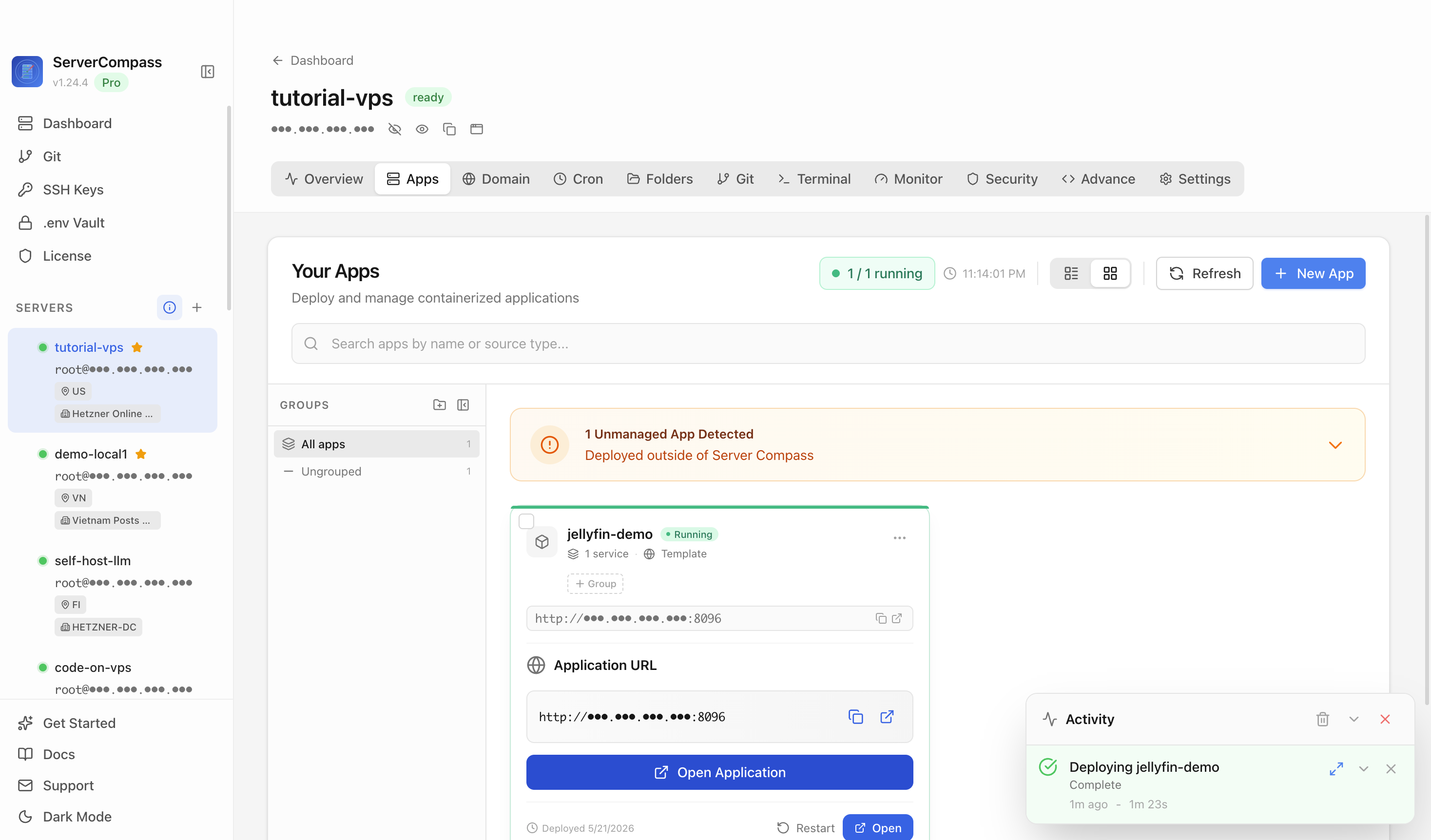
Tools like ServerCompass let you see all your running services at a glance, which helps you catch which services stopped responding after a storage or kernel event without SSHing into each host manually.
Before and After Every Update
The pattern across all these platforms points to the same missing step: a pre-update snapshot and a post-update verification pass. Most NAS platforms support configuration exports and VM/jail snapshots, but they are opt-in and easy to skip.
For TrueNAS, the configuration export (under System > General) gives you a restore point that survives a version rollback. For Unraid, the USB boot image is the equivalent — keep a known-good copy off the NAS itself. For Docker-based stacks, a docker compose file checked into version control is your rollback: pin image versions, do not use latest.
Post-update verification should cover the specific failure modes for each service:
- Immich: trigger an upload from the mobile app and confirm it appears in the library.
- Jellyfin: force a transcode (not direct play) from your primary client.
- TrueNAS jails: check jail status after 24 hours, not just immediately after restart.
- Unraid: confirm array parity is not rebuilding unexpectedly after a reboot.
An external monitor — a simple uptime check against each service's health endpoint — is the minimum safety net for catching silent failures that happen hours after the update completes.
Checklist
- Export a TrueNAS configuration backup before any system or beta update, not after.
- Keep a dated, off-NAS copy of the Unraid USB boot image before kernel or storage-layer changes.
- Pin Docker image versions in your compose files; never rely on
latestin production stacks. - After updating Jellyfin, test a forced-transcode stream from your primary client (Roku, Apple TV, etc.), not just a browser direct-play.
- After updating Immich, trigger a real upload from the mobile app and confirm it reaches the library.
- Set an external uptime monitor on each jail or container health endpoint — do not rely on the NAS UI alone to surface silent failures.
- If a TrueNAS jail dies on a recurring cycle (every few days), treat it as a resource leak and check memory/CPU limits before the next restart.
- After any storage-layer migration (ZFS to Btrfs, pool format change), verify parity and run a short SMART test before declaring the system healthy.