How to Self-Host PocketBase on a VPS (Production Setup)
Run PocketBase on your own VPS. A single binary backend with SQLite, auth, and realtime out of the box.
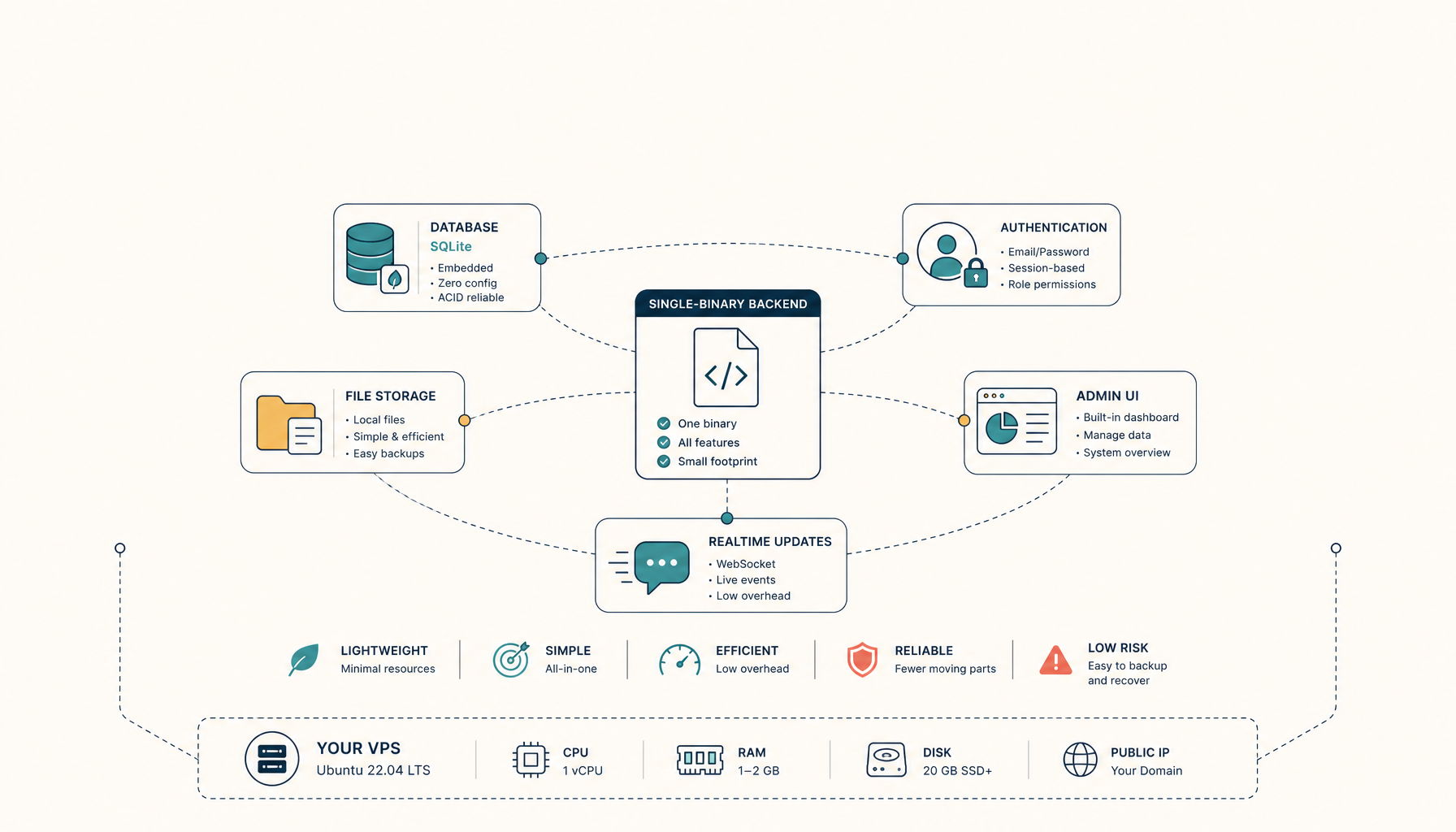
PocketBase is a backend in a single file. SQLite database, auth, file storage, realtime subscriptions. No external dependencies.
Self-hosting PocketBase is as simple as it gets. The binary runs anywhere, and Docker makes it even cleaner.
What you will have at the end
- PocketBase running at
https://pocketbase.your-domain.com - Automatic SSL via Traefik
- Persistent SQLite database
- Admin dashboard ready to configure
Step 1: Prepare the server
sudo apt update && sudo apt upgrade -y
Install Docker if needed:
curl -fsSL https://get.docker.com | sh
sudo usermod -aG docker $USER
newgrp docker
Step 2: Create directory structure
mkdir -p ~/apps/pocketbase/pb_data
mkdir -p ~/apps/pocketbase/pb_public
cd ~/apps/pocketbase
Step 3: Create docker-compose.yml
services:
  traefik:
    image: traefik:v2.11
    command:
      - --providers.docker=true
      - --providers.docker.exposedbydefault=false
      - --entrypoints.web.address=:80
      - --entrypoints.websecure.address=:443
      - --certificatesresolvers.letsencrypt.acme.tlschallenge=true
      - [email protected]
      - --certificatesresolvers.letsencrypt.acme.storage=/letsencrypt/acme.json
    ports:
      - 80:80
      - 443:443
    volumes:
      - /var/run/docker.sock:/var/run/docker.sock:ro
      - letsencrypt:/letsencrypt
    restart: unless-stopped

  pocketbase:
    image: ghcr.io/muchobien/pocketbase:latest
    restart: unless-stopped
    command:
      - --encryptionEnv
      - PB_ENCRYPTION_KEY
    environment:
      PB_ENCRYPTION_KEY: ${PB_ENCRYPTION_KEY}
    volumes:
      - ./pb_data:/pb/pb_data
      - ./pb_public:/pb/pb_public
    labels:
      - traefik.enable=true
      - traefik.http.routers.pocketbase.rule=Host(`pocketbase.your-domain.com`)
      - traefik.http.routers.pocketbase.entrypoints=websecure
      - traefik.http.routers.pocketbase.tls=true
      - traefik.http.routers.pocketbase.tls.certresolver=letsencrypt
      - traefik.http.services.pocketbase.loadbalancer.server.port=8080

volumes:
  letsencrypt:
Step 4: Configure environment variables
Create .env file:
# Generate an encryption key for sensitive data
PB_ENCRYPTION_KEY=$(openssl rand -hex 16)
echo "PB_ENCRYPTION_KEY=$PB_ENCRYPTION_KEY" > .env
Save this key securely. You need it to access encrypted data.
Step 5: Deploy
docker compose up -d
PocketBase starts in seconds.
Step 6: Create admin account
Visit https://pocketbase.your-domain.com/_/ to access the admin dashboard.
On first visit, you will create your superuser account. This is your admin login.
Step 7: Configure settings
In the admin dashboard:
- Go to Settings > Application
- Set your application name
- Configure SMTP for email verification (optional)
- Set allowed OAuth providers (optional)
Backup strategy
PocketBase uses SQLite. Backing up is simple: copy the database file.
#!/bin/bash
# Daily backup script
BACKUP_DIR=/backups/pocketbase
mkdir -p $BACKUP_DIR

# Stop writes briefly for consistency
docker compose pause pocketbase

# Copy the database
cp ~/apps/pocketbase/pb_data/data.db $BACKUP_DIR/data-$(date +%Y%m%d).db

# Resume
docker compose unpause pocketbase

# Also backup uploaded files
tar -czf $BACKUP_DIR/pb_public-$(date +%Y%m%d).tar.gz ~/apps/pocketbase/pb_public
For zero-downtime backups, use SQLite's .backup command or enable WAL mode.
Troubleshooting
Admin dashboard shows blank page
- Clear browser cache and cookies
- Check if the container is running:
docker compose ps - Verify Traefik routing:
docker compose logs traefik
Cannot upload files
- Check disk space:
df -h - Verify volume permissions:
ls -la pb_data - Increase upload limit in PocketBase settings
Realtime subscriptions not working
- Ensure WebSocket connections are allowed through your firewall
- Check if Traefik is forwarding WebSocket headers
- Verify your client is connecting to the correct URL
Database locked errors
- SQLite can only handle one writer at a time
- Enable WAL mode for better concurrency
- For high-write workloads, consider using PocketBase's built-in S3 storage
Internal links
- Tutorial: Deploy Docker Compose to VPS
- Tutorial: Self-Host Supabase
- Comparison: Firebase Alternatives
- ServerCompass: One-click PocketBase deployment
From across the StoicSoft network
Hand-curated reads on the same topic from sister sites in the StoicSoft family.
 Deploy Handbook
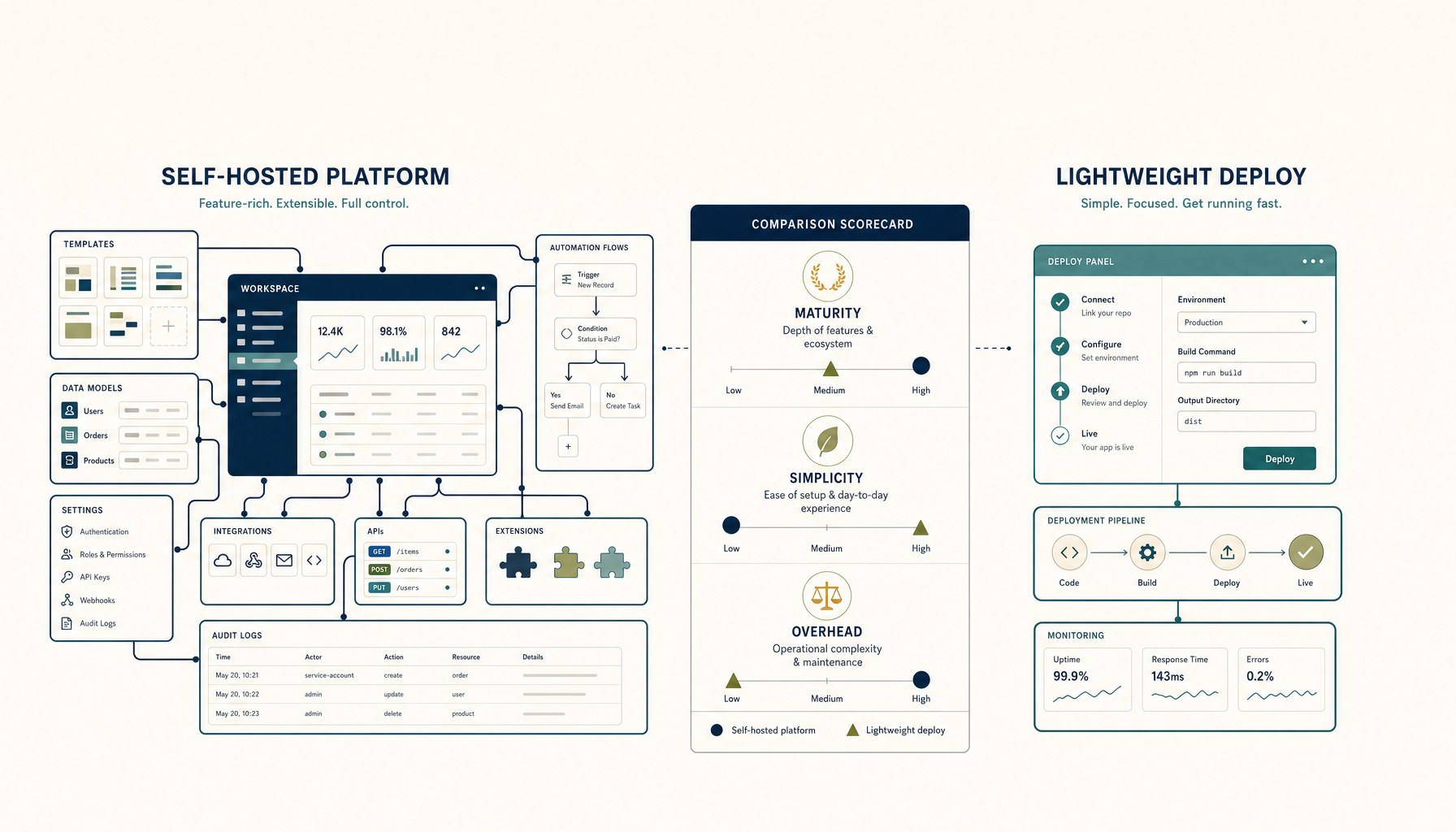
Coolify vs Dokploy: Self-Hosted PaaS Comparison
Both let you run your own Heroku. Which one should you pick for your VPS?
Read on stoicvps.com/handbook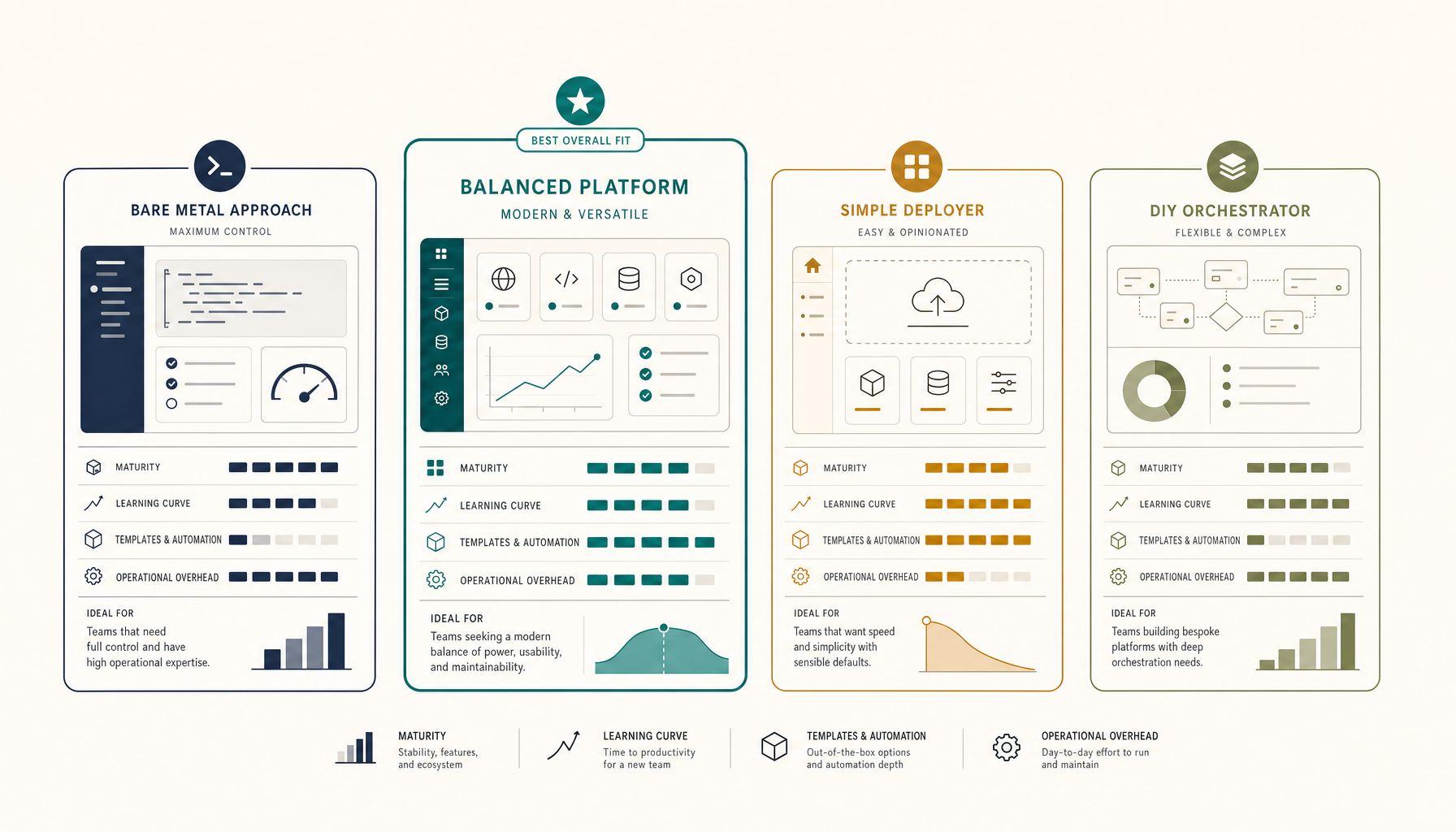 Deploy Handbook
Best Self-Hosted PaaS (2026): Coolify, Dokploy, CapRover, ServerCompass
A practical comparison of self-hosted PaaS options. Run your own Heroku alternative on a VPS for a fraction of the cost.
Read on stoicvps.com/handbook