Tiny zero-cloud production stacks still need boring SSL, backup, and alerting guardrails
Running a production site on Raspberry Pi-class hardware can cut your monthly cloud bill to near zero, but skipping SSL termination, backups, and alerting turns that cost win into an operational liability. Here is what a real software house running mail, MariaDB, analytics, and HAProxy on edge hardware gets right — and what you need to put in place before you call it production.

Running a real production stack on a Raspberry Pi 4 and an Orange Pi edge node sounds like a stunt, but teams are doing it successfully — and the monthly cost difference versus a mid-tier cloud setup is not trivial. The catch is that cutting cloud spend does not mean cutting the boring guardrails that make a system actually production-grade.
What a real zero-cloud software-house stack looks like
One software house documented their setup in detail: a Raspberry Pi 4 as the primary node, an Orange Pi acting as an edge endpoint, SSD boot disks (not SD cards — a hard-learned lesson), and a UPS to handle power blips. On top of that hardware they run a full website, a mail stack, MariaDB, and self-hosted analytics.
For network ingress they use HAProxy for SSL termination, with Certbot handling certificate issuance and renewal. Alerts go out over Telegram when something degrades. Backups run on a schedule. None of this is glamorous, but every piece of it matters.
A separate homelab operator running a denser single-node Proxmox setup shows the same pattern at higher complexity: VLANs, WireGuard, HAProxy, a status page hosted on a cheap VPS, ArgoCD, Vault, SaltStack, Prometheus, Grafana, Loki, and Discord alerts. Different scale, same discipline — the observability and safety rails scale up proportionally with the stack.
The shared lesson from both setups: the hardware is cheap, the operational scaffolding is not optional.
SSL termination is not negotiable
HAProxy in front of your services with Certbot-issued certificates is a well-proven pattern on constrained hardware. HAProxy handles TLS offloading efficiently even on ARM CPUs, and Certbot's renewal hooks integrate cleanly with it.
The things that actually cause SSL failures in practice:
- Certificates expiring silently. Certbot auto-renewal works until it does not — a port-80 block from a firewall rule change or a misconfigured deploy will cause a quiet renewal failure that you only notice when the cert expires. Add an expiry check to your alerting.
- HTTP left open alongside HTTPS. HAProxy makes it straightforward to redirect all port-80 traffic to HTTPS. Do it from day one.
- Internal services exposed without TLS. If you are running services that talk to each other over plain HTTP on a VLAN, at minimum make sure those interfaces are not reachable from outside. WireGuard for inter-node traffic is a reasonable choice here.
Certbot renews on a timer, but the actual availability of port 80 on renewal day is your responsibility.
Backups and the 3-2-1 minimum
Running MariaDB on a Raspberry Pi with no offsite backup is not a cost-efficient setup — it is a data-loss event waiting for a hardware failure. SSD boot disks are more reliable than SD cards, but SSDs still fail, and power interruptions without a UPS corrupt filesystems.
The minimum viable backup posture for a zero-cloud production stack:
- Daily database dumps —
mysqldumpormariadb-dumppiped to a compressed archive, rotated locally. - Offsite copy —
rcloneto a cheap object store (Backblaze B2 runs around $0.006/GB/month, well within the spirit of a low-cost setup). This is your disaster recovery path. - Backup verification — actually restore from backup on a test instance periodically. A backup you have never restored is an untested assumption.
If your UPS covers a power blip but not an extended outage, make sure your database is configured to survive an unclean shutdown without corruption. InnoDB's innodb_flush_log_at_trx_commit=1 is conservative but safe.
Alerting that actually pages you
Telegram alerting is the right call for a small team running self-hosted infrastructure — it costs nothing, works from a simple bot API call, and reaches mobile. The software house in this pattern uses it for service-level alerts; the Proxmox-based setup uses Discord. Neither is wrong. What matters is that the alert fires before a customer tells you something is broken.
Alerts worth setting up for a stack like this:
- Certificate expiry (warn at 30 days, page at 7)
- Service health checks (HAProxy can do this natively via its stats page and health-check directives)
- Disk usage thresholds (SSD or SD card, it fills up)
- Backup job completion and failure
- CPU temperature on ARM hardware running under sustained load
Prometheus, Grafana, and Loki give you a full observability stack if you have the node capacity for it. If not, even a simple shell script that curls a health endpoint and posts to Telegram on failure is better than no alerting.
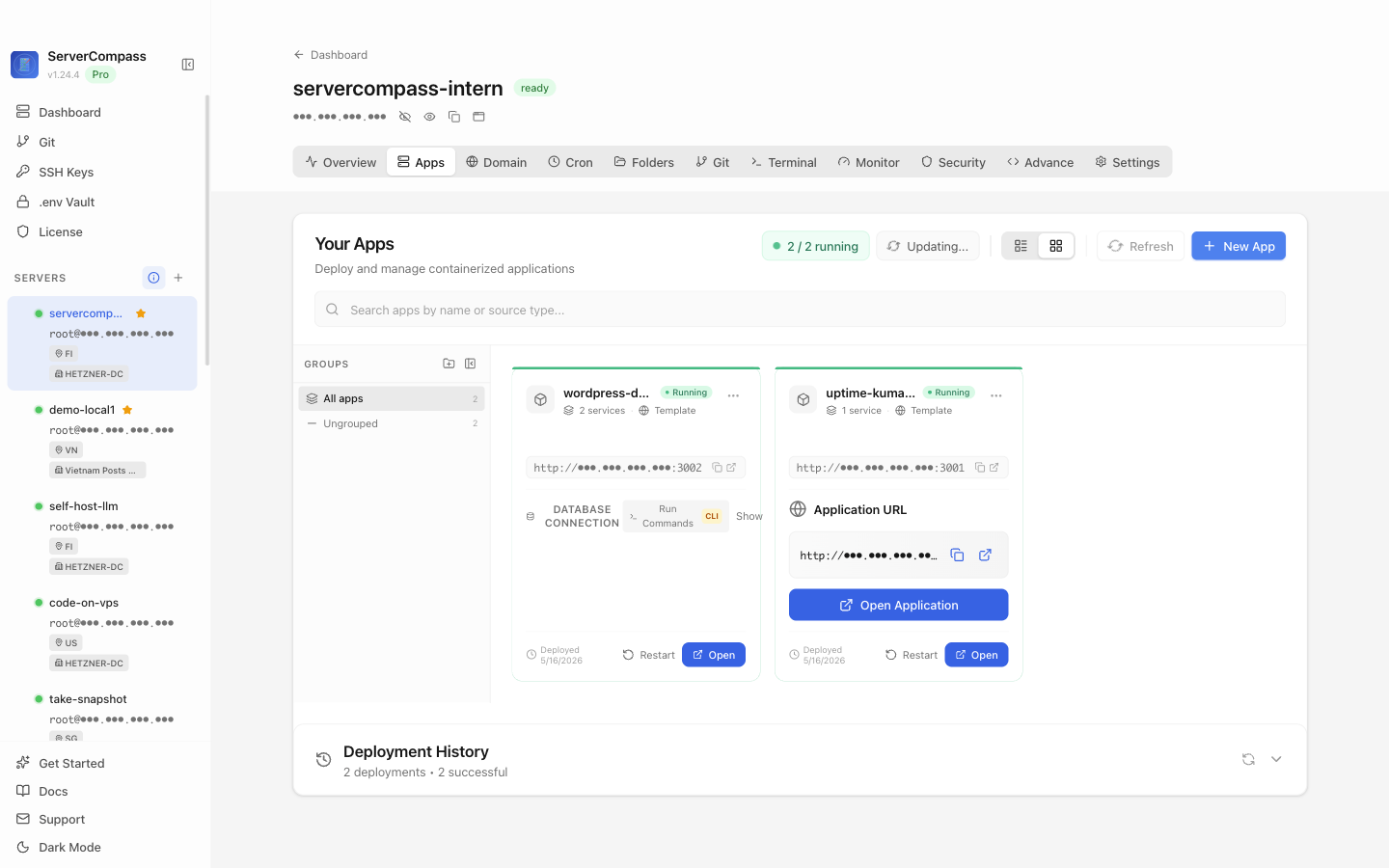
ServerCompass lets you see all your running services at a glance from a single dashboard, which is useful when you are managing multiple processes across nodes and want one place to confirm everything is up without SSHing into each box.
Checklist
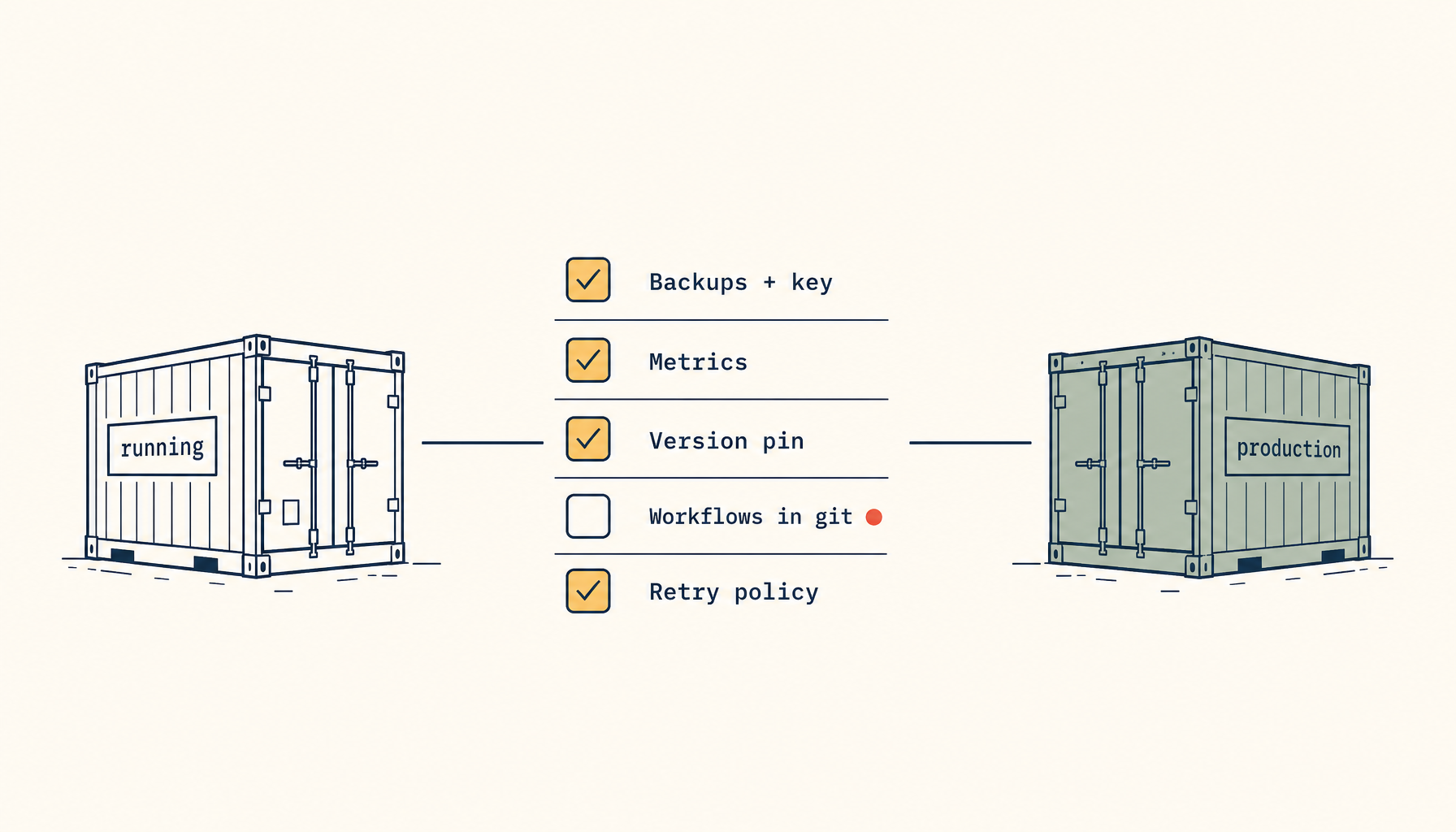
- Use SSD boot disks, not SD cards, for any node running a real database or persistent services
- Add a UPS to handle power blips — filesystem corruption from unexpected power loss on a Pi is common
- Terminate SSL with HAProxy + Certbot and redirect all port-80 traffic to HTTPS from day one
- Monitor certificate expiry dates explicitly — don't rely only on Certbot's auto-renewal succeeding silently
- Run daily database dumps and copy them offsite with rclone or equivalent
- Verify backups periodically by actually restoring one
- Set up Telegram or Discord alerting for service health, disk usage, and backup job status
- Use a tool like ServerCompass to monitor all services across nodes from a single view