Docker Deployment Is Shifting Toward Testing the Exact Image Before Rollout
'Works on my machine' is back as 'works on the tag I tested, not the one that deployed.' Pinning and promoting the exact image digest is how teams stop deploying surprises.

The oldest bug in deployment — "works on my machine" — has a modern form: "works on the image I tested, not the one that actually deployed." It happens because a tag like :latest or :v2 is a moving pointer, not a fixed artifact. You test the image behind the tag on Monday, the tag gets repointed to a rebuild on Tuesday, and Wednesday's deploy ships something you never tested. The industry's quiet shift is toward testing and deploying the exact same immutable image, identified by digest, all the way through.
Tags lie; digests don't
nginx:1.25 can point to different bytes over time as it's rebuilt for security patches. A digest (nginx@sha256:abc...) is content-addressed — it always refers to the exact same image. The principle: build once, get a digest, and reference that digest from test through production. The tag is for humans; the digest is for deploys.
Promote the artifact, don't rebuild it
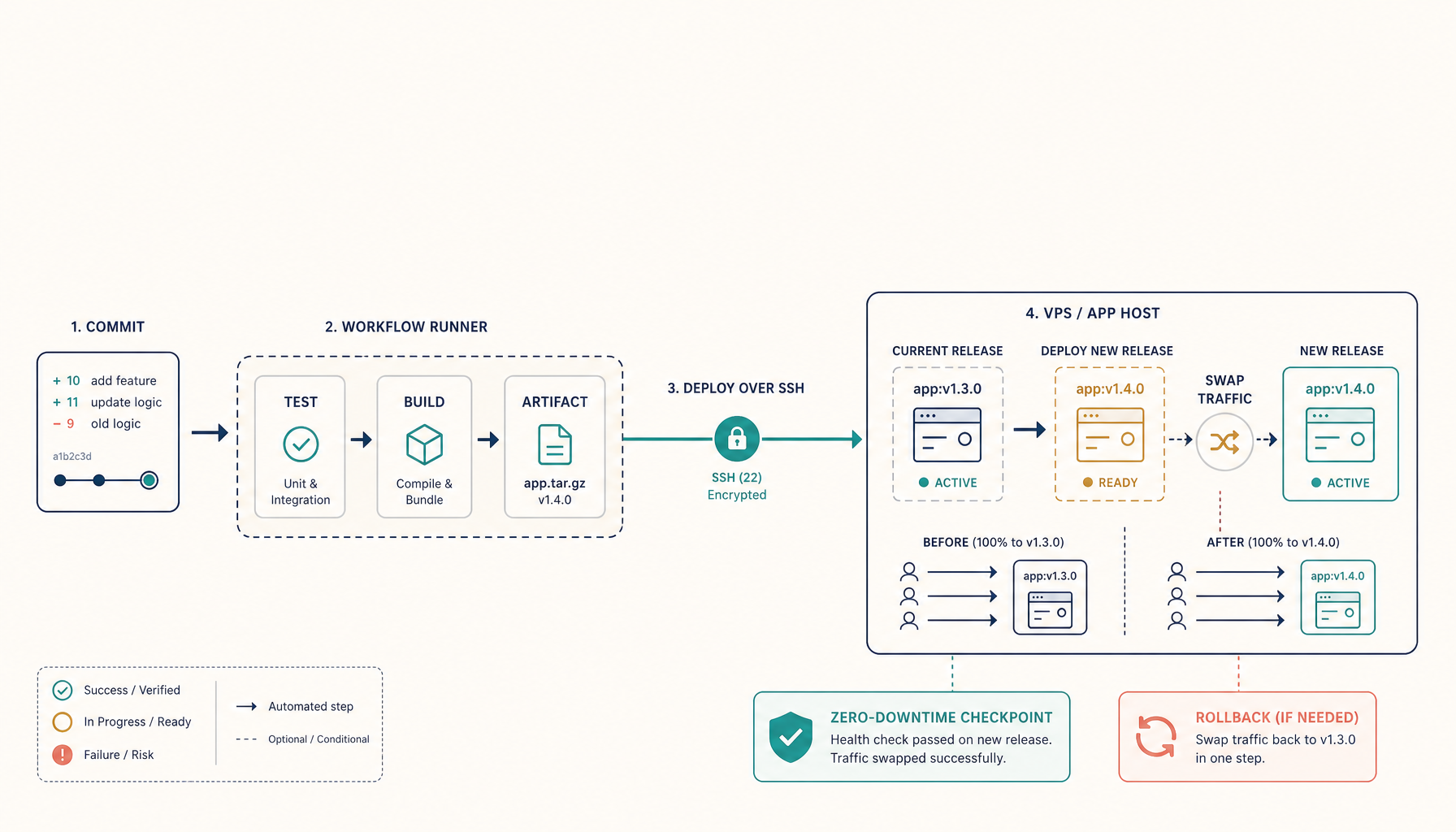
The anti-pattern is building separately for staging and production — now you've tested one build and shipped another. Instead, promote:
- Build the image once in CI; record its digest.
- Run tests against that digest.
- Deploy that same digest to production — no rebuild.
If production rebuilds from the Dockerfile, you've reintroduced the very drift you were avoiding. This is the runtime cousin of Compose drift: there the config moves under you; here the image does.
Smoke-test the exact image before it serves traffic
Pinning gets you the same image; a smoke test confirms it actually works in this environment before users hit it:
- Start the pinned image, hit its health endpoint and one real path.
- For realtime apps, confirm the live path too — the WebSocket-specific checks that HTTP probes miss.
- Only flip traffic after the smoke test passes against the exact digest you're about to promote.
Keep the previous digest for instant rollback
Because digests are immutable, rollback is trivial if you recorded the last good one: repoint to the previous digest and you're back to a known artifact, not a hopeful rebuild. Keep the last few good digests noted alongside the deploy — pair it with a rollback playbook that has the context in one place and recovery is seconds.
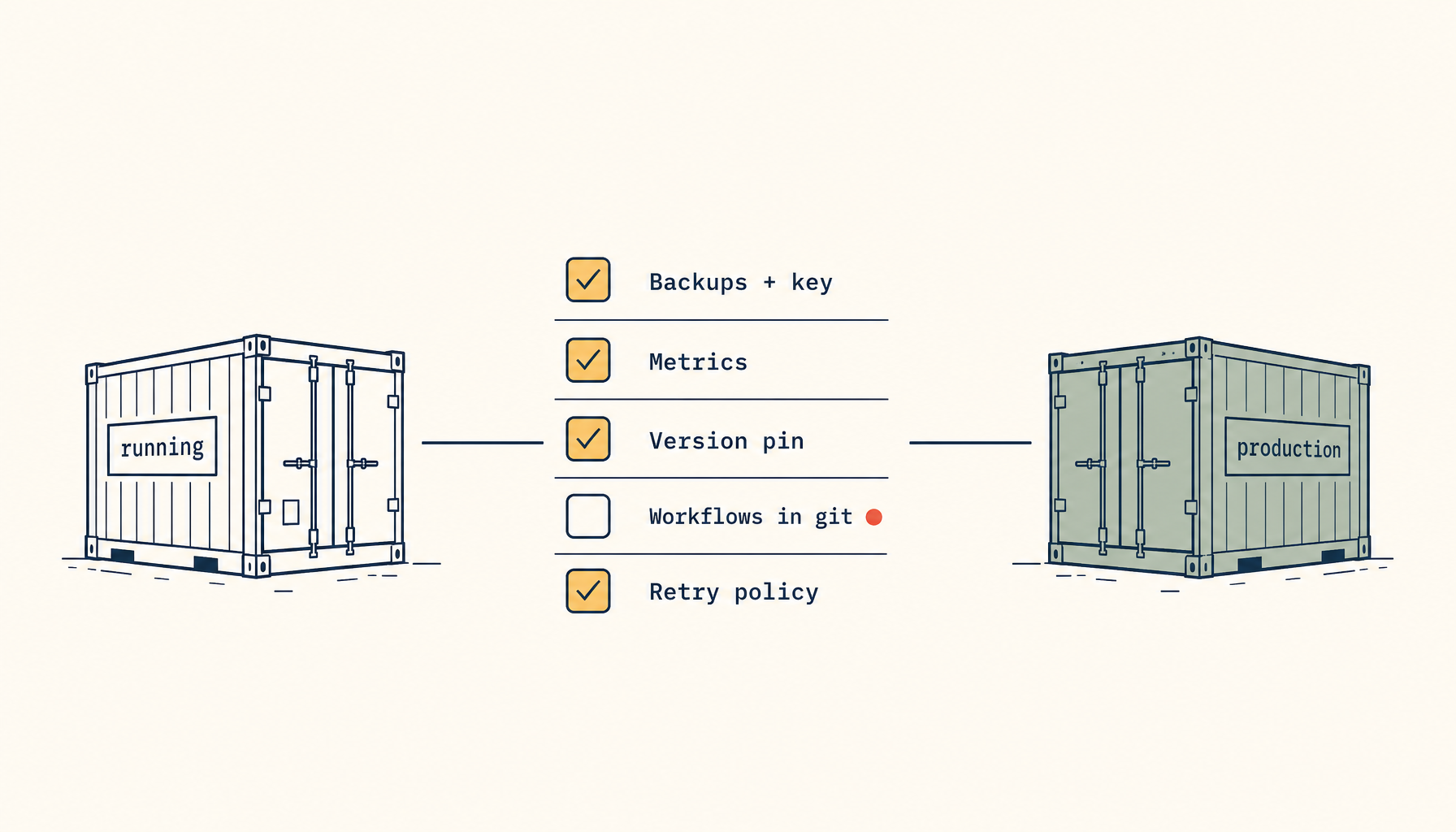
Practical checklist
- Reference images by digest in the deploy, not a moving tag.
- Build once in CI; record the digest.
- Test and deploy the same digest — never rebuild for prod.
- Smoke-test the pinned image before flipping traffic.
- Record the previous good digest for instant rollback.
Takeaway
The reason a deploy "suddenly broke" is usually that you deployed an image you never tested, because a tag moved. Pin by digest, promote the one tested artifact unchanged, smoke-test that exact image, and keep the last good digest for rollback. Test what you ship, ship what you tested — by digest, not by hope.