The Smallest-Viable Production Runbook for a Web App
You were hired to write the frontend and inherited Docker, DNS, SSL, secrets, the database, and the pager. Here are the five questions every deployed web app has to answer — written down once so you stop rediscovering them during incidents.
A pattern keeps surfacing in r/webdev: you took a job to write the frontend, and somewhere along the way you inherited the backend, the database, Docker, CI/CD, SSL, DNS, environment configs — and the pager for production issues. Nobody handed you a map. One developer described the exact chain: APIs, auth, uploads, caching, a database, then Docker, then a deploy target, then a TLS certificate that expired at the worst possible time. Another just needed to point a root domain at an app on a subdomain and couldn't find a plain-language route through it. A third had a self-hosted Postgres instance and a Vercel frontend, and was staring down per-project static-IP fees just to let the two talk securely.
None of these are framework problems. They're operations problems, and the fix isn't a bigger platform — it's a smallest-viable runbook: the five questions every deployed web app has to answer, written down once so you stop rediscovering them during incidents. Here it is.
1. Where does the app actually run?
Before anything else, be able to name the box. Not "Vercel" or "the cloud" in the abstract — the specific place a process is listening on a port.
For a frontend dev pulled into ops, the honest default is a single small VPS running your app as one Docker stack. One machine you can SSH into, one docker compose ps that shows you everything, one place logs live. Managed platforms feel simpler until the bill, the cold starts, or the egress fees push back — which is exactly what happens when a small Next.js app outgrows Vercel pricing and you start paying per-project for things a $5 box does for free.
Write down, in your runbook: the host, the OS, how you connect (SSH key, not password), and the one command that lists every running service. If you can't produce that paragraph, you don't yet know where your app runs — and that's the first gap to close.
2. How does DNS prove it's reachable?
DNS is where most frontend-to-ops developers lose a weekend, because the mental model is missing. Three records do almost all the work:
- An A record points a name (
app.example.com) at your server's IP. - A CNAME points one name at another name (useful for
www). - The apex/root (
example.comwith no subdomain) is the awkward one — many registrars won't let you CNAME it, so you either use an A record to the same IP or a registrar-level redirect.
That root-to-subdomain redirect — "I have a GoDaddy domain and a Hostinger VPS, how do I send example.com to app.example.com?" — is not a code change. It's either a redirect rule at the registrar/DNS provider, or a one-line server block in your reverse proxy that 301s the apex to the subdomain. Pick one, document which, and stop guessing.
The proof step matters more than the config: after you change DNS, verify it resolves before you assume it's broken. dig +short app.example.com should return your server's IP. If it doesn't, you're waiting on propagation, not debugging your app. Half of "the site is down" panics are just DNS that hasn't caught up yet.
3. How are secrets stored?
The moment you have a backend, you have secrets: database passwords, API keys, signing tokens. The rule is short — secrets live in an environment file on the server, never in git, never in the frontend bundle.
Concretely:
- A single
.env(orcompose-referenced env file) on the box, readable only by the deploy user. .envin.gitignore, with a committed.env.examplethat lists the names of every variable and no values.- Anything the browser needs is public by definition — don't put a real secret behind a
NEXT_PUBLIC_prefix and assume it's hidden. It ships to every visitor.
This is also your disaster-recovery checklist: if the box died tonight, the .env is the one file (besides the database) you can't regenerate from git. Back it up off the machine. A deployment is only as reproducible as its documented config and secrets handling — the rest is just git clone.
4. How is the database reached?
This is the question that sent the Next.js-plus-self-hosted-Postgres developer in circles, and the answer reframes the whole cost problem. When your frontend lives on a serverless platform and your database lives on your own box, every request needs a secure path between two networks you don't fully control — which is why platforms start selling you static outbound IPs to allowlist, per project.
The smallest-viable answer is to collapse the distance: run the app and the database on the same VPS, on a private Docker network, and never expose Postgres to the public internet at all. The app reaches the database at db:5432 inside the compose network; the firewall only opens 80/443. No static IP to rent, no allowlist to maintain, no database port facing the world.
If the two genuinely must live apart, then the path is: a firewall rule allowing only the app's IP, TLS on the database connection, and a real credential — never "open 5432 to 0.0.0.0/0 and hope." Write down which model you're using and what the connection string assumes. A surprising number of breaches are just a managed database left open with a default password.
5. What checks happen after deploy?
A deploy isn't done when the command exits zero. It's done when you've confirmed the new version is actually serving traffic correctly — and this is the step that separates a runbook from a prayer. Your minimum post-deploy pass:
- The app responds on its health endpoint (or just loads) over HTTPS, not just HTTP.
- The TLS certificate is valid and not expiring this week.
- The database migration that shipped with this deploy actually ran.
- Logs show the new version booting clean, with no restart loop.
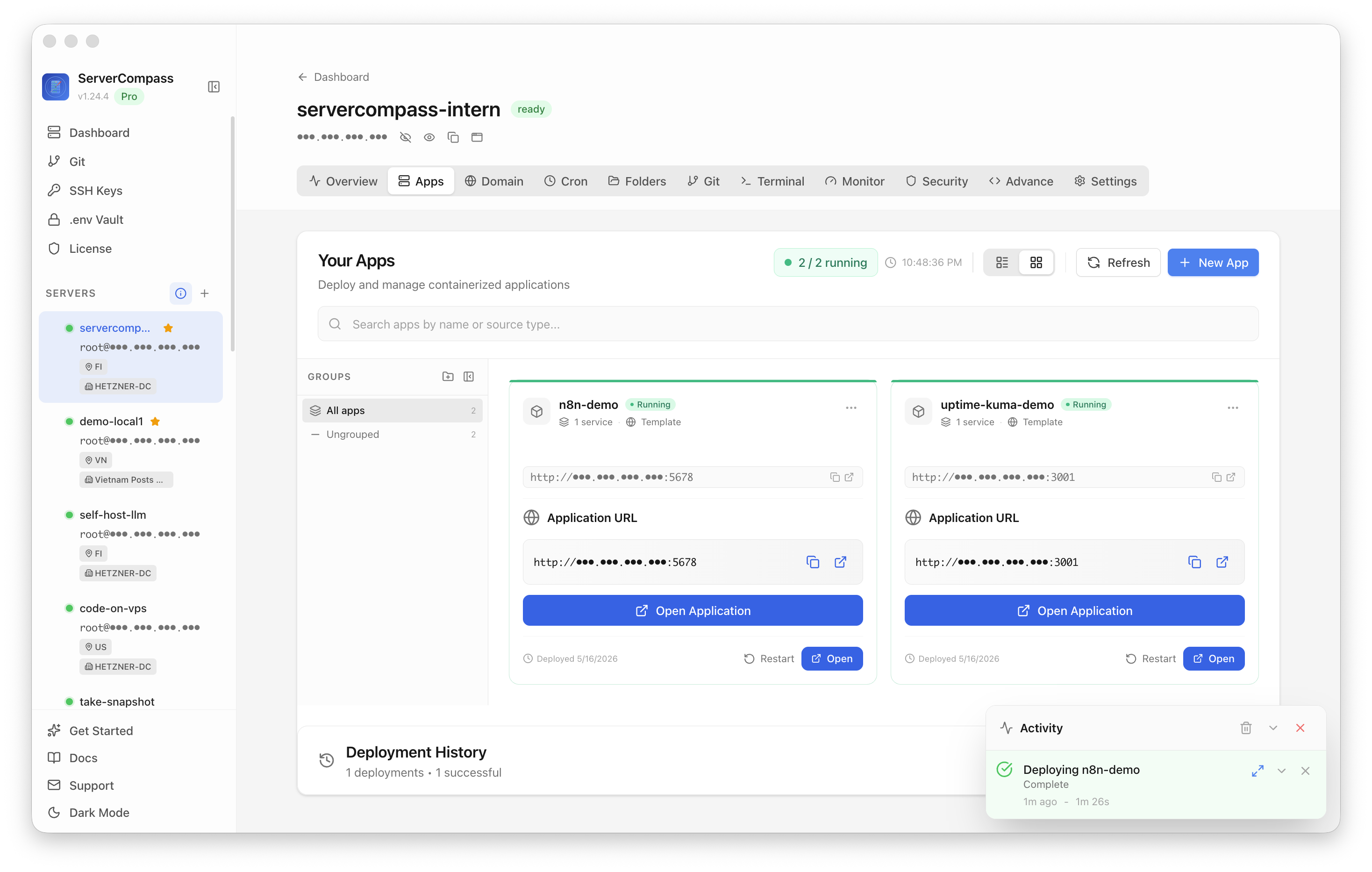
You want one place that answers "is the stack healthy?" without four separate logins. A self-host dashboard like ServerCompass gives you that single pane — services, deploy state, and health in one view — so the post-deploy check is a glance instead of an investigation.

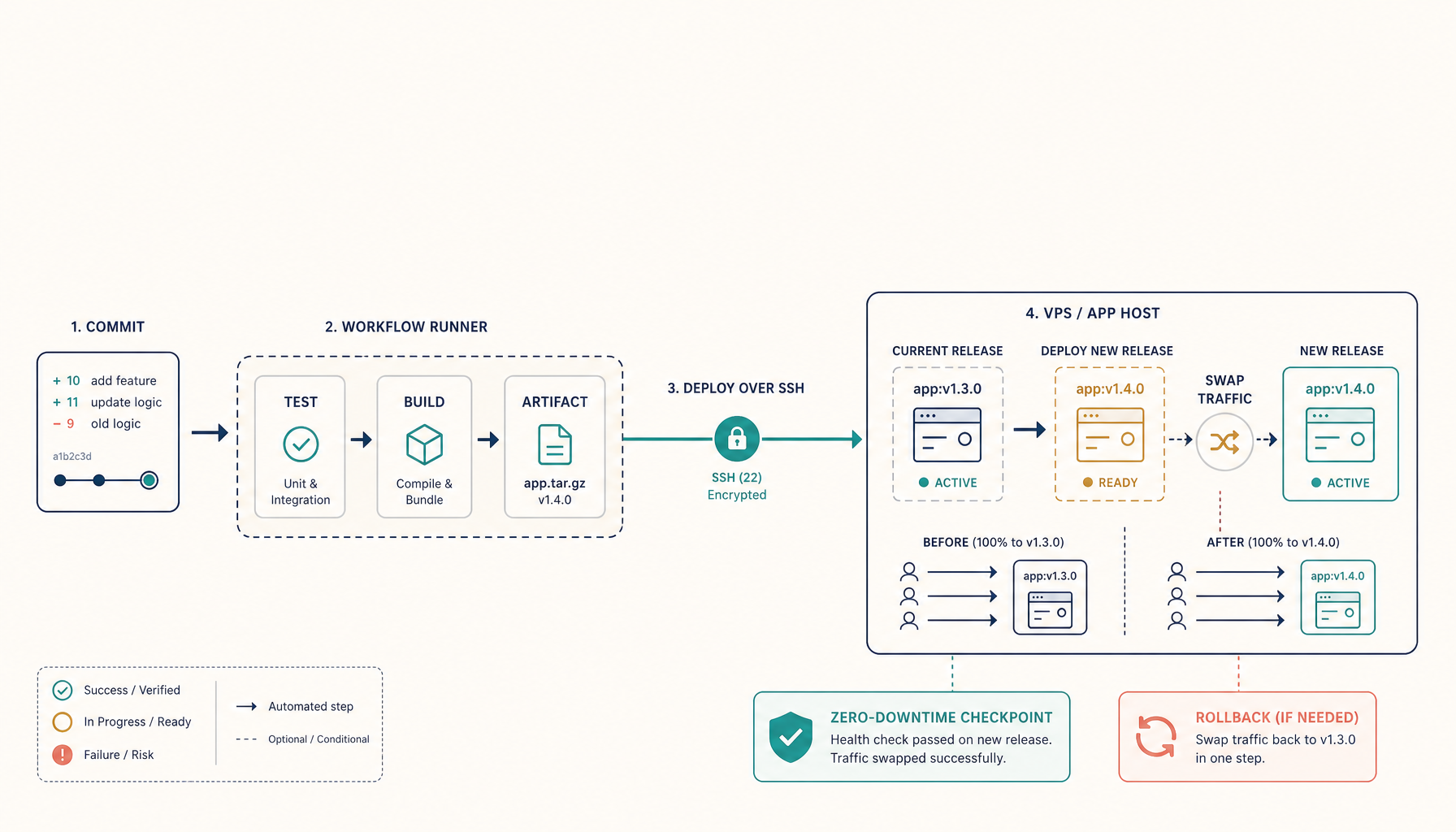
And when a deploy does go wrong, the runbook's last line is the most important one: know how to undo it. Keep the previous image tagged, keep the last database dump, and rehearse the rollback before you need it so "roll back" is a command you've run, not a theory.
The runbook is five sentences
You don't need a platform team. You need five answers written in a file in your repo:
- Runs: a single VPS, app as a Docker stack, reached by SSH key.
- DNS: A record to the box, apex 301s to the subdomain, verified with
dig. - Secrets: one
.envon the server, gitignored, backed up off-box. - Database: same box, private network, never public.
- After deploy: HTTPS + cert + migrations + clean logs, on one dashboard, with a rehearsed rollback.
That's the smallest viable production runbook. It fits on an index card, it answers the questions that actually page you at 2 a.m., and it scales further than most frontend-devs-turned-operators expect before they ever need to think about Kubernetes. When you outgrow the single box, the step up to lightweight orchestration is a deliberate decision — not an accident you back into because nobody wrote the runbook down.
From across the StoicSoft network
Hand-curated reads on the same topic from sister sites in the StoicSoft family.
 Deploy Handbook8 min read
Small self-hosters need a migration preflight before Vercel, colo, or VPS changes become scary
Fresh Reddit threads show two versions of the same deployment anxiety. A freelancer with a simple React/D3 portfolio and Vercel-managed domain wants to leave Vercel but is unsure how risky the provider and domain move will be. A self-hoster with a colocated…
Read on stoicvps.com/handbook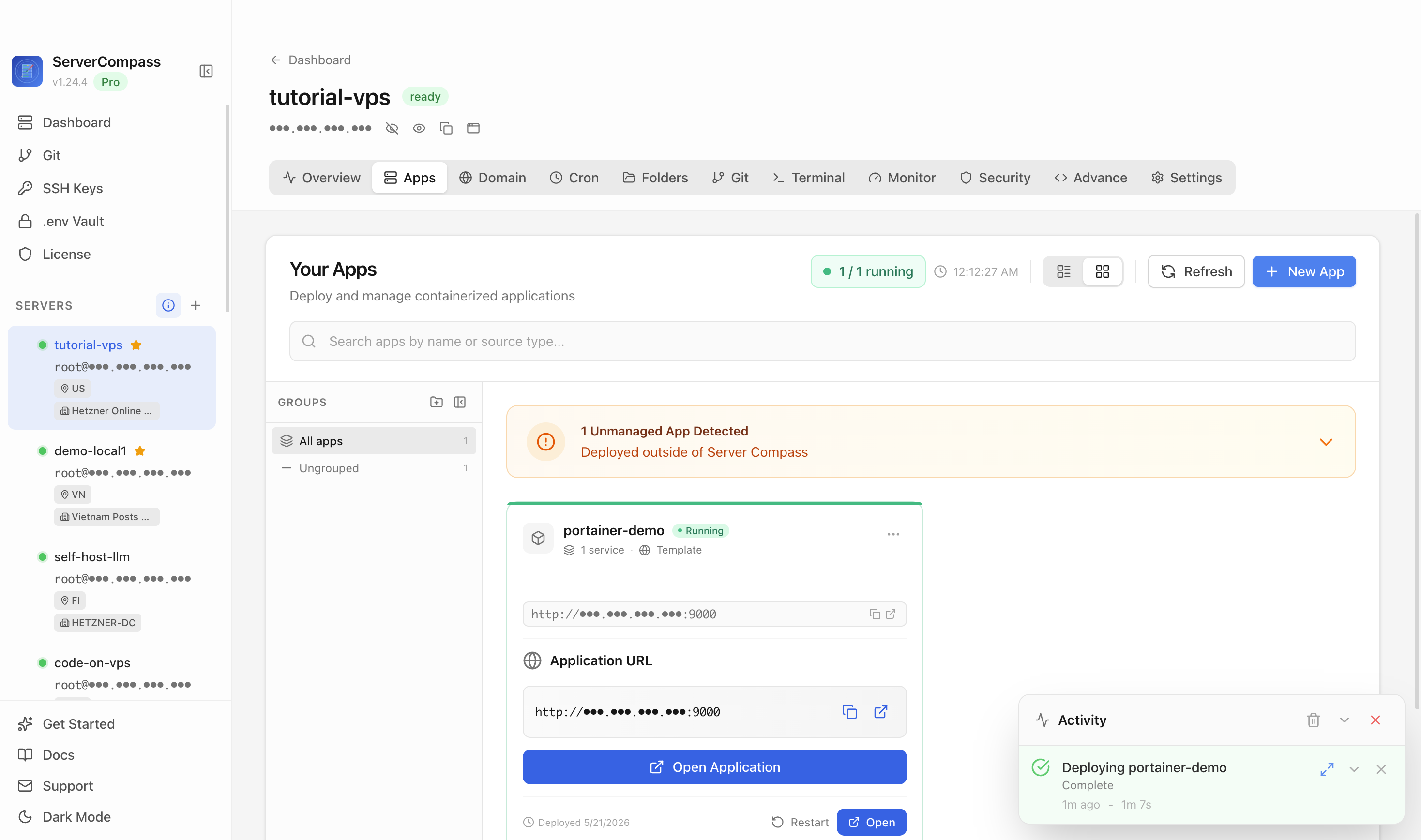 Deploy Handbook8 min read
Self-hosters want a simpler middle path before their containers turn into platform engineering
A fresh self-hosted thread asks what people cut back after their setups became too complex, while another documents a migration from one hardened Docker Compose VM into a TrueNAS-backed Nomad/Consul/Vault platform. Together they show the middle-market…
Read on stoicvps.com/handbook