If You Ship a Self-Hostable App, Your Deployment Docs Need This Checklist
Maintainers ship great Docker images and then watch users break on the first production install — SSL, env files, backups, upgrades, rollback. A deployment-docs checklist that survives real installs.

If you maintain a self-hostable app, your docker-compose.yml is the easy part. The recurring way users bounce off — and flood your issue tracker — is the first production install: they get the container running, then hit SSL, env files, persistence, backups, and upgrades with no map. Good deployment docs are a feature, and they follow a predictable checklist. Write to it and your support load drops while your adoption rises.
Docs that survive real installs cover the lifecycle, not just up
A docker run one-liner gets someone to a demo. Production needs the whole lifecycle documented. Here's what users actually get stuck on, in order.
1. Persistence: what must survive a recreate
State the named volumes/paths that hold real data, explicitly. Users will docker compose down and recreate; if it's not clear what's persistent, they lose data and blame the app. Spell out which directories are the database, the uploads, the config — and that bind-mounts must be owned by the container user (the ownership trap).
2. Env and secrets: every required variable, and safe defaults
- List every required env var, with an example and whether it's secret.
- Never let the app boot to an insecure default (blank admin password) silently — fail loudly or force a value.
- Document
.envhandling so secrets don't end up in logs or images.
3. SSL/reverse proxy: the part everyone gets wrong
Most "it won't load on my domain" issues are reverse-proxy details. Document:
- The proxy headers your app needs (
Host,X-Forwarded-Proto, WebSocket upgrade if applicable) — the exact class of reverse-proxy edge cases that bite real apps. - Any body-size or timeout requirements (uploads, long requests).
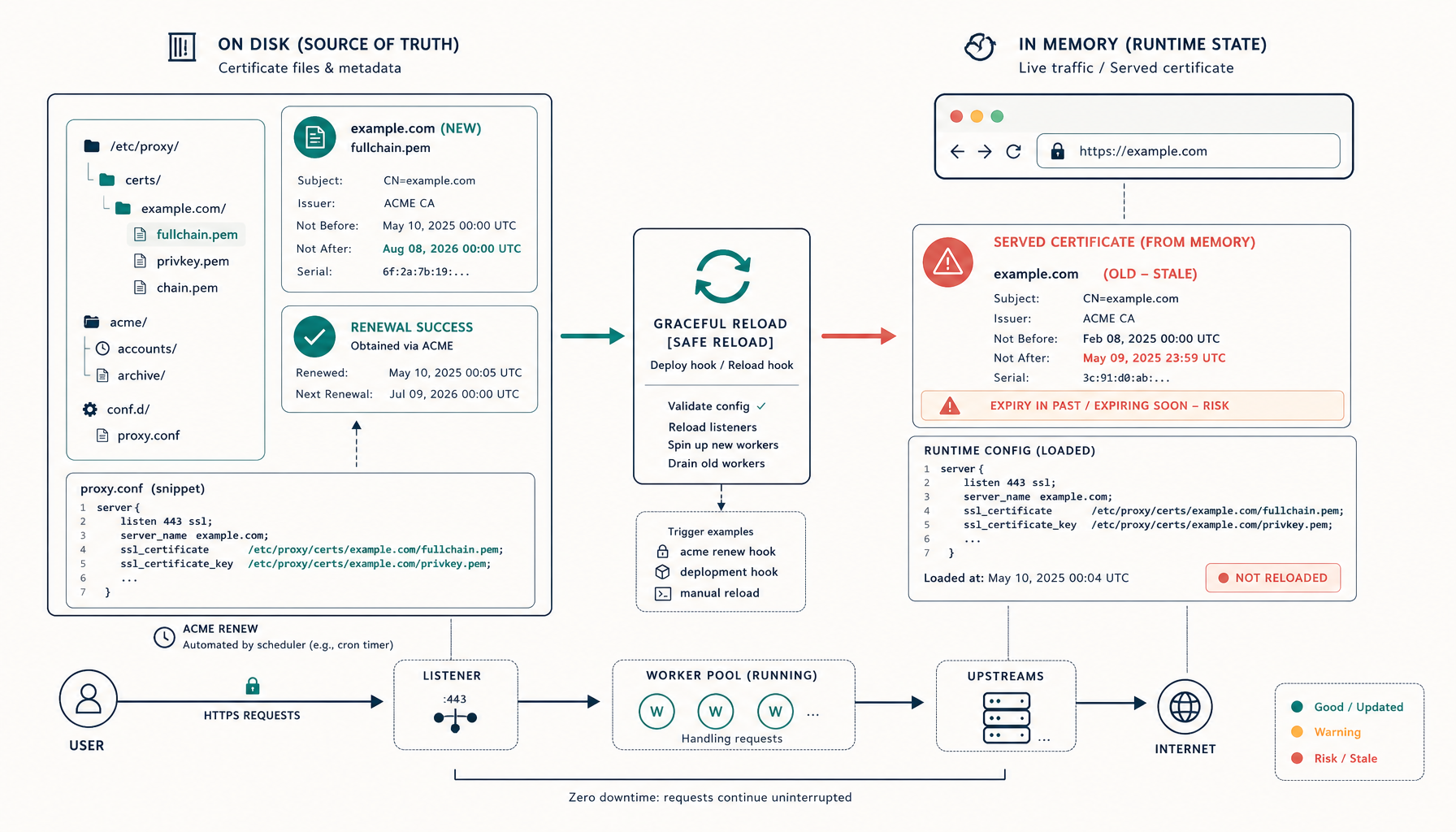
- That TLS renewal must reload the proxy — the renew-and-reload trap.
4. Backups: tell users what to back up and how to restore
- Name the exact things to back up (database dump command + data dir) — not "back up your data."
- Provide the restore procedure, and tell them to test it once. A backup doc without a restore doc is half a doc.
5. Upgrades and rollback: the supportable path
- Document the upgrade steps and whether migrations are forward-only (so users don't try to downgrade into a newer schema).
- Pin versions in examples and explain how to choose a version — test the exact image, don't tell people to run
:latest. - Give a rollback path: which version to return to and how to restore data. This is what makes your app supportable rather than a one-way door.
The maintainer's deployment-docs checklist
- Persistent volumes/paths named explicitly, with ownership notes.
- Every env var documented; no silent insecure defaults.
- Reverse-proxy headers, body-size/timeout, and TLS-reload documented.
- Exact backup and restore procedures.
- Upgrade steps, migration direction, version pinning, and rollback.
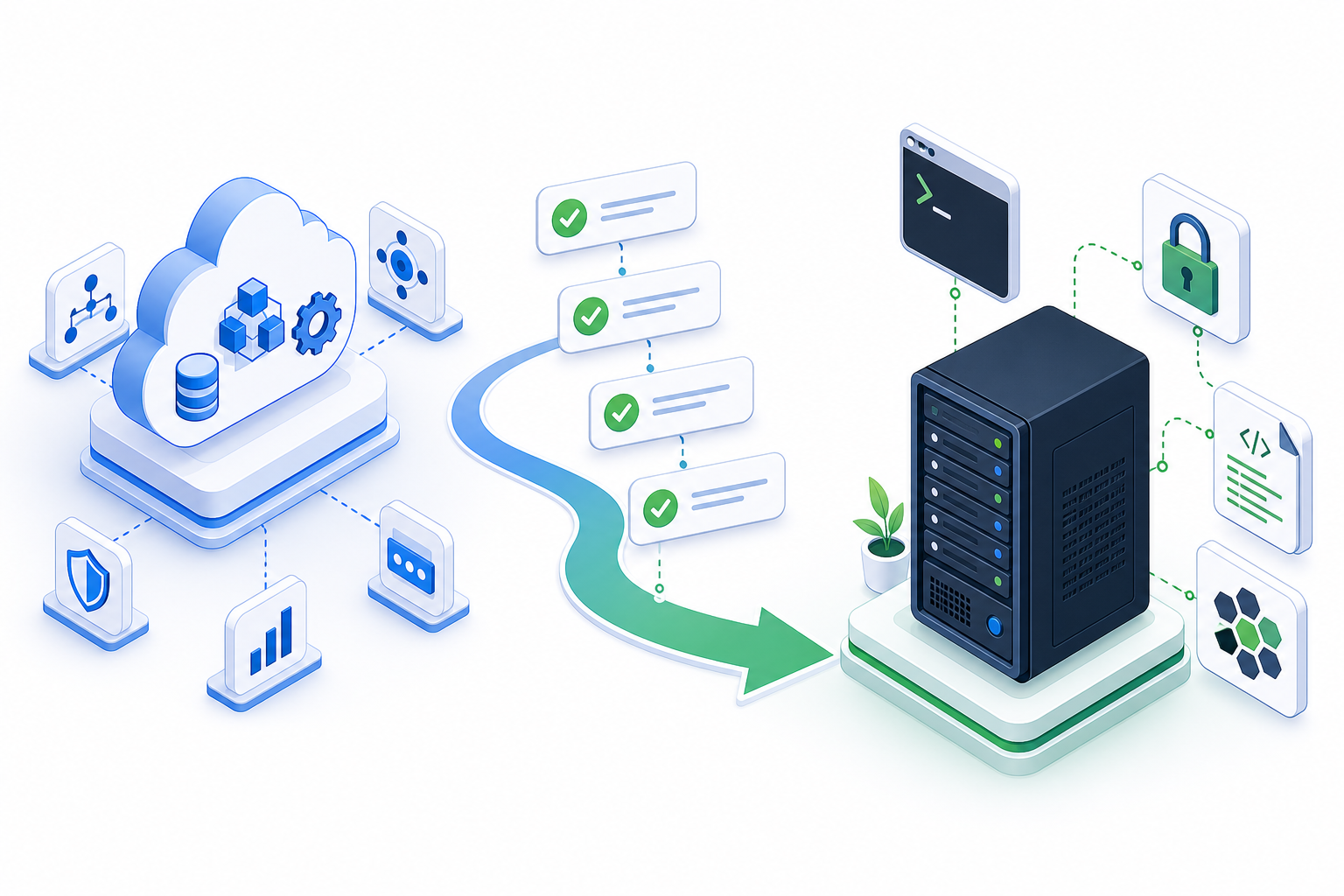
This is the same launch checklist your users follow — meeting them halfway in the docs is the highest-leverage thing a maintainer can do.
Takeaway
The gap between "runs on my machine" and "users self-host it successfully" is documentation of the lifecycle: persistence, env, SSL, backups, and a rollback-able upgrade path. Write your deploy docs to that checklist and you convert frustrated first-install issues into successful, low-support deployments.
From across the StoicSoft network
Hand-curated reads on the same topic from sister sites in the StoicSoft family.