Internal DNS, IoT VLANs, and reverse proxies are a recurring self-hosting routing trap
When you segment your IoT devices onto their own VLAN, the clean setup you had on your trusted LAN stops working in ways that are hard to diagnose without understanding how DNS, hairpin NAT, and firewall rules interact. This guide walks through the routing trap and how to get out of it.

When you segment your IoT devices onto their own VLAN, the clean setup you had on your trusted LAN stops working in ways that are hard to diagnose without understanding how DNS, hairpin NAT, and firewall rules interact.
The Setup That Works on a Flat LAN
The typical homelab routing stack looks like this: Docker services run on a NAS or server, Nginx Proxy Manager (NPM) sits in front of them as a reverse proxy, and your router — often a Unifi device — has CNAME records pointing friendly hostnames like plex.home or jellyfin.home at the NPM host's local IP. On the trusted LAN this works without friction. You type plex.home in a browser, your device queries the router's DNS, gets the local IP for NPM, NPM forwards the request to the Docker container, and Plex responds.
This is a reasonable setup. The problem shows up the moment you start isolating devices.
What Breaks When You Add an IoT VLAN
The question that trips up most people is deceptively simple: if I move my Roku to an IoT VLAN, will plex.home still resolve, and will traffic actually reach NPM?
There are two different failure modes here, and they are easy to confuse.
DNS resolution fails entirely. Most routers only serve DNS to the VLAN they are configured to handle, or they serve all VLANs but only return records from a single internal zone. If your IoT VLAN's DHCP hands out a DNS server that does not know about your local CNAMEs, the hostname won't resolve at all. The Roku will either time out or fall back to trying to reach plex.home as if it were a public domain, which will fail.
DNS resolves, but traffic is blocked. If the IoT VLAN does get a valid answer — either because you are running a DNS server like Pi-hole or AdGuard Home that serves all VLANs, or because the router's internal DNS is reachable — the IP it returns is still the local IP of NPM on the trusted LAN. Now the IoT device tries to open a TCP connection to that IP, and your firewall rules step in. By default, inter-VLAN traffic is blocked. The connection drops silently.
A third issue is less common but worth knowing: hairpin NAT confusion. Some people expose their services through a public domain (e.g., plex.yourdomain.com pointing at your home IP via dynamic DNS), and they assume traffic from inside the house will "leave and come back" through that public IP. On many consumer routers it doesn't — hairpin NAT is inconsistent, and you can end up with traffic that routes differently depending on which VLAN the client is on. Relying on the public hostname for internal access is fragile.
How to Fix It Properly
The right approach has three parts: make DNS work across VLANs, open a narrow firewall rule for the specific traffic, and avoid depending on hairpin NAT.
Serve internal DNS to all VLANs. Run a dedicated DNS resolver — Pi-hole, AdGuard Home, or even a simple Unbound instance — on a machine that is reachable from all your VLANs. Configure each VLAN's DHCP to hand out that resolver as the DNS server. In that resolver, add local A records (not CNAMEs to avoid chaining issues) pointing your service hostnames directly at NPM's IP. This way, a Roku on the IoT VLAN gets the same answer for plex.home as a laptop on the trusted LAN.
Add a targeted firewall rule. In Unifi (or pfSense/OPNsense if you are running a proper firewall), add a rule that allows traffic from the IoT VLAN to the specific IP and port of NPM on the trusted LAN. Do not open the entire IoT VLAN to the entire trusted LAN — that defeats the purpose of segmentation. The rule should read: IoT VLAN → NPM host IP → port 80/443 → allow. Everything else stays blocked.
Point all internal clients at local hostnames, not public domains. If you have a public CNAME for remote access, keep using it remotely, but make sure your internal DNS overrides it with the local IP. This is called DNS split-horizon or DNS override. It eliminates hairpin NAT as a variable entirely.
The same pattern applies regardless of which service is behind the proxy — Immich, Jellyfin, Home Assistant. The proxy issues and SWAG/Let's Encrypt breakage that appear in adjacent homelab threads often trace back to the same root cause: the proxy is not reachable from the client's VLAN, or the DNS answer the client gets is wrong for the network path it has to take.
Keeping Track of What Is Running Where
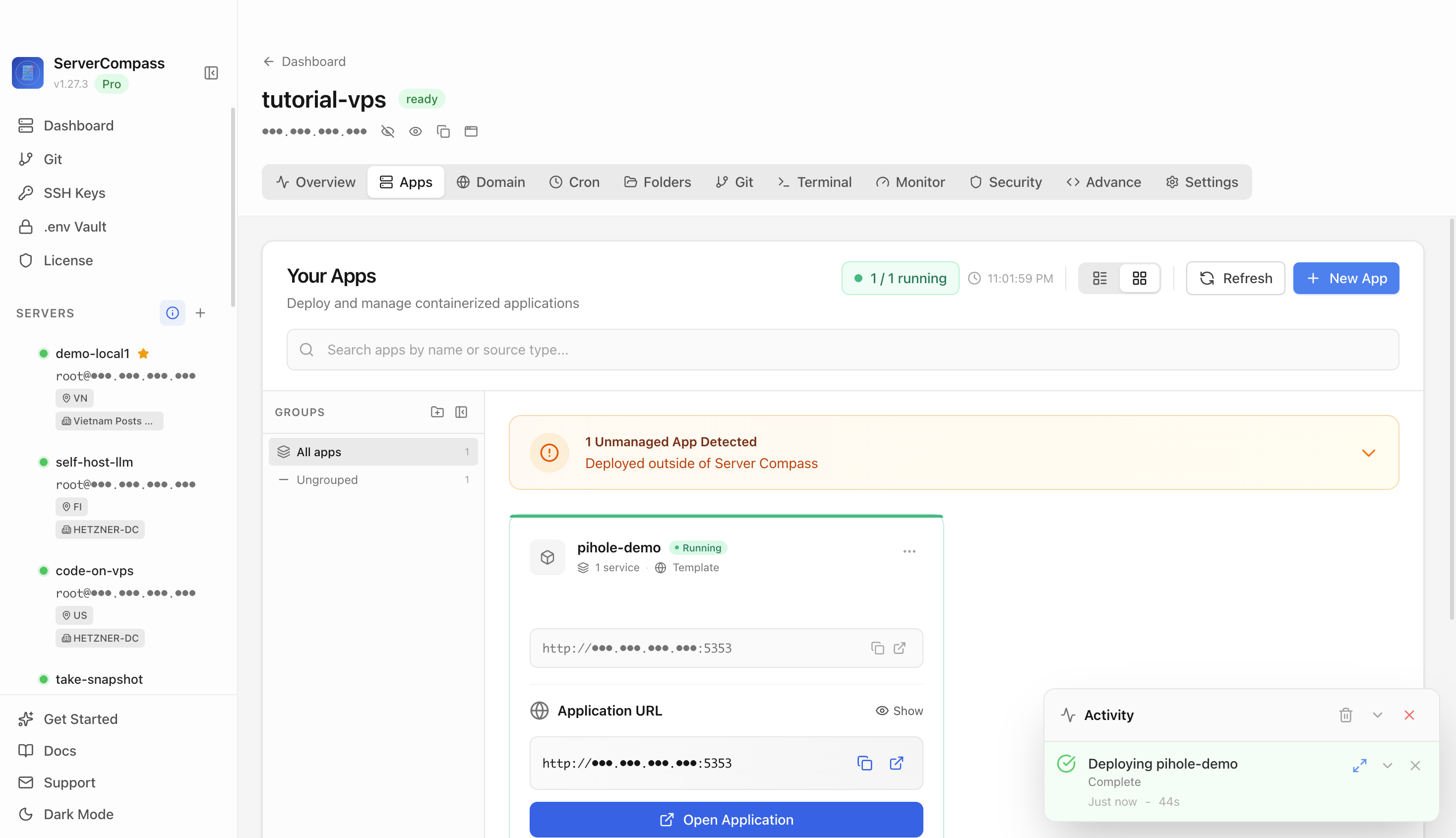
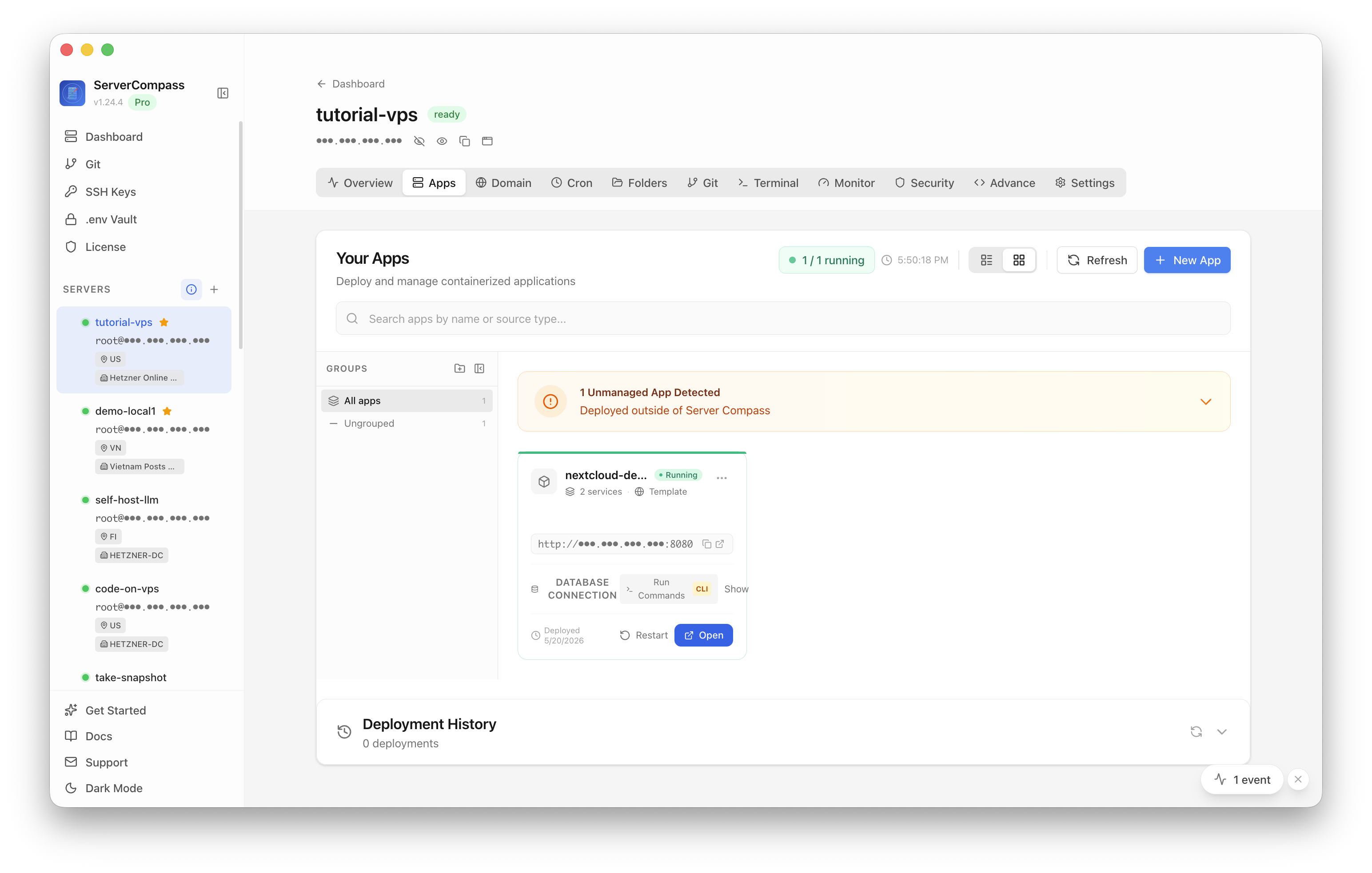
One thing that makes debugging this harder than it should be is not knowing the exact IP and port of each service at the moment you need it. When you are trying to write a firewall rule, you need the actual IP NPM is listening on, not a rough memory of where you deployed it six months ago.
ServerCompass lets you see all your running services at a glance — ports, container status, and which host they are on — which is useful exactly in this situation. When you are writing a "IoT VLAN → NPM → allowed" rule, being able to pull up the service list immediately saves a round-trip of SSH and docker ps commands.
More broadly, maintaining a simple inventory of what is exposed through NPM versus what is accessed directly, and which VLANs each client type lives on, makes future changes much less risky. A Roku today, a smart thermostat tomorrow — each new IoT device needs the same DNS and firewall treatment.
Checklist
- Run a DNS resolver (Pi-hole, AdGuard Home, or Unbound) that is reachable from all VLANs, and configure each VLAN's DHCP to use it.
- Use A records for local service hostnames in your internal DNS instead of CNAME chains that could break resolution order.
- Add a specific firewall rule: IoT VLAN source → NPM host IP → ports 80 and 443 only — do not open broad inter-VLAN access.
- Do not rely on public domain hairpin NAT for internal traffic; use split-horizon DNS to return the local IP for internal clients.
- Verify DNS resolution from the IoT VLAN using
nslookupordigfrom a test device or a temporary container on that segment. - After adding the firewall rule, test from the IoT device directly — a Roku or smart TV browser, or a phone moved to the IoT SSID.
- For each new IoT device type added to the VLAN, confirm it gets the correct DNS server via DHCP before assuming the existing rules cover it.
- Keep a current inventory of which services are behind NPM and their host IPs so firewall rules stay accurate as your homelab evolves.