Home Assistant recovery needs proof that remote restart, updates, and encrypted backups can restore without local hands
Remote Home Assistant installs can strand you after a restart or update if you haven't verified your recovery path ahead of time. Here's how to build a setup where encrypted backups, remote access, and boot media all cooperate before you need them.

Remote Home Assistant installs can strand you after a restart or update if you haven't verified your recovery path ahead of time — and recent Reddit threads make clear that most people discover the gaps only after they're already locked out.
The two failure modes that keep appearing
Two patterns show up repeatedly in Home Assistant forums. The first: a remote HAOS install on a Raspberry Pi doesn't return after a restart triggered through Nabu Casa. The Pi is online at the network level, but Home Assistant never comes back up. HACS and integrations like Reolink stay broken, logs don't point anywhere useful, and the only fix is a physical power cycle. The owner is either onsite or calls someone who is. There's no remote fix.
The second pattern is worse: a user hits HAOS corruption — a second time in two years — and discovers their backups are encrypted with a key they don't have. The backup file exists. It's readable. But restore is blocked until the encryption password is found. If it's not stored anywhere accessible, the backup is useless.
A longer-form post describing years of SD card corruption, overheated USB boot media, forgotten off-host backups, and debugging dead ends before reaching a stable setup rounds out the picture. The instability isn't a fluke — it's the default outcome when Home Assistant runs on cheap boot media without a tested recovery path.
Why "I have backups" is not the same as "I can restore"
Backup files and restore capability are different things. A backup gives you the data. Restore capability means you can get a fresh HAOS install running, connect it to that backup, supply the correct encryption key, and have the system come up — without anyone being physically present.
Each of those steps can fail independently:
- The boot media fails and you don't have an image to reflash remotely.
- The encrypted backup exists but the key isn't documented anywhere accessible.
- The restore completes but remote access (Nabu Casa, Tailscale, or a VPN) doesn't initialize until someone manually checks a checkbox in the UI.
- The integration state restores but HACS extensions that depended on a specific HA version need manual reinstall.
The Raspberry Pi case above is specifically a boot hang — the OS loads enough to be on the network but HAOS itself never finishes starting. Without a serial console, a remote KVM, or a watchdog that power-cycles the Pi on failure, there is no remote recovery path for that failure mode.
Building a setup that can recover without you being there
The goal is to eliminate the class of failures where your only option is "go there in person." That means layering several things:
Boot media that doesn't fail silently. SD cards are the most common cause of corruption. Moving to a USB SSD or NVMe (via a Pi USB adapter) reduces that risk substantially. The longer-form forum post describes years of SD-card grief followed by stability after switching. If the Pi doesn't support USB boot by default, enable it in the bootloader before you deploy.
A power cycle path that doesn't require a person. A smart plug on the Pi's power supply gives you a hard reset from anywhere. This handles the specific case where HAOS hangs on boot and won't respond to anything — pull power, restore power, check again. It's not elegant but it works for the most common remote recovery scenario.
Encryption key storage that isn't just in your head. If HAOS backups are encrypted, the key needs to be stored somewhere you can retrieve it remotely — a password manager, a secrets store, or a documented location that's accessible from your phone. "I remember it" is not sufficient. The correct behavior when setting up encrypted backups is to write down the key immediately and verify you can find it.
Off-Pi backup storage. Backups stored only on the Pi are lost when the Pi's media fails — which is the exact scenario you're trying to recover from. Set up external backup targets: a network share, an S3-compatible bucket, Google Drive via the Home Assistant Google Drive backup integration. Verify the backup appears there before assuming it works.
Tested restore, not assumed restore. The only way to know a backup restores correctly is to do it on a test instance. Spin up a second HAOS install in a VM, pull the encrypted backup, supply the key, and walk through the restore. If it works, document exactly what you did. If it doesn't, fix it now — not after production fails.
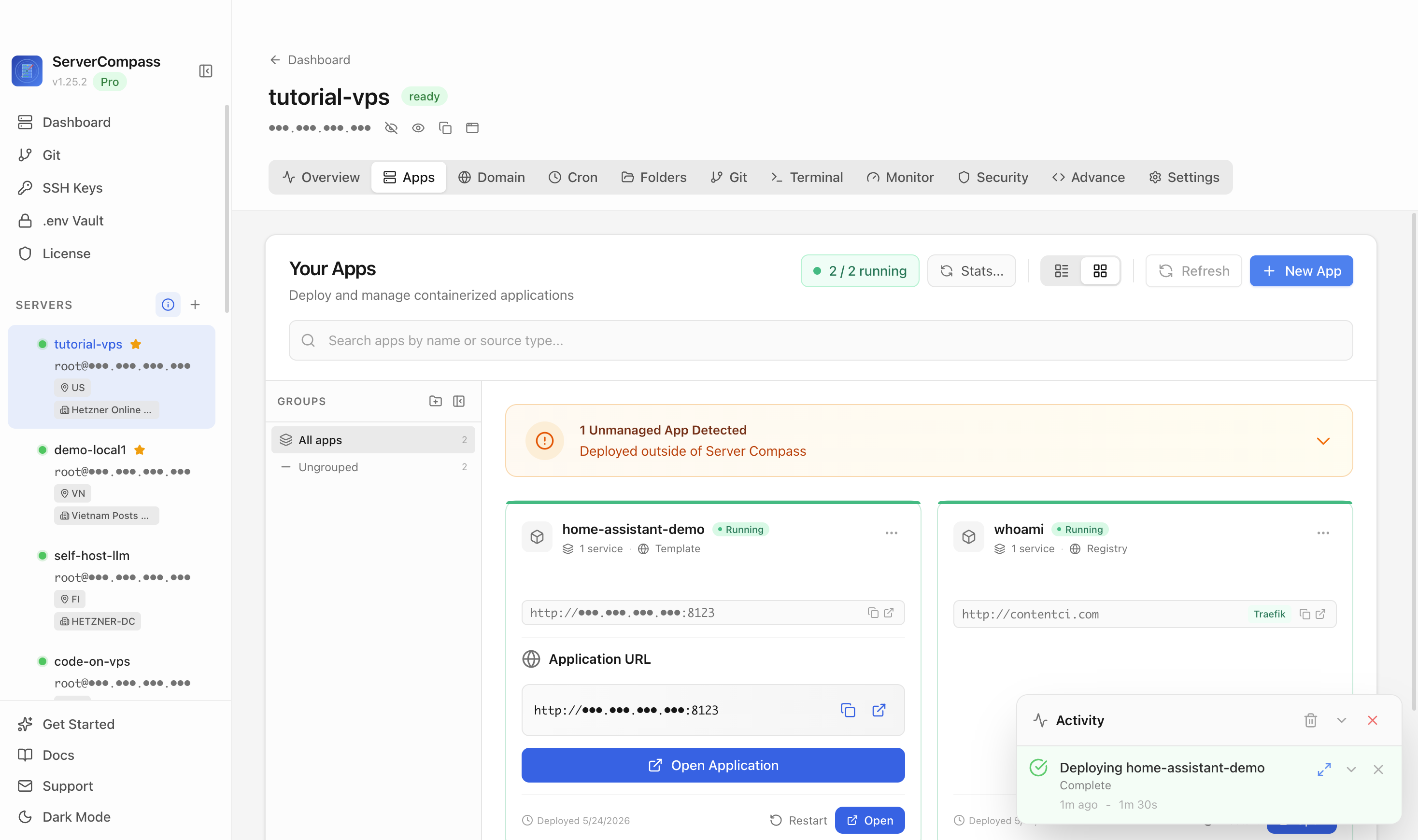
For anyone managing multiple services on the same host, ServerCompass lets you see all your running services at a glance, which helps catch when Home Assistant has gone quiet while everything else on the box is still up — a useful early signal that you have a HAOS-specific hang rather than a network or host problem.
Checking remote access independently of Home Assistant
One subtlety in the Nabu Casa restart case: if you triggered the restart through Nabu Casa, and then Nabu Casa is unavailable because HA hasn't fully started, you're in a loop where your remote access tool depends on the thing that failed. Layering a second remote access path — Tailscale at the OS level, an SSH server on the Pi independent of HAOS, or a Cloudflare tunnel — means you can still reach the Pi even when the HAOS layer is down.
SSH to the Pi's OS lets you check whether the HAOS VM (if running supervised) or the HAOS service is actually up, restart it, or pull logs without needing the web UI. This is the difference between "I can diagnose" and "I have no visibility."
Updates are another trigger for hangs. HAOS updates sometimes require a full reboot of the OS layer. If the Pi's bootloader or media is marginal, updates are the stress test that reveals the problem. Running updates only when you have a few minutes to watch is reasonable; scheduling them for 3am when no one is available is not.
Checklist
- Replace SD card boot media with a USB SSD or NVMe adapter before deploying remotely
- Add a smart plug to the Pi's power supply for hard-reset capability from anywhere
- Store your HAOS backup encryption key in a password manager or documented remote-accessible location immediately after enabling encryption
- Configure at least one off-Pi backup destination (network share, S3 bucket, or Google Drive) and confirm a backup appears there
- Add a second remote access path at the OS level (Tailscale, SSH, or Cloudflare tunnel) that works even when HAOS is down
- Do a restore drill on a test HAOS instance using your encrypted backup and key before you need it in production
- Monitor HAOS service status separately from network connectivity so a HAOS hang is visible without logging into the UI
- Schedule updates only when you can watch them, not unattended overnight