Homelab consolidation decisions now mix electricity costs, Immich storage, and future migration risk
Running multiple rack servers or stacking new services on aging hardware is forcing self-hosters to weigh power bills, storage safety, and the hidden cost of migrating everything later. Here is how to think through the decision before you buy or consolidate.
Running multiple rack servers or stacking new services on aging hardware is forcing self-hosters to weigh power bills, storage safety, and the hidden cost of migrating everything later.
The power bill problem with split rack setups
A common pattern in homelabs that have grown organically: three rack servers, each handling a narrow slice of work. One runs the gateway stack — Docker, Nginx Proxy Manager, Cloudflare tunnels. Another holds Nextcloud and test storage. A third carries media workloads. Each machine idles most of the day but draws a full server's worth of standby power around the clock.
When electricity costs rise, this split makes less and less sense. Three servers in a rack can easily pull 200–300 W combined at idle, depending on age and efficiency. Over a year, that is real money — often enough to offset the cost of a newer, more efficient tower that could run all those workloads in a single box.
The consolidation calculus is not just about wattage, though. It also touches on failure domains. If one of three rack servers dies, only a portion of your services go down. If a single consolidated machine dies, everything stops. That trade-off is worth naming explicitly before you commit to either direction.
A practical first step: measure actual draw with a power meter, not TDP specs. Rack servers from even five years ago often have far worse idle efficiency than modern tower CPUs or mini PCs. Once you have real numbers, the break-even point on new hardware becomes much easier to calculate.
When to pause before adding Immich
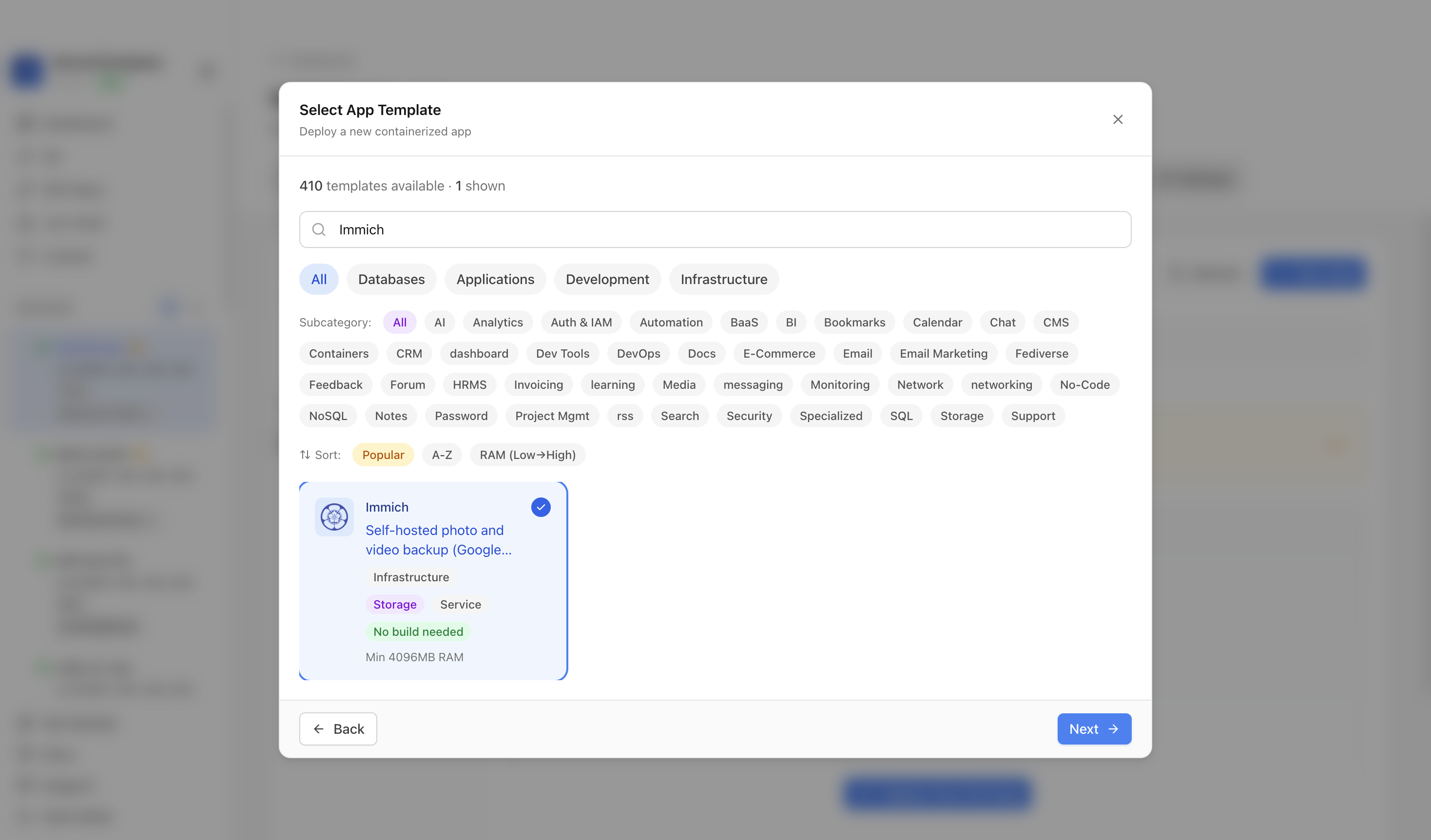
Immich has become one of the most popular self-hosted photo solutions, but it is also one of the most storage-hungry services you can run. A new homelabber who has already deployed Debian, Docker, NPM, Portainer, Jellyfin, Vaultwarden, Tailscale, and the arr stack on a repurposed laptop faces a reasonable question: is now the right time to add Immich?
The honest answer is: not until storage and migration plans are settled.
Immich writes a lot. It generates multiple thumbnail sizes, transcodes video, indexes faces and objects, and keeps a Postgres database that grows alongside your library. If your storage situation is temporary — a single internal drive, no backups, or hardware you plan to replace — adding Immich means doing a painful migration later. Photo libraries are among the harder things to move because the database references absolute paths and the machine-learning metadata is not trivially portable.
The safer sequence is:
- Decide on your storage hardware (dedicated NAS, external USB array, ZFS pool).
- Set up at least one backup target before ingesting photos.
- Then install Immich pointed at stable storage from day one.
Skipping step 1 or 2 is how people end up with thousands of photos in a database that lives on a dying drive with no offsite copy.
Always-on vs. spin-down disks for photo storage
A related question comes up regularly in Immich communities: should the disks holding your photo library stay always on, or should they spin down and only wake for backup and viewing?
The practical answer depends on how you use Immich. If you access the app daily — browsing the timeline, sharing albums, reviewing new uploads — always-on storage makes sense. Spin-up latency is noticeable when you open the app and the library is on a cold disk, and frequent spin-up/spin-down cycles add wear for certain drive types.
If the library is archival — ingested once, rarely browsed, backed up nightly — spin-down is fine. Configure your OS or NAS to park the disks after 20–30 minutes of inactivity. Just make sure Immich's scheduled jobs (nightly thumbnail generation, machine learning passes) are not silently failing because the disks are asleep when the jobs fire.
One useful operational check: log the Immich job scheduler output and verify that background tasks actually complete. It is easy to assume everything is running when the web UI looks fine, while background processes are quietly timing out because storage is unavailable.
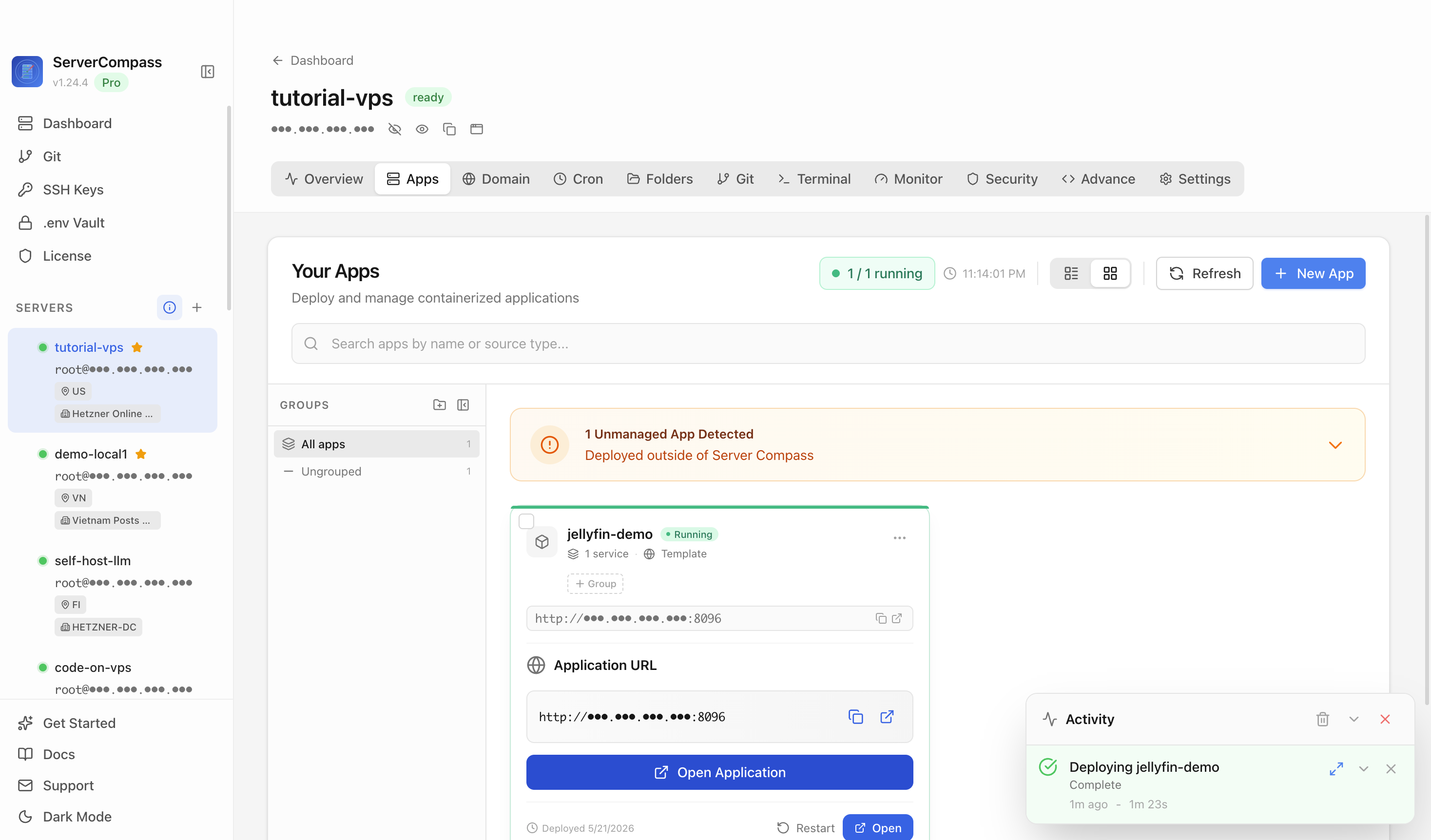
ServerCompass lets you see all your running services at a glance, including container health and uptime, which makes it easier to spot when an Immich container has restarted unexpectedly or a background job has stalled.
Planning for the migration you will eventually do
Every homelab evolves. The hardware you run today will be replaced, and the services you add now will need to move. The question is whether you make that migration easy or painful.
A few decisions at setup time pay large dividends later:
Use named Docker volumes, not bind mounts to machine-specific paths. Bind mounts like /home/user/immich-data are harder to move than a volume reference. If you do use bind mounts, keep the paths consistent and document them.
Keep your compose files and .env files in version control. A git repo with your entire stack definition means standing up on new hardware is a controlled process, not a reconstruction from memory.
Run regular export or dump jobs for databases. Immich's Postgres database is the source of truth for your photo metadata. A nightly pg_dump to a separate location means a failed migration loses hours of data, not months.
Test your restore process before you need it. Spin up a temporary Docker environment, point it at a backup, and verify Immich starts and the library looks correct. Most people skip this step and discover gaps only when the real migration is underway.
Consolidating from three rack servers to a tower is a good opportunity to re-examine all of these. The migration is disruptive regardless, so treating it as a chance to fix configuration debt — inconsistent paths, undocumented volumes, missing backups — is worth the extra time.
Checklist
- Measure actual power draw with a meter before estimating consolidation savings — TDP specs are not idle consumption
- Identify failure domain trade-offs: split hardware spreads risk, consolidated hardware reduces cost but concentrates failure
- Settle on stable storage hardware and at least one backup target before installing Immich
- Set Immich's data path to permanent storage from the first install — migrations are painful once the library grows
- Decide on always-on vs. spin-down based on actual access frequency, not assumed patterns
- Verify Immich's background jobs (thumbnails, ML, backups) complete successfully, especially if disks spin down
- Keep compose files and
.envconfigs in version control so new hardware deployments are reproducible - Run and test a
pg_dumprestore for Immich's Postgres database before you need it in an emergency