First-time NAS builds need appdata, backup, and OS-placement guardrails before services pile up
Before your first NAS box even arrives, a handful of structural decisions will determine whether your homelab stays manageable or becomes a recovery project. Get OS placement, appdata protection, and backup tiers sorted upfront and the rest is incremental.

Before your first NAS box even arrives, a handful of structural decisions will determine whether your homelab stays manageable or becomes a recovery project. Get OS placement, appdata protection, and backup tiers sorted upfront and the rest is incremental.
Where the OS should (and should not) live
This is the question that trips up most beginners: does the operating system go on a dedicated drive, one of the array drives, or a USB stick?
On Unraid, the OS boots from a USB drive by design. That USB is critical — lose it and you lose your array configuration. Keep a spare clone of the USB somewhere safe and do not rely on the original as your only copy. On a two-node HP MicroServer setup or any platform where you have more flexibility, putting the OS on a dedicated SSD outside the array is the cleaner long-term choice. It keeps the OS footprint separate from your data drives and makes reinstalls or experiments (say, trying ZFS or a BSD-based system on one node) non-destructive to the array.
A common mistake is mixing the OS onto the same drive that holds media or personal data. When something goes wrong — and eventually it does — you want to be able to wipe and reinstall the OS without touching data. Keep the boundary clean from day one.
Appdata and cache: protect these before anything else
When you run Docker containers on Unraid, each container writes its working state to an appdata share. This includes database files, config, credentials, and state that cannot be regenerated from the internet. If that share lives only on the array and a parity rebuild goes sideways, or if the wrong drive fails at the wrong time, you lose container configuration you spent hours tuning.
The practical answer is to put appdata on a cache drive (an SSD separate from the spinning array), then configure Unraid's mover to leave appdata on cache permanently rather than migrating it to the array. This gives containers fast local I/O and keeps the data on a drive that is not subject to array rebuild operations.
Cache itself then needs its own protection. A single cache SSD is a single point of failure. For anything you care about, a cache pool with two SSDs in BTRFS RAID1 (Unraid's native approach) is the minimum. The redundancy is not glamorous, but it prevents an SSD failure from wiping every container's working state simultaneously.
Backup tiers: local, offsite, and what actually counts as a backup
A popular beginner setup pairs a UGREEN 6-bay NAS running Plex and Docker with rclone pushing encrypted snapshots to Backblaze B2, plus a Synology as a local backup target. That is a reasonable three-tier approach: primary NAS, local secondary (Synology), and cold offsite (B2). The question is what you are actually backing up and on what schedule.
Parity on Unraid protects against a single drive failure — it is not a backup. If you delete a file, overwrite it with garbage, or suffer a ransomware event that encrypts your array, parity does nothing. Backups need to be separate, versioned copies that are not live-writable from the NAS itself.
For most homelab operators the practical split is:
- Appdata and config: back up daily, local and offsite. This is small in size but irreplaceable.
- Personal documents and photos: versioned, offsite. Backblaze B2 with rclone is a solid choice and costs almost nothing at typical personal-data scale.
- Media (Plex library, rips, downloads): local copy only is often acceptable, since media can usually be re-acquired. Offsite backup for a multi-terabyte Plex library gets expensive fast.
Test restores. A backup you have never restored from is an untested assumption.
Which Docker services to run first
With the structural pieces in place, the natural next question is: what do I actually deploy?
Start with services that are stable, well-documented, and give you operational insight into the box itself. Pi-hole and AdGuard Home are both good early installs — they are lightweight, immediately useful network-wide, and will survive a container restart without data loss if appdata is properly protected. A VPN container (WireGuard or Tailscale) is worth adding early so you have secure remote access before you open anything to the public internet.
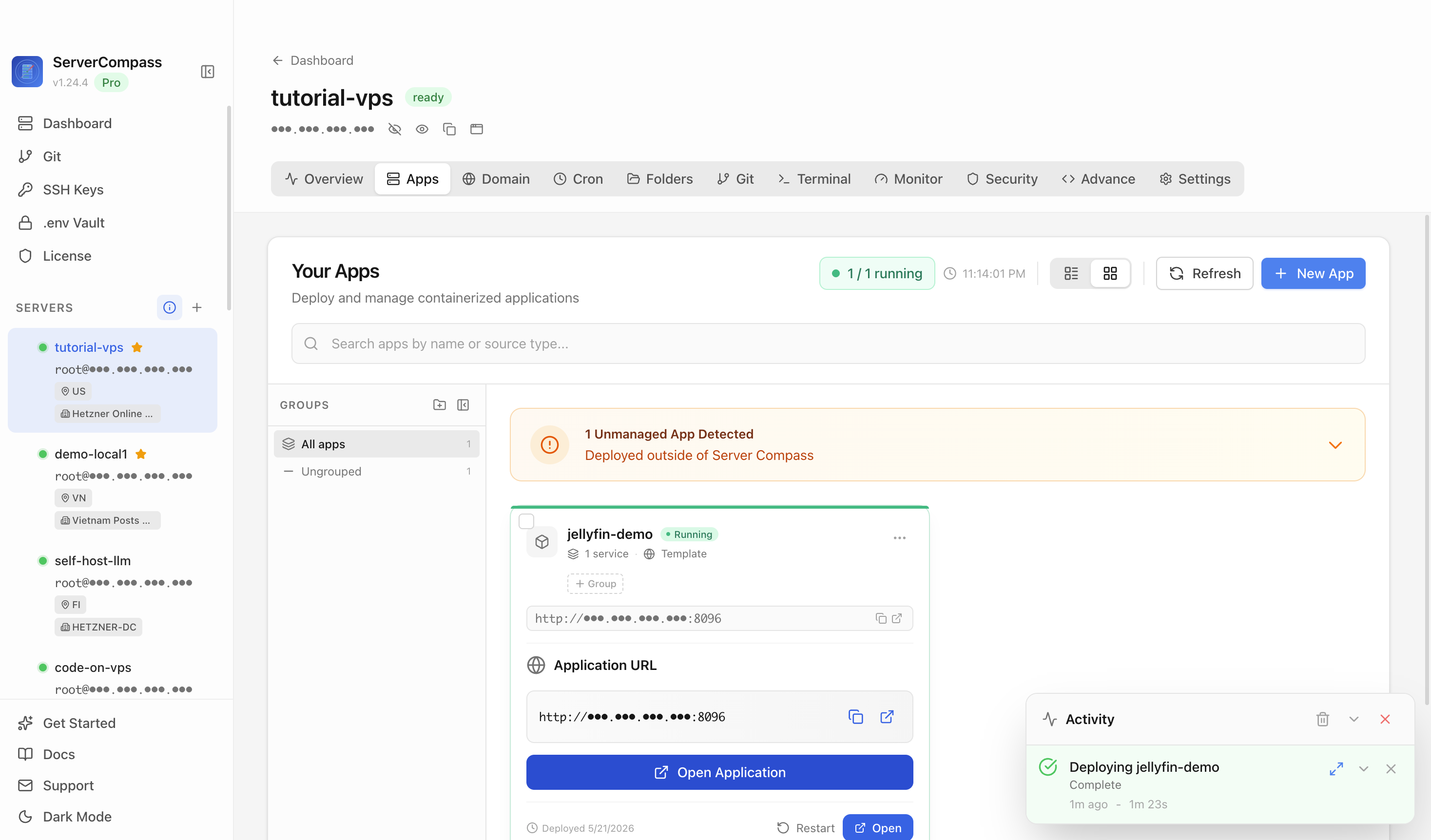
A monitoring agent or dashboard comes next. Tools like Netdata, Grafana with Prometheus, or a simpler status page let you see CPU, RAM, disk, and network trends over time. ServerCompass lets you see all your running services at a glance across machines, which is useful if you are already managing two nodes or planning to expand. Knowing what is normal before something goes wrong makes diagnosing problems much faster.
Heavier services — Jellyfin, Plex, Sonarr/Radarr stacks — should come after the foundations are solid. They are more demanding, have more moving parts, and are more painful to reconfigure if your appdata setup is wrong. Get the backup loop working and verified first.
For a two-node setup, Syncthing is a natural choice for keeping personal data synchronized between nodes without depending on a cloud intermediary. It pairs well with an offsite B2 backup: one node has the live copy, the other node has a local replica, and B2 has the versioned offsite copy.
Checklist
- Keep the Unraid USB boot drive cloned; store the clone somewhere the NAS cannot reach it
- Put the OS on a dedicated drive separate from data drives when the platform allows it
- Move appdata to a cache SSD and configure it to stay on cache permanently
- Use at least two SSDs in a cache pool (BTRFS RAID1) to protect appdata from a single-drive failure
- Define three backup tiers: primary NAS, local secondary, and offsite (e.g., Backblaze B2 via rclone)
- Back up appdata and personal documents daily; media-only-local is usually acceptable
- Run a test restore before you assume any backup works
- Start with lightweight foundational services (Pi-hole, VPN, monitoring dashboard) before adding heavy media stacks